
截图
介绍
Find the items you left in storage.
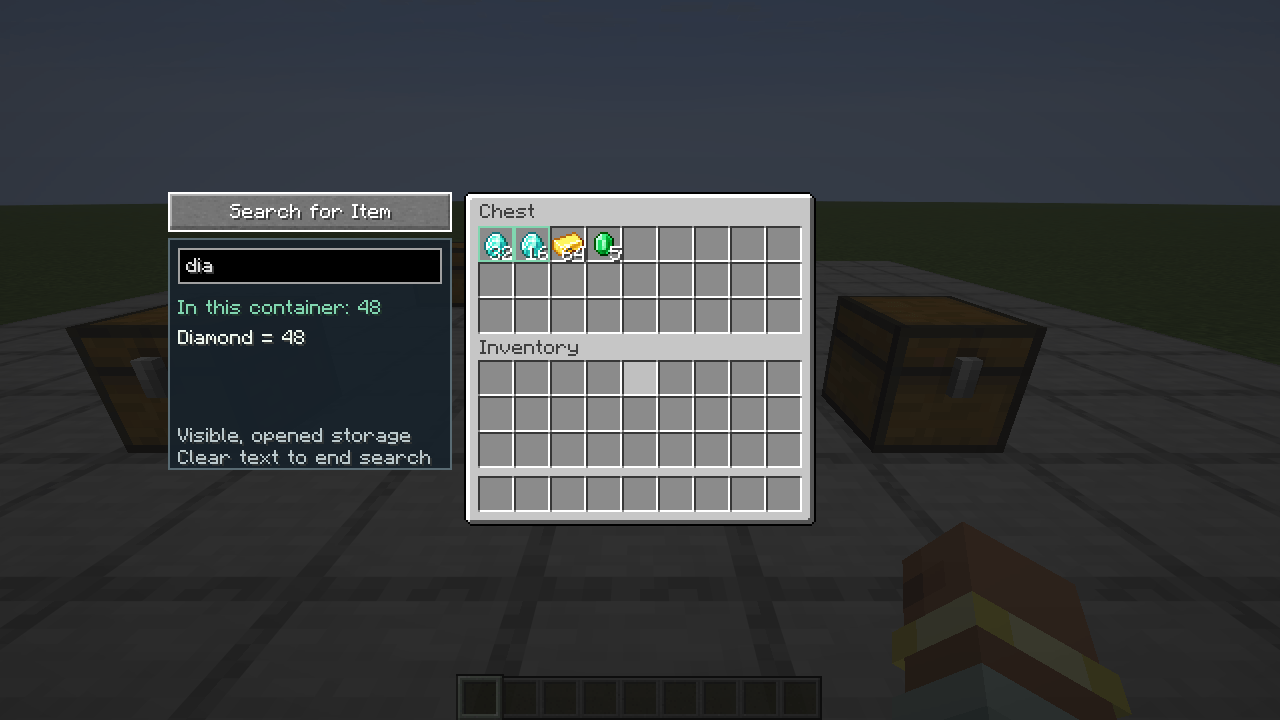
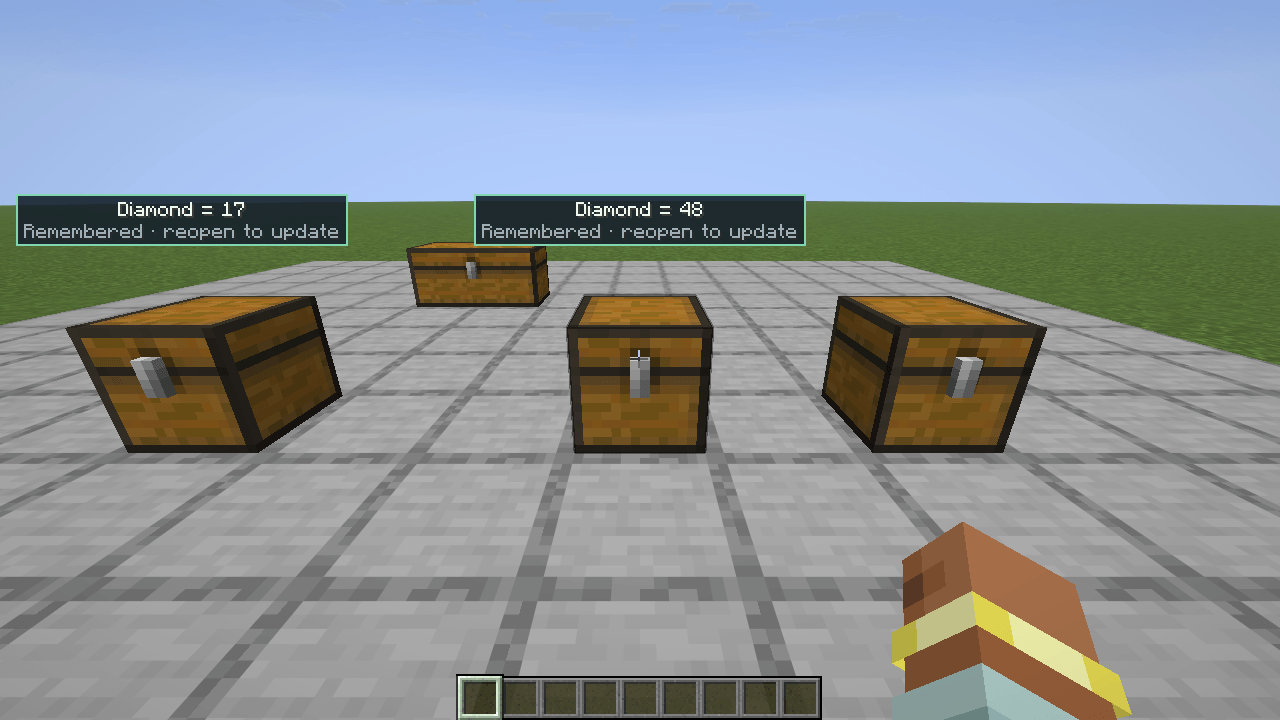
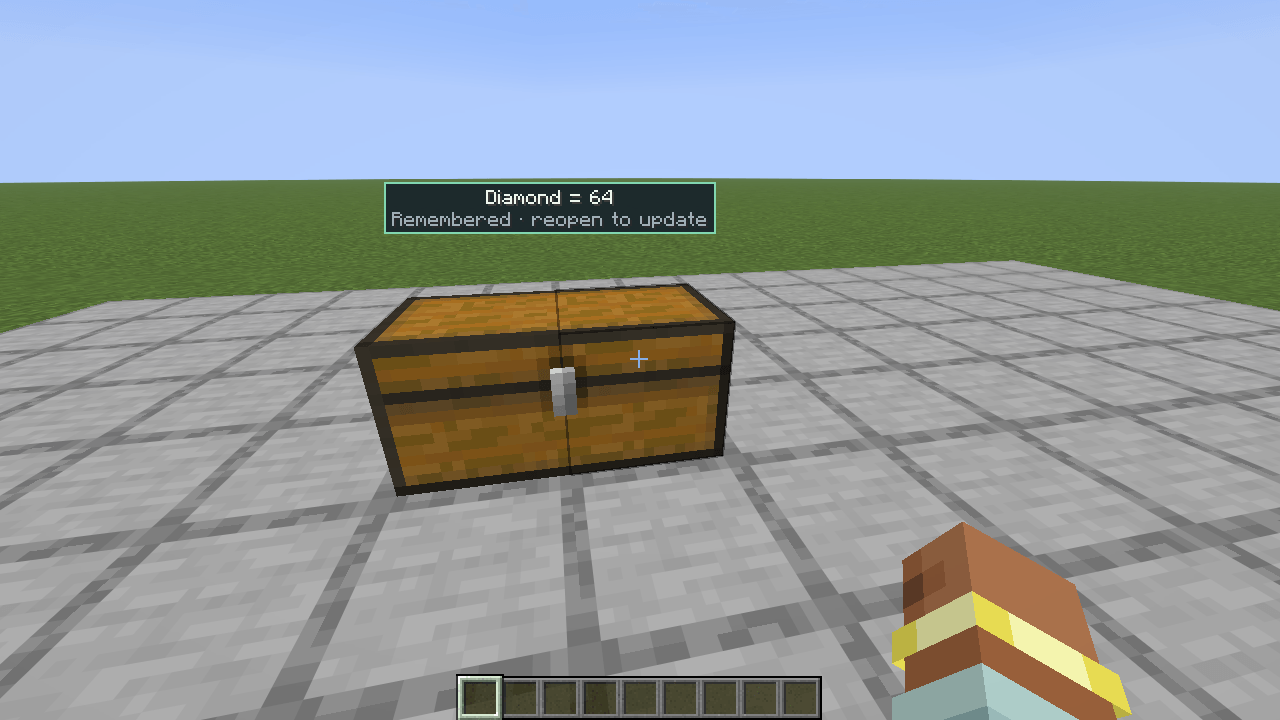
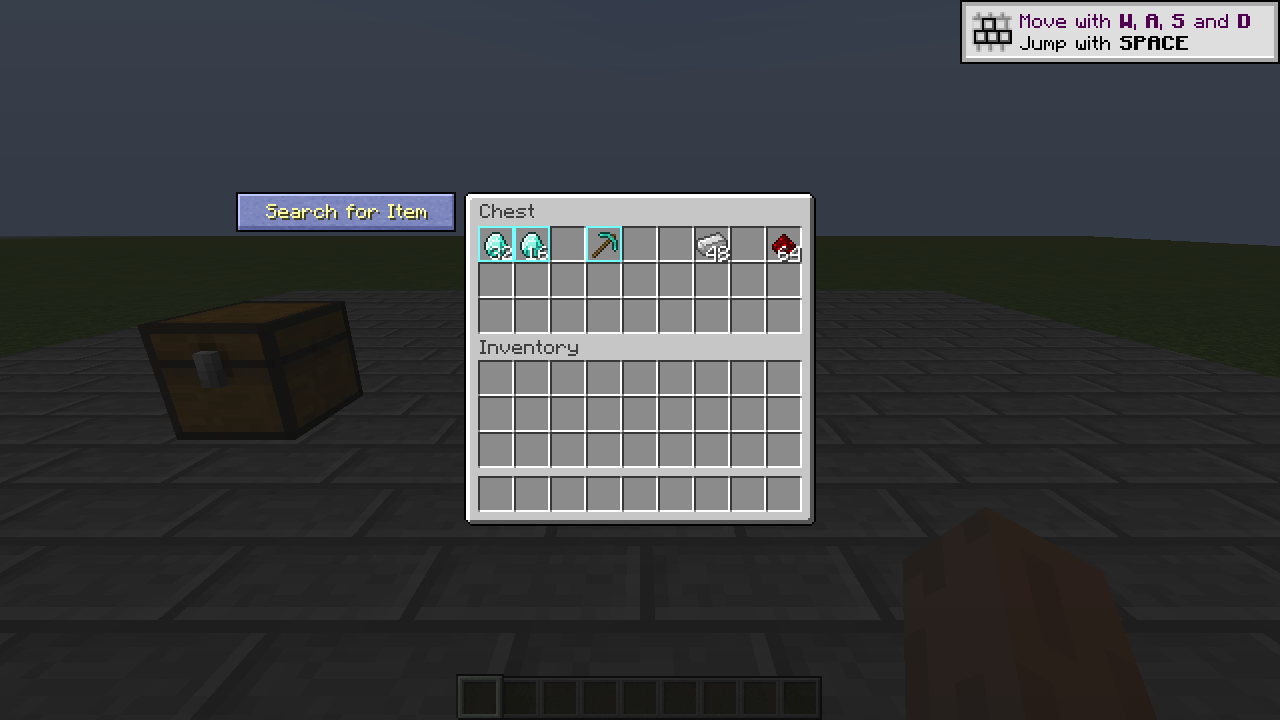
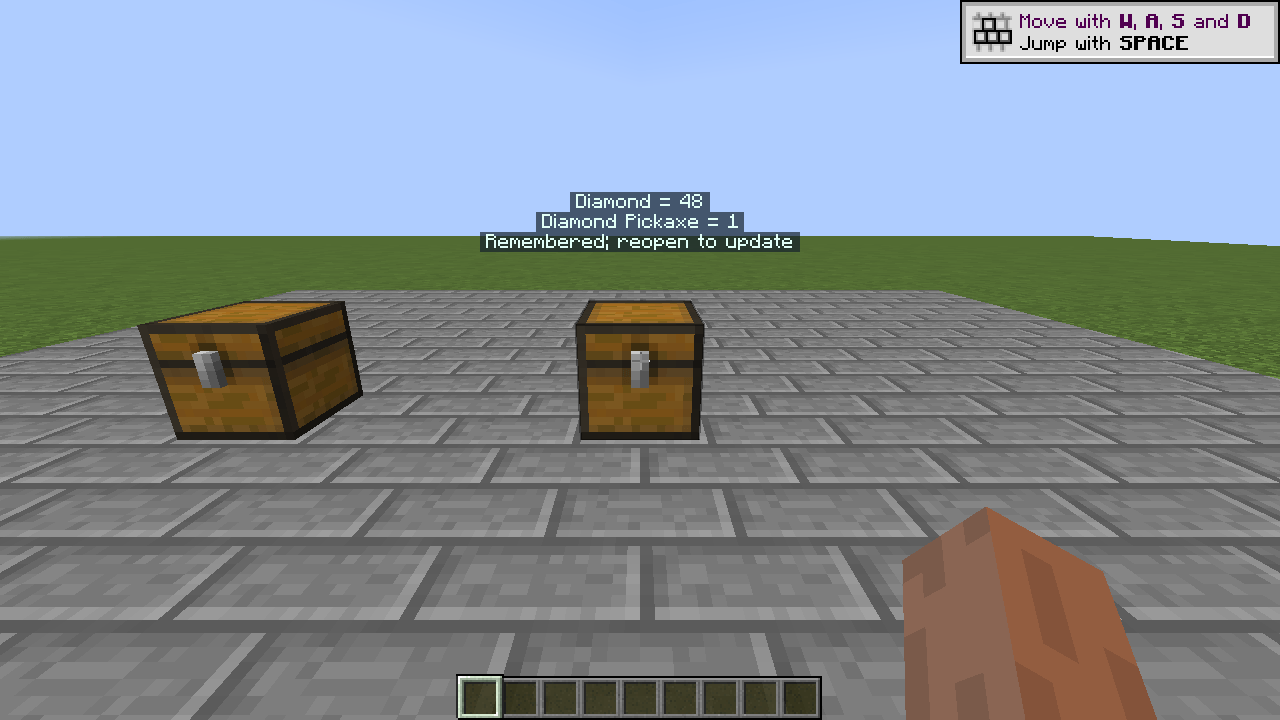
Open a container, click Search for Item, and type the beginning of an item’s name. Storage Lens highlights matching slots and adds small floating quantity labels above visible containers you have already opened.
- Search in your Minecraft language, including items added by other mods.
- See matching quantities in the current container.
- Recall recently opened storage without looking through walls.
- Keep the inventory open while searching.
- Install on the client; no server component or separate Fabric API required.
Closed-container quantities are remembered observations, not live inventory queries. Reopen storage to update them. Memory is limited to the current world session and expires automatically. Custom mod menus support on-screen search; world labels require a known storage block location.
Available targets: Forge, Fabric, and NeoForge for Minecraft 26.2 and 26.3; Forge for Minecraft 1.12.2. The pinned Forge and NeoForge 26.3 loaders are beta. Choose the JAR matching your game version and loader.
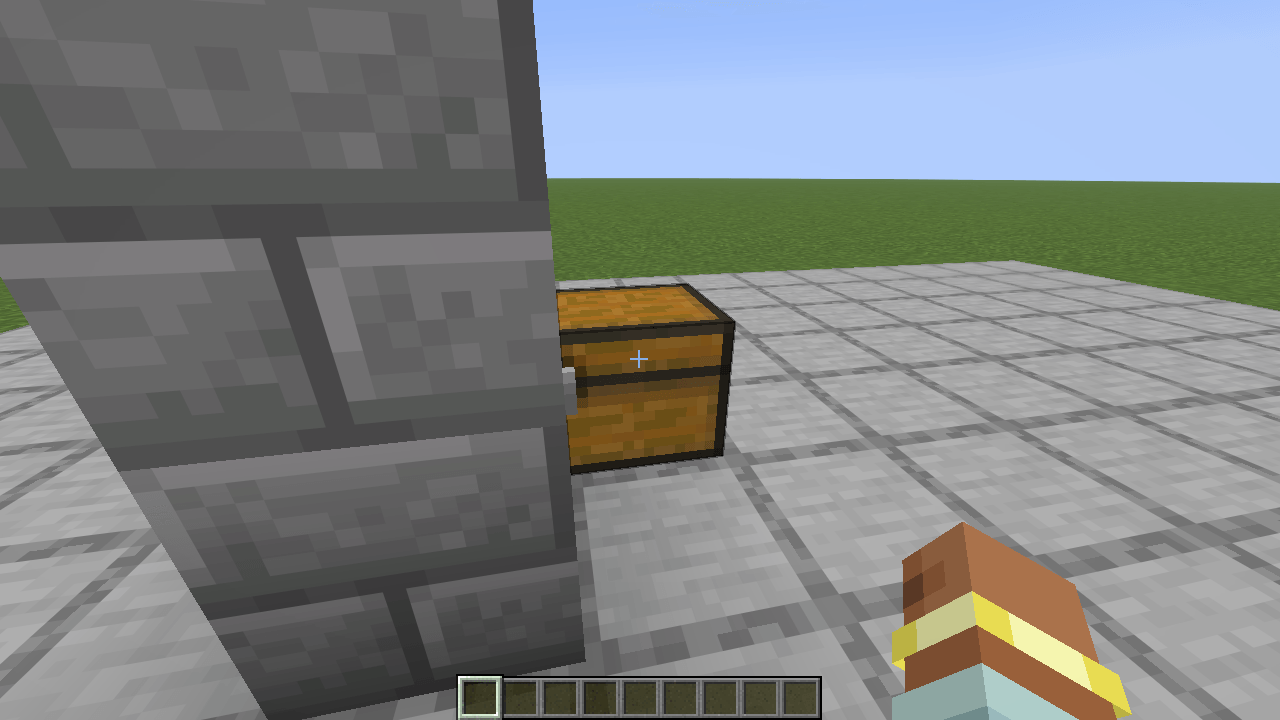
Storage Lens does not reveal inventories you have never opened and does not display storage labels through walls. It does not search nested item inventories. Server rules for client storage helpers still apply.
常见问题
Storage Lens 支持哪些 Minecraft 版本?
Storage Lens 支持 Minecraft Java 版 1.12.2–26.3,共 3 个版本,可用的加载器:Fabric / Forge / NeoForge。下载时注意选择和你游戏版本一致的文件。
Storage Lens 怎么安装?
先用 PCL2 或 HMCL 启动器安装对应版本的 Fabric / Forge / NeoForge,再把下载的 .jar 文件放进游戏目录的 mods 文件夹,重新启动游戏即可。开启了版本隔离的,mods 文件夹在 versions/版本名 下面。
sal34 的其他作品
查看全部 →
More Tools
More Tools (Beta) expands Minecraft’s tools by introducing tools and weapons made from materials like Copper, Redstone, Emerald, Lapis Lazuli, and Quartz and more.

Horror MC
This Minecraft horror pack creates an immersive gameplay experience by combining atmospheric, survival, and utility mods, and by adding horror mods and more to your minecraft world.

Herobrine AI
Bring Herobrine into your world — powered by real neural networks that learn from your behavior, anticipate your next move, and adapt to the way you play.

Create Based Pack 2
Create Based Pack 2 is an industrial sandbox merging the mechanical magic of Create with advanced nuclear tech and digital storage.
评论
登录后评论和评分