截图
介绍
中文介绍正在准备中,下面暂时显示原文。
Stardom’s Client
Stardom’s Client is a comprehensive client-side utility mod for Minecraft 1.21.6 (Fabric), designed to enhance your gameplay experience with a wide array of visual and quality-of-life improvements.
Features
Visual Customization
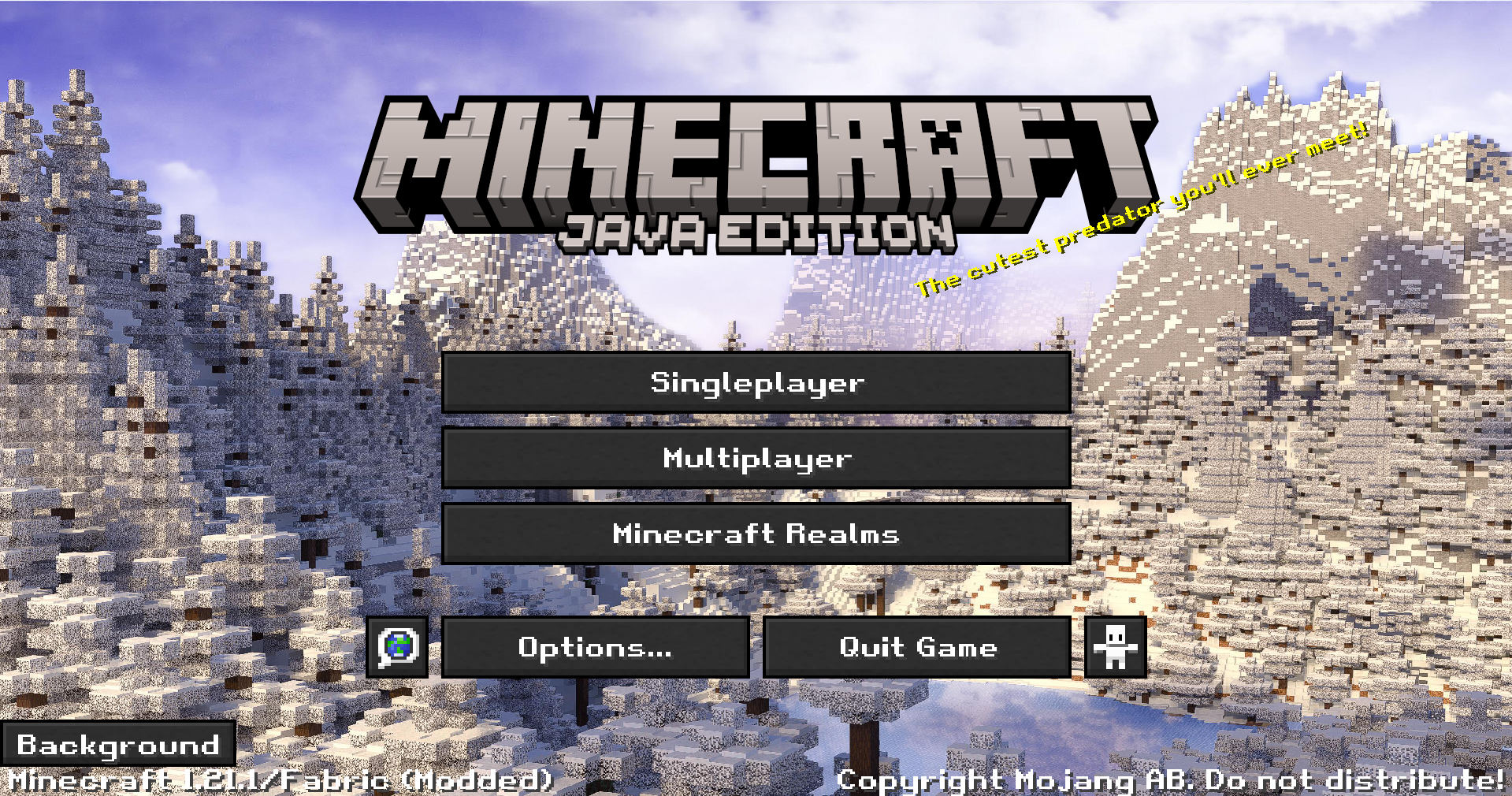
- Custom Main Menu: Set a custom panorama as your main menu background.
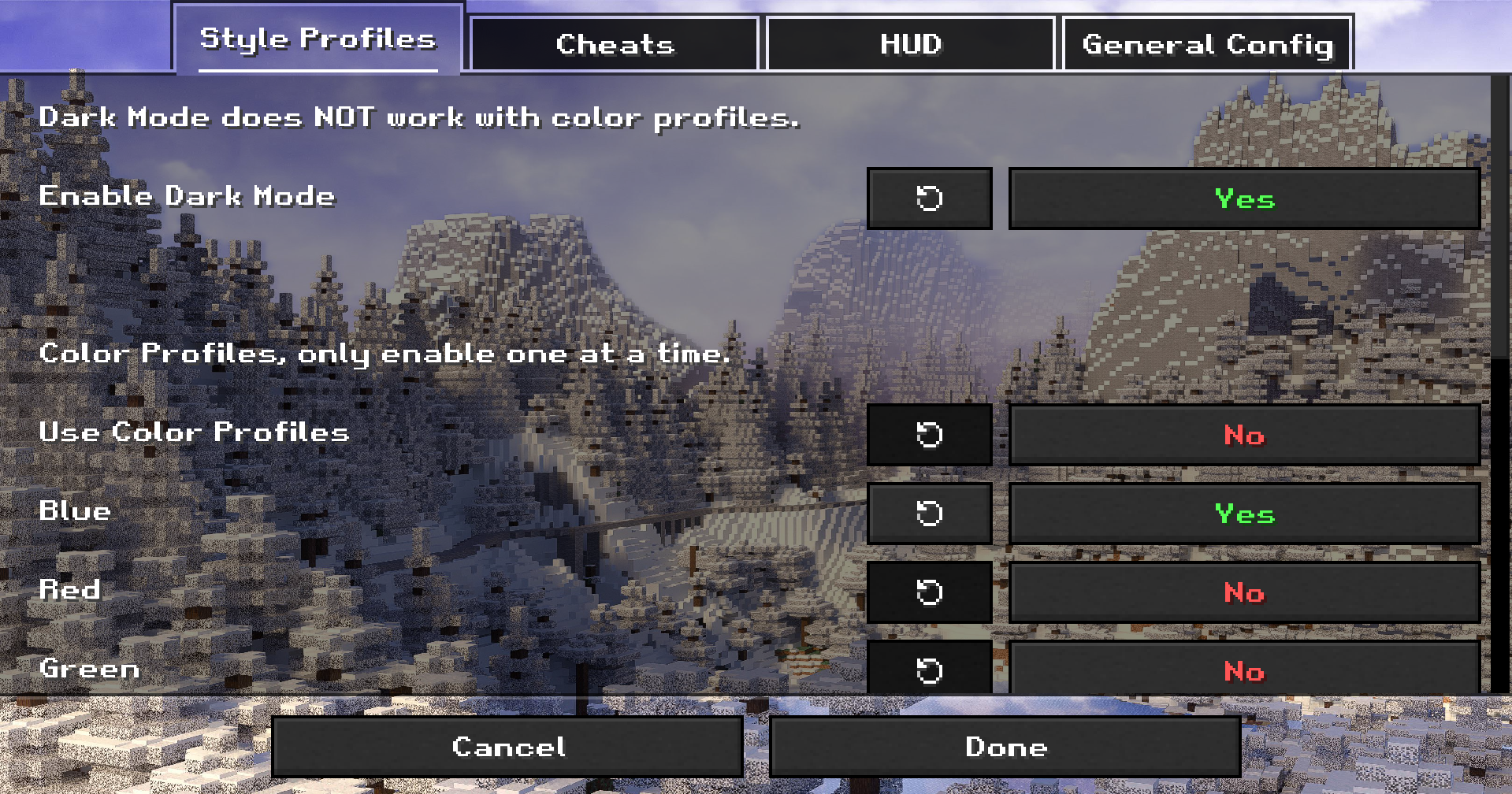
- Dark Mode: A sleek, dark theme for all UI screens.
- Color Profiles & Fonts: Customize the look of your game with various color profiles and font choices.
- Custom Window Title & Splash Text: Personalize the game’s window title and main menu splash text.
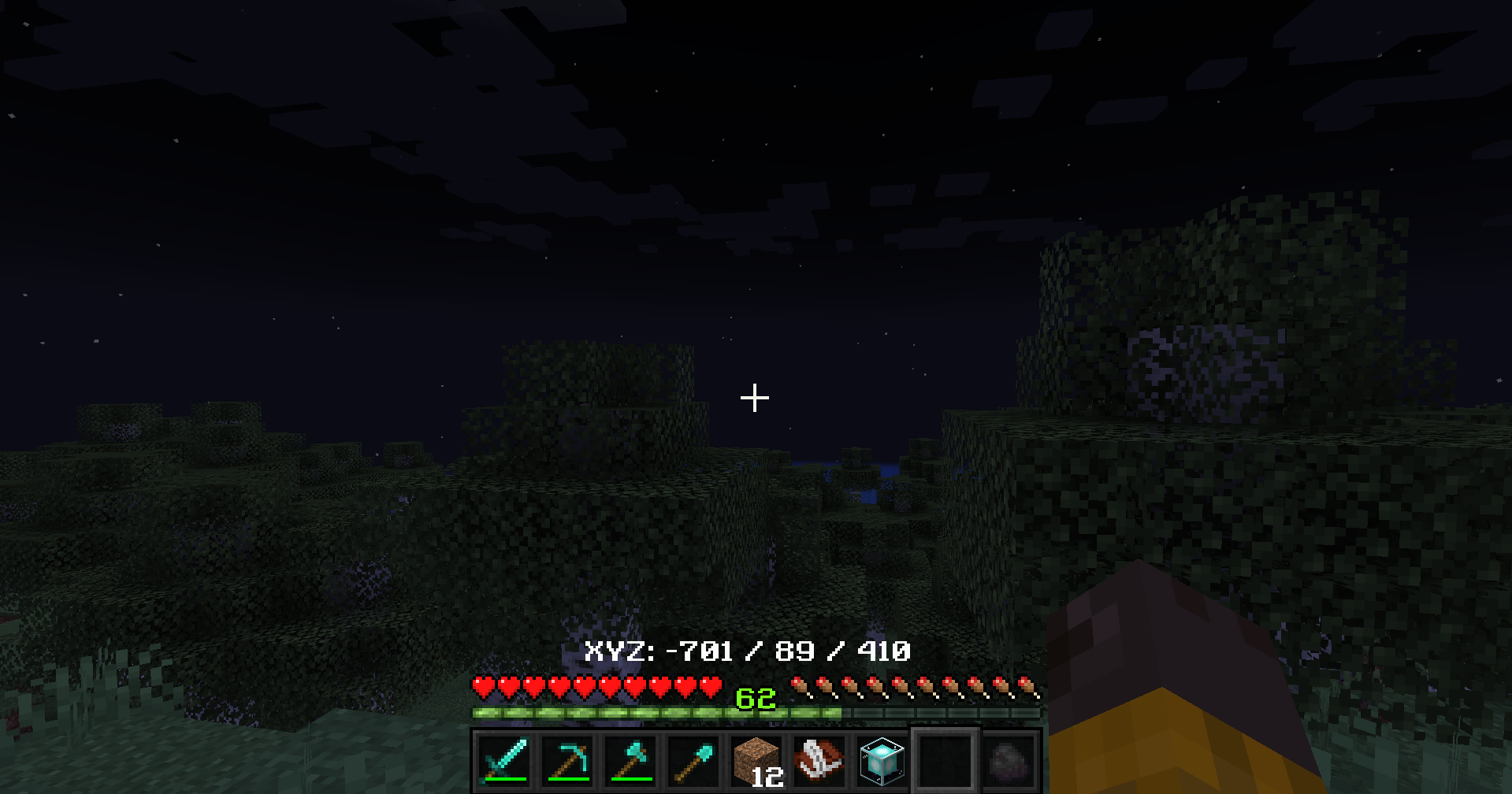
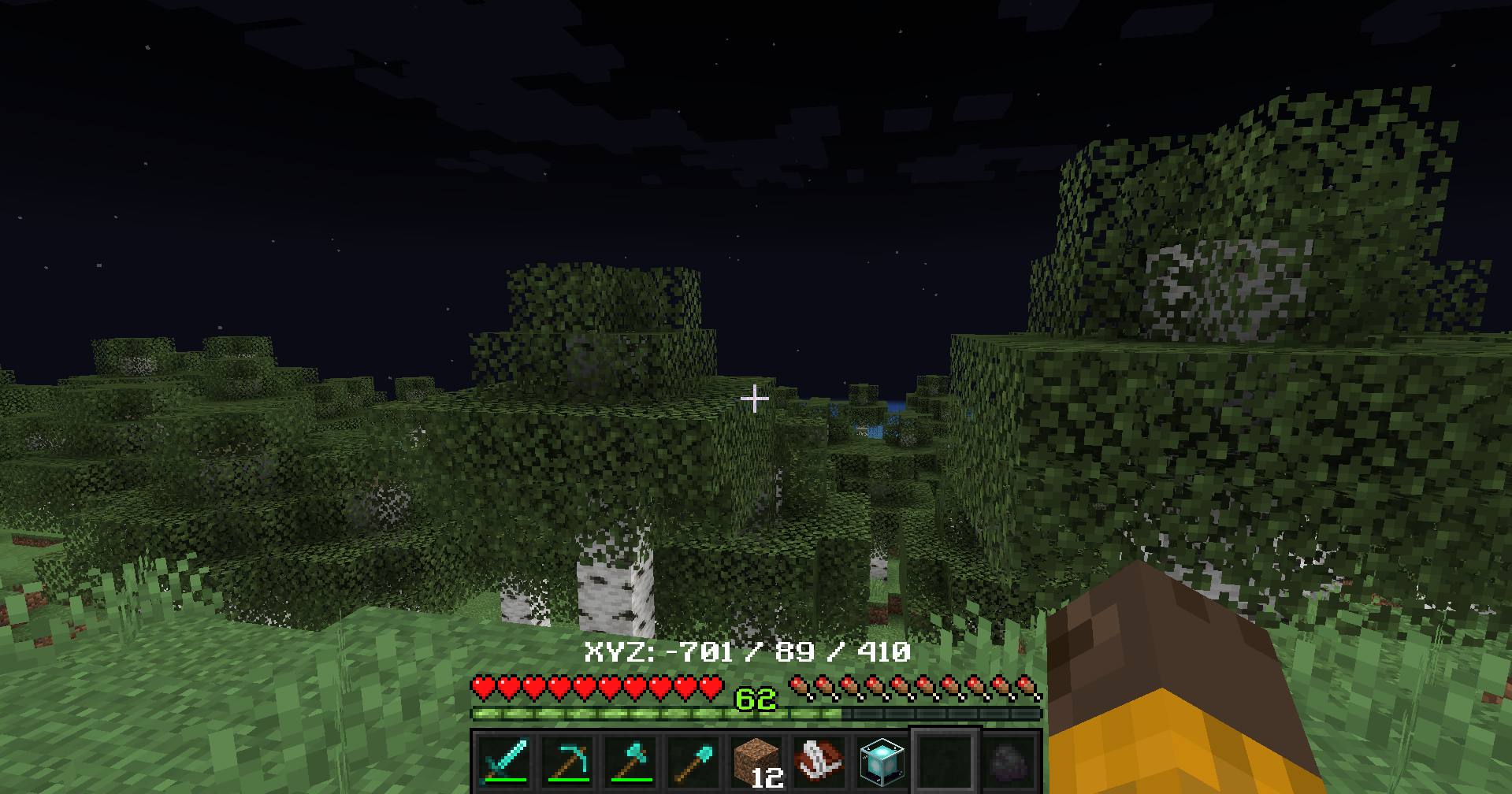
- Fullbright: See clearly in dark areas without needing torches.
- Unique World Renders: Experience visual modes like “Blue World” and “Australia Mode”.
HUD Enhancements
- Customizable HUD: Toggle the visibility of the health bar, armor bar, hunger bar, and XP bar.
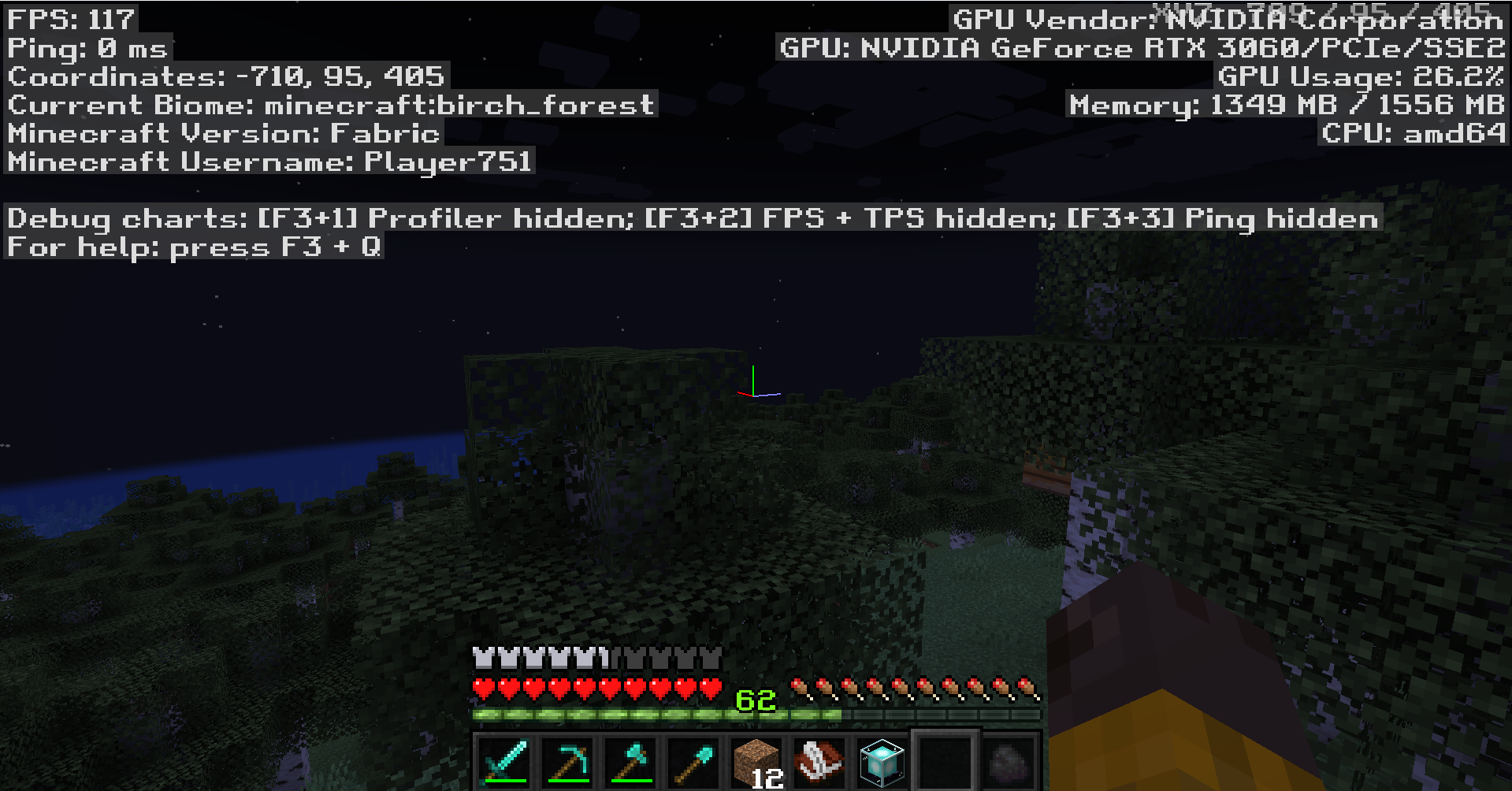
- Coordinates & Biome Display: Show your current coordinates and biome directly on the HUD, with configurable positions.
- Cleaner F3 Menu: A streamlined debug menu that’s easier to read.
Quality-of-Life Tools
- In-Game Notes: A complete note-taking system accessible via the
/notecommand or a button in the pause menu. Features a multi-line, word-wrapping text editor. - Hotbar Tool Sorting: Instantly sort your hotbar with the press of a key, arranging tools, weapons, and blocks according to a set priority.
- Recipe Viewer: Show an item’s crafting recipe by clicking on it in the new section in the player inventory. (NOTE: Only supports vanilla recipes and select mods. If you are a developer and want to make your recipes available, then copy your recipe folder from your data folder into your assets folder)
How to Use
- Settings Menu: Nearly all visual and HUD settings can be configured in a new “Stardom’s Client” settings screen, accessible from a button added to the main Options menu.
- Note System: Use
/noteto manage your notes or click the “Notes” button in the Game Menu (when paused). - Calculator: Use
/calculateto calculate a mathmatical equation fully in-game. - Hotbar Sorting: Press the assigned hotkey (check your keybindings) to sort your hotbar.
常见问题
Stardom’s Client 支持哪些 Minecraft 版本?
Stardom’s Client 支持 Minecraft Java 版 1.21.1–1.21.11,共 9 个版本,可用的加载器:Fabric。下载时注意选择和你游戏版本一致的文件。
Stardom’s Client 怎么安装?
先用 PCL2 或 HMCL 启动器安装对应版本的 Fabric,再把下载的 .jar 文件放进游戏目录的 mods 文件夹,重新启动游戏即可。开启了版本隔离的,mods 文件夹在 versions/版本名 下面。运行环境:客户端和服务端都要装。
Stardom 的其他作品
查看全部 →
Stardom’s Ghasts
by Stardom
Adds armor for Happy Ghasts
9,212
10 个月前
Modrinth

Stardom’s Dungeons
by Stardom
A mod that adds late game dungeons to the game!
6,190
10 个月前
Modrinth
Stardom’s Dungeons
by Stardom
A mod that adds late game dungeons to the game!
6,190
10 个月前
Modrinth

Stardom’s Extreme End
by Stardom
This mod updates The End in an extreme way!
5,523
7 个月前
Modrinth
评论
登录后评论和评分