
截图


介绍
StackPlus
StackPlus received a major update in version 3.0.0. Stability and compatibility have also been significantly improved.
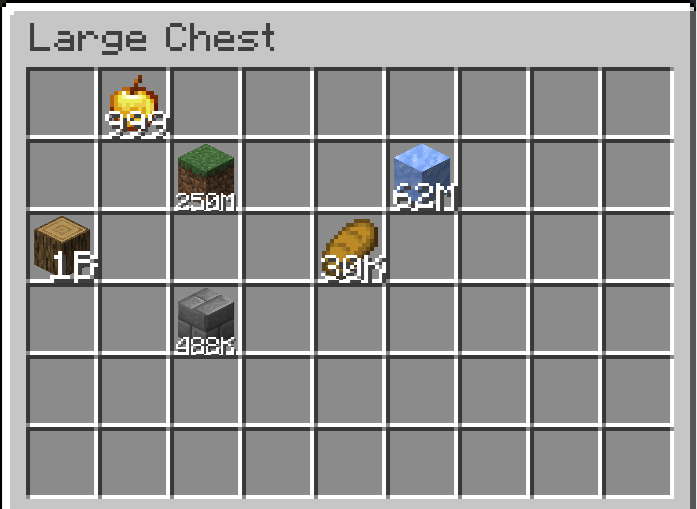
Break Minecraft’s usual stack limit and carry up to 1,000,000,000 items in a single stack.
StackPlus also keeps huge counts readable, provides per-item rules, and puts every setting in an in-game configuration screen.
Features
| Feature | Details |
| — | — |
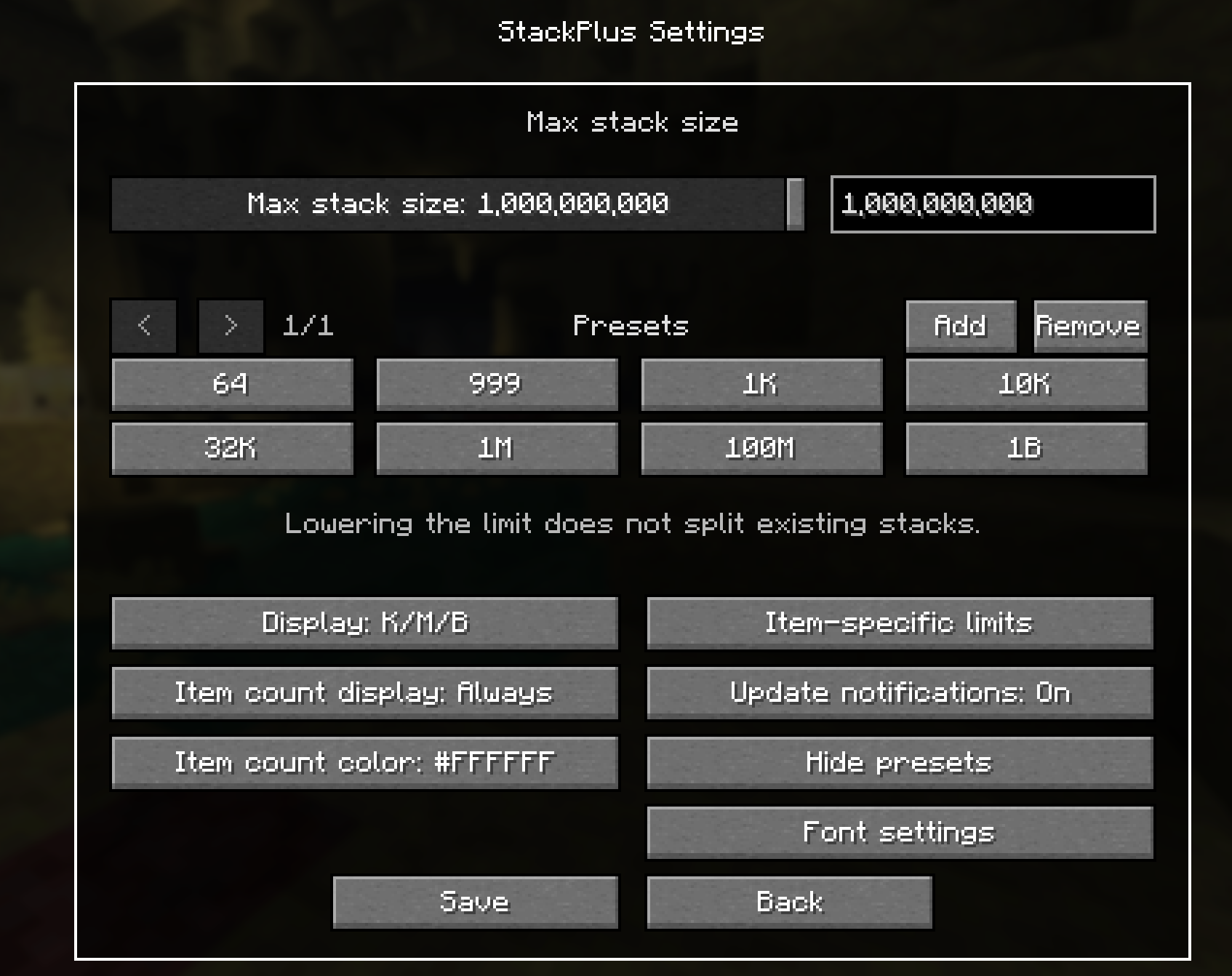
| Global stack limit | Choose any value from 1 to 1,000,000,000. |
| Quick presets | Switch between common limits or save your own presets. |
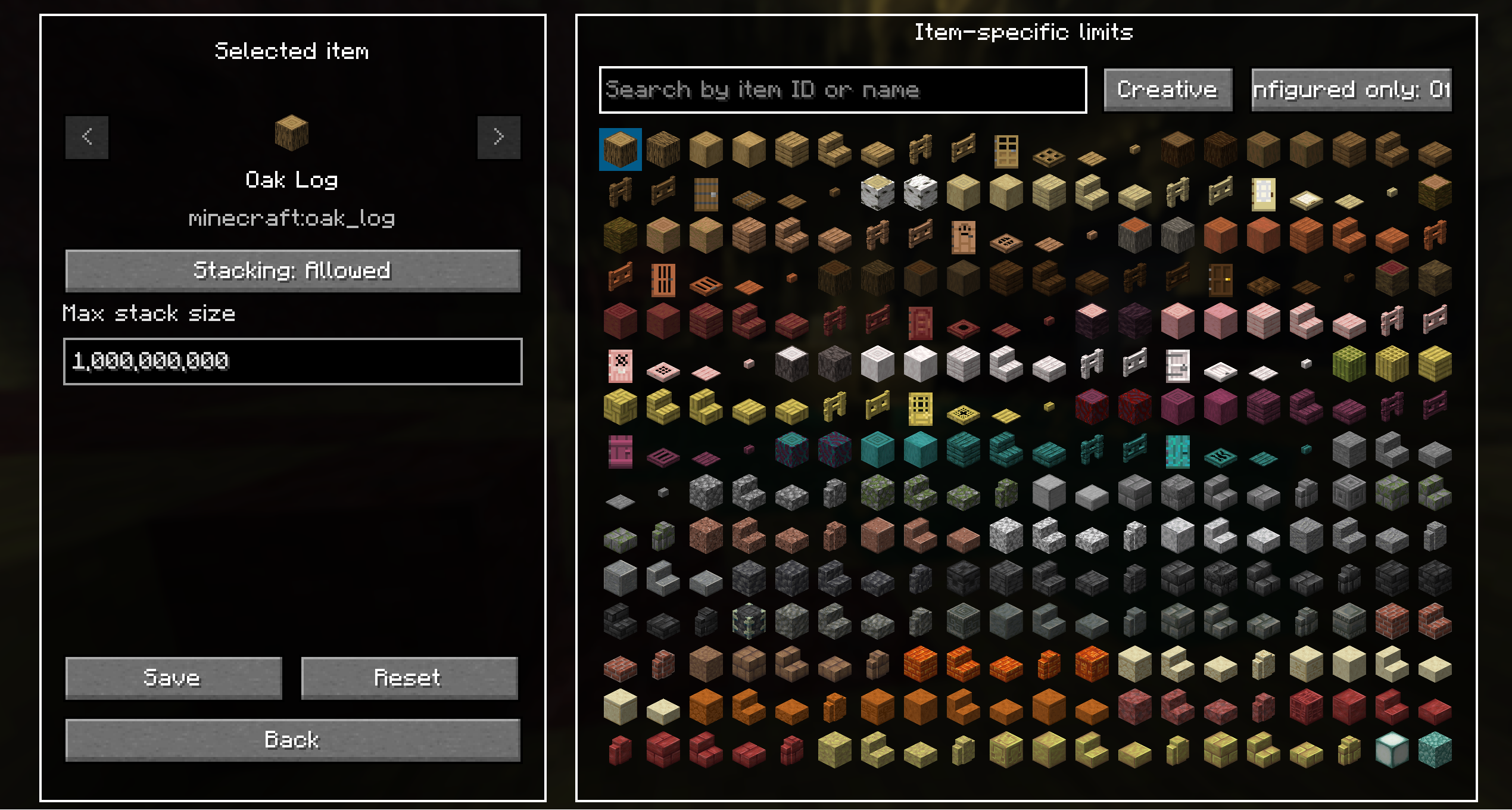
| Per-item rules | Allow or disable stacking and assign a separate limit to each item. |
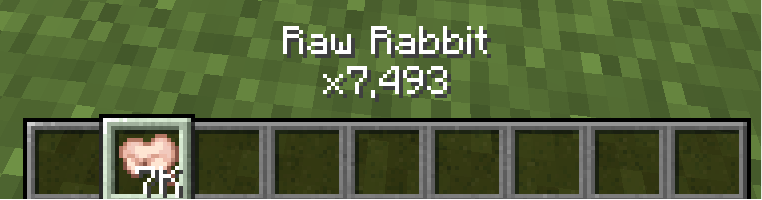
| Compact numbers | Display large counts using K, M, B, or 99+. |
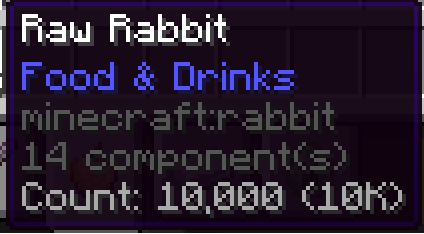
| Exact tooltip count | See the full amount alongside its abbreviated value. |
| Total count above the hotbar | Show the total number of the selected item across your inventory above the hotbar. |
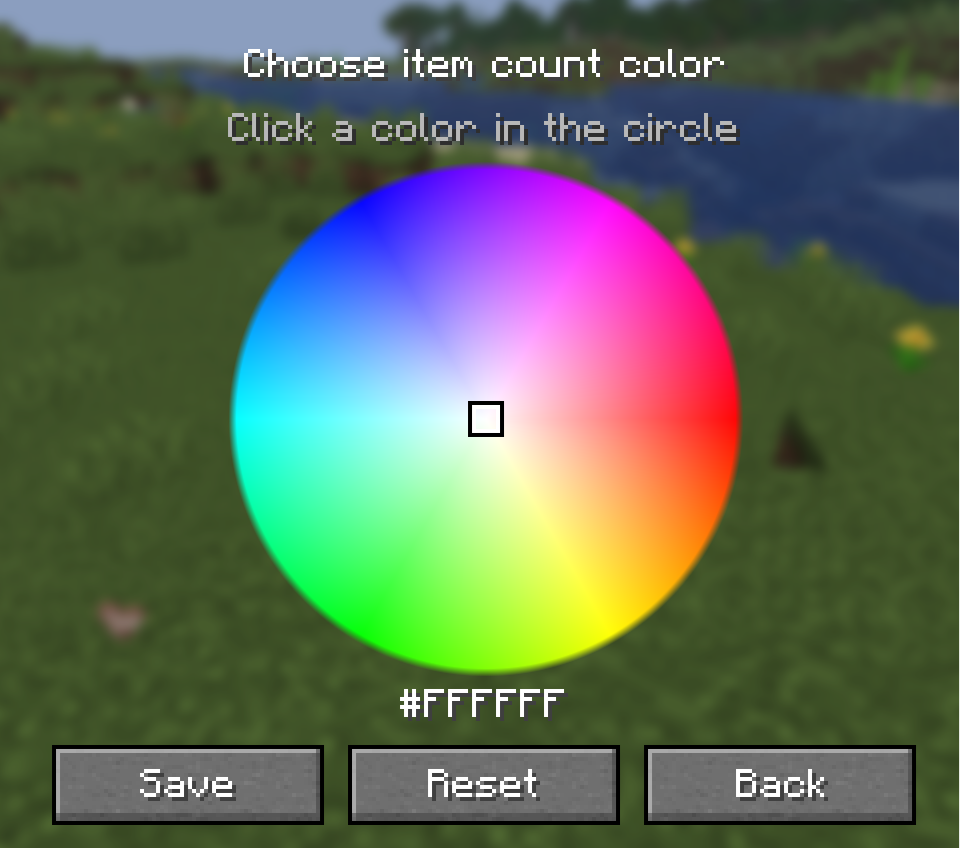
| Display customization | Change the counter position, visibility, and text color. |
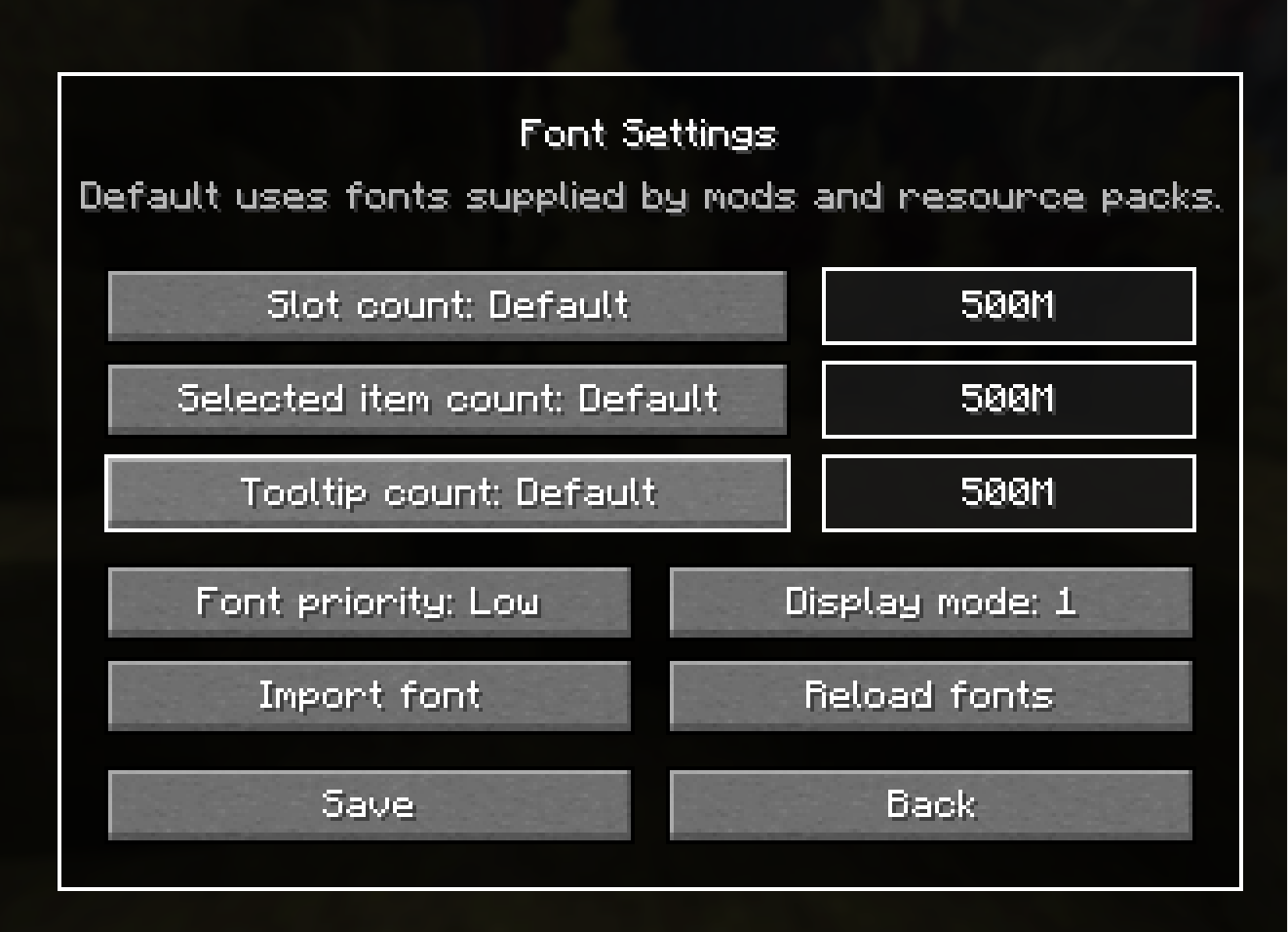
| Font customization | Choose the font used for item counts. |
| Update notifications | Enable or disable update notices from the settings screen. |
Damageable equipment, including tools, weapons, armor, and shields, remains unstackable by default, but can be made stackable in the settings.
Configuration
Mod Menu is required for all non-snapshot versions. It provides access to every in-game setting, including exact limits, presets, count formatting, and item-specific rules.
Snapshot versions can run without Mod Menu. In that case, the maximum stack size remains at the default value of 1,000.
In-Game Screen
 |
 |
 |
 |
 |
 |
 |
常见问题
StackPlus 支持哪些 Minecraft 版本?
StackPlus 支持 Minecraft Java 版 1.21–26.3,共 17 个版本,可用的加载器:Fabric / NeoForge。下载时注意选择和你游戏版本一致的文件。
StackPlus 怎么安装?
先用 PCL2 或 HMCL 启动器安装对应版本的 Fabric / NeoForge,再把下载的 .jar 文件放进游戏目录的 mods 文件夹,重新启动游戏即可。开启了版本隔离的,mods 文件夹在 versions/版本名 下面。运行环境:客户端 / 服务端。
RoxyCoding 的其他作品
查看全部 →
HyperFurnace
This is a mod that allows you to adjust the smelting speed of the furnace. You can choose the speed from 1x (default), 10x, 20x, 30x, 40x, 50x.

NetherSearch
A mod that displays the coordinates of Nether Fortresses and Bastion Remnants in the Nether

Chain Crop Harvest
A mod that lets you harvest all nearby connected crops in one go
Chain Crop Harvest
A mod that lets you harvest all nearby connected crops in one go
评论
登录后评论和评分