
ScreenshotToClipboard
作者:Nek0cha
Automatically copies screenshots to the clipboard. Works on Windows, macOS and Linux.
截图
介绍
中文介绍正在准备中,下面暂时显示原文。
ScreenshotToClipboard
A client-side MOD for Minecraft 1.21.11 / Fabric.
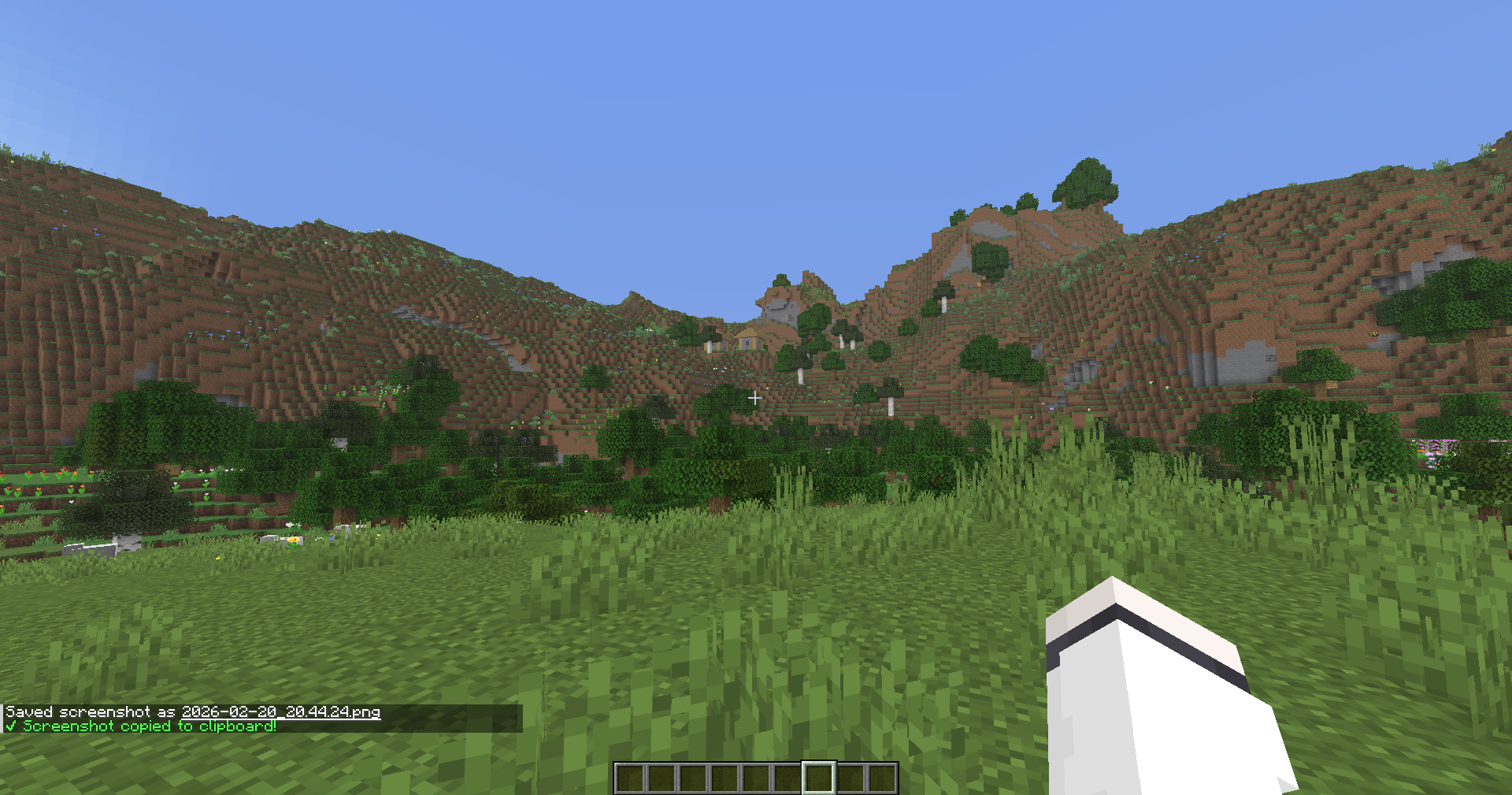
When you take a screenshot (F2), the saved image is automatically copied to your OS clipboard.
Works on Windows / macOS / Linux.
Features
- Automatically copies screenshots to the clipboard just by taking them
- Multi-language support: Japanese / English
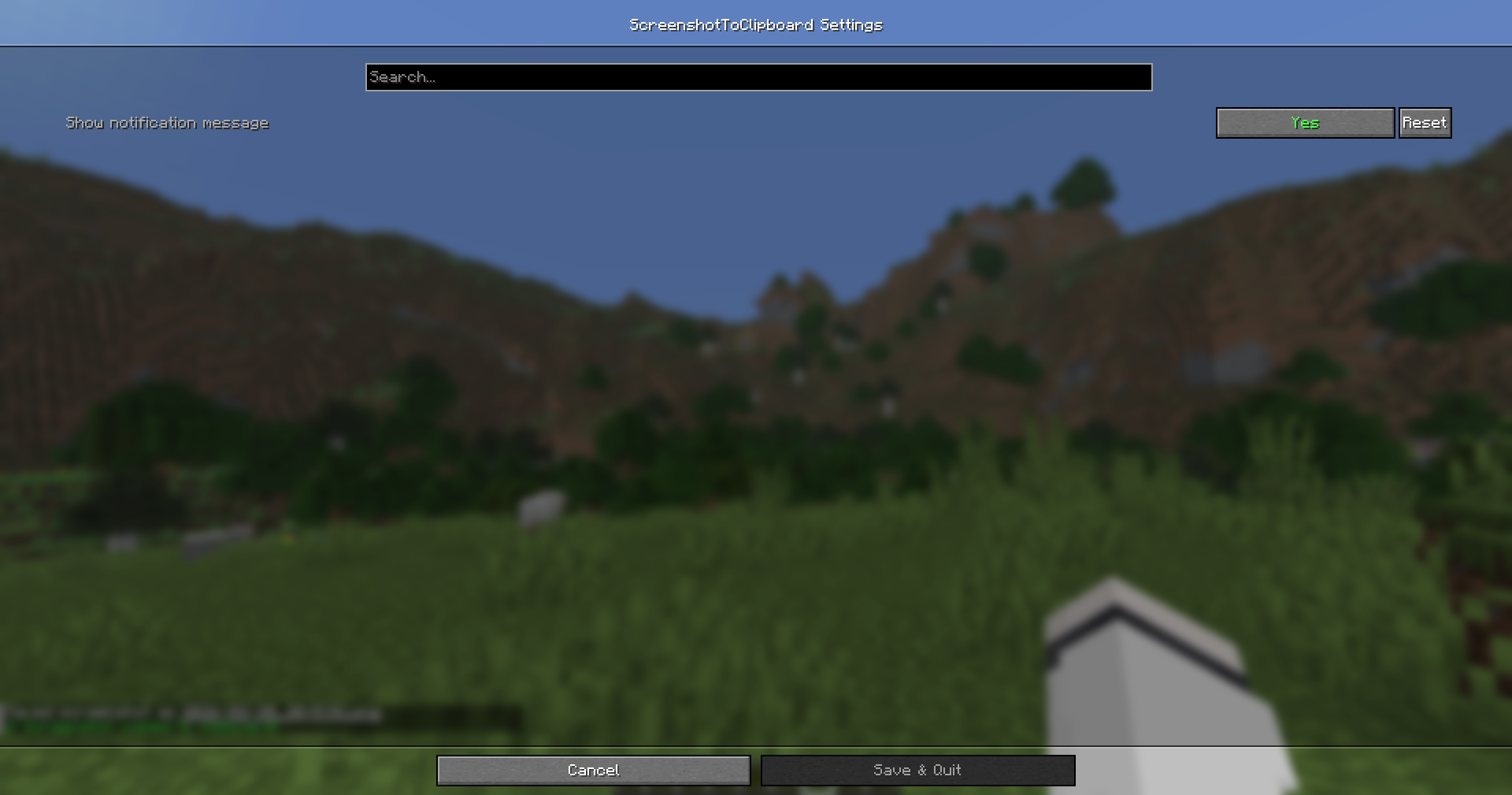
- Toggle notification message on/off (Default: OFF)
- If ModMenu + Cloth Config are installed, you can open the settings screen from ModMenu
- Even without them, you can change the setting by editing
config/screenshottoclipboard.json
Supported Environment
- Minecraft: 1.21.11
- Mod Loader: Fabric
- Supported OS: Windows / macOS / Linux
How to Use
- Install the mod and launch the game
- Press F2 to take a screenshot
- The image is copied to your clipboard, so you can immediately paste it into Discord / Twitter / image editing software, etc.
Configuration
Using ModMenu
- Open ScreenshotToClipboard from the Mod list in ModMenu and change the settings from the configuration screen.
Editing the JSON Directly
config/screenshottoclipboard.json
showMessage: Whether to display a chat notification after copying the screenshot (true/false)
Example:
{
  "showMessage": true
}
About Linux (Important)
On Linux, external tools may be required for clipboard integration depending on your environment.
- Wayland:
wl-copy(package:wl-clipboard) - X11:
xclip
If neither is installed, copying may fail depending on your setup.
For Developers
Build
./gradlew buildOutput:
build/libs/ScreenshotToClipboard-<version>.jar
How It Works (Overview)
- Hooks into the internal processing of
ScreenshotRecorderusing Mixin - Loads the saved PNG on a background thread and sends it to the OS clipboard
License
MIT
常见问题
ScreenshotToClipboard 支持哪些 Minecraft 版本?
ScreenshotToClipboard 支持 Minecraft Java 版 1.21.11,可用的加载器:Fabric。下载时注意选择和你游戏版本一致的文件。
ScreenshotToClipboard 怎么安装?
先用 PCL2 或 HMCL 启动器安装对应版本的 Fabric,再把下载的 .jar 文件放进游戏目录的 mods 文件夹,重新启动游戏即可。开启了版本隔离的,mods 文件夹在 versions/版本名 下面。运行环境:仅客户端。
评论
登录后评论和评分