截图
介绍
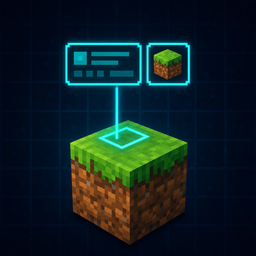
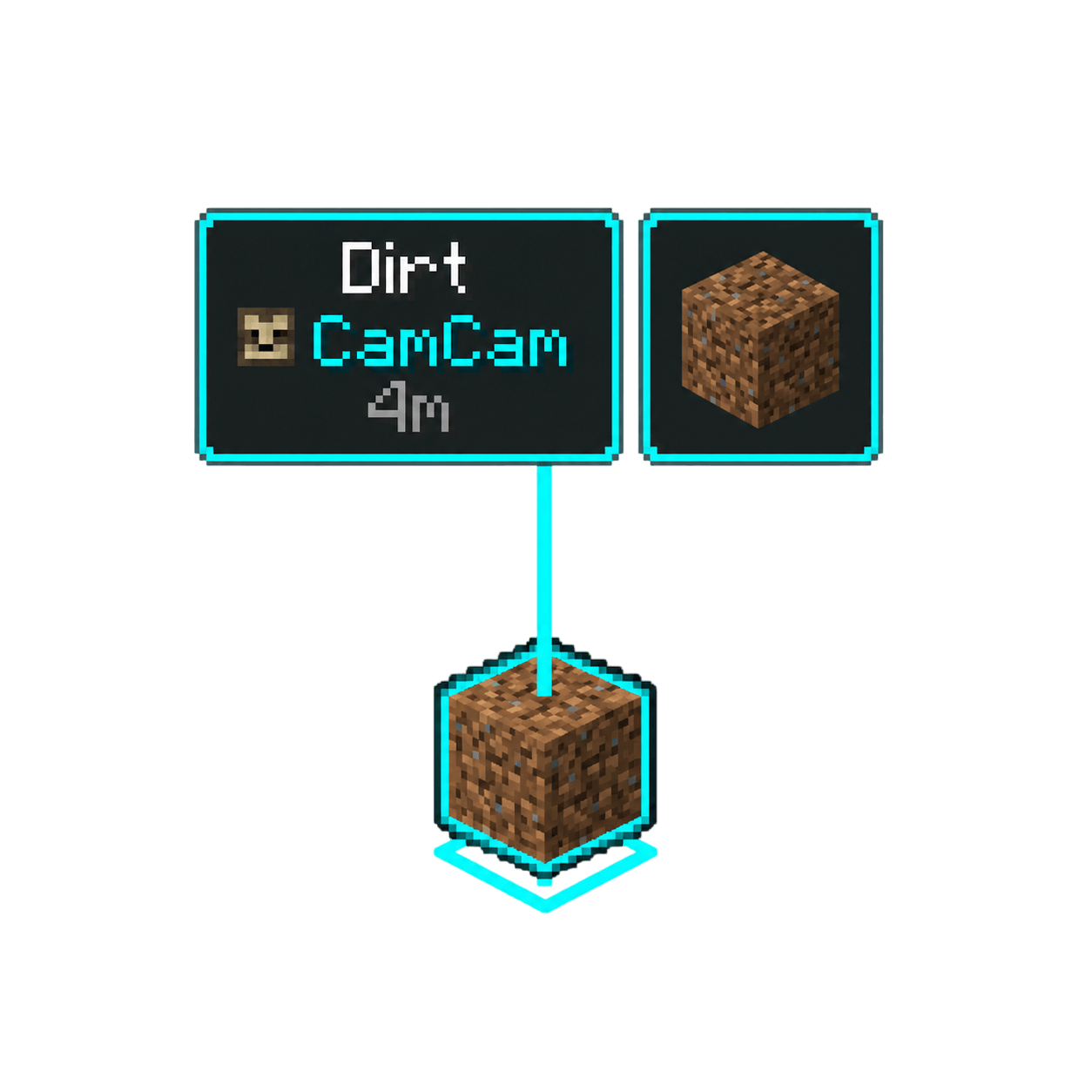
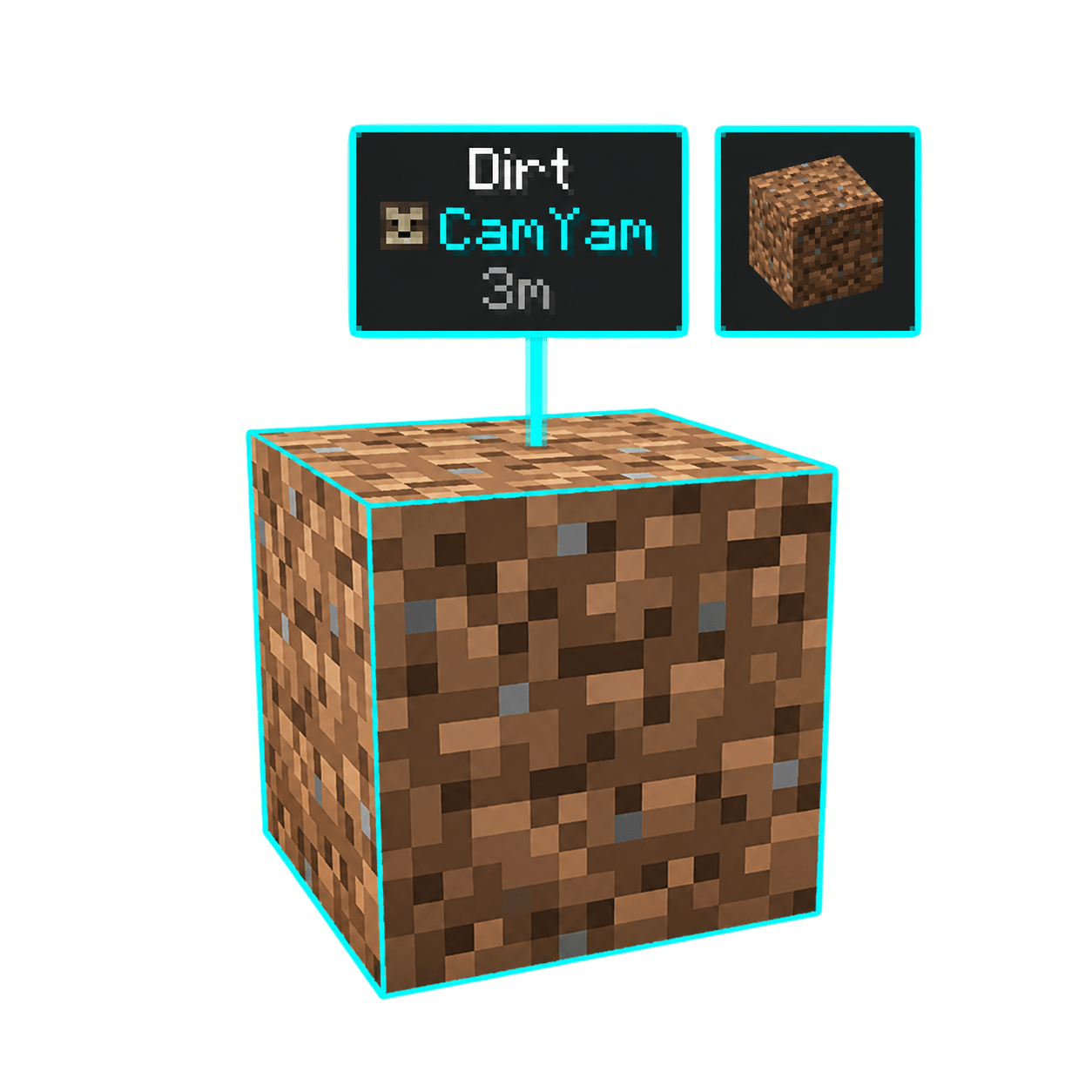
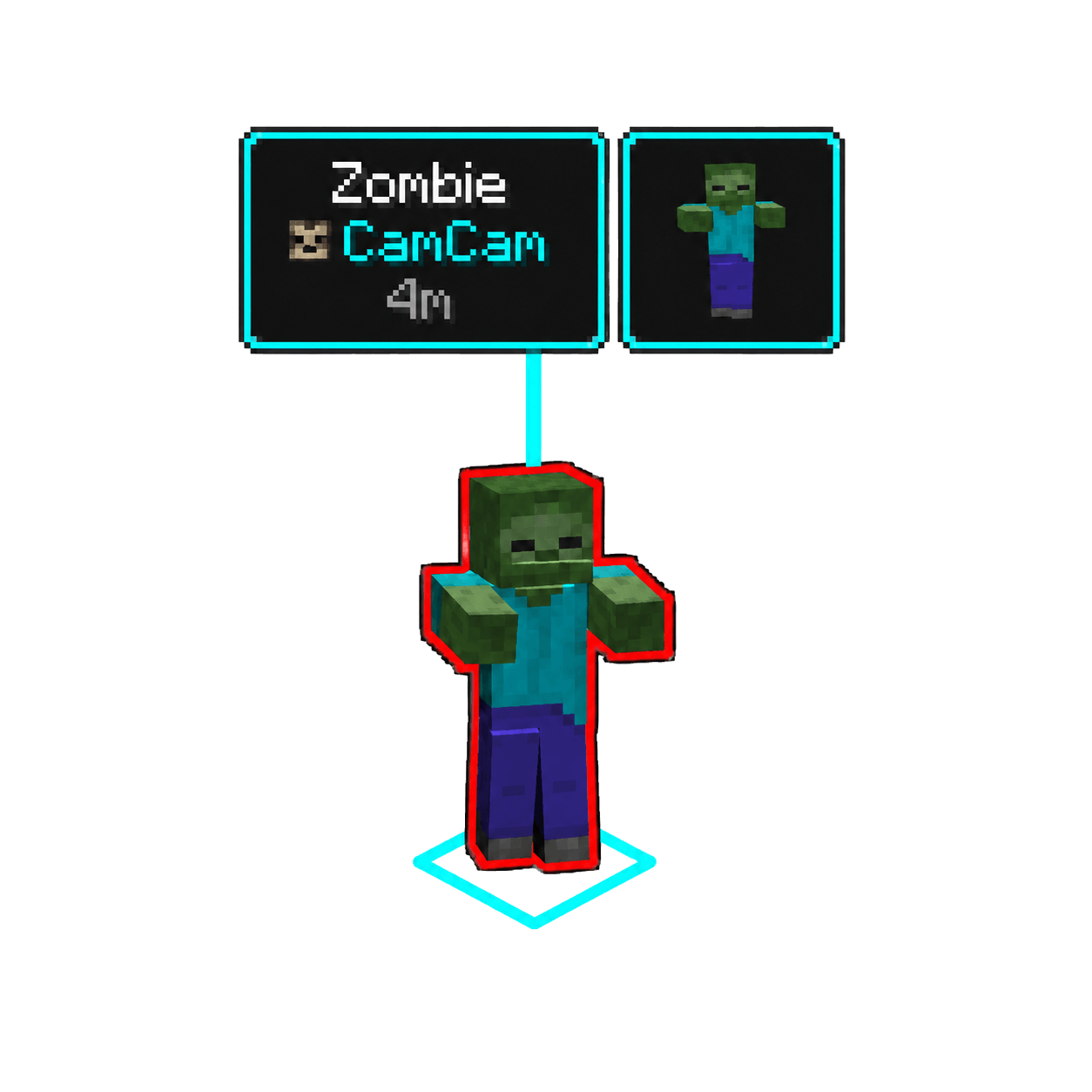
Press Z to mark a location, block, item, mob, or player. The pinged spot becomes a floating 3D-tracked label in everyone’s HUD with the target’s name, your name + skin face, distance, and a rotating mini-hologram of what you pinged — all connected by a thin colored leader line down to the spot itself. Pinging hostile mobs draws a red outline around them; off-screen pings show direction arrows at the screen edge; pings whose target despawns play a quick close animation and fade out.
Key features
- Per-player color — RGB picker so each teammate’s pings are visually distinct
- Customisable HUD label — toggle individual lines (target name / pinger / player head / distance) and scale the text 0.5×–2.5×
- Configurable hologram position — None / Above / Left / Right of the label
- Hostile-mob indicator — red outline on Enemy entities, configurable
- Direction arrows for pings outside your view
- Despawn detection — pings auto-close with an animation when their target is gone (item picked up, mob killed)
- Server settings — admins configure max distance, broadcast radius, and per-player cooldown in
serverconfig/pingmod-server.toml - Shader-proof rendering — labels, leader line, and hologram are all HUD-rendered, untouched by shader bloom or atmospheric scattering
- Graceful client-only fallback — joining a vanilla server still works; pings are visible only to you, with a one-time chat notice
Built for small co-op groups, raid/dungeon teams, building servers, or anyone who’s ever wished their friends could just see what they’re pointing at without typing coordinates.
常见问题
Spotter 支持哪些 Minecraft 版本?
Spotter 支持 Minecraft Java 版 1.21.1,可用的加载器:NeoForge。下载时注意选择和你游戏版本一致的文件。
Spotter 怎么安装?
先用 PCL2 或 HMCL 启动器安装对应版本的 NeoForge,再把下载的 .jar 文件放进游戏目录的 mods 文件夹,重新启动游戏即可。开启了版本隔离的,mods 文件夹在 versions/版本名 下面。
评论
登录后评论和评分