
Splash Changer
作者:MrSam7K
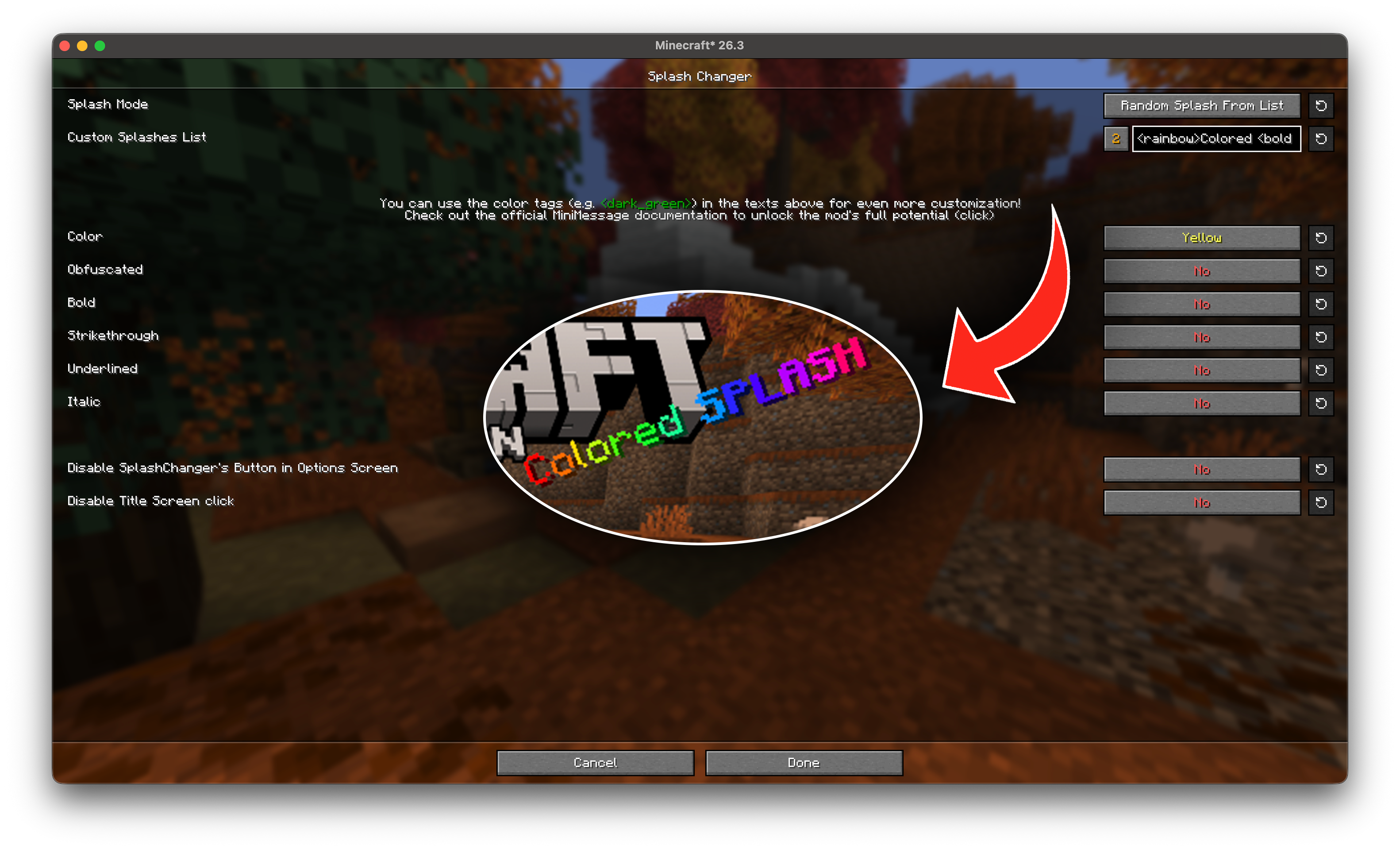
FULLY customize the SPLASH in the title screen! Supports MiniMessage. Can also bring back 1.0 and 1.8 splashes!
截图


介绍
中文介绍正在准备中,下面暂时显示原文。
SplashChanger
Adds an option to change Splash Text in Title Screen!
With this mod you will be able to:
- Use MiniMessage tags in your splashes
- Use %name as a placeholder for your name
- Have random custom splashes
- Bring back old splashes from 1.0 and 1.8 versions of Minecraft
- Completely hide splashes for a clean look
FAQ:
Q: I disabled config button, how do I enable it again?
- Hover around the splash in the title screen and click to open the config!
Alternative: You can download Mod Menu, but if you don’t want to, follow these steps:
- Locate and open
.minecraftfolder on your computer (often found doingWIN + Rand typing in%APPDATA%) - Find
configfolder and open it - Locate and open
splashchanger.jsonfile - Replace
"disableButton": truewith"disableButton": false - Save the file and restart minecraft!

常见问题
Splash Changer 支持哪些 Minecraft 版本?
Splash Changer 支持 Minecraft Java 版 1.18.2–26.3,共 13 个版本,可用的加载器:Fabric。下载时注意选择和你游戏版本一致的文件。
Splash Changer 怎么安装?
先用 PCL2 或 HMCL 启动器安装对应版本的 Fabric,再把下载的 .jar 文件放进游戏目录的 mods 文件夹,重新启动游戏即可。开启了版本隔离的,mods 文件夹在 versions/版本名 下面。运行环境:仅客户端。


评论
登录后评论和评分