
Speaking Device
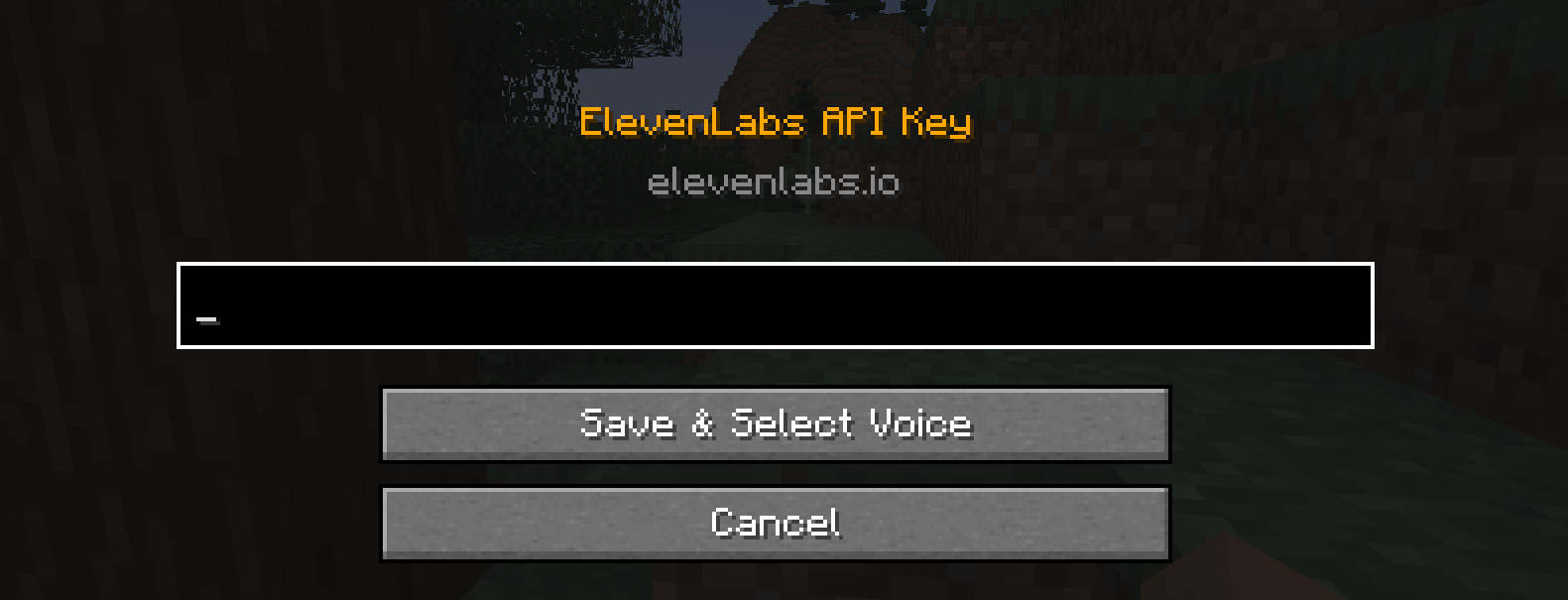
This mod converts chat messages into speech in real-time using the ElevenLabs API. It features a voice selection menu to choose your preferred AI voice.
截图
介绍
🎙️ Speaking Device
🔊 Vocal Synthesis Protocol
The system activates as soon as you equip the Speaking Device. Powered by the ElevenLabs API, every message you type in chat is instantly transformed into high-quality, natural speech.
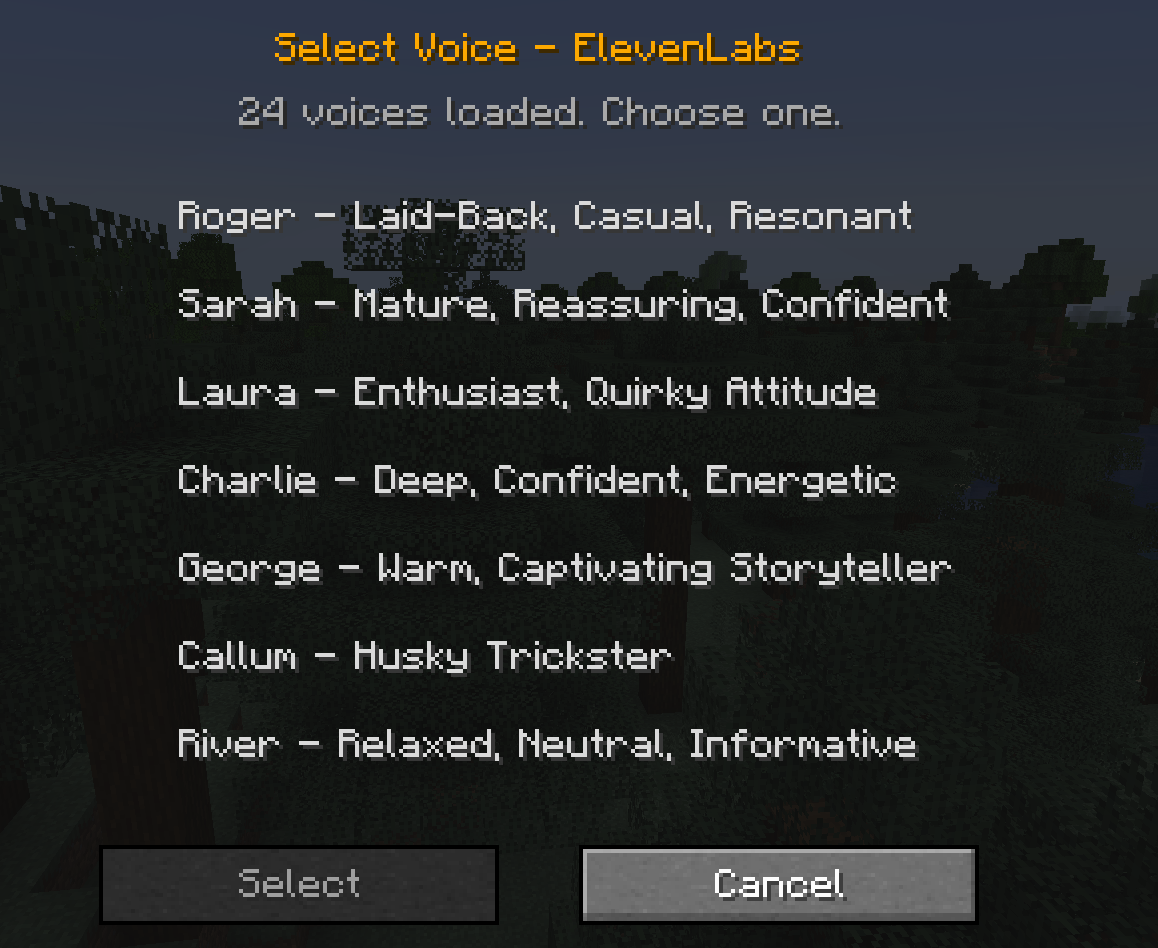
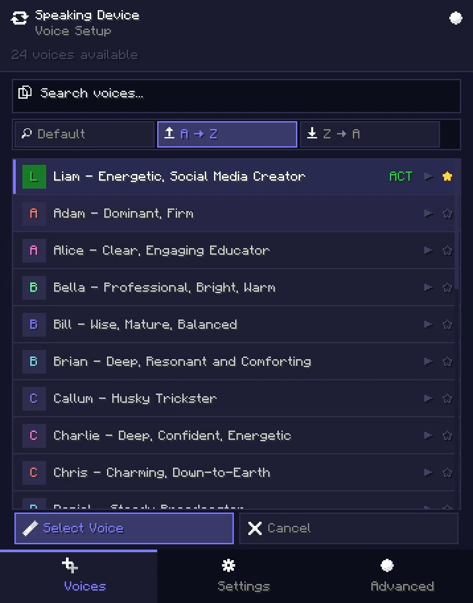
🎭 Voice Selection Interface
Find the perfect tone for your character. Choose from various AI voices within the mod to personalize your communication style.
🛠️ Controls
| Action | Description |
| :— | :— |
| Equip Item | Enables the system and starts the text-to-speech protocol. |
| V Key | Opens the voice selection menu to switch between different voices. |
Lead Developer: Shady1545
Helper: robotic1545
常见问题
Speaking Device 支持哪些 Minecraft 版本?
Speaking Device 支持 Minecraft Java 版 1.20.1–1.20.6,共 6 个版本,可用的加载器:Forge。下载时注意选择和你游戏版本一致的文件。
Speaking Device 怎么安装?
先用 PCL2 或 HMCL 启动器安装对应版本的 Forge,再把下载的 .jar 文件放进游戏目录的 mods 文件夹,重新启动游戏即可。开启了版本隔离的,mods 文件夹在 versions/版本名 下面。运行环境:客户端 / 服务端。
Shady1545 的其他作品
查看全部 →
Age of Compound V
A The Boys-inspired Minecraft Palladium addon with playable Supes, unique powers, Compound V progression, custom effects, animations, and more.

Shrapnel Shard
Shrapnel Shard adds shrapnel to the Satsu Iron Man Addon. Surving a nearby TNT blast grants you the Arc Reactor.
Shrapnel Shard
Shrapnel Shard adds shrapnel to the Satsu Iron Man Addon. Surving a nearby TNT blast grants you the Arc Reactor.

Shady’s Heropack
A modern, optimized superhero experience for 1.20.1 built on Palladium. No bloatware—focused strictly on core hero abilities and high performance.
评论
登录后评论和评分