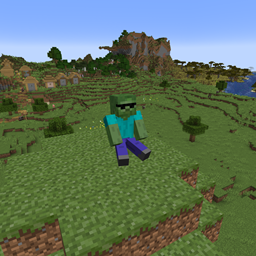
spawnspecifier
A creative tool that allows you to edit what kinds of mobs can spawn where
介绍
In tools/utilities, you have a new tool at the bottom which allows you to edit what mobs can spawn in certain areas. To use it, you can left-click a block to set position 1 and left-click another block to set position 2. Once you have both points, run the command “/setregion <file> <name>” (file is config/spawnTables/<file>.json). Upon loading the first world, an example file will appear, showing you how to use it. If at any time you want to delete a spawn area, just use “/removeregion <name>” (the name you gave the area you want to delete).
常见问题
spawnspecifier 支持哪些 Minecraft 版本?
spawnspecifier 支持 Minecraft Java 版 1.21.1,可用的加载器:NeoForge。下载时注意选择和你游戏版本一致的文件。
spawnspecifier 怎么安装?
先用 PCL2 或 HMCL 启动器安装对应版本的 NeoForge,再把下载的 .jar 文件放进游戏目录的 mods 文件夹,重新启动游戏即可。开启了版本隔离的,mods 文件夹在 versions/版本名 下面。
Hampter1079 的其他作品
查看全部 →
Hampter’s Enchants
adds lots more enchantments to minecraft
Beebles
adds adorable mobs called beebles who will be your companion for life.
Corrodium
Adds an upgradable ingot called corrodium
muffins!
a fun mod that adds lobable muffins with a funny death message
评论
登录后评论和评分