截图
介绍
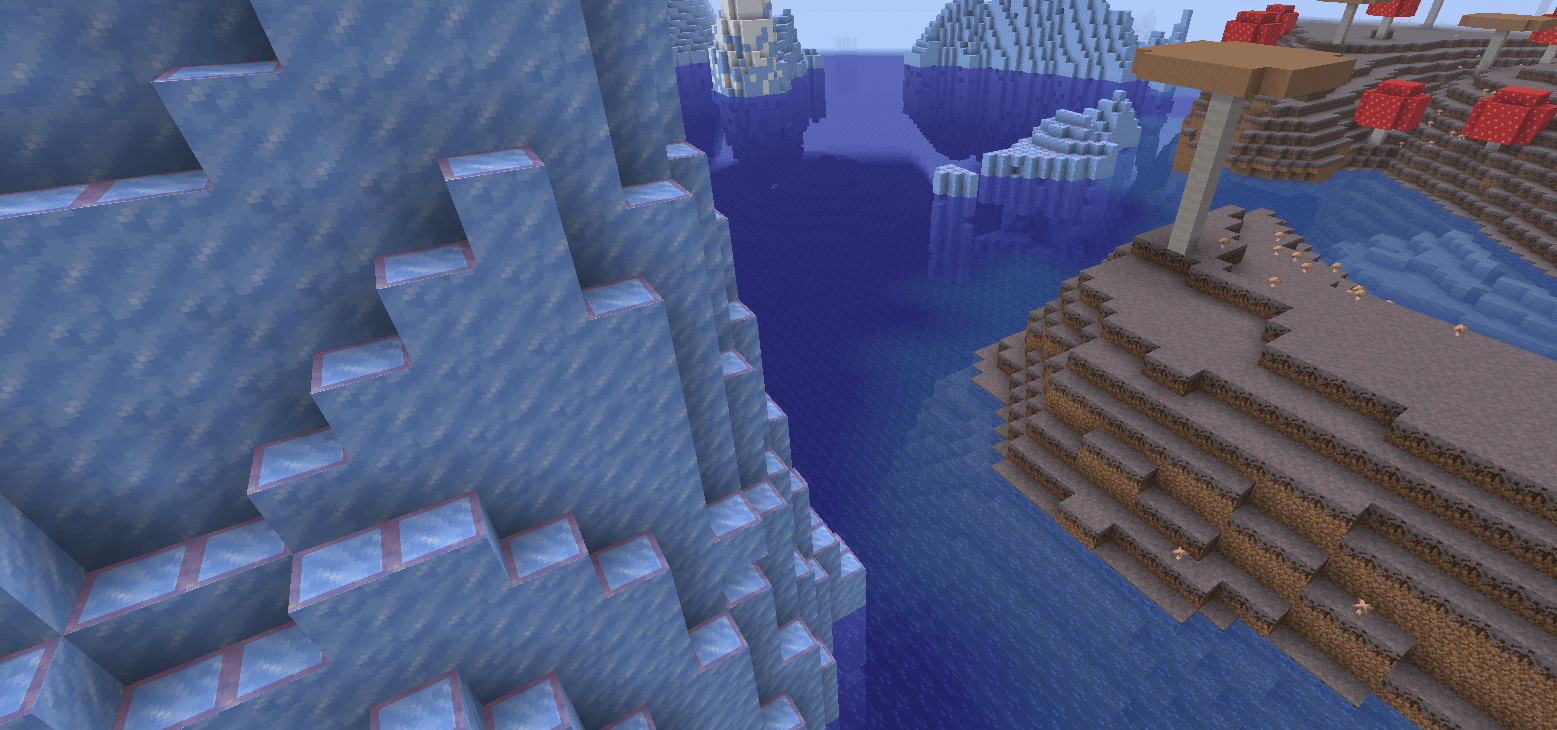
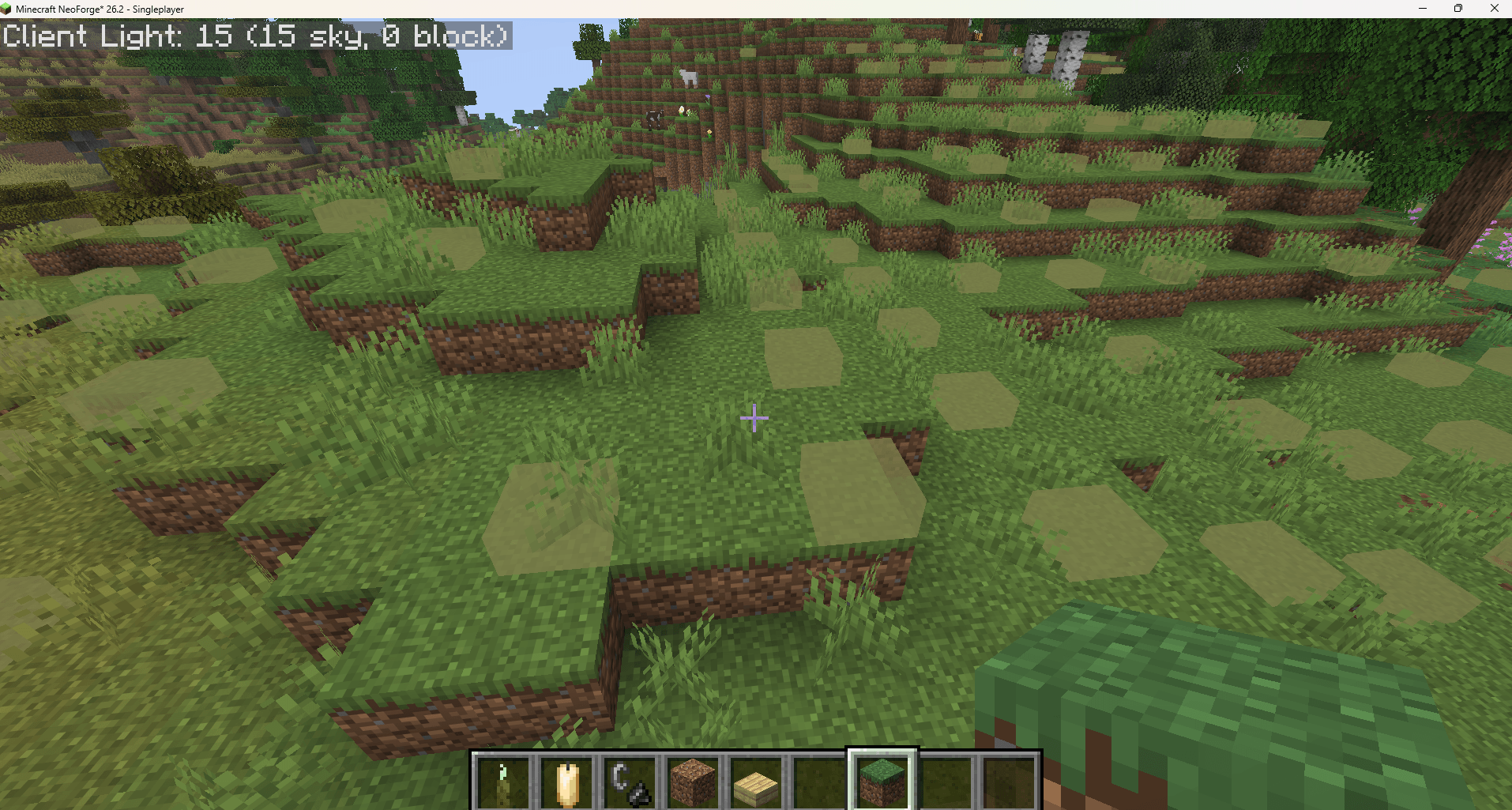
Spawn Overlay is a mod that adds multiple types of overlays to visualize where mobs can spawn. There’s base types of overlays in the mod, spawn overlays and optimizer overlays.
Spawning overlay:
There are currently 4 different types of spawning overlays available to show when toggling the Spawn Overlay with F7 (Default keybind):
- Always Spawning – Shows spaces where mobs can spawn regardless of daytime
- Night Spawning – Shows spaces where mobs can spawn only during nighttime
- Phantom Spawning – Shows spaces where phantoms can spawn above
- Prevent Spawning – Shows spaces where spawning is obstructed by light By default it’s set to Night Spawning, to change it open the in-game config’s
Togglessection. The mod hides spawning positions in peaceful biomes by default (like Mushroom Fields) but can be disabled in the config. You can also change the type of overlay rendering in the config, switching between OUTLINE, INNER_SQUARE and FULL.
Optimizer Overlay:
There are currently 2 types of optimizer overlays:
- Spider – Shows the “optimal” slab positioning to prevent regular Spiders from spawning
- Ghast – Shows the “optimal” slab positioning to prevent Ghasts from spawning
Config
The following options are available in the config:
- Poll Interval – The amount of milliseconds between updating the spawning overlay
- Chunk Radius – The radius of chunks around the players to display the spawning overlay
- Overlay Type – The type of overlay rendering (Available are: OUTLINE, INNER_SQUARE and FULL)
- Ignore Peaceful Biomes – Ignore peaceful biomes when displaying the overlay
- Toggles:
- Show Always Spawning – Display the spots mobs can spawn regardless of daytime
- Show Night Spawning – Display the spots mobs can spawn only during nighttime
- Show Phantom Spawning – Display the spots phantoms can spawn above
- Show Prevent Spawning – Display the spots where spawning is obstructed by light
- Color: (The colors are Hex values, 6 characters for the hex color and the last 2 for the opacity. For example:
#FF000080(red with 50% opacity))- Always Spawning Color – The color used by the
always spawningoverlay - Night Spawning Color – The color used by the
night spawningoverlay - Phantom Spawning Color – The color used by the
phantom spawningoverlay - Prevent Spawning Color – The color used by the
prevent spawningoverlay - Optimizer Color – The color used to show the fake slabs for the optimizer overlay
- Always Spawning Color – The color used by the
- Optimizer Type – The type of mob to optimize slab positioning for (Available are: SPIDER and GHAST)
Keybinds
The mod uses the following default keybinds (Editable in-game)
- Toggle Render – F7 – Displays the Spawning overlay
- Toggle Optimizer – F8 – Displays the Optimizer overlay
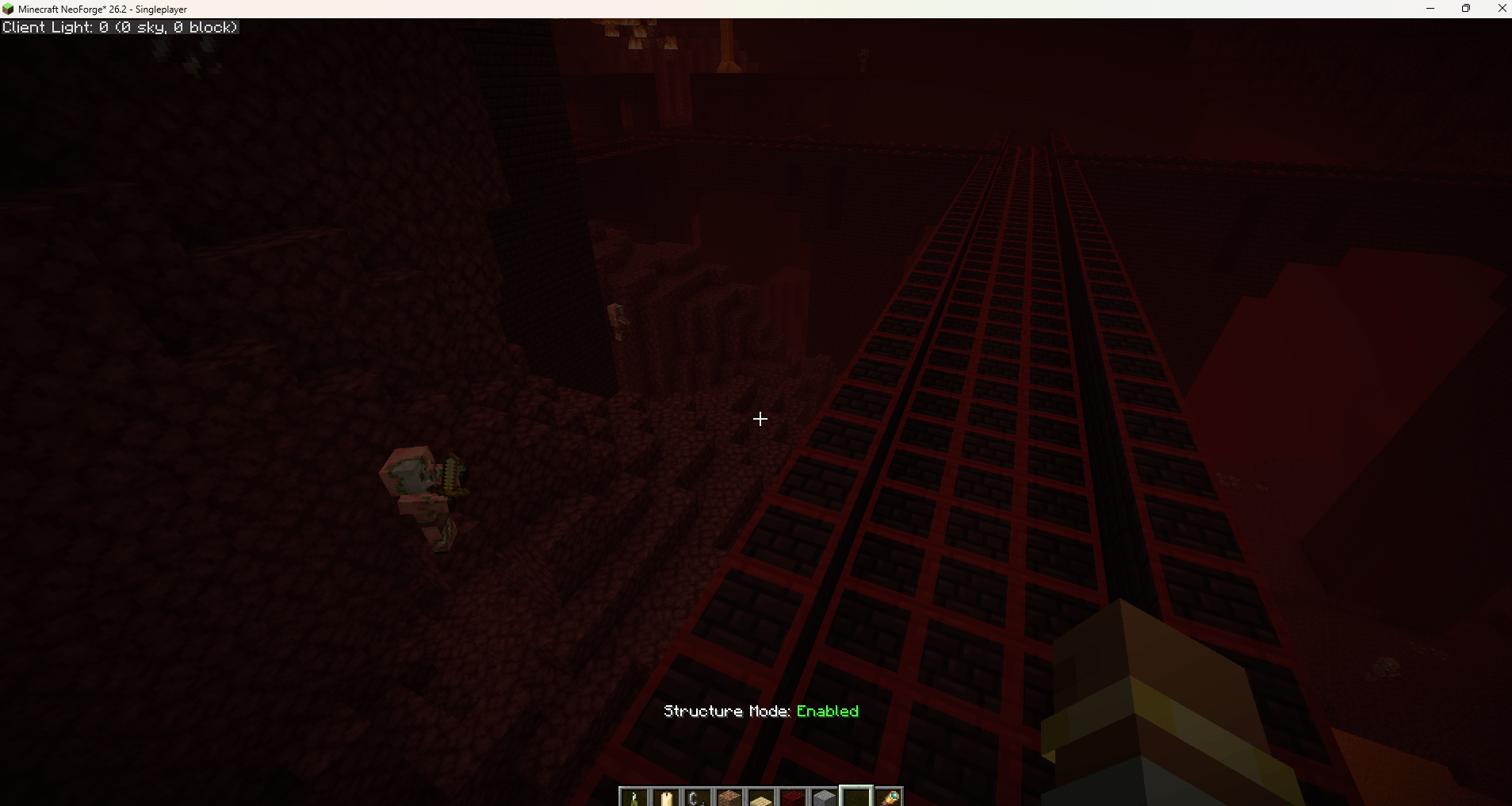
- Toggle Structure Mode¹ – F9 – Toggles Structure Only mode, which makes the Spawning Overlay only show locations within nearby structures
¹ Structure Mode requires the mod to be installed server-side! Clients normally know nothing about structures
常见问题
Spawn Overlay 支持哪些 Minecraft 版本?
Spawn Overlay 支持 Minecraft Java 版 1.21.1–26.3,共 4 个版本,可用的加载器:Fabric / NeoForge。下载时注意选择和你游戏版本一致的文件。
Spawn Overlay 怎么安装?
先用 PCL2 或 HMCL 启动器安装对应版本的 Fabric / NeoForge,再把下载的 .jar 文件放进游戏目录的 mods 文件夹,重新启动游戏即可。开启了版本隔离的,mods 文件夹在 versions/版本名 下面。
ShyNieke 的其他作品
查看全部 →
Just Enough Professions (JEP)
一个为 JEI 添加职业工作站的附属模组

Construction Sticks
让建造更轻松的木棍

Roughly Enough Professions (REP)
一个为 REI 物品管理器添加职业工作站的附属模组
Statues
一个小巧的装饰与实用模组
评论
登录后评论和评分