
截图
介绍
Space Fold
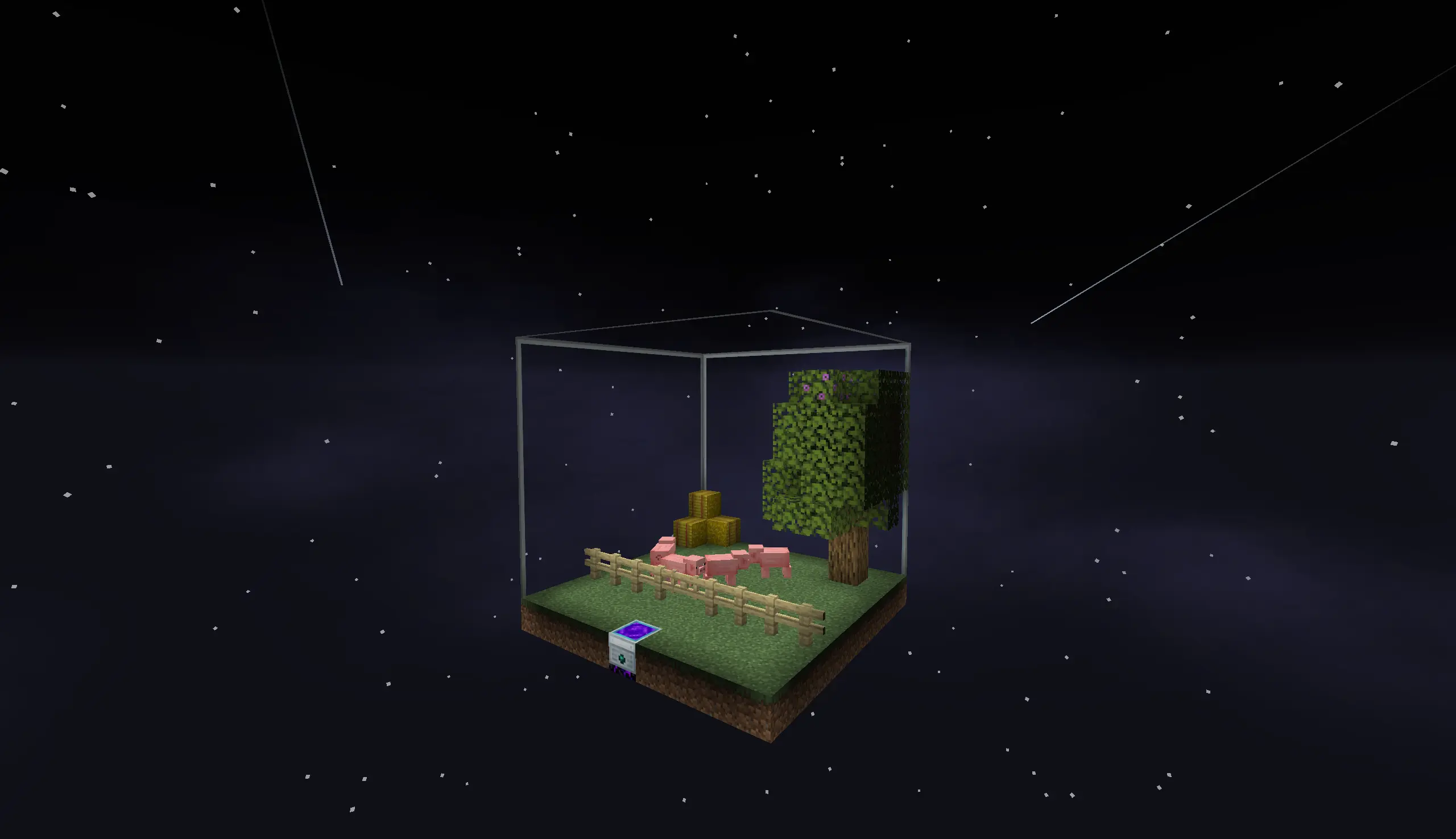
Space Fold lets you compact a full-scale production line into your personal space shard.
Since a folded machine no longer ticks its thousands of real blocks, only its
measured rates are simulated, huge builds stop tanking your framerate and tick
time.
How to Play
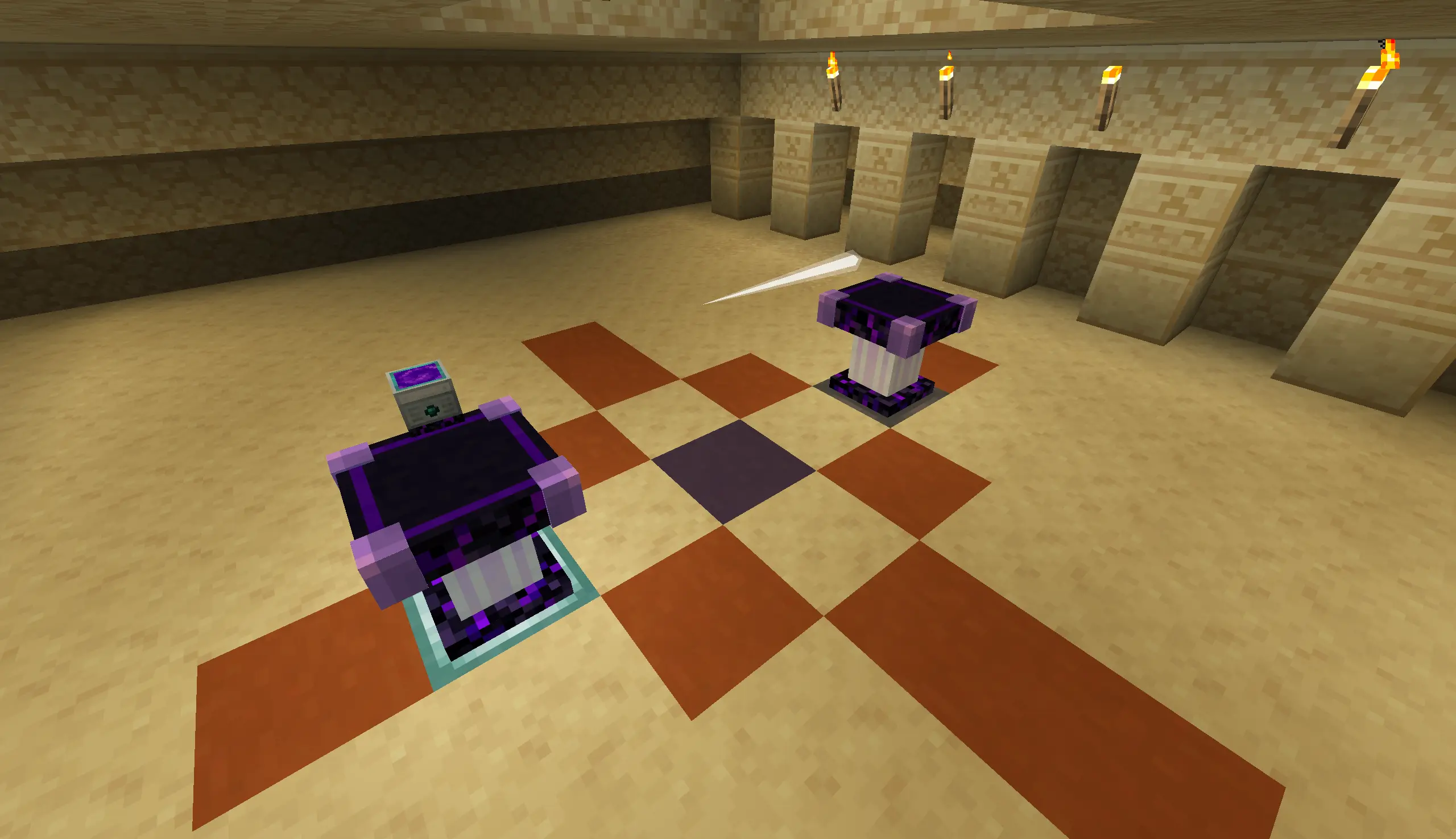
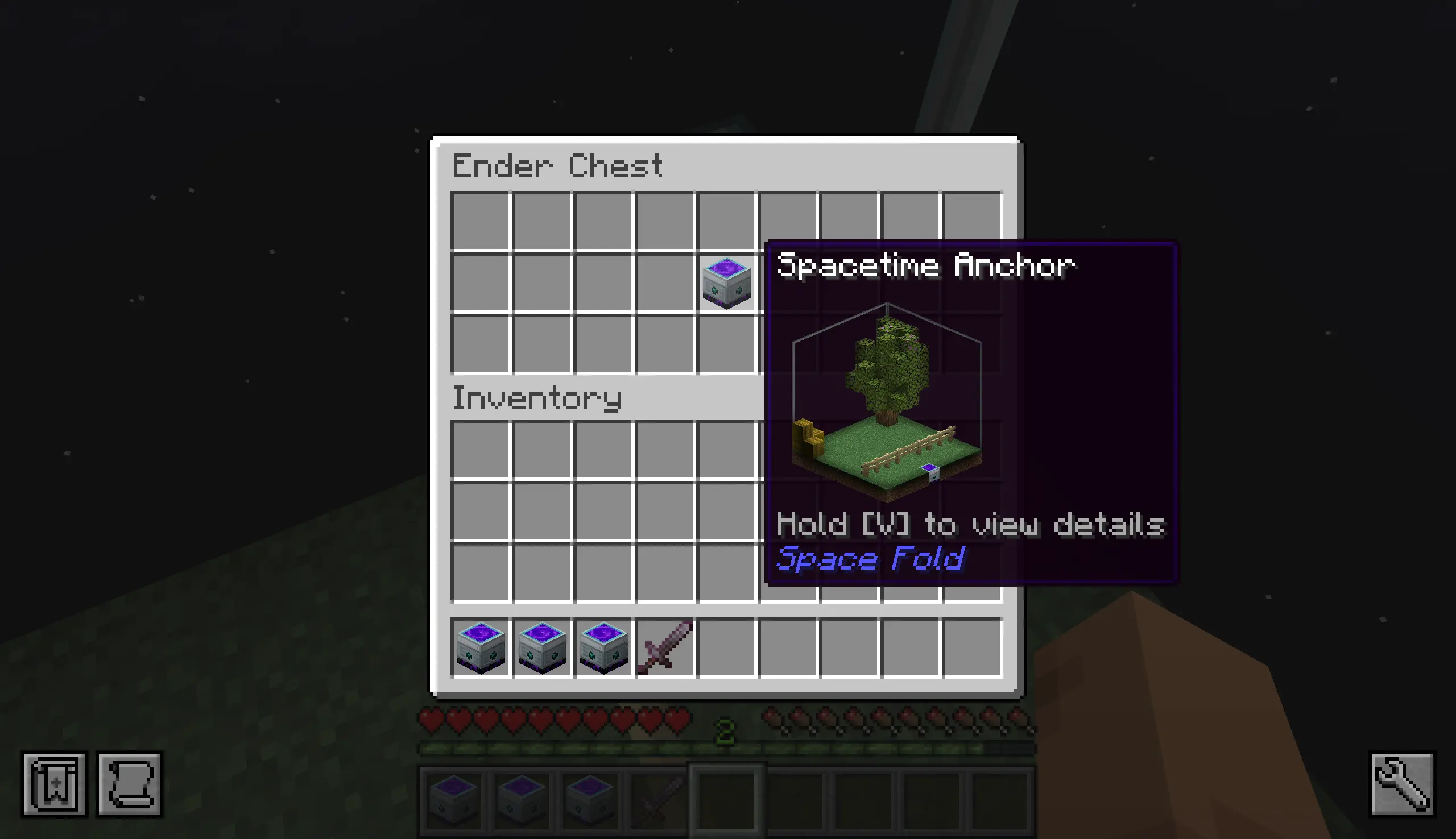
First, you’ll need a Spacetime Anchor, which will locate and assign you a 9×9×9 spatial shard in an unknown dimension where you can freely build machines. Use the Spacetime Awl on the walls to designate resource input and output locations.
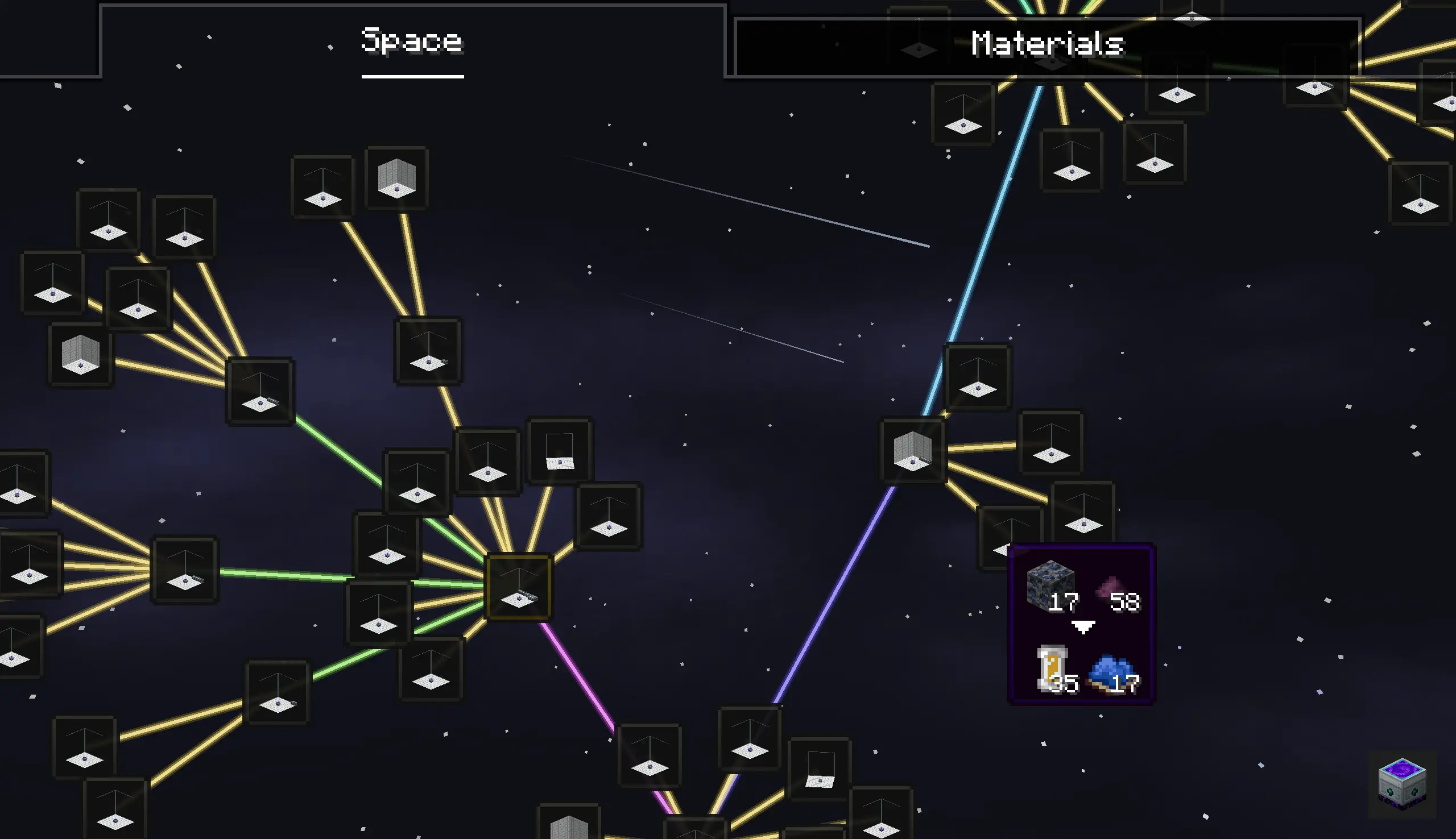
Then, click “Trial” in the Spacetime Anchor UI to measure the space’s resource throughput (during the trial, resources are fed into the Spacetime Anchor from the outside, with each face corresponding to an out-of-bounds port within the space).
Once the trial is complete, you can use the Shard Carver to consume the materials required for construction and mass-produce Shard Engines. These engines will continuously accept and produce resources at the rate observed during the trial, without requiring a large amount of space.
Joy of Painting Integration
You can place a 1×1 painting on the “Shard Engine” and right-click it to customize its appearance.
NeoForge Support
This mod has been tested with Sinytra Connector. You can install Sinytra Connector to play Space Fold on NeoForge.
Credits
- TechReborn/TechReborn – Some textures in this mod are adapted from textures in TechReborn, licensed under the MIT License.
- fzaninotto/CodeFlower – The implementation of the space graph layout references fzaninotto’s CodeFlower, licensed under the MIT License.
常见问题
Space Fold 🌌 支持哪些 Minecraft 版本?
Space Fold 🌌 支持 Minecraft Java 版 26.1–26.1.2,共 3 个版本,可用的加载器:Fabric。下载时注意选择和你游戏版本一致的文件。
Space Fold 🌌 怎么安装?
先用 PCL2 或 HMCL 启动器安装对应版本的 Fabric,再把下载的 .jar 文件放进游戏目录的 mods 文件夹,重新启动游戏即可。开启了版本隔离的,mods 文件夹在 versions/版本名 下面。
Snownee 的其他作品
查看全部 →
Jade 🔍
显示你所注视方块的信息。(Hwyla/Waila 的 Minecraft 1.16+ 分支)

Kiwi 🥝 (Neo/Forge)
Minecraft 模组开发库

Jade Addons (Neo/Forge)
Jade 🔍 的 Neo/Forge 额外模组支持

Snow! Real Magic! ⛄ (Neo/Forge)
不是魔法模组。| 雪的重力与堆积 | 积雪方块 | 调整雪的行为
评论
登录后评论和评分