
Source (In-Game Mods)
The ultimate source for your mods. Browse, search, and install Modrinth mods directly from the Main Menu. Auto-resolves dependencies.
截图
介绍
Source (In-Game Mods) 🚀
The missing link between Minecraft and Modrinth.
Stop closing your game to find new mods. Source integrates the full power of the Modrinth platform directly into your Main Menu. It serves as the single origin point for all your modding needs.
✨ Key Features
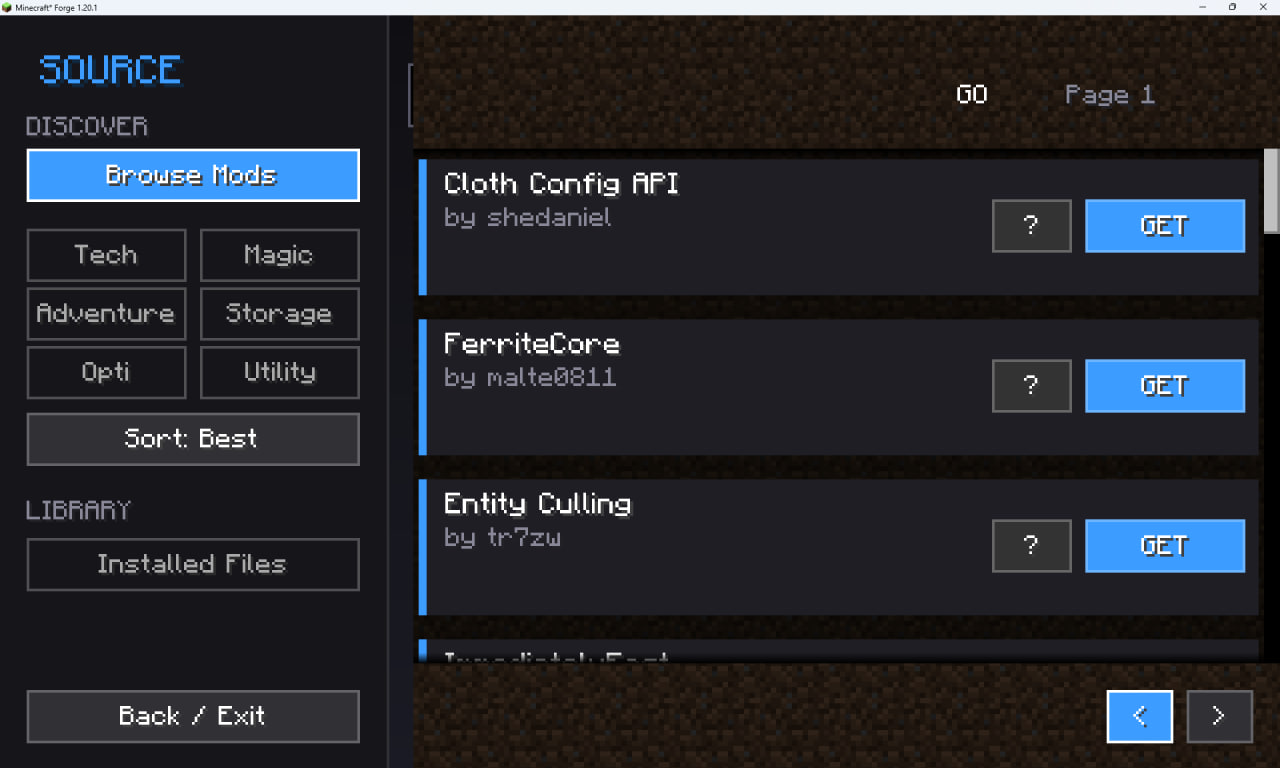
- Native Browser: A clean, modern interface to explore thousands of mods without leaving the game.
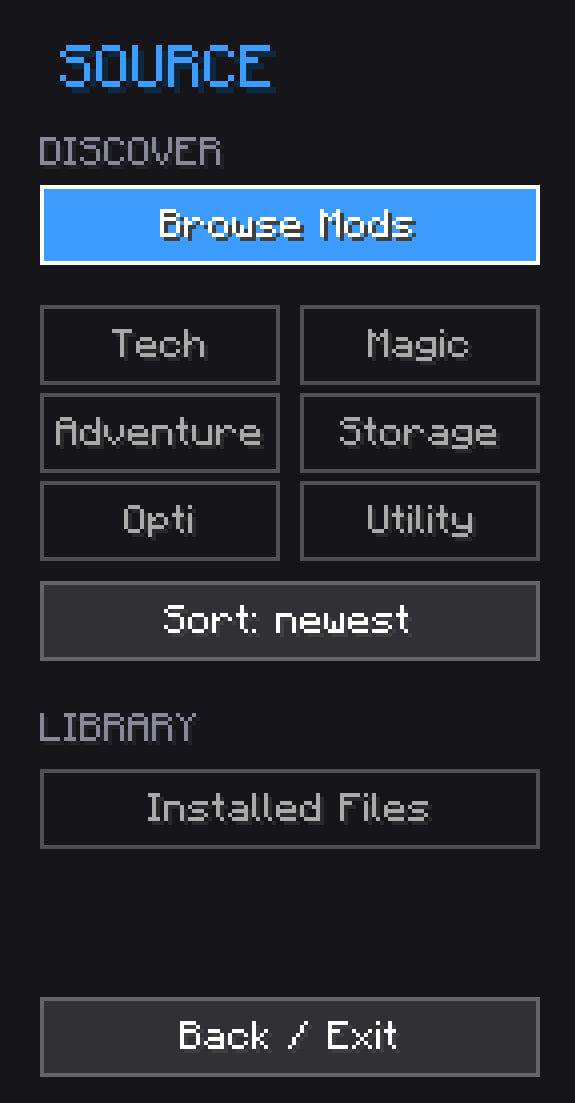
- Smart Search: Filter by categories (Tech, Magic, Adventure), sort by popularity, or find specific mods instantly.
- Dependency Solver: No more crashes! Source automatically detects and downloads all required libraries (APIs, Configs) recursively.
- One-Click Install: Just press “Get”, and the mod is yours.
- Safety First: Downloads only versions strictly compatible with your current Minecraft & Forge instance.
🎮 How to use
- Open Minecraft.
- Click the “Modrinth Mods” button in the top-left corner of the Main Menu.
- Find a mod (e.g., “Sodium”, “JEI”).
- Click Get.
- Press Back and restart the game to apply changes. Done!
常见问题
Source (In-Game Mods) 支持哪些 Minecraft 版本?
Source (In-Game Mods) 支持 Minecraft Java 版 1.20.1,可用的加载器:Forge。下载时注意选择和你游戏版本一致的文件。
Source (In-Game Mods) 怎么安装?
先用 PCL2 或 HMCL 启动器安装对应版本的 Forge,再把下载的 .jar 文件放进游戏目录的 mods 文件夹,重新启动游戏即可。开启了版本隔离的,mods 文件夹在 versions/版本名 下面。运行环境:仅客户端。
Dentri2 的其他作品
查看全部 →
Gravity Mod
Add realistic physics, gravity-defying staves, tactical grenades, and chaos hammers to your survival world!

Quiet Place: Hardcore Stealth
Immersive stealth mechanics: sound visualization, heavy armor penalties, and smart AI that reacts to noise.
Quiet Place: Hardcore Stealth
Immersive stealth mechanics: sound visualization, heavy armor penalties, and smart AI that reacts to noise.

Void Arsenal
Enhance your combat! Wield physics-based hammers, teleporting katanas, returning axes, and freezing lances powered by Void Alloy.
评论
登录后评论和评分