
Soundtrack player
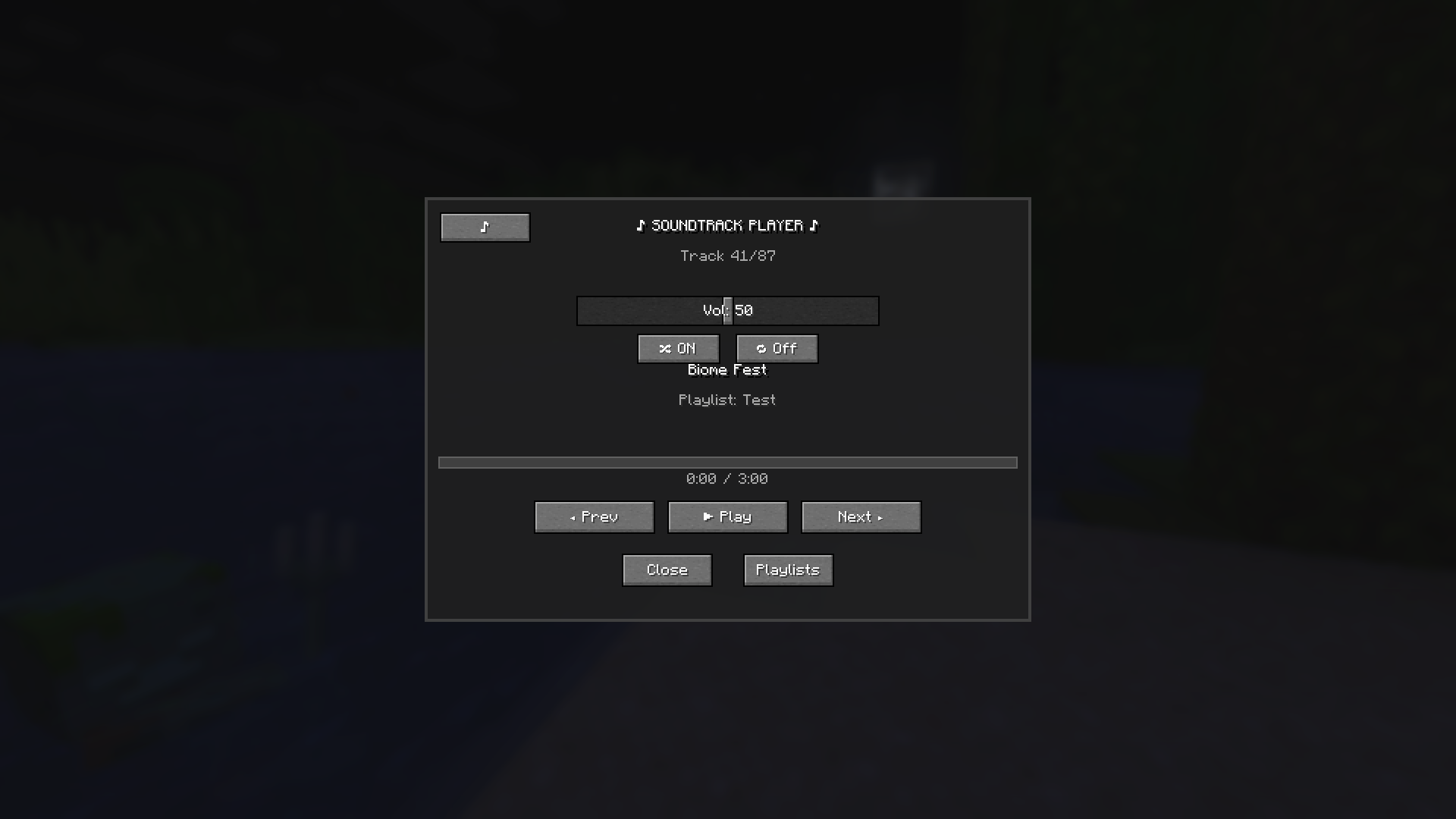
An in-game soundtrack player that lets you play, pause, and control all 50+ Minecraft background music tracks. Features true pause/resume, volume control, track navigation, and a clean GUI. Press M to open!
截图
介绍
Soundtrack Player
Adds a proper music player to Minecraft. Playlists, shuffle, custom tracks.
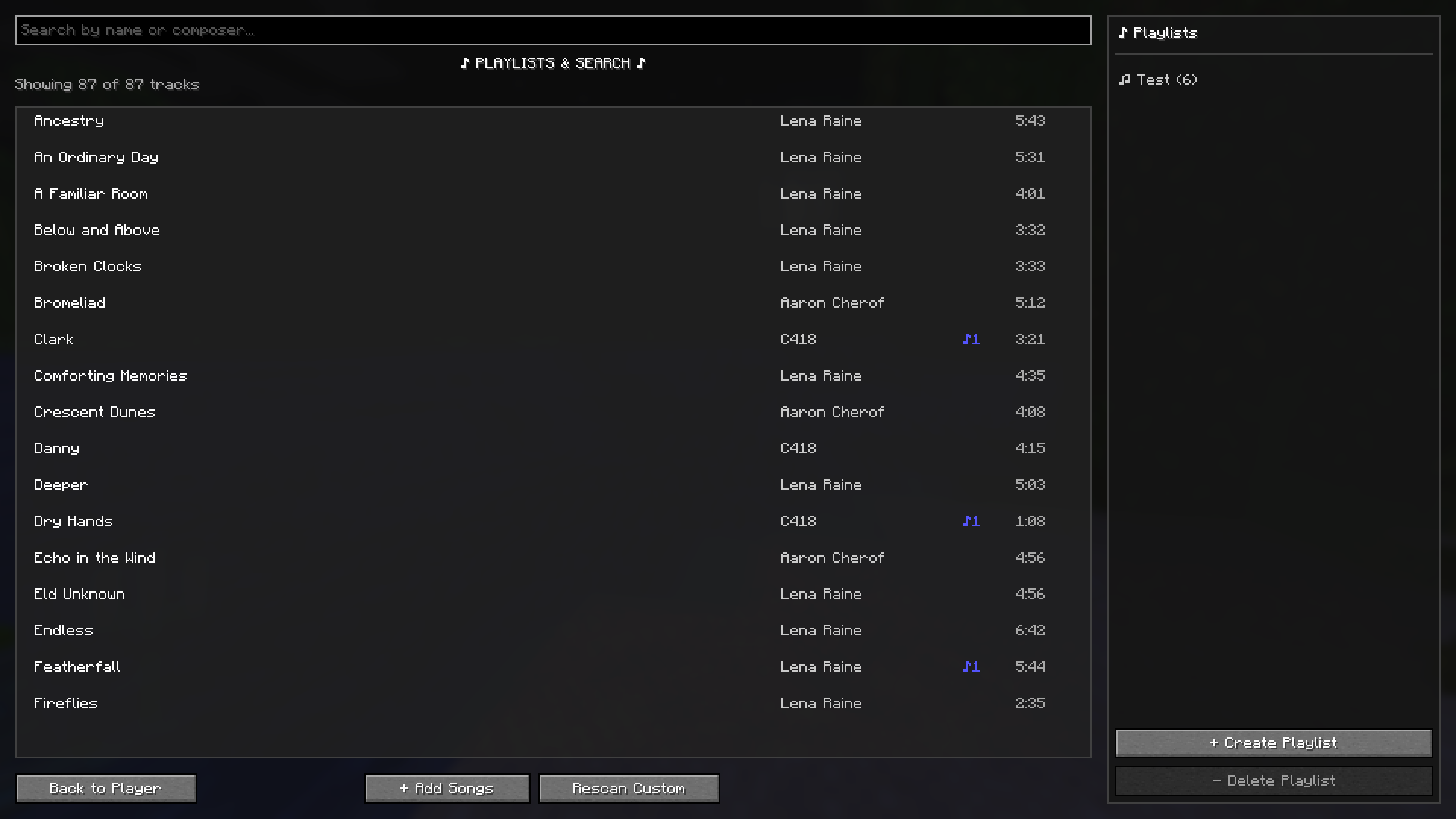
- Playlists — create, name, add/remove tracks via right-click
- Shuffle — cycles through everything before repeating, no duplicates
- Loop modes — off, loop all, loop one
- Skip/previous — previous button restarts the current track if you’re past 3 seconds
- Volume slider — completely separate from game sounds, saved between sessions
- Custom tracks — drop MP3/OGG/WAV/FLAC into the custom folder and they show up automatically
- Full player screen — searchable track list and playlist manager, open with M
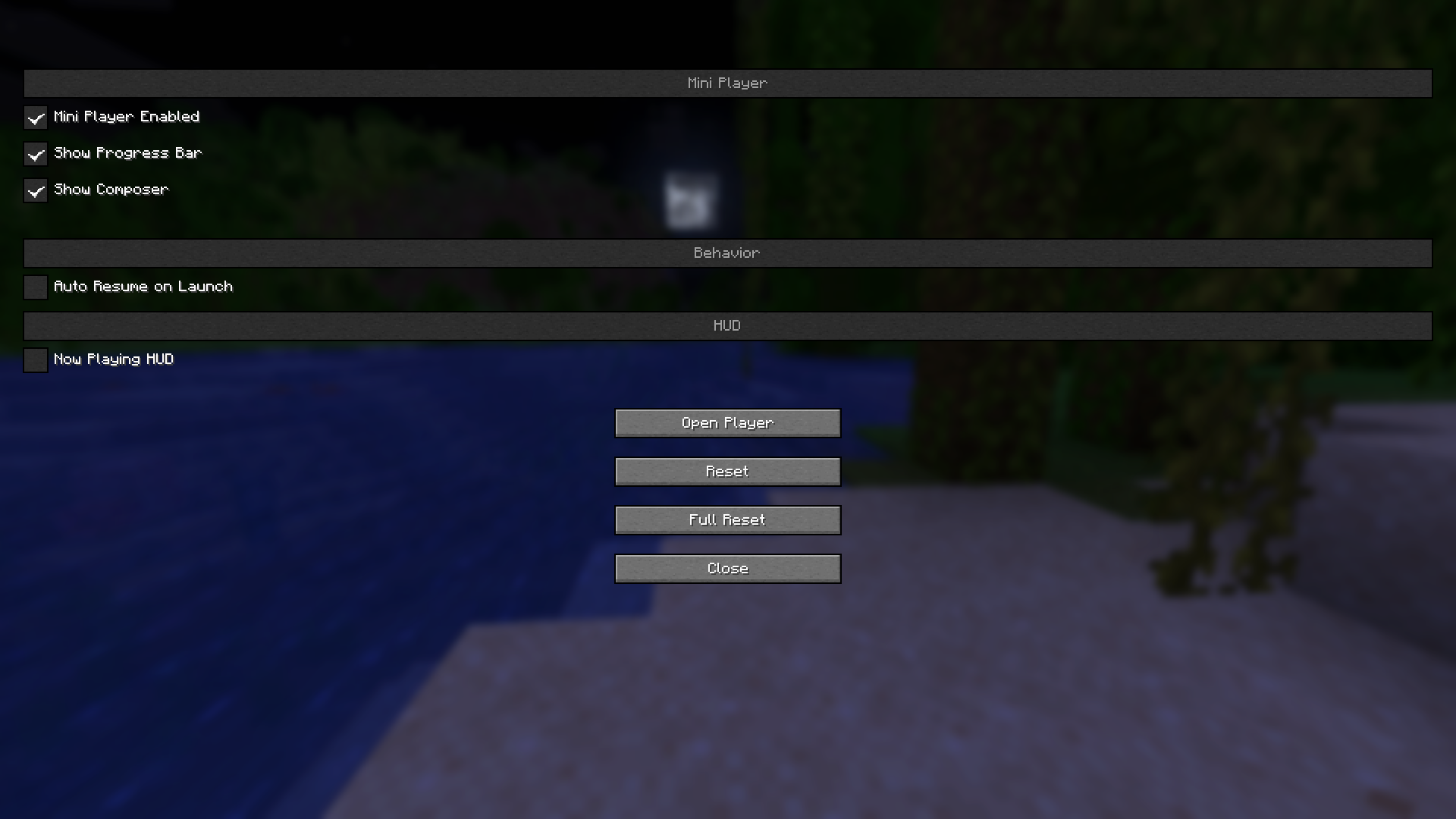
- Pause menu widget — mini player with seek bar, four corner positions, adjustable opacity
- In-game HUD — small overlay showing track and progress, disappears when you open any menu
- Keybinds — play/pause, skip, volume, shuffle, loop, all rebindable
- Auto-resume — remembers where you were when you closed the game
- Client-side only — works on any server, no mods required on their end
The mod works well but it’s not perfect — there’s probably bugs in there. If something breaks or behaves weirdly, report it in the Discord and I’ll take a look. You can also grab the soundtrack manually from there if the first launch download fails.
Discord: https://discord.gg/4t3K5HnfB6
常见问题
Soundtrack player 支持哪些 Minecraft 版本?
Soundtrack player 支持 Minecraft Java 版 1.21–1.21.11,共 12 个版本,可用的加载器:Fabric。下载时注意选择和你游戏版本一致的文件。
Soundtrack player 怎么安装?
先用 PCL2 或 HMCL 启动器安装对应版本的 Fabric,再把下载的 .jar 文件放进游戏目录的 mods 文件夹,重新启动游戏即可。开启了版本隔离的,mods 文件夹在 versions/版本名 下面。运行环境:仅客户端。
pfyya 的其他作品
查看全部 →
Auto Walk
Toggle auto-walk with a keybind to move forward continuously without holding keys.

IP Pinger
Server IP Pinger - Instantly see server IP and ping when joining multiplayer servers. Displays connection info directly in chat with colored formatting. Client-side only, works automatically.
IP Pinger
Server IP Pinger - Instantly see server IP and ping when joining multiplayer servers. Displays connection info directly in chat with colored formatting. Client-side only, works automatically.
Coords Sender
A lightweight client-side mod that enables private coordinate sharing with other players through an intuitive interface, With a friends list system and batch coordinate sending.
评论
登录后评论和评分