
截图
介绍
🔊 Custom Kill Sounds
A lightweight, client-side Minecraft mod that brings satisfying audio feedback to your PvP encounters. Every time you defeat a player, a sound plays to celebrate your victory!
✨ Features
Instant Feedback: Plays a sound immediately upon killing another player.
Fully Customizable: Don’t like the default? Add your own sounds!
Easy Configuration: Change settings directly in-game.
🛠 Configuration
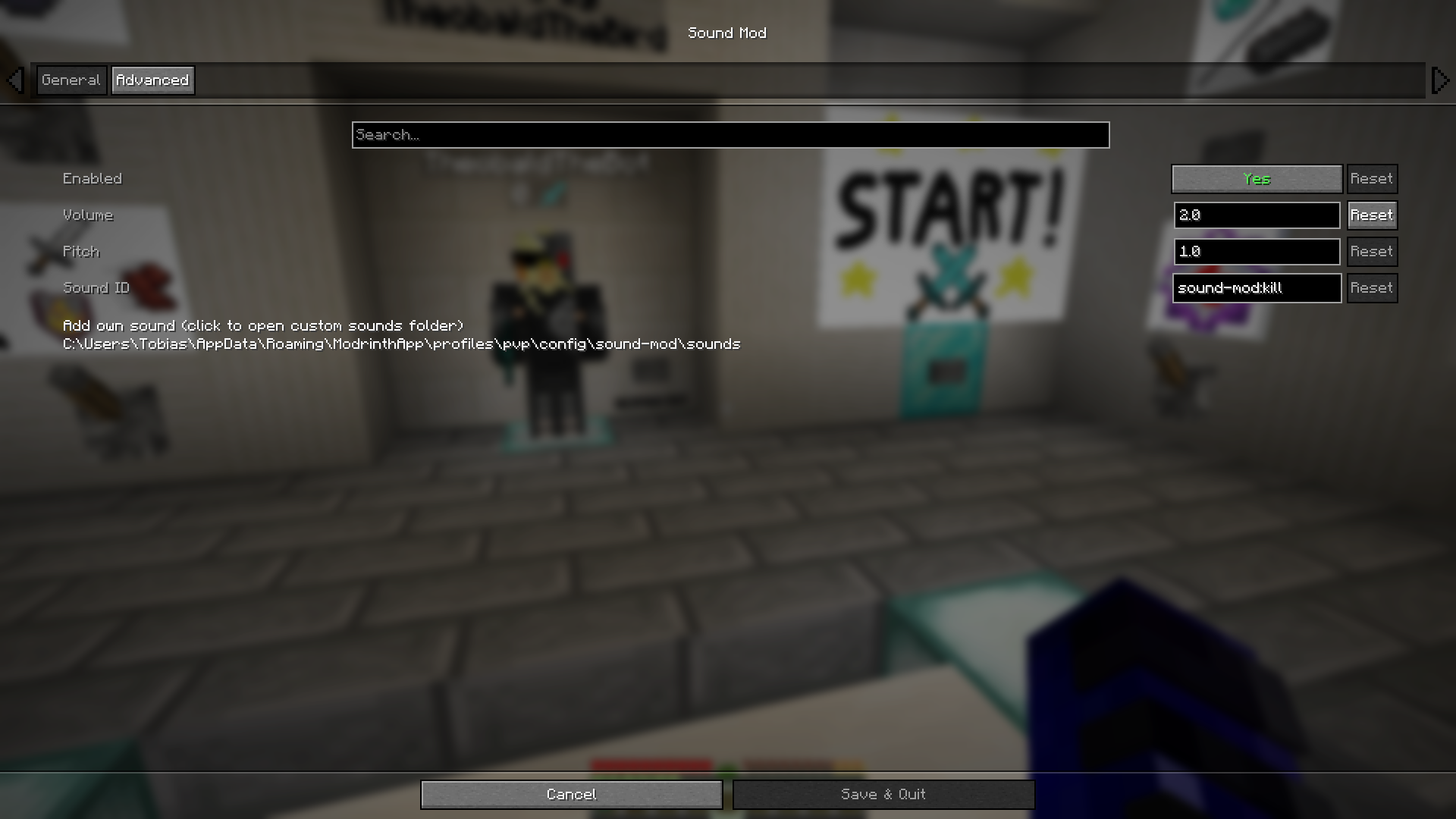
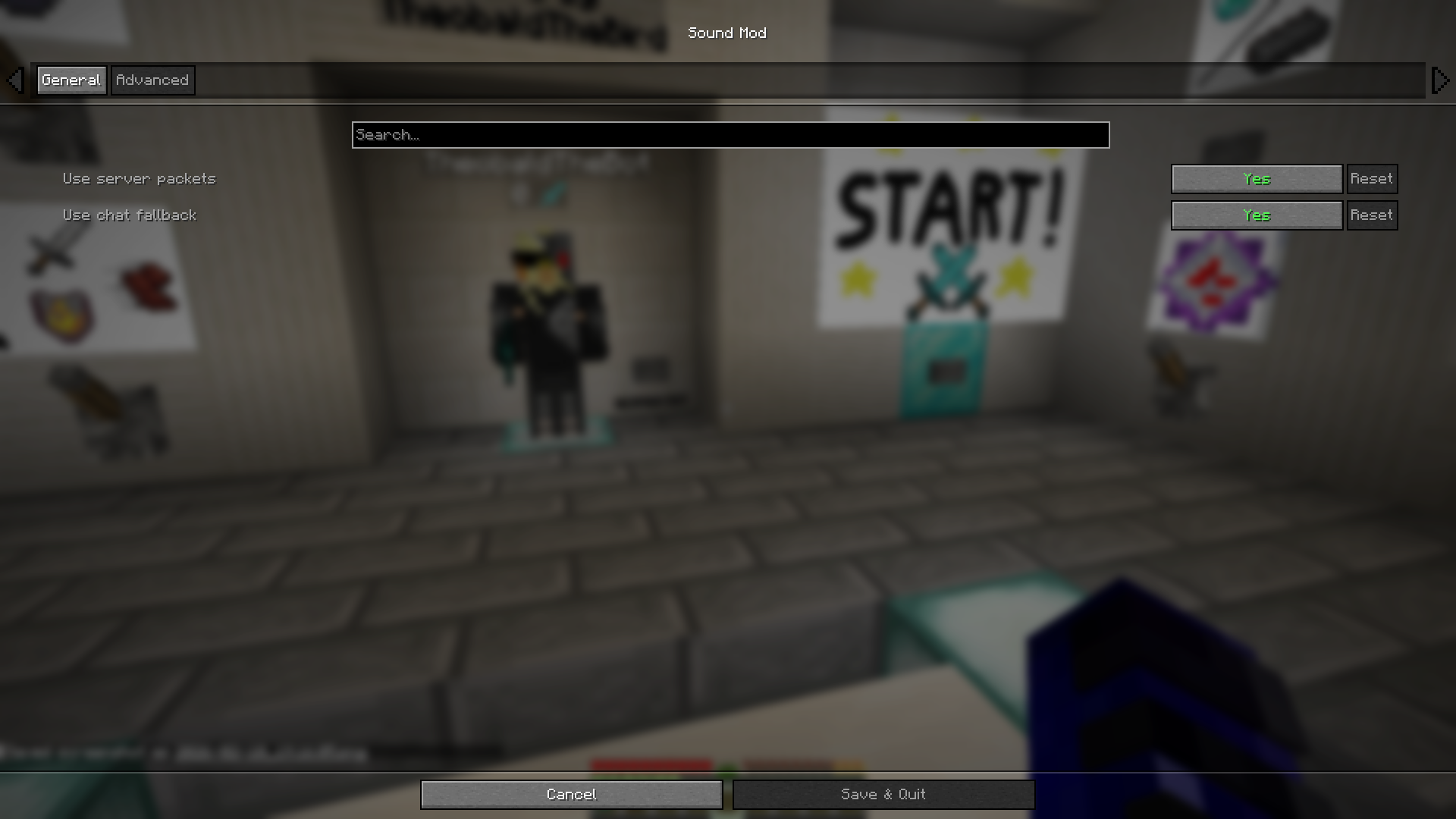
This mod is designed to be user-friendly. If you have Cloth Config API installed, you can access the settings easily:
Default Keybind: Press K in-game to open the configuration menu.
Options: Toggle the mod, adjust volume, or select different sound profiles.
🎵 Adding Custom Sounds
You can use your own audio files to make every kill unique!
[!IMPORTANT] The mod only supports the .ogg file format.
Navigate to your Minecraft instance folder.
Find the configuration folder for this mod.
Drop your .ogg files into the designated sounds folder.
Select your sound in the in-game menu (Key K).
🧩 Requirements (optional)
To get the most out of this mod, we recommend:
Cloth Config API – Required for the in-game configuration menu.
常见问题
Sound mod 支持哪些 Minecraft 版本?
Sound mod 支持 Minecraft Java 版 1.21.4–1.21.11,共 8 个版本,可用的加载器:Fabric。下载时注意选择和你游戏版本一致的文件。
Sound mod 怎么安装?
先用 PCL2 或 HMCL 启动器安装对应版本的 Fabric,再把下载的 .jar 文件放进游戏目录的 mods 文件夹,重新启动游戏即可。开启了版本隔离的,mods 文件夹在 versions/版本名 下面。运行环境:仅客户端。

评论
登录后评论和评分