跳到正文

SmartHUD

作者:ZERW1X

A fully customizable HUD overlay with 40+ draggable widgets, 18 themes, and a built-in block inspector — everything you need on one screen.

收藏

截图

介绍

中文介绍正在准备中,下面暂时显示原文。
 

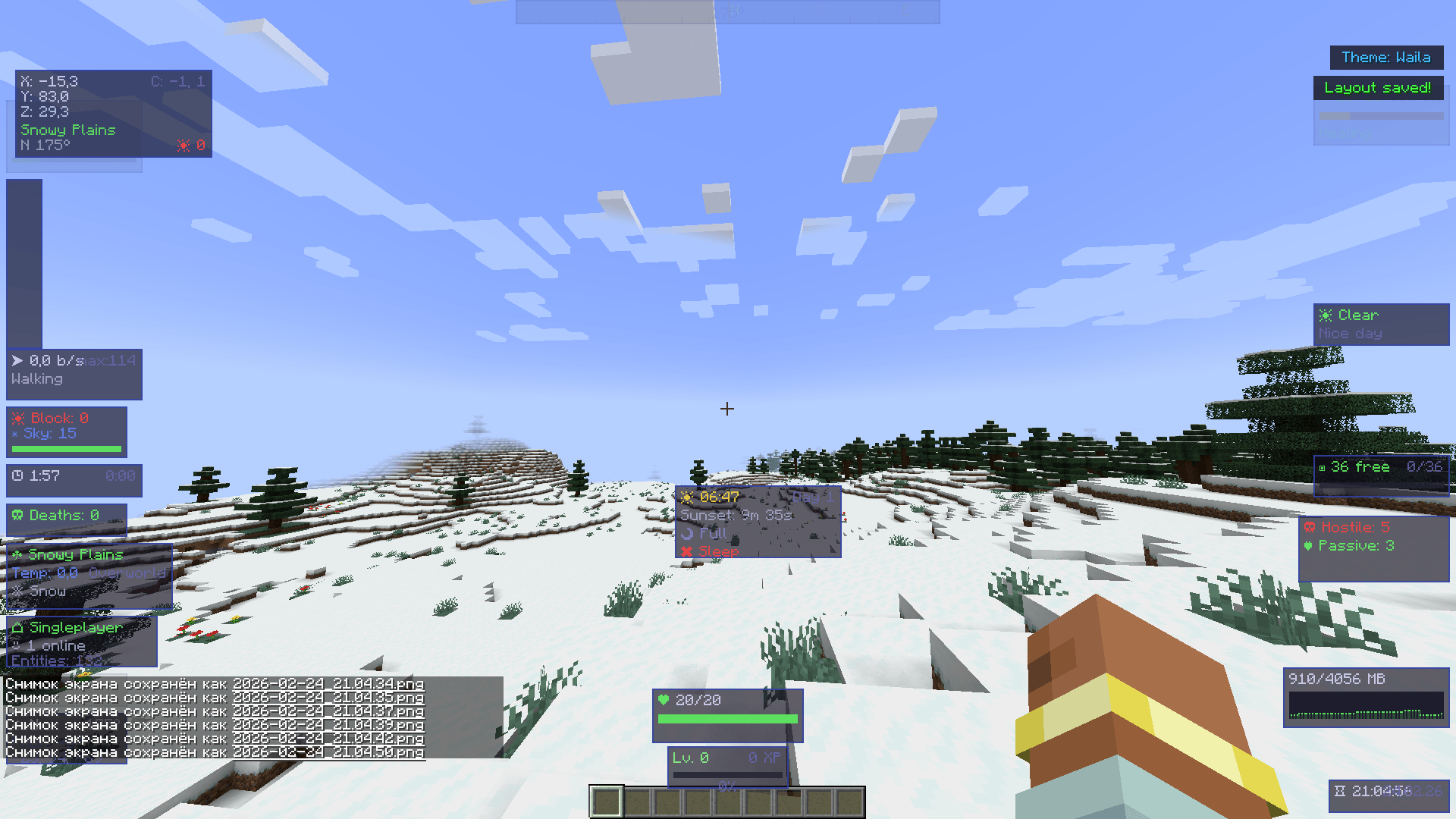
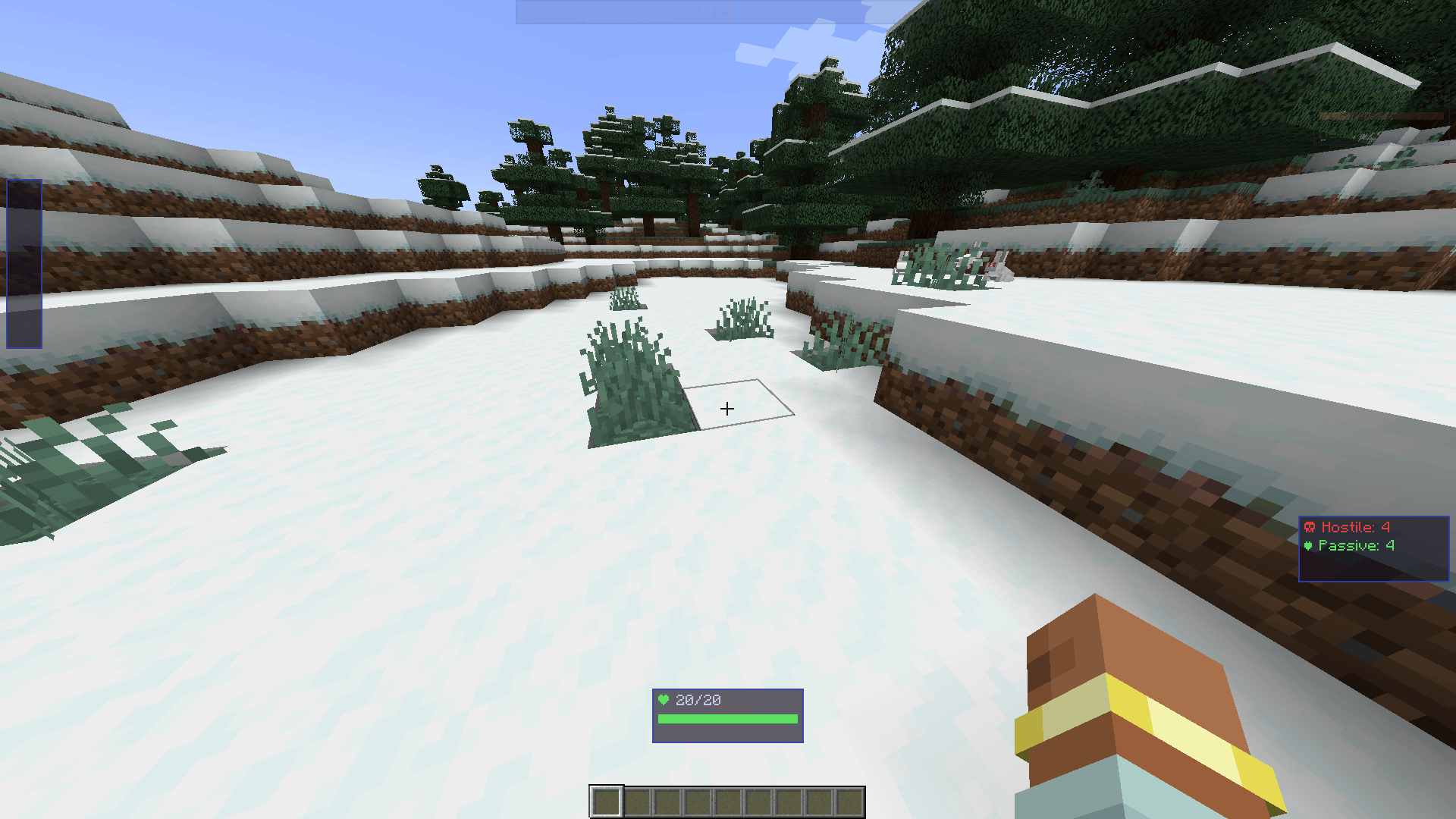
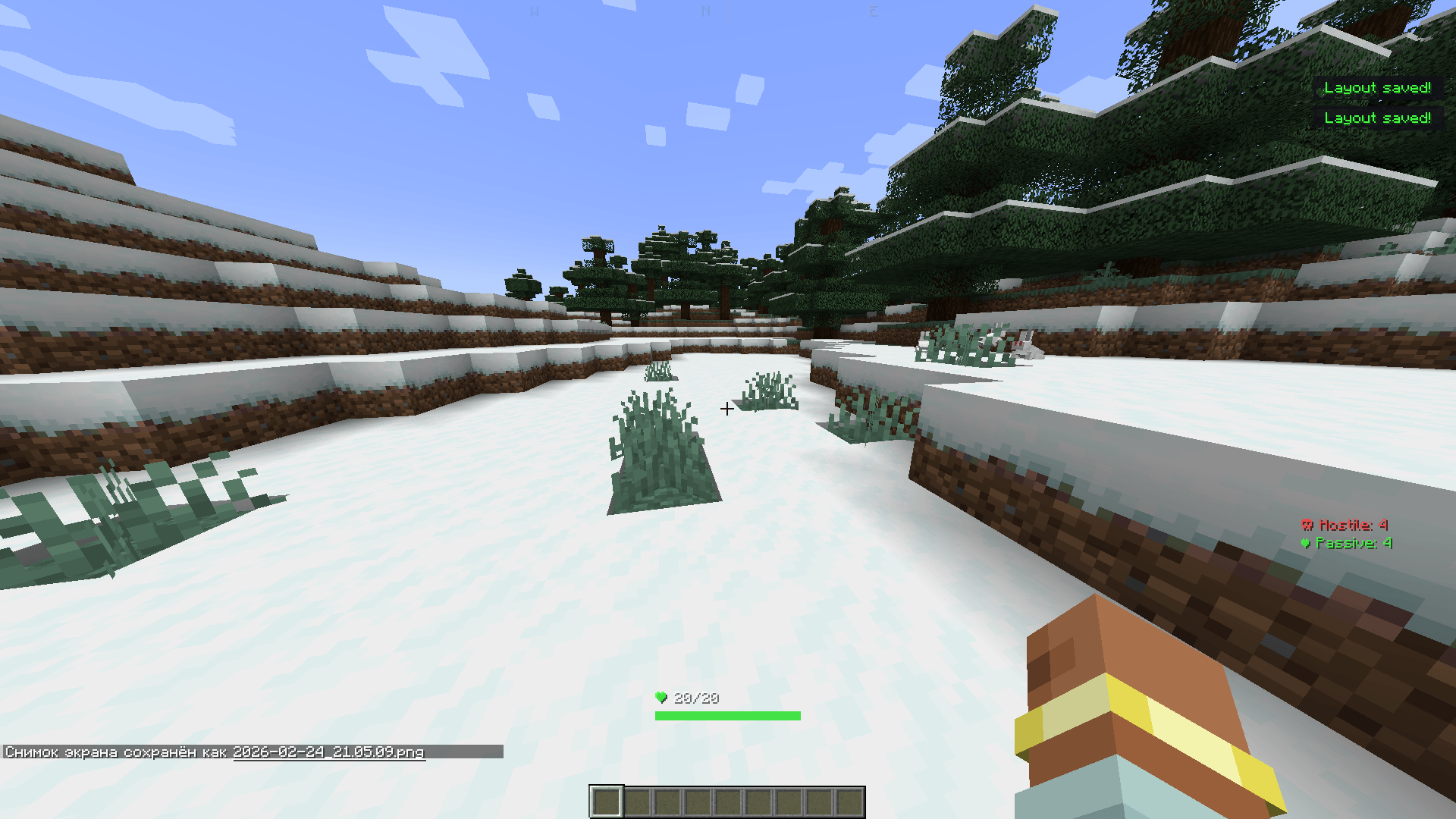
> Smart HUD is a powerful Minecraft mod that transforms your in-game experience by adding a fully customizable heads-up display directly onto your screen. After installing the mod, essential information appears as elegant, draggable widgets — no more guessing your coordinates, health status, or nearby threats. The interface is clean and modern, allowing players to see everything they need at a glance without opening any menus or relying on the debug screen.
>
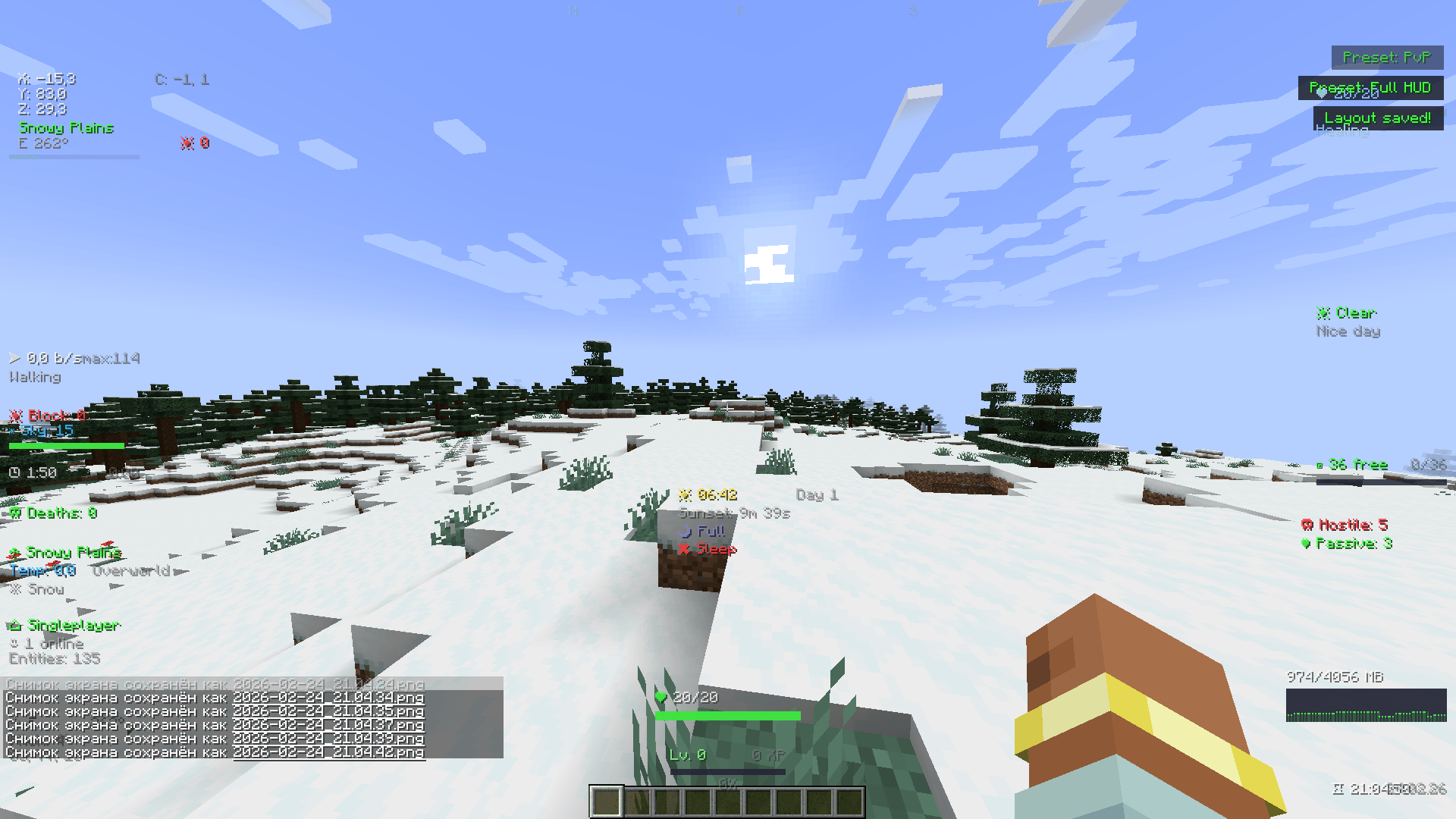
> The mod provides over 40 unique widgets covering every aspect of gameplay. You can monitor your coordinates, biome, light level, and ore zones in real time. A Jade-style Block Info overlay reveals the name, mod origin, hardness, and required tool of any block you look at. The built-in Mini Map renders a 64×64 overhead terrain view with your position marked at the center, while the Entity Radar scans a 32-block radius and reports hostile mobs, passive animals, and nearby players — complete with proximity warnings when danger is close.
>
> Beyond basic information, Smart HUD offers advanced combat and survival tools. The Combat Log tracks recent damage with fade-out animations, the Target Info widget displays health, armor, and distance of any entity under your crosshair, and the Durability Alert system flashes warnings when your gear drops below 15%. An Item Tracker monitors key resources like diamonds, iron, and emeralds across your inventory, while the Inventory Space widget warns you before your bags are full. The Nether Coordinate Projection automatically calculates the 1:8 ratio, showing your equivalent position in the other dimension at all times.
>
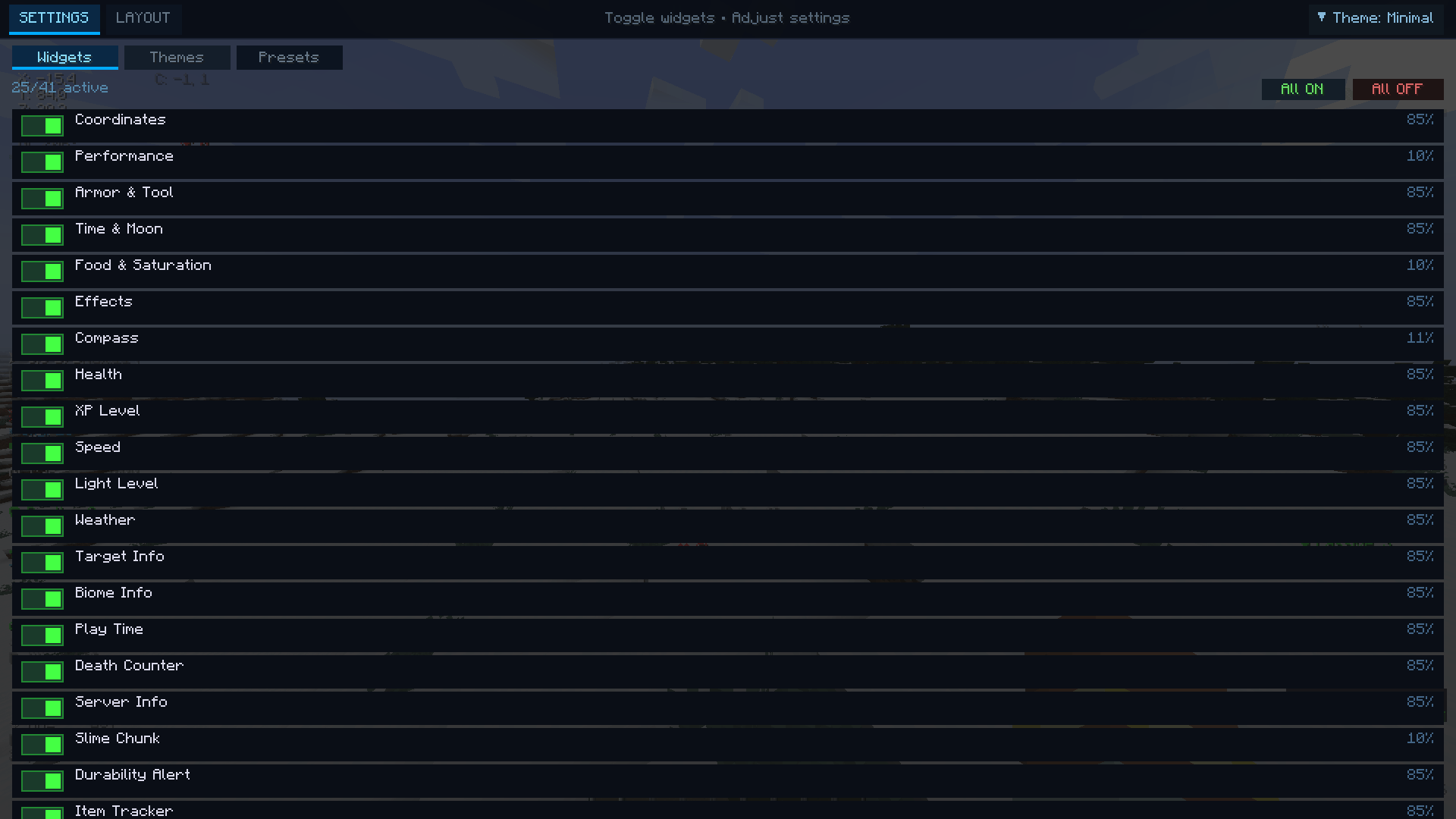
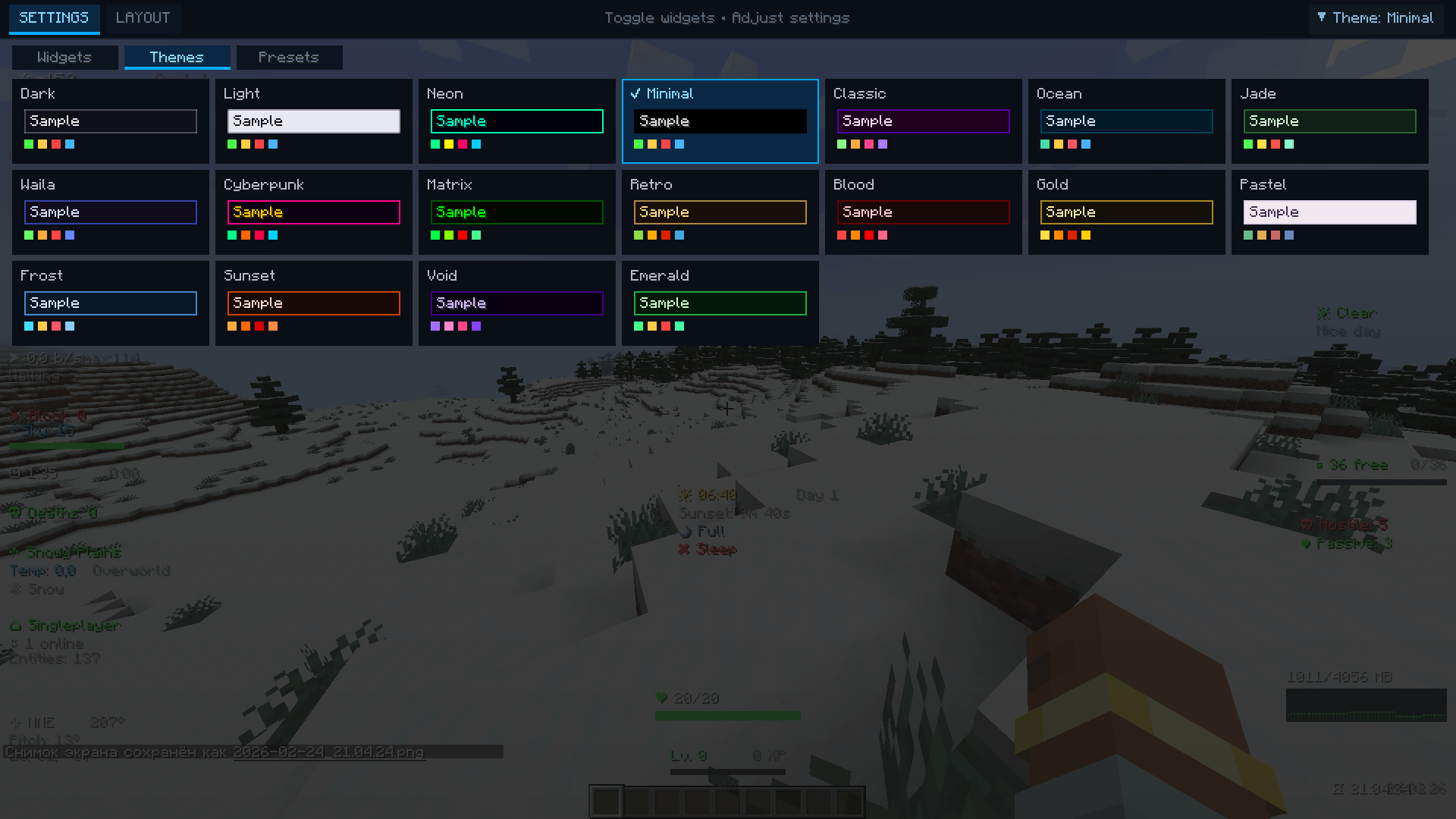
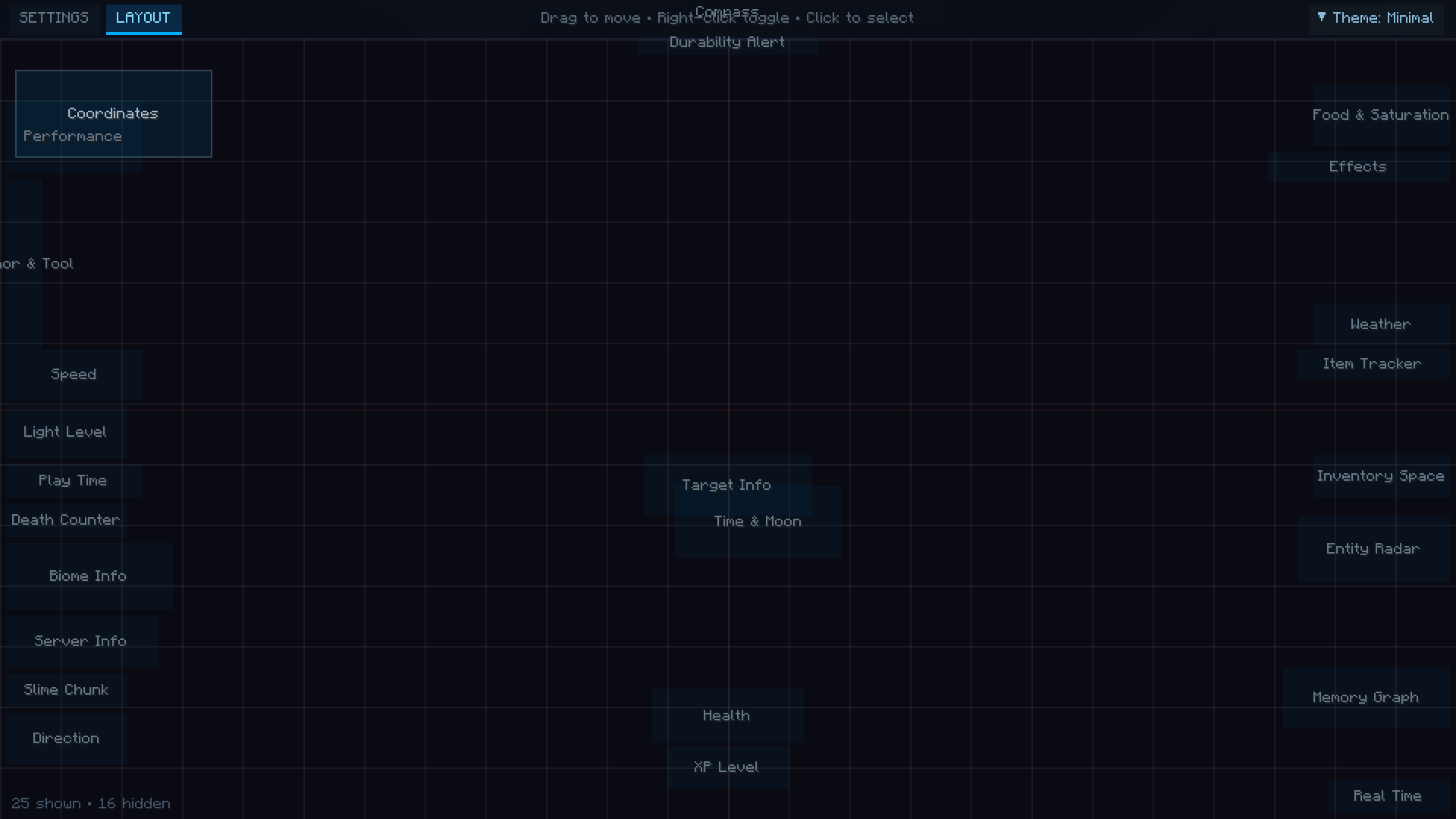
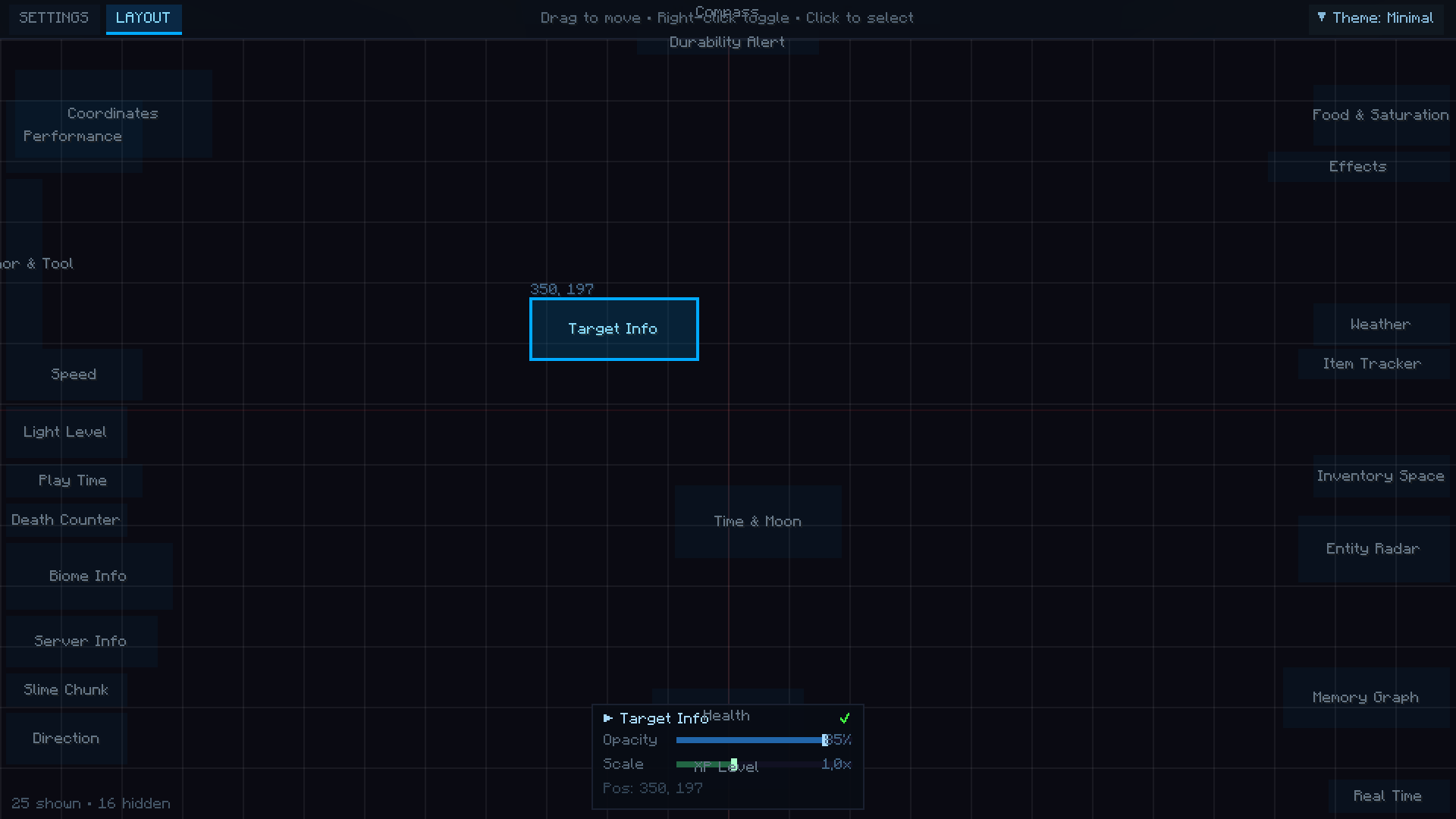
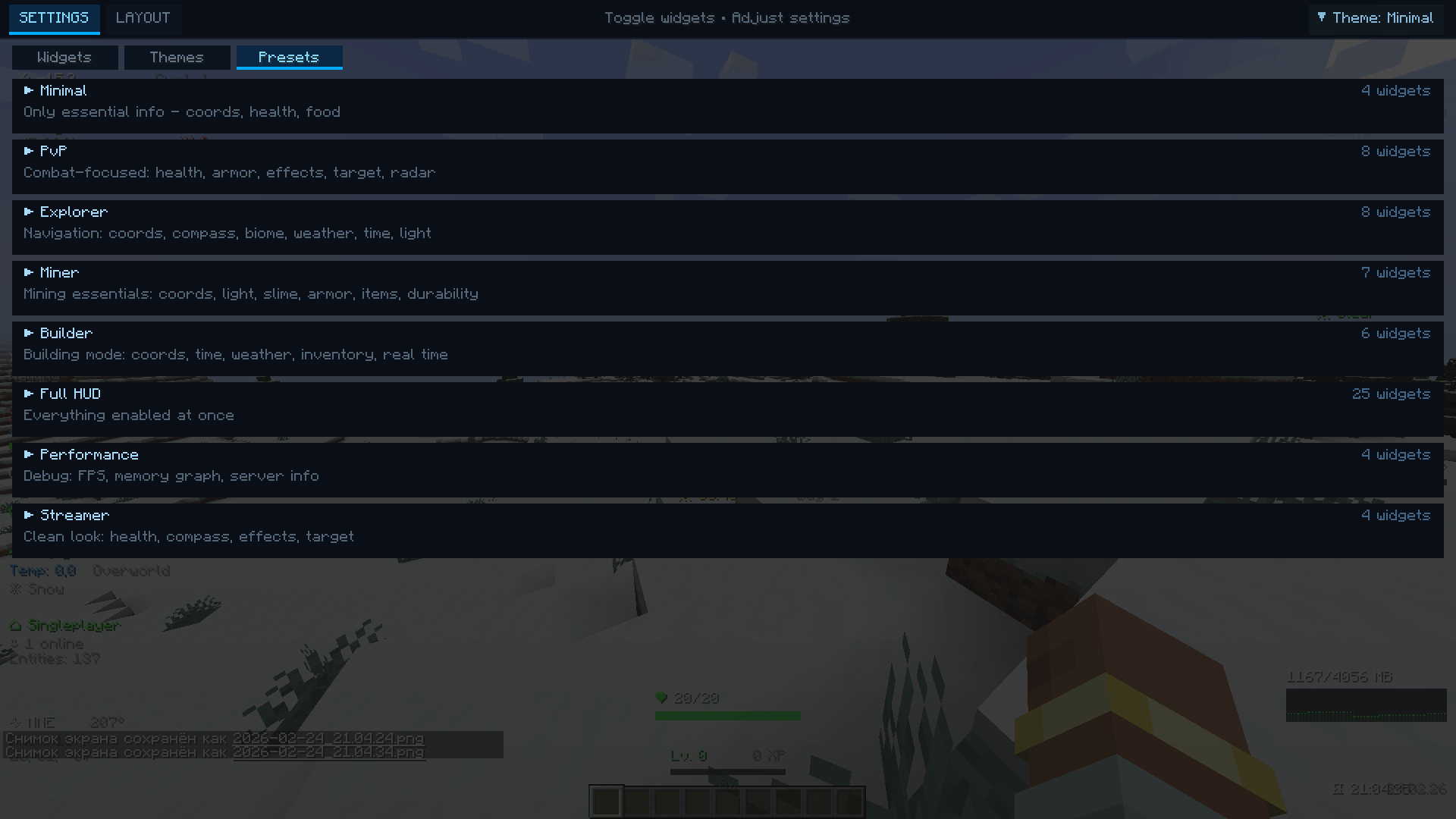
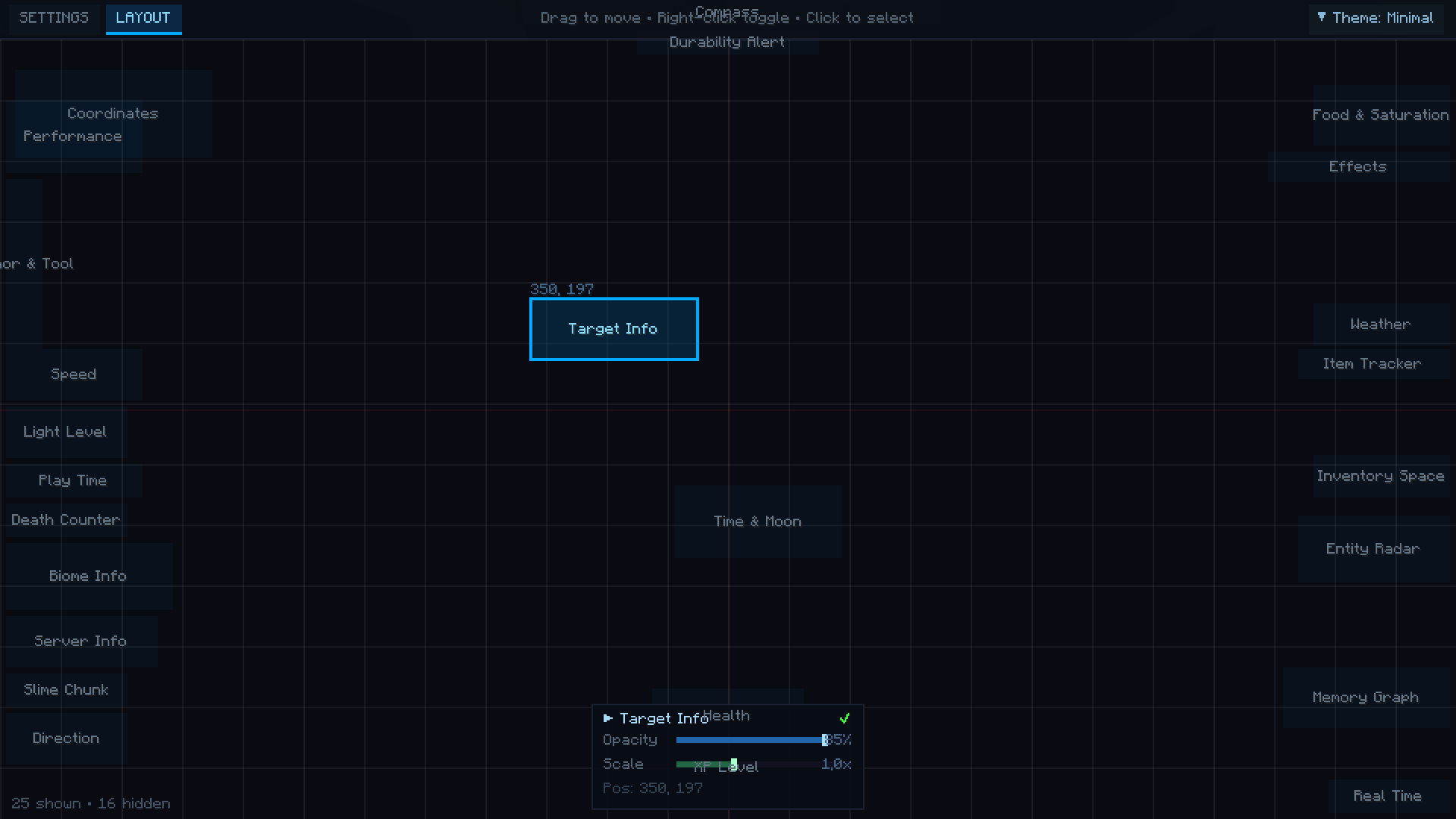
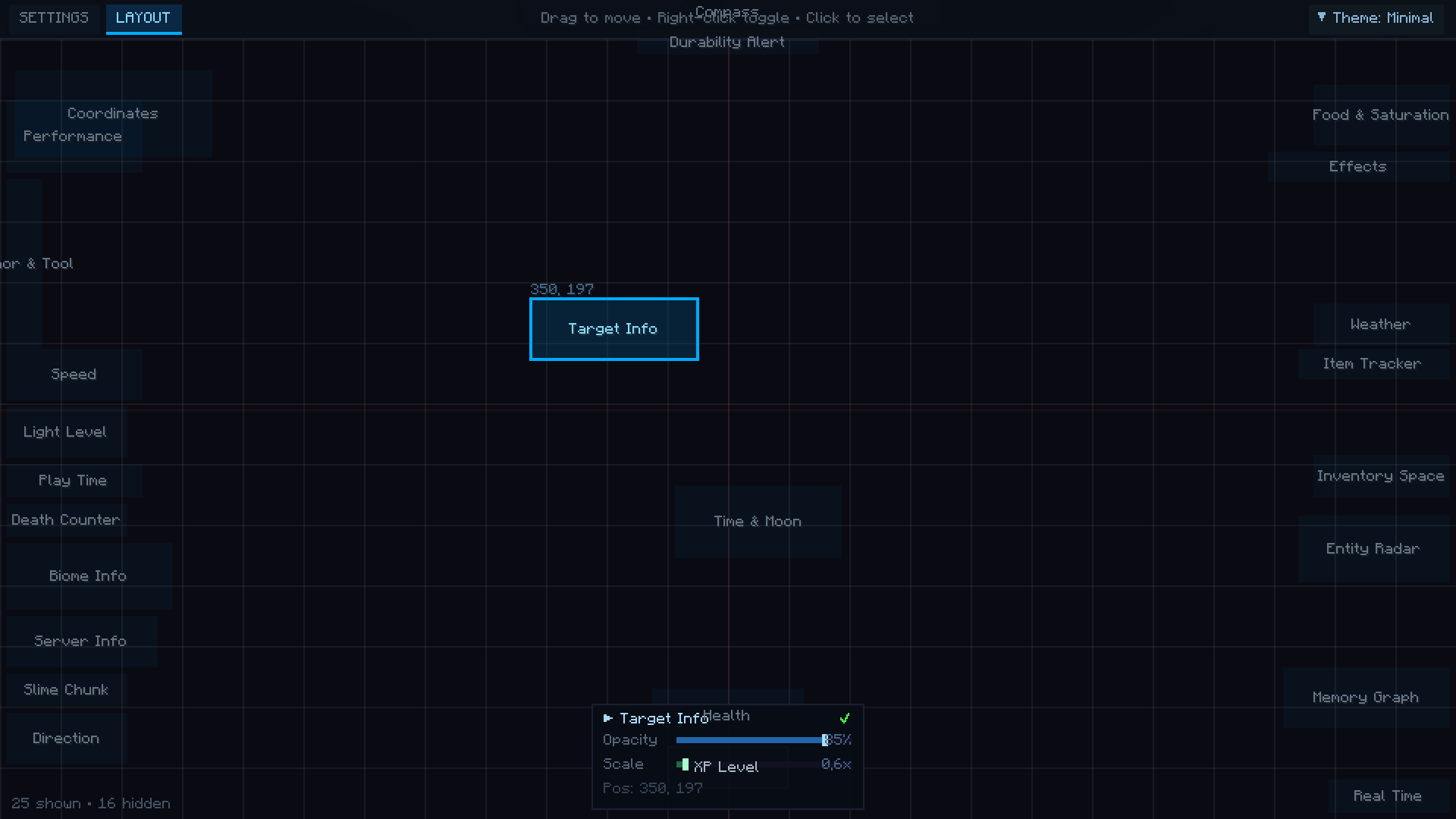
> Smart HUD also integrates a comprehensive customization system accessible by pressing H at any time. The editor features two distinct modes: a full-screen Settings view for toggling widgets, selecting from 18 built-in color themes, and applying layout presets — and a Layout view where you drag and drop widgets freely across your screen with grid snapping and alignment guides. Each widget supports individual opacity and scale adjustments, and all settings are saved automatically between sessions. With 8 ready-made presets for different playstyles — Minimal, PvP, Explorer, Miner, Builder, Streamer, Performance, and Full HUD — Smart HUD adapts to any situation, giving you complete control over your display without ever breaking your gameplay flow.

常见问题

SmartHUD 支持哪些 Minecraft 版本?

SmartHUD 支持 Minecraft Java 版 1.20.1,可用的加载器:Forge。下载时注意选择和你游戏版本一致的文件。

SmartHUD 怎么安装?

先用 PCL2 或 HMCL 启动器安装对应版本的 Forge,再把下载的 .jar 文件放进游戏目录的 mods 文件夹,重新启动游戏即可。开启了版本隔离的,mods 文件夹在 versions/版本名 下面。

评论

登录后评论和评分

ZERW1X 的其他作品

查看全部 →