
截图
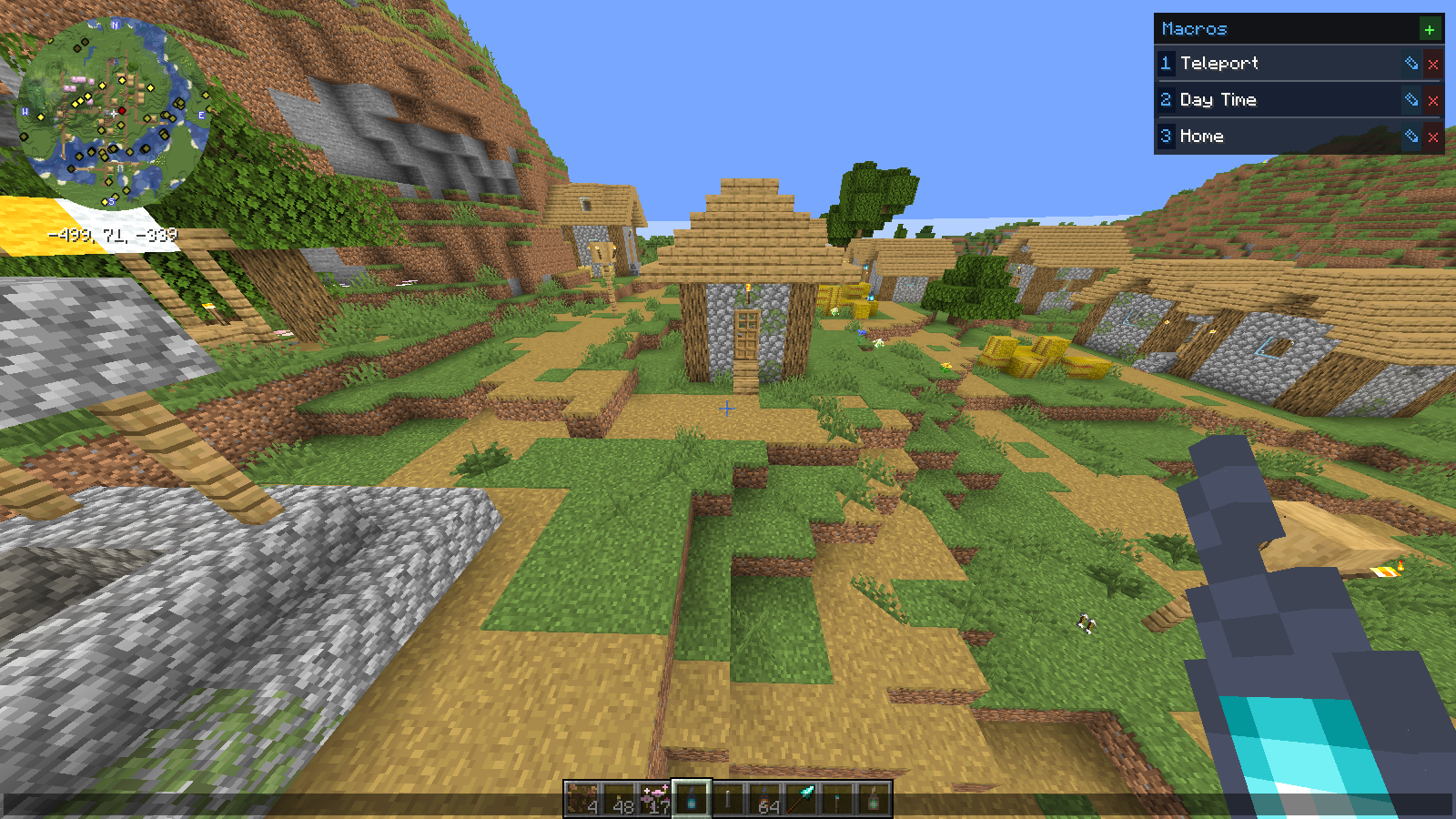
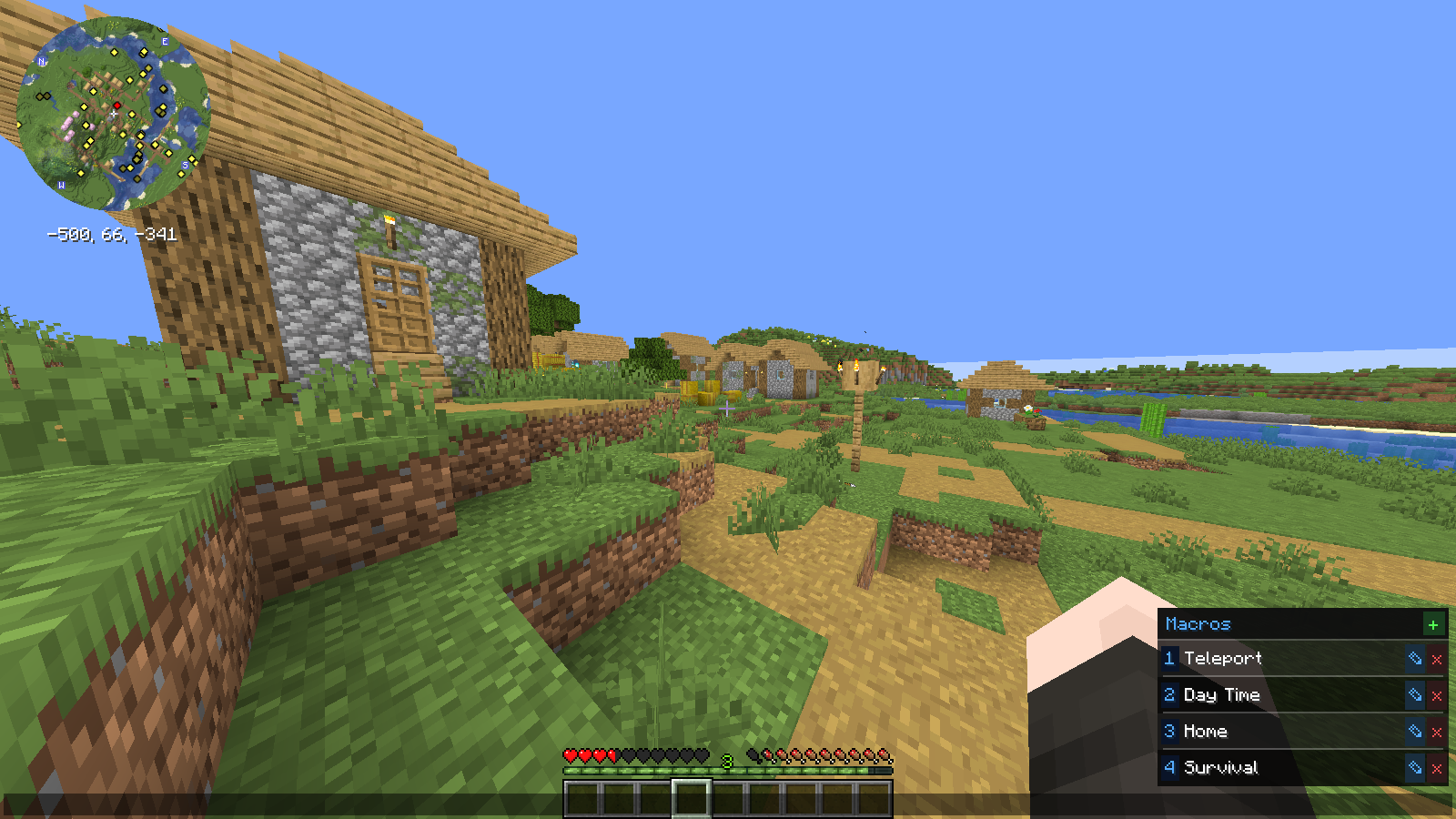
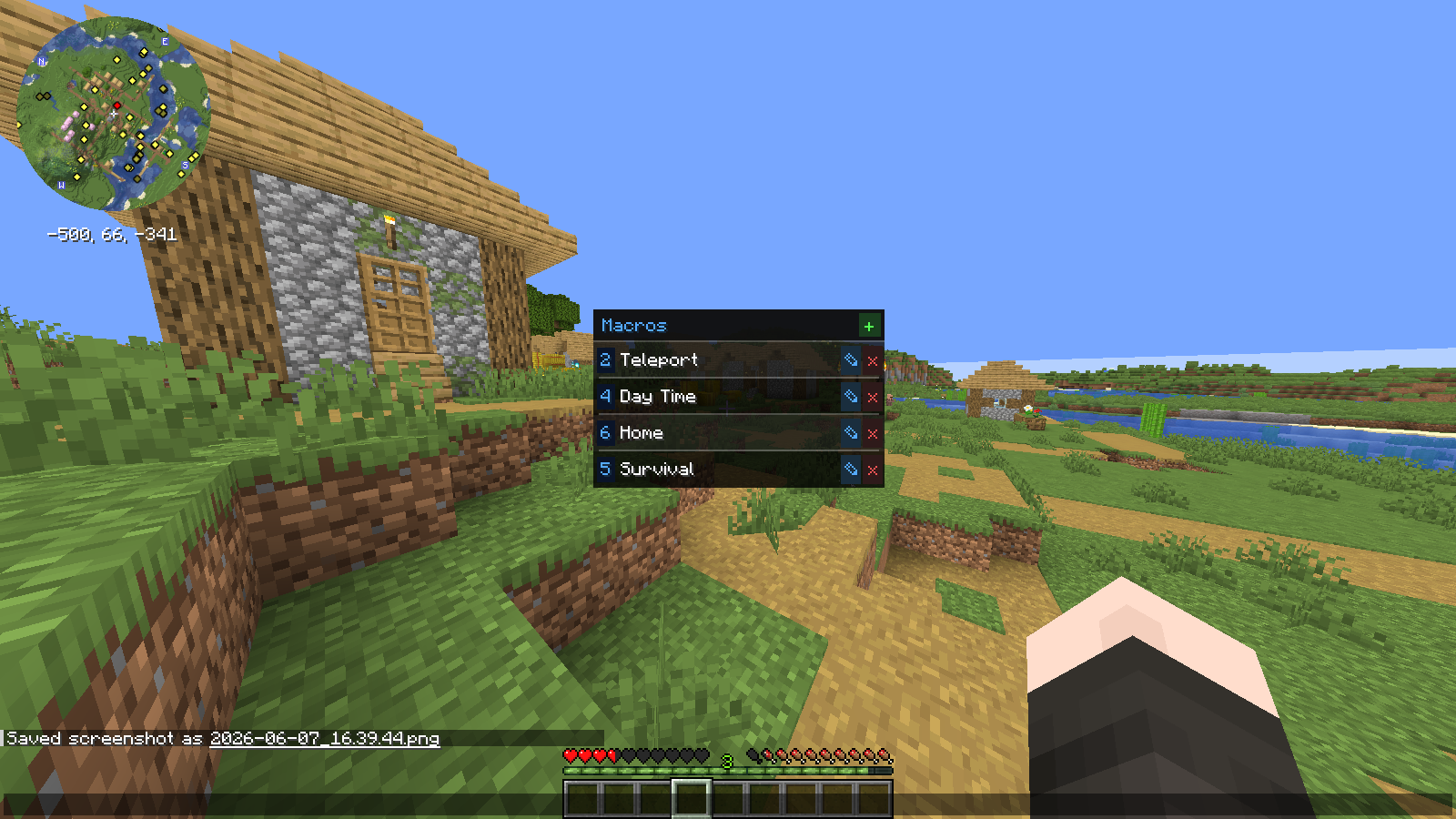
介绍
SmartChat
A lightweight chat macro panel — always one click away.
Tired of retyping the same commands and messages? SmartChat adds a sleek side panel directly to your chat screen, giving you instant access to all your macros without opening any extra menus.
Features
- Macro panel in chat — open chat and your macros are right there, no extra screen needed
- Click to fire — click any macro to send it instantly and close chat
- Keybind slots — assign macros to 9 keybind slots and fire them without even opening chat
- Per-server macros — separate macro lists for each server and singleplayer
- Inline editing — add, rename, and delete macros directly in the panel
- Command support — macros starting with / are sent as commands automatically
- Draggable panel — reposition it anywhere on screen
- Shared across profiles — macros persist across different mod profiles and launchers
How to Use
- Open chat — the macro panel appears on the right side of the screen
- Click + to add a macro, give it a name and a message
- Click a macro to fimber and use thekeybind
Client-side only — works on any server, no server-side installation needed.
常见问题
SmartChat Macros 支持哪些 Minecraft 版本?
SmartChat Macros 支持 Minecraft Java 版 1.21–26.1.2,共 15 个版本,可用的加载器:Fabric。下载时注意选择和你游戏版本一致的文件。
SmartChat Macros 怎么安装?
先用 PCL2 或 HMCL 启动器安装对应版本的 Fabric,再把下载的 .jar 文件放进游戏目录的 mods 文件夹,重新启动游戏即可。开启了版本隔离的,mods 文件夹在 versions/版本名 下面。运行环境:仅客户端。
JeffreyHamilton 的其他作品
查看全部 →
KeybindSync
Save and load named keybind profiles instantly — no restart needed.

Clean & Fast
A lean, no-bloat Fabric optimization modpack with smooth animations, ambient sounds, dynamic lighting, minimap, and shader support. Maximum performance, minimum clutter.
Clean & Fast
A lean, no-bloat Fabric optimization modpack with smooth animations, ambient sounds, dynamic lighting, minimap, and shader support. Maximum performance, minimum clutter.

TablistPlus
Pin players to the top of your tab list with color tags. Always know who's online at a glance.
评论
登录后评论和评分