
Smart Storage
A lightweight, Vanilla+ friendly mod that brings intuitive item filtering, automatic sorting, and magnetic item collection directly to standard Minecraft chests.
截图

介绍
Smart Storage: Vanilla+ Sorting & Automation
Tired of messy chests and endless sorting? Smart Storage is a lightweight, Vanilla+ friendly mod that brings intuitive item filtering, automatic sorting, and magnetic item collection directly to your standard Minecraft chests!
Unlike complex tech mods with massive pipes and cables, Smart Storage keeps things simple and fits perfectly into the vanilla aesthetic.
✨ Features
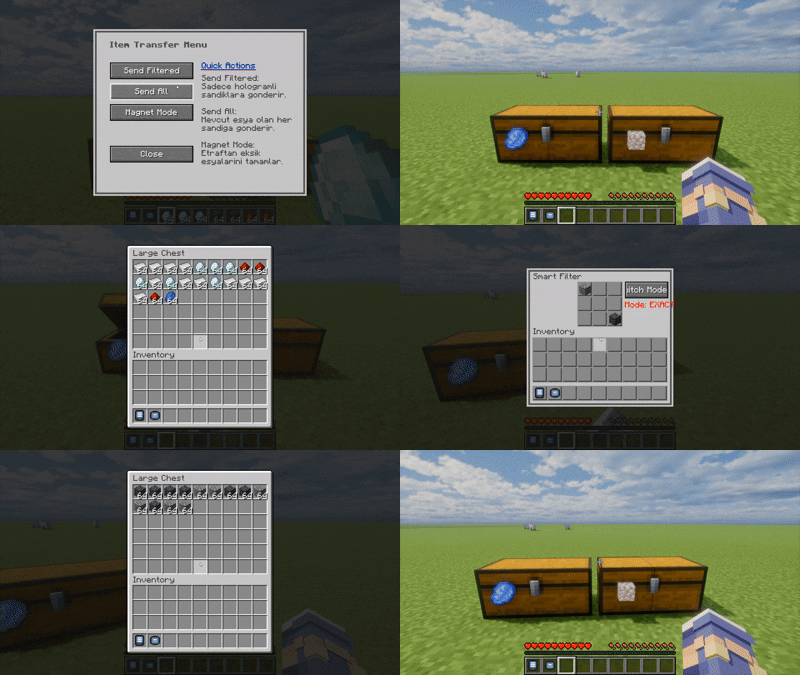
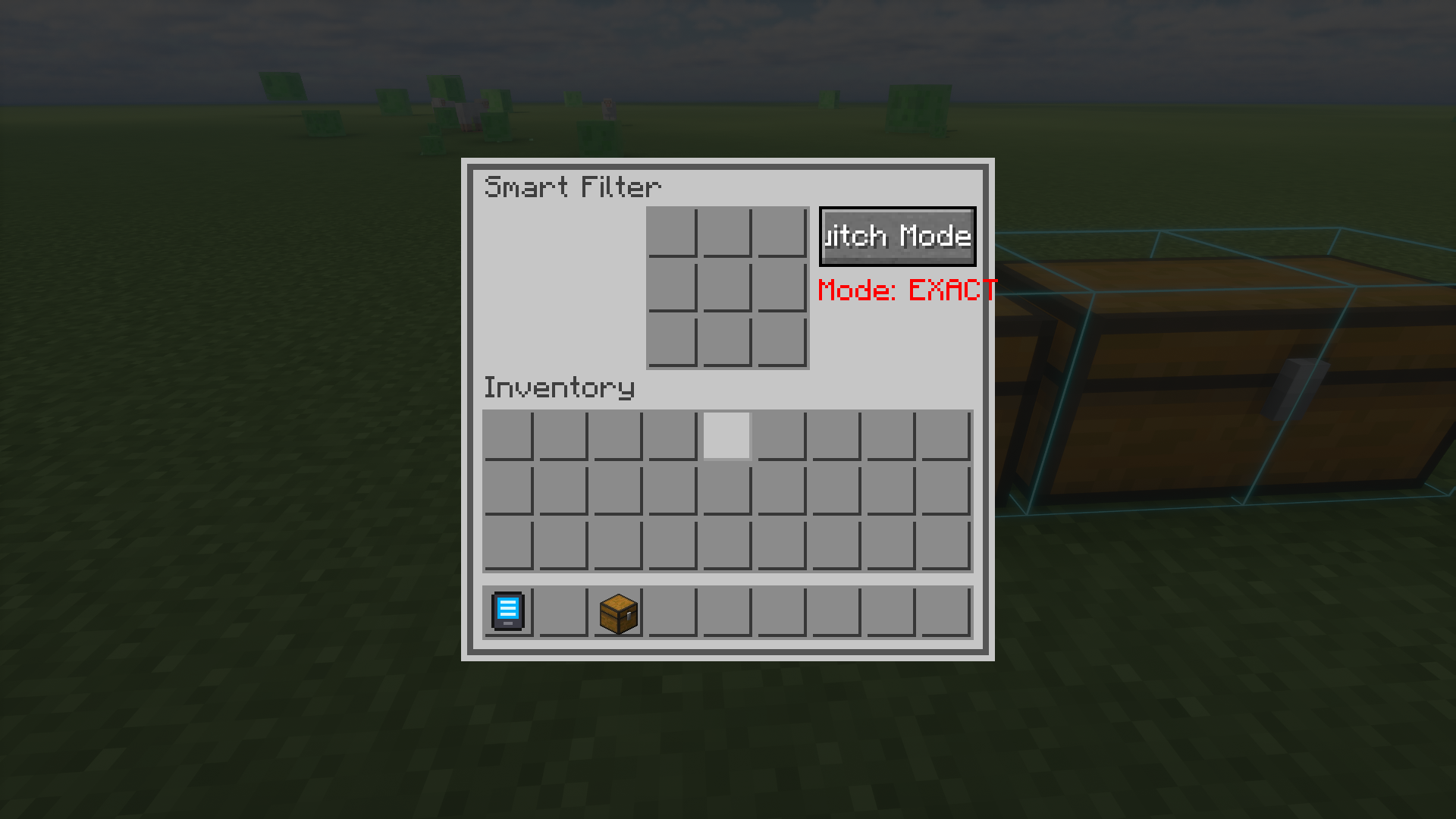
- Smart Filter Labels: Shift + Right Click any chest (or compatible storage block) with a Smart Label to attach it. Right-click the label to set up to 9 ghost items as your filter.
- Magnetic Collection: Thrown items that match a chest’s filter will automatically fly toward the chest and deposit themselves! No hoppers or pipes needed for basic drop-off sorting.
- Exact & Group Modes: Need precise sorting? Toggle between “Exact” match (only identical items) and “Group” match to sort similar items easily.
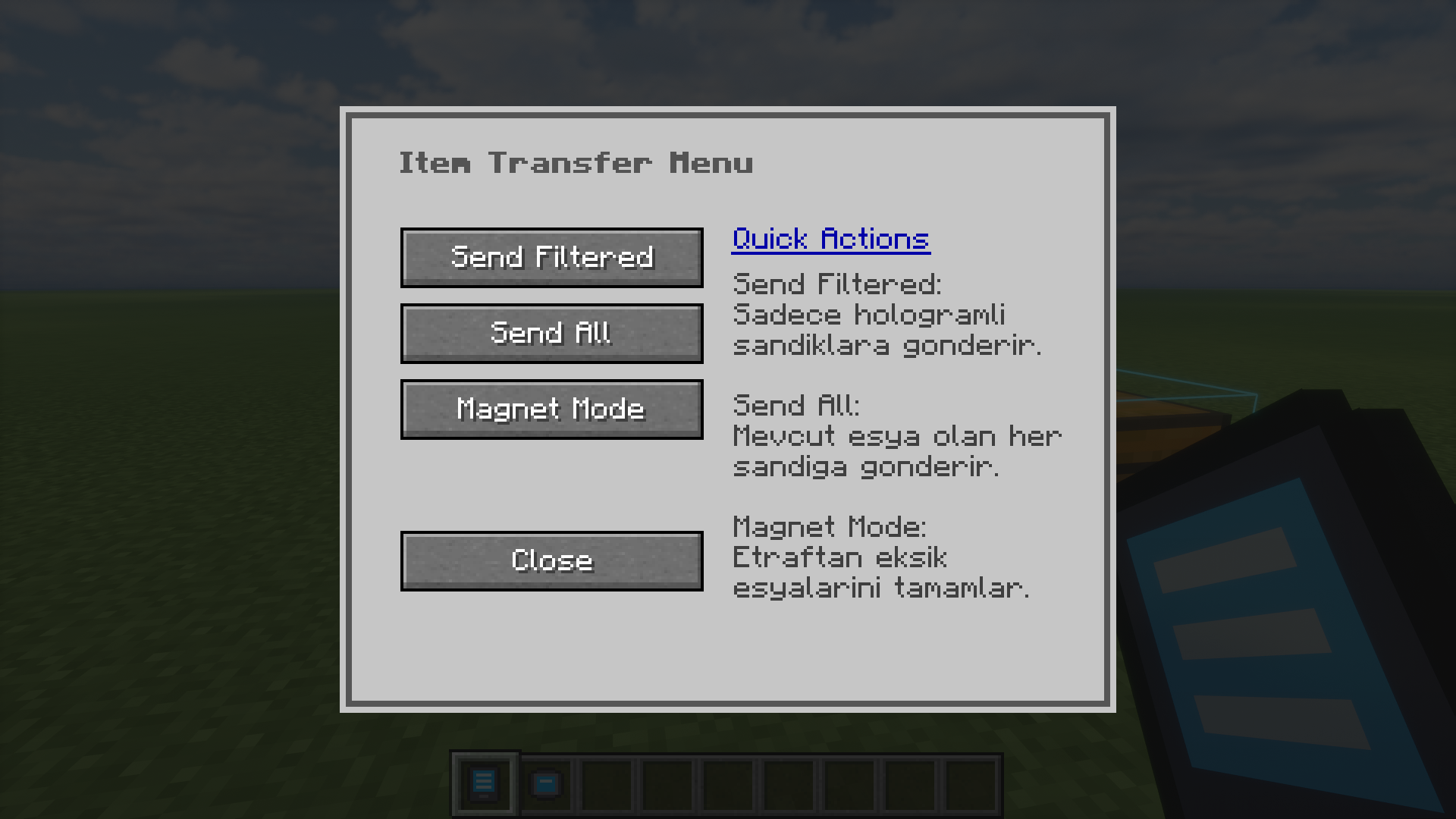
- AR Network Terminal: Don’t want to run back and forth? Craft the Smart Configurator to see all your storage units within a 20-block radius in augmented reality. Right-click a distant chest to configure its filter remotely!
🚀 Quick Start Guide
- Craft a Smart Label and Shift + Right Click on any chest to place it.
- Right Click the label to open the filter menu.
- Click with any item in your cursor to set a ghost item in the filter grid (it won’t consume your item).
- Toss items matching the filter near the chest, and watch them fly in!
- Use the Smart Configurator item to remotely manage your massive storage rooms.
🤝 Compatibility
Smart Storage works out-of-the-box with standard Vanilla chests and barrels. It is perfectly compatible with any modded storage that uses Forge’s standard IItemHandler capability!
常见问题
Smart Storage 支持哪些 Minecraft 版本?
Smart Storage 支持 Minecraft Java 版 1.19.2–1.20.1,共 2 个版本,可用的加载器:Forge。下载时注意选择和你游戏版本一致的文件。
Smart Storage 怎么安装?
先用 PCL2 或 HMCL 启动器安装对应版本的 Forge,再把下载的 .jar 文件放进游戏目录的 mods 文件夹,重新启动游戏即可。开启了版本隔离的,mods 文件夹在 versions/版本名 下面。运行环境:客户端和服务端都要装。

评论
登录后评论和评分