
截图
介绍
Skyboxed
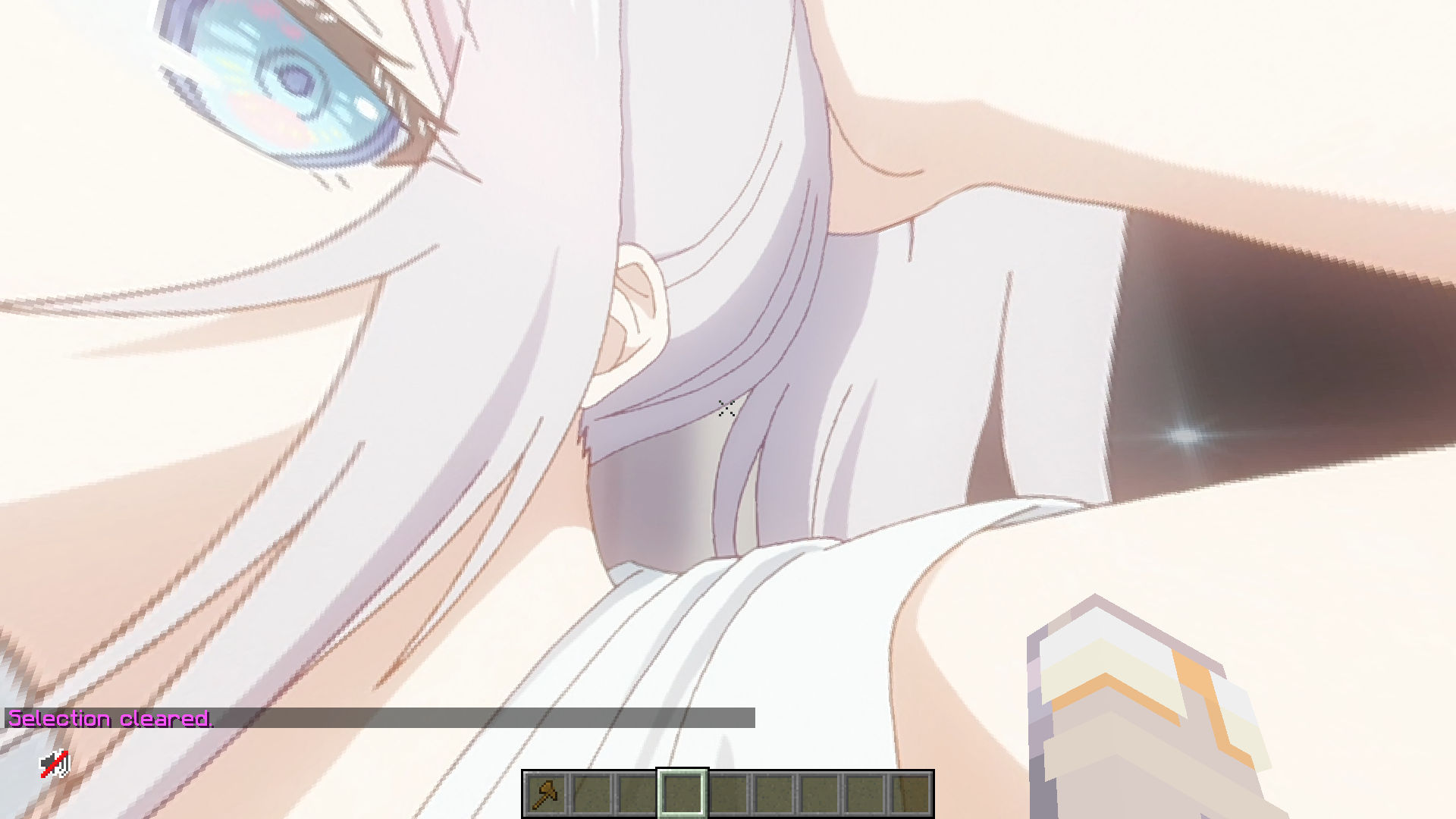
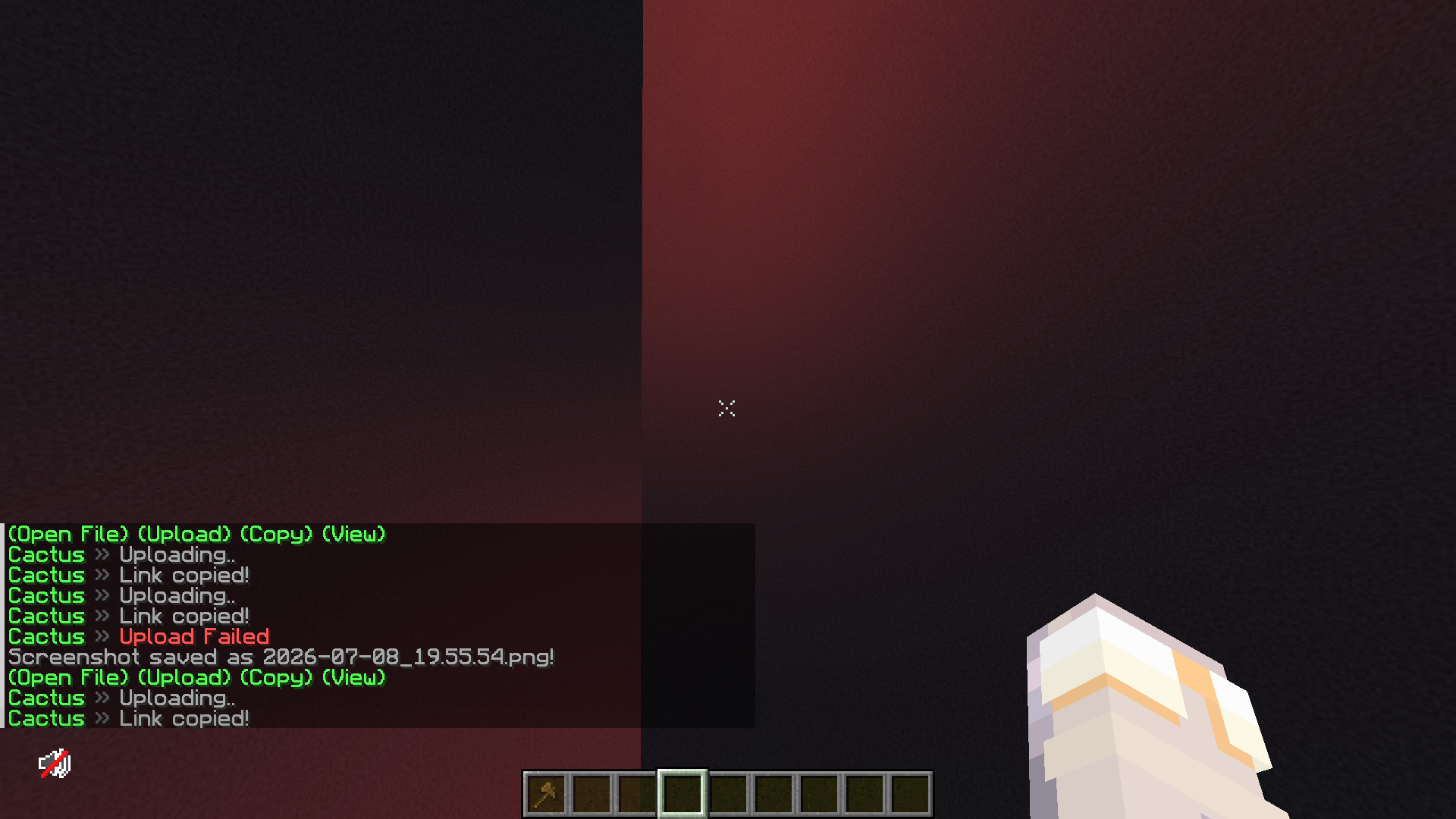
Skyboxed is a lightweight, high-performance Fabric mod that allows you to completely customize your Minecraft sky on the fly. By taking advantage of modern rendering pipelines, Skyboxed allows you to replace the default sky with any panoramic image or custom background you want.
Say goodbye to complicated resource packs just to change your scenery. With Skyboxed, managing your atmosphere is entirely dynamic, visual, and configuration-free.
🌟 Features
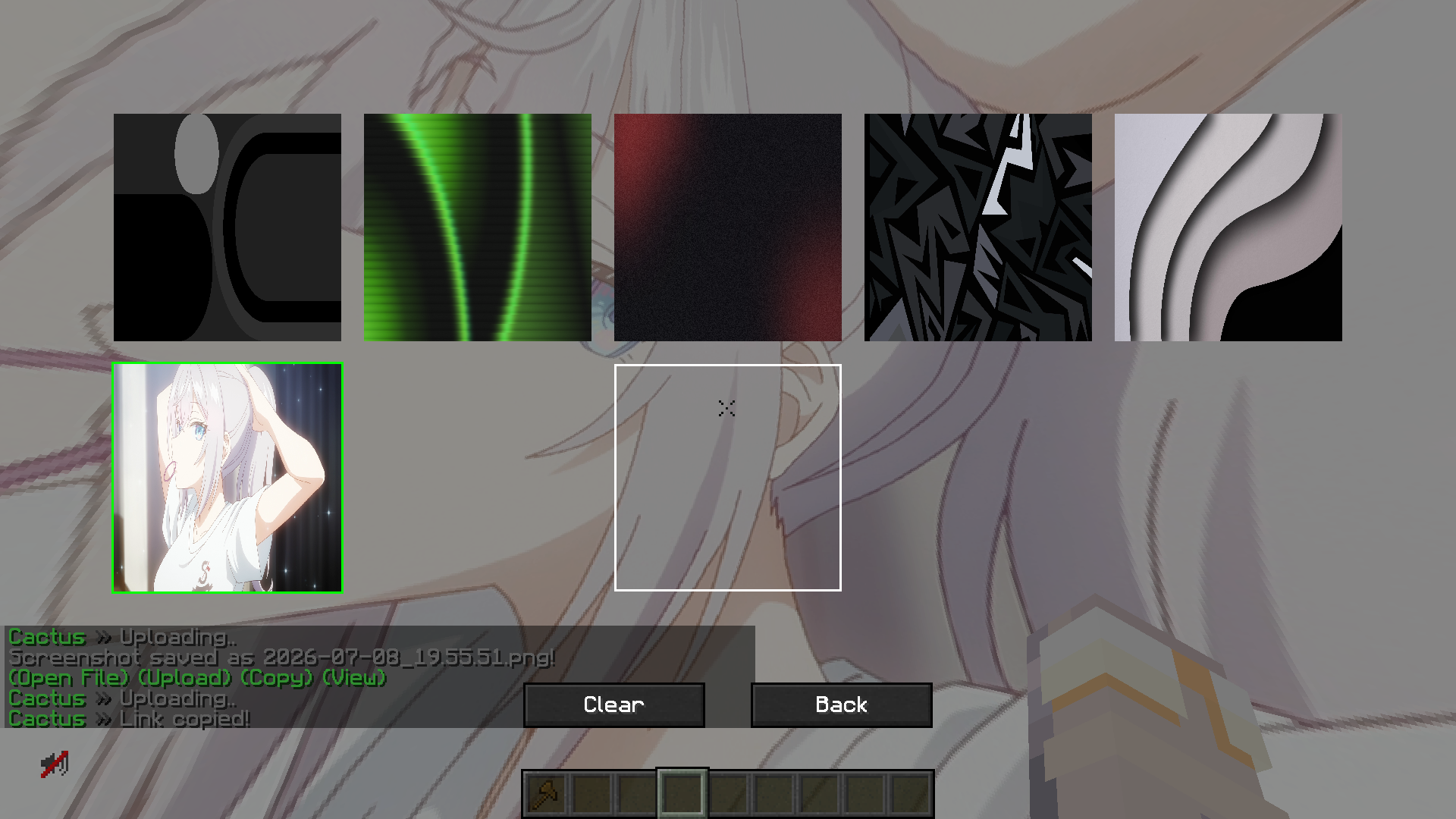
- In-Game Skybox Manager: Access a dedicated, clean visual management screen right from your Video Settings menu.
- Drag & Drop Support: Simply drag
.pngor.jpgimages directly into your open Minecraft window to instantly add them to your collection.
- Real-Time Switching: Select any uploaded image to apply it as your active skybox instantly—no game restarts or resource reloads required.
- Smart Resolution Scaling: Automatically handles large image files, scaling textures efficiently up to a crisp $2048 \times 2048$ resolution to keep your game running smoothly without sacrificing performance.
- Persistent Configuration: Your chosen skybox saves automatically and loads right back up the next time you launch the game.
🛠️ How It Works
- Open your Options $\rightarrow$ Video Settings.
- Click the new Skyboxes button at the top right of the menu.
- Drag and drop your favorite images or panoramic landscapes directly into the screen.
- Click a thumbnail to instantly change your horizon, or hit Clear to return to the vanilla sky.
常见问题
SkyBoxed 支持哪些 Minecraft 版本?
SkyBoxed 支持 Minecraft Java 版 1.21.11,可用的加载器:Fabric。下载时注意选择和你游戏版本一致的文件。
SkyBoxed 怎么安装?
先用 PCL2 或 HMCL 启动器安装对应版本的 Fabric,再把下载的 .jar 文件放进游戏目录的 mods 文件夹,重新启动游戏即可。开启了版本隔离的,mods 文件夹在 versions/版本名 下面。运行环境:仅客户端。
Frqme 的其他作品
查看全部 →
stunnable
a mod that shows a box/outline around your enemy so you know when to start trying to stun slam
stunnable
a mod that shows a box/outline around your enemy so you know when to start trying to stun slam

Shaders
A client-side Fabric mod that adds customizable animated rainbow and gradient outline effects to Minecraft entities, players, and held items for visual customization.

speartweaks
this project adds a bunch off spear pvp QoL stuff
评论
登录后评论和评分