
Skyblock Itemtracker
This mod adds a system that tracks every time you get an item in Hypixel Skyblock for the first time.
截图

介绍
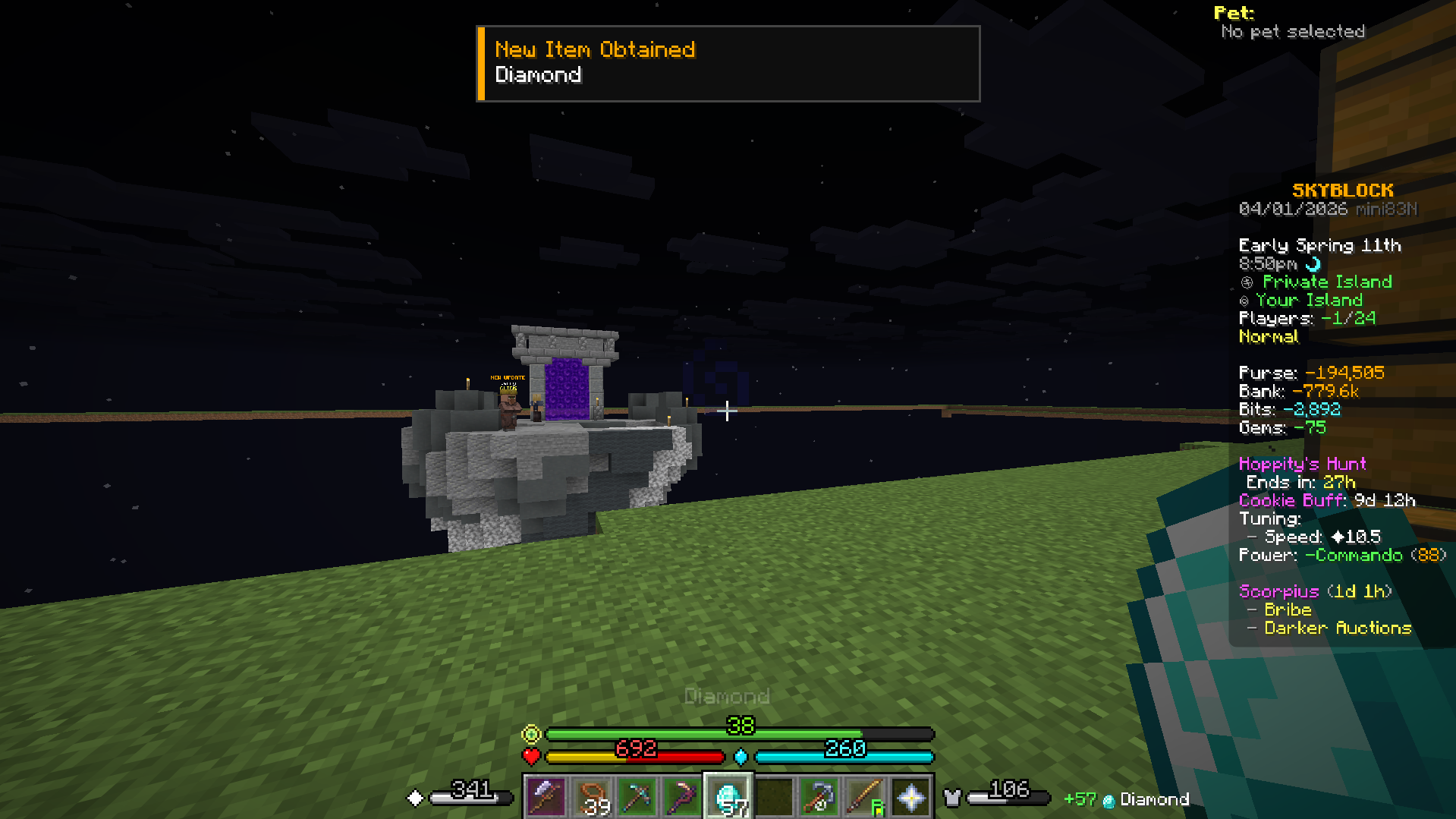
This mod makes it so you get a toast on screen and a ding sound when you get an item for the first time in Hypixel Skyblock, be aware that this only works when the item goes into your inventory, doesn’t work for Sacks or Stash.
It logs the name of the item and the exact date when you get it up to minutes and seconds.
It also includes an item list from Firmament that includes all items in the game so you can aim to get every single item atleast once. By default it opens pressing the “.” button but you can change it in options. You need to have the Firmament mod installed for this to work.
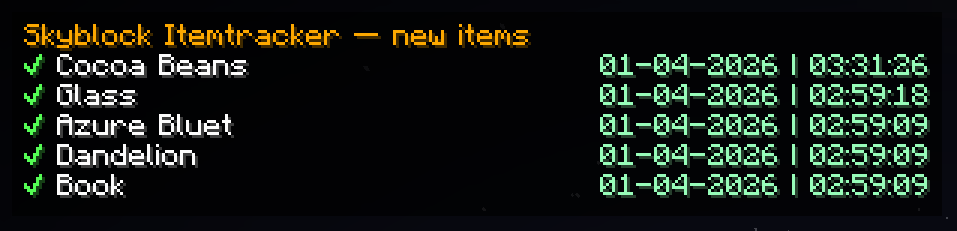
It also includes a HUD that shows the last 5 items that were added to your item list, this HUD is off by default but you can open it by pressing “,” but you can change it in options.
The mod also has a backup system and works with different Skyblock profiles, the mod will ask you to do /profileid the first time you use it on a single profile account or if you use a mod to block the message that shows your profile ID in chat when you log in.
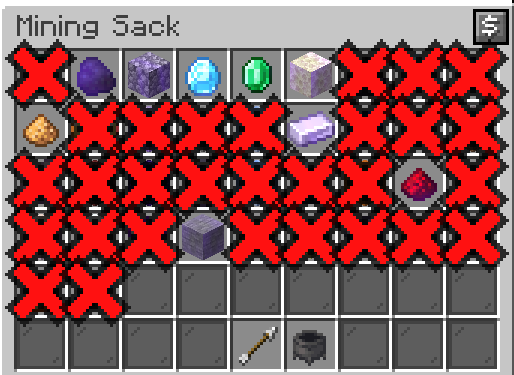
It also makes any item you haven’t obtained yet appear as a massive red X in any shop or crafting window you open so its impossible to miss an item but the main idea was to use it in my Bronzeman playthrough.
常见问题
Skyblock Itemtracker 支持哪些 Minecraft 版本?
Skyblock Itemtracker 支持 Minecraft Java 版 1.21.11–26.1,共 2 个版本,可用的加载器:Fabric。下载时注意选择和你游戏版本一致的文件。
Skyblock Itemtracker 怎么安装?
先用 PCL2 或 HMCL 启动器安装对应版本的 Fabric,再把下载的 .jar 文件放进游戏目录的 mods 文件夹,重新启动游戏即可。开启了版本隔离的,mods 文件夹在 versions/版本名 下面。运行环境:仅客户端。
评论
登录后评论和评分