截图
介绍
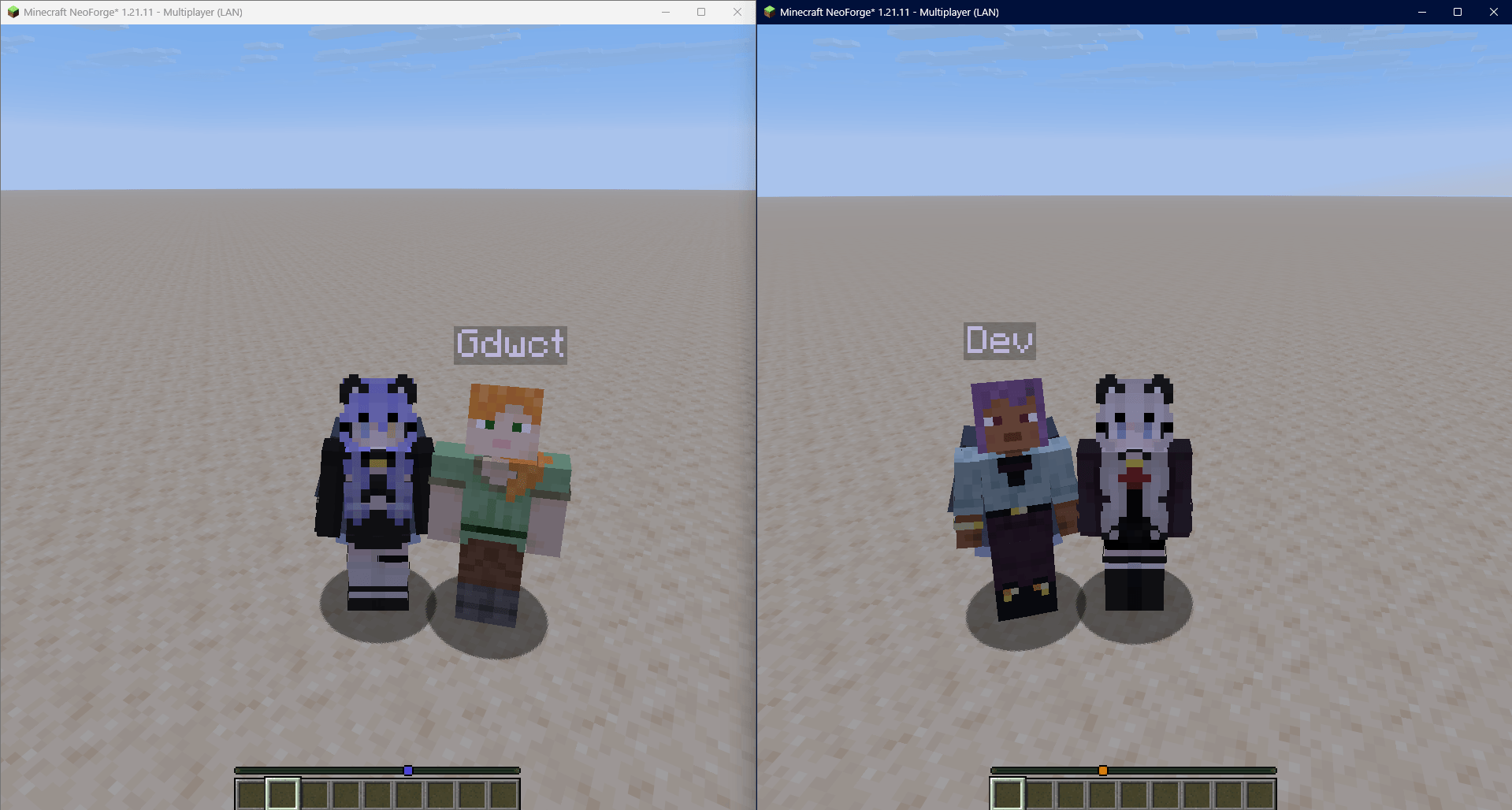
People using this same mod will see each other skins and capes!
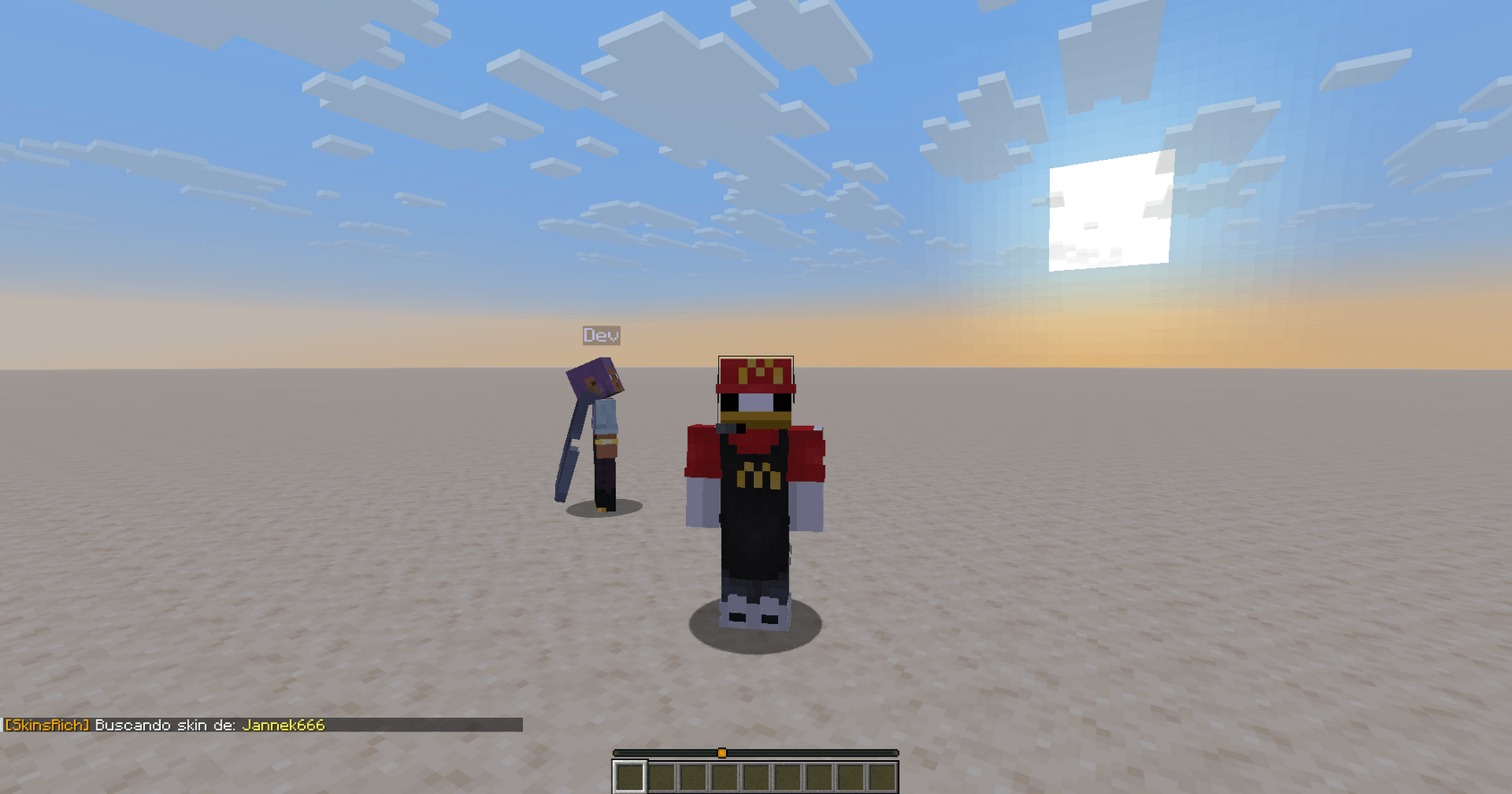
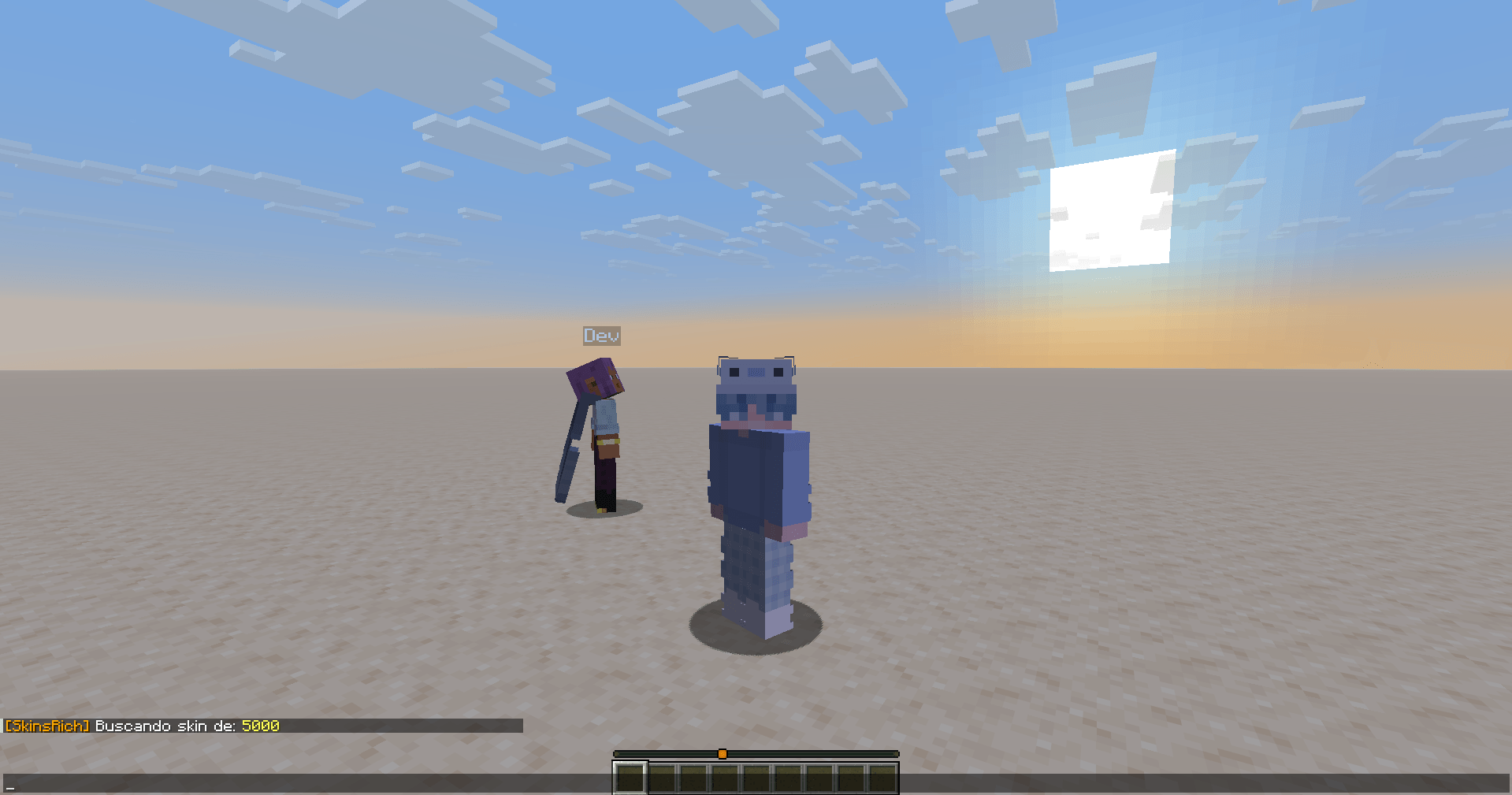
This mod allows you to change your skin in LAN and offline worlds/servers
Commands:
/skin – Base command
No use for now
/skin set <nickname> – Skin change command
This command requests a skin through a valid Minecraft account username
Checks on Mojang servers and returns a skin
/skin refresh – Skin refresh command
Tries to refresh skin to apply the latest available from the last account used (for skins command)
/cape set <nickname> – Cape change command
Takes an account and loads its cape into your player cape
/cape refresh – Cape refresh command
Tries to refresh cape, applies the equipped cape from the last account used (for capes command)
/skinsrich – Credits/Info command
Just a placeholder at the moment (And will be moved to “/skin” command)
Do you have any ideas, did you experience any bugs? Please let me know!
Future planned features:
– HD Skins support
– Multilang support
– “/skin” info section
– Cache skins (In progress)
– Load latest skin used (Also in progress)
– Change /skinsrich section
– Maybe create a UI
All features may change over time
Some features are not yet described or documented properly
常见问题
SkinsRich 支持哪些 Minecraft 版本?
SkinsRich 支持 Minecraft Java 版 1.21.10–26.3,共 5 个版本,可用的加载器:Forge / NeoForge。下载时注意选择和你游戏版本一致的文件。
SkinsRich 怎么安装?
先用 PCL2 或 HMCL 启动器安装对应版本的 Forge / NeoForge,再把下载的 .jar 文件放进游戏目录的 mods 文件夹,重新启动游戏即可。开启了版本隔离的,mods 文件夹在 versions/版本名 下面。
评论
登录后评论和评分