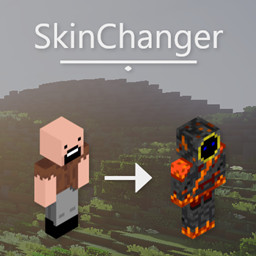
SkinChangerMod
A Minecraft mod which allows players to change their cape and skin directly from an in-game menu. Skins can be retrieved from files, urls and directly from player names and UUIDs.
介绍
A simple mod that allows you to change your and other players cape and skin
Better yet, this does not require optifine to run!
This mod is client-side, other players won’t see your cape/skin
Doesn’t work with the 5zig mod
Features
• Turn cape on and off •
• Change your skin to another players •
• Use other players Optifine capes •
• Temporarily change all users skins •
Commands
Main command is /skinchanger
Aliases /cape and /skin
Any second arguments will be automatically
inserted into the skin username box
Example: /skin boomboompower
Usage
Skins
To change your skin, type a players name in the
TextBox (Should say “Write here”) then press “Confirm Skin”
If you want to preview the skin, repeat the steps above, except click “Preview Skin” instead
Capes
To use a cape, press the “Add cape” button. You should have one behind you
To change the default cape, download this resource pack and
change the cape.png to whatever image you want your cape to look like.
You can preview the cape, however the cape previewer looks pretty horrible (As of version 1.0)
Basic Tutorial
Changing cape tutorial
常见问题
SkinChangerMod 支持哪些 Minecraft 版本?
SkinChangerMod 支持 Minecraft Java 版 1.8.8–1.8.9,共 2 个版本,可用的加载器:Forge。下载时注意选择和你游戏版本一致的文件。
SkinChangerMod 怎么安装?
先用 PCL2 或 HMCL 启动器安装对应版本的 Forge,再把下载的 .jar 文件放进游戏目录的 mods 文件夹,重新启动游戏即可。开启了版本隔离的,mods 文件夹在 versions/版本名 下面。

评论
登录后评论和评分