截图
介绍
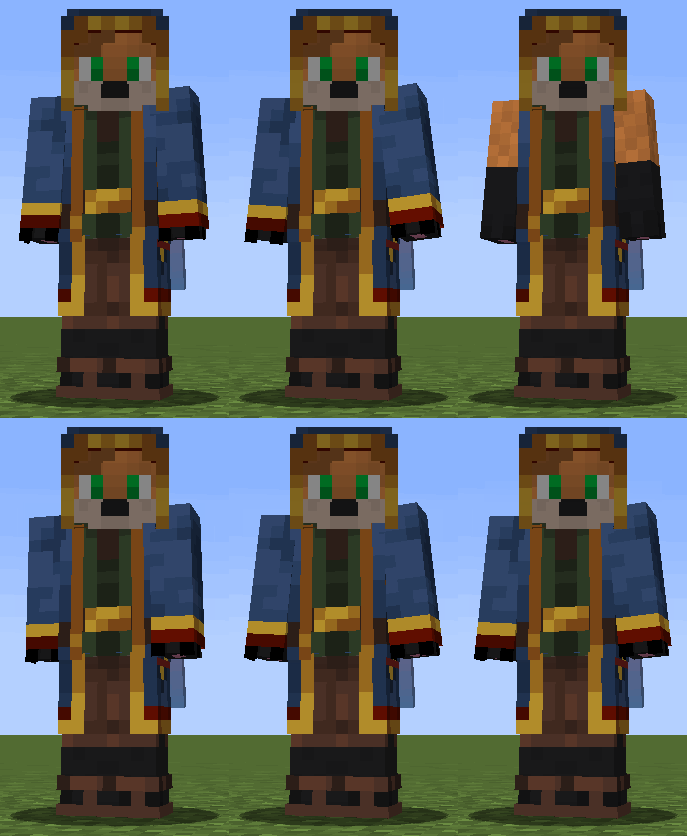
Skin Hotkey – a small mod that allows you to turn on and off the second layer of skin by pressing a key (s).
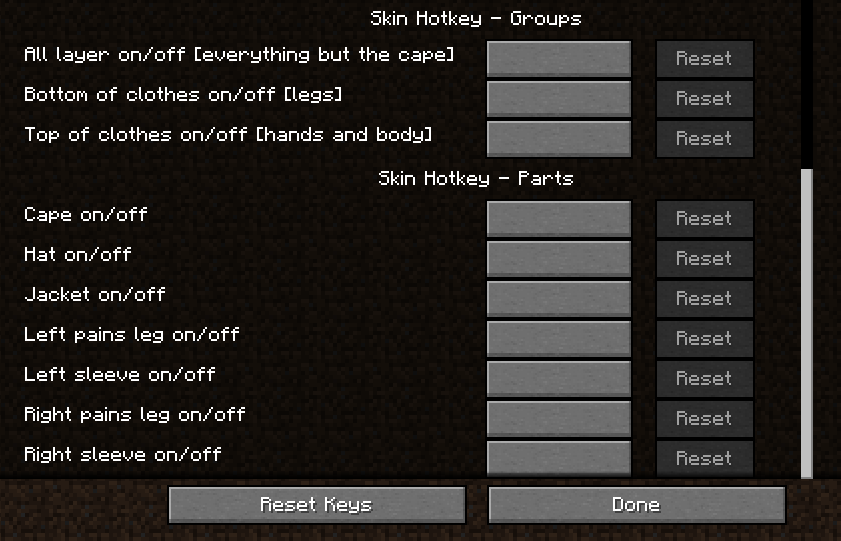
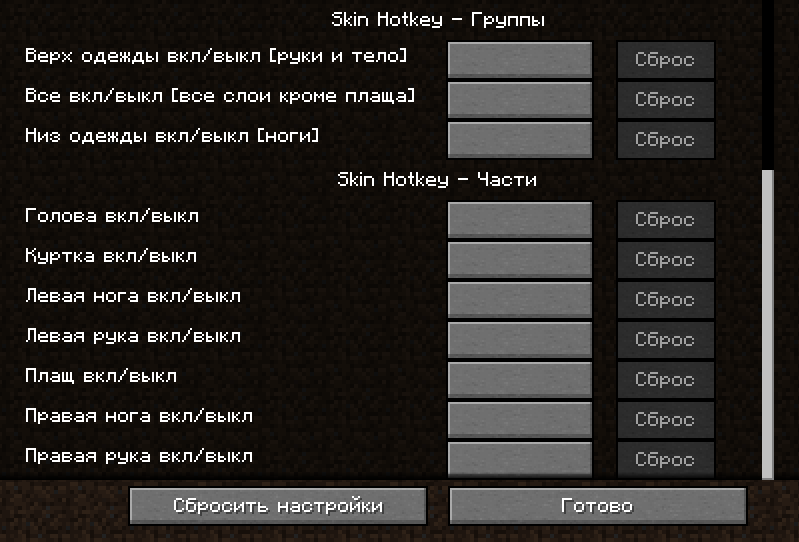
1\) Skin Hotkey – Groups
In groups, you can configure the bind to enable and disable several elements at once:
• Everything except the raincoat
• Top of clothing (two arms and body)
• Bottom of clothing (two legs)
They are made in such a way that they first turn off and then turn on these parts (the state is reset when you restart the game, that is, the mod does not remember the previous state, but each time it first tries to turn off and then turn on all the parts in this group)
2\) Skin Hotkey – Parts
In parts, you can set up buttons to enable and disable all parts individually.
Starting with version 1.1 of the mod, you can assemble your group through the “Parts” section by assigning the parts you need to the same button.
_ATTENTION! in the part section – all parts just reverse their state! For example: if you create your group by binding the G button on the head, arms and legs. Then, by pressing this button, the state of all these parts will be separately changed to the opposite. That is: if your head was turned off and your legs and arms were turned on, then it would turn out that your head would turn on and your legs and arms would turn off._
常见问题
Skin Hotkey 支持哪些 Minecraft 版本?
Skin Hotkey 支持 Minecraft Java 版 1.16.1–1.20.4,共 18 个版本,可用的加载器:Fabric / Forge。下载时注意选择和你游戏版本一致的文件。
Skin Hotkey 怎么安装?
先用 PCL2 或 HMCL 启动器安装对应版本的 Fabric / Forge,再把下载的 .jar 文件放进游戏目录的 mods 文件夹,重新启动游戏即可。开启了版本隔离的,mods 文件夹在 versions/版本名 下面。运行环境:仅客户端。
DearFox 的其他作品
查看全部 →
Too Many Players
Allows you to increase FPS with a large crowd of players
Show Yourself
See players' hidden nicknames.

#SP Wallet
A mod for counting your diamond ores.

Colored Fishing Line
Fishing line in various colors.
评论
登录后评论和评分