截图
介绍
Size Changing Mod (Kproject)
Video links: https://youtube.com/shorts/UvnnvbiC618?si=_LF93Sa8QLMHW3mw
https://youtube.com/shorts/jtydMwrnPPg?si=QX8y0aTpQq67IS9Q
https://youtube.com/shorts/NwrRfqugo14?si=vip_a0uPjADsqR5j
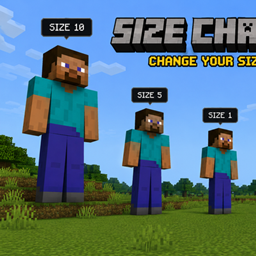
Change your size and completely change the way you play Minecraft! Shrink down to tiny sizes or grow into massive giants, with your abilities changing along with you.
Features
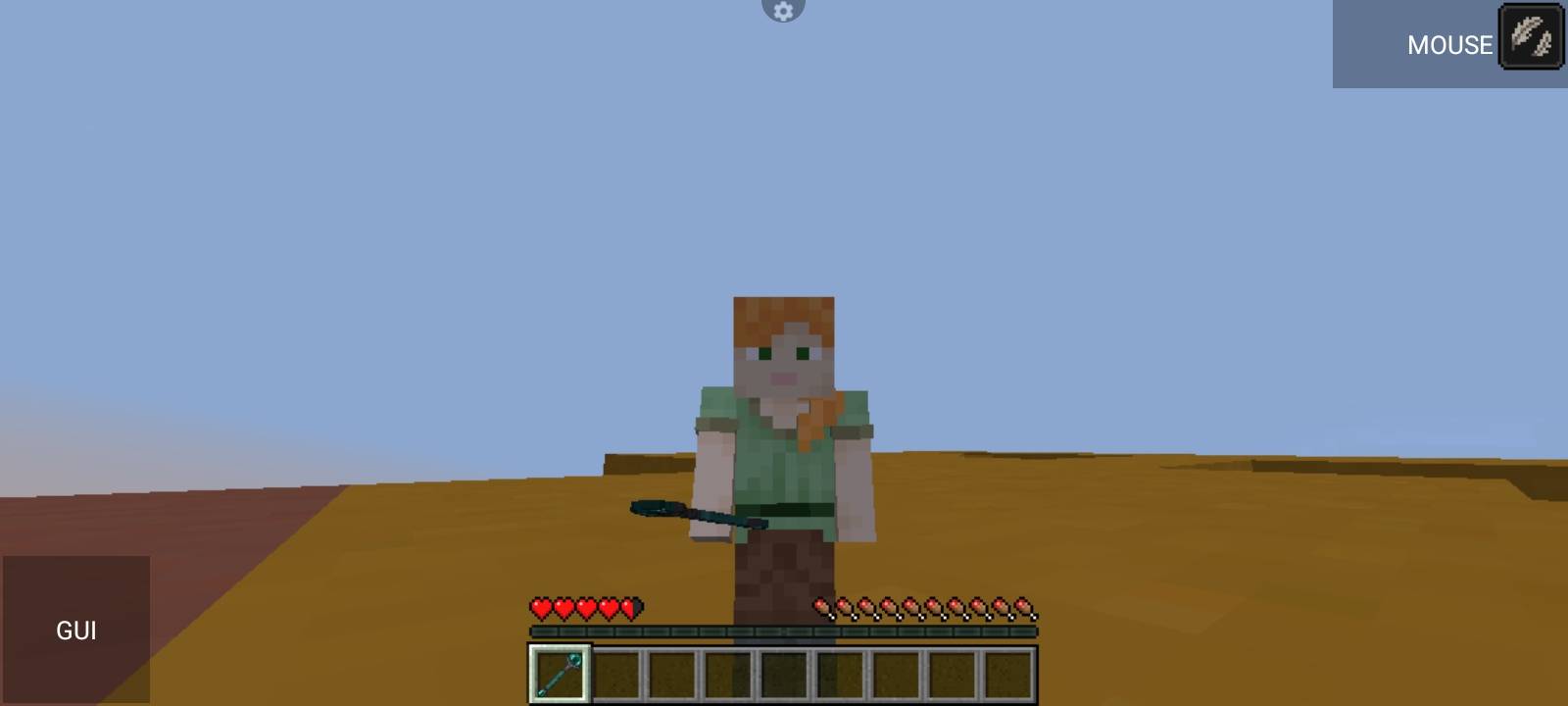
– 🪄 Magic Wand — Grow and shrink with the wand.
– 📏 Custom Size System — Change from extremely tiny to enormous sizes.
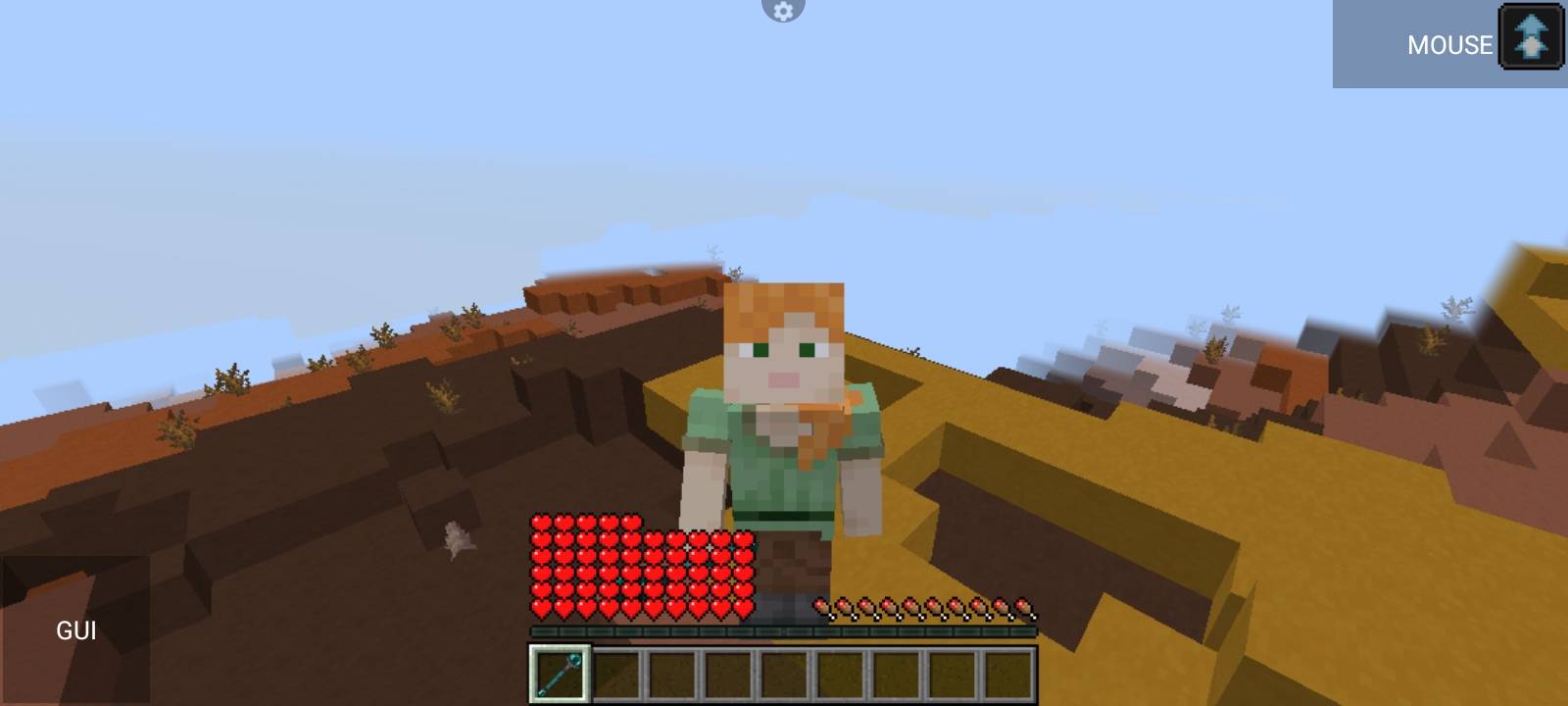
– ❤️ Size-Based Health — Bigger players gain health; smaller players lose health.
– ⚔️ Size-Based Damage — Your attack damage scales with your size.
– 🏃 Size-Based Speed — Movement speed changes depending on your size.
– 🦘 Size-Based Jumping — Jump strength scales with size.
– 👣 Size-Based Step Height — Giants can step over much larger blocks.
– 🎯 Size-Based Reach — Attack, block-breaking, and interaction reach changes with size.
– 💥 Giant Attacks — Large players can fire powerful ranged projectiles.
– 🎥 Dynamic Camera — Camera and player rendering adapt to your size.
– 🧱 Dynamic Hitbox — Your physical dimensions change with your size.
– 🪽 Slow Falling — Tiny players receive Slow Falling.
– ✨ Size Change Effects — Totem particles, sounds, and screen-shake effects.
– 🌐 Multiplayer Sync — Player sizes synchronize correctly between server and clients.
– 💀 Death Reset — Your size returns to normal after death.
– 🛠️ Developer Hooks — Size-related health, damage, and movement formulas can be customized.
– 🚫 Standalone System — Does not require Pehkui.
Compatibility
Minecraft Java Edition 1.20.1 • Fabric
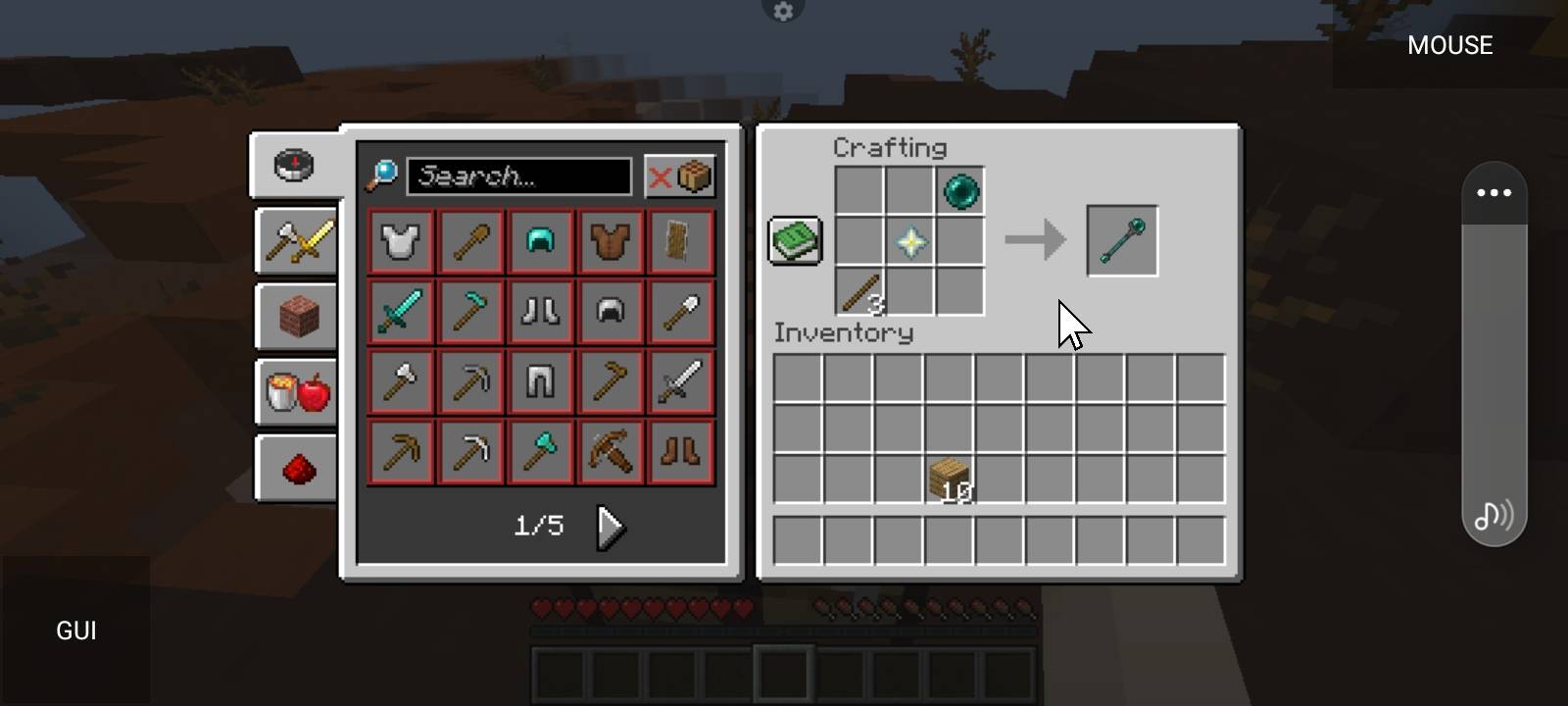
Here is the recipe:
常见问题
Size changing mod(Kproject) 支持哪些 Minecraft 版本?
Size changing mod(Kproject) 支持 Minecraft Java 版 1.20.1,可用的加载器:Fabric。下载时注意选择和你游戏版本一致的文件。
Size changing mod(Kproject) 怎么安装?
先用 PCL2 或 HMCL 启动器安装对应版本的 Fabric,再把下载的 .jar 文件放进游戏目录的 mods 文件夹,重新启动游戏即可。开启了版本隔离的,mods 文件夹在 versions/版本名 下面。
评论
登录后评论和评分