
截图
介绍
Simple Soundboard
A simple soundboard mod for Simple Voice Chat
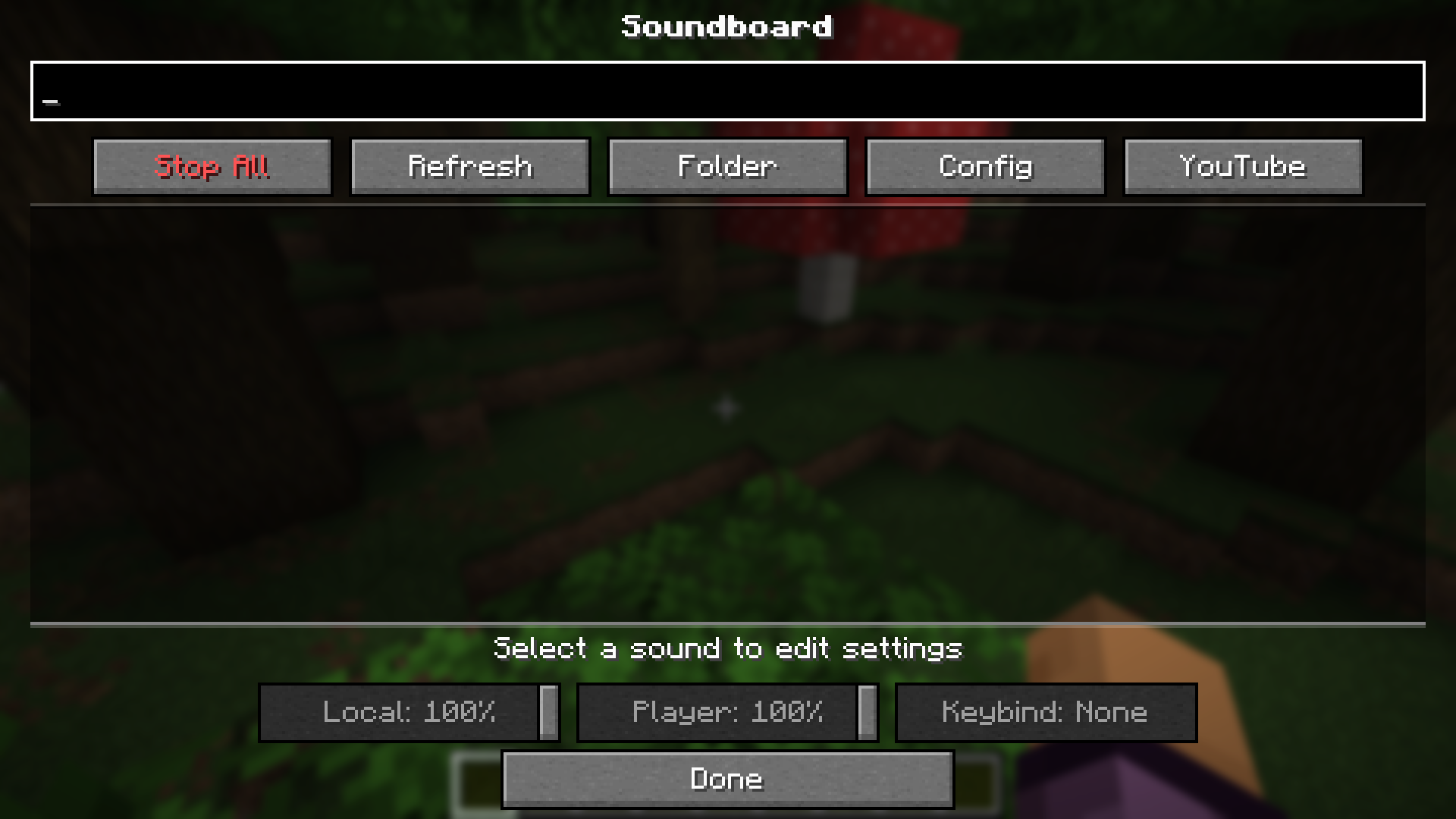
This mod allows you to play .mp3 files directly into your voice chat stream. It features a GUI to manage your sounds,
with separate volume controls for what you hear and what other players hear.
Features
- MP3 Support: Play standard
.mp3files. - Microphone Injection: Sounds are merged into your microphone stream, so anyone with Simple Voice Chat can hear them.
- Dual Volume Sliders:
- Player Volume: How loud the sound is for other people.
- Local Volume: How loud the sound is for you.
Dependencies
Note: Simple Soundboard may download the
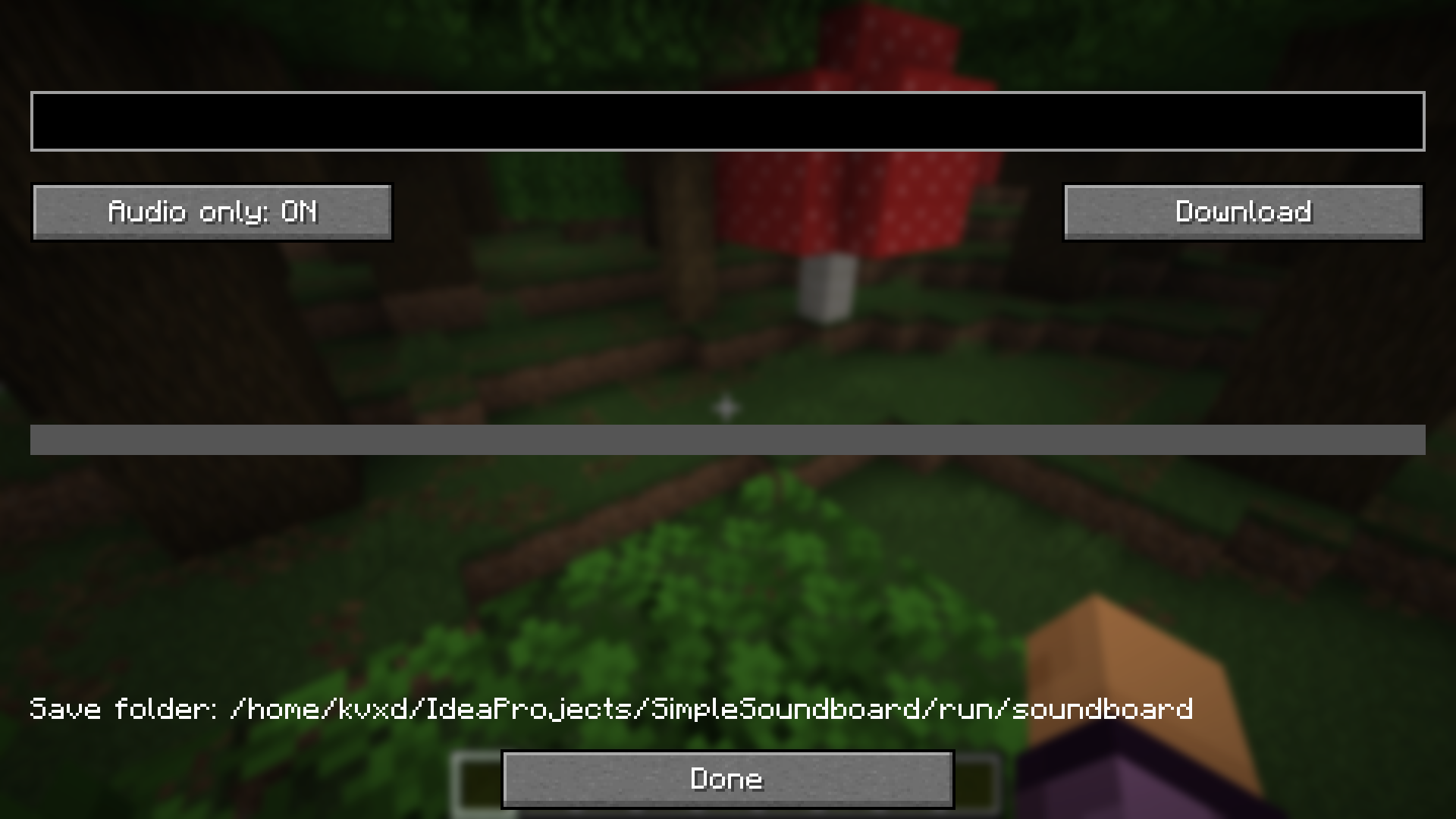
yt-dlpexecutable to support audio handling/downloading features.
Installation
- Download and install Fabric and Simple Voice Chat.
- Download Simple Soundboard from modrinth.
- Drop the downloaded jar file into your
modsfolder. - Launch Minecraft.
Usage
- Open the Folder:
- Launch the game once to generate the directories.
- Navigate to your Minecraft instance folder (e.g.,
.minecraft). - Open the
soundboardfolder.
- Add Sounds:
- Drag and drop your
.mp3files into thesoundboardfolder.
- Play:
- Join a world or server.
- Press
J(default key) to open the Soundboard GUI. - Click “Play” on a sound.
Configuration
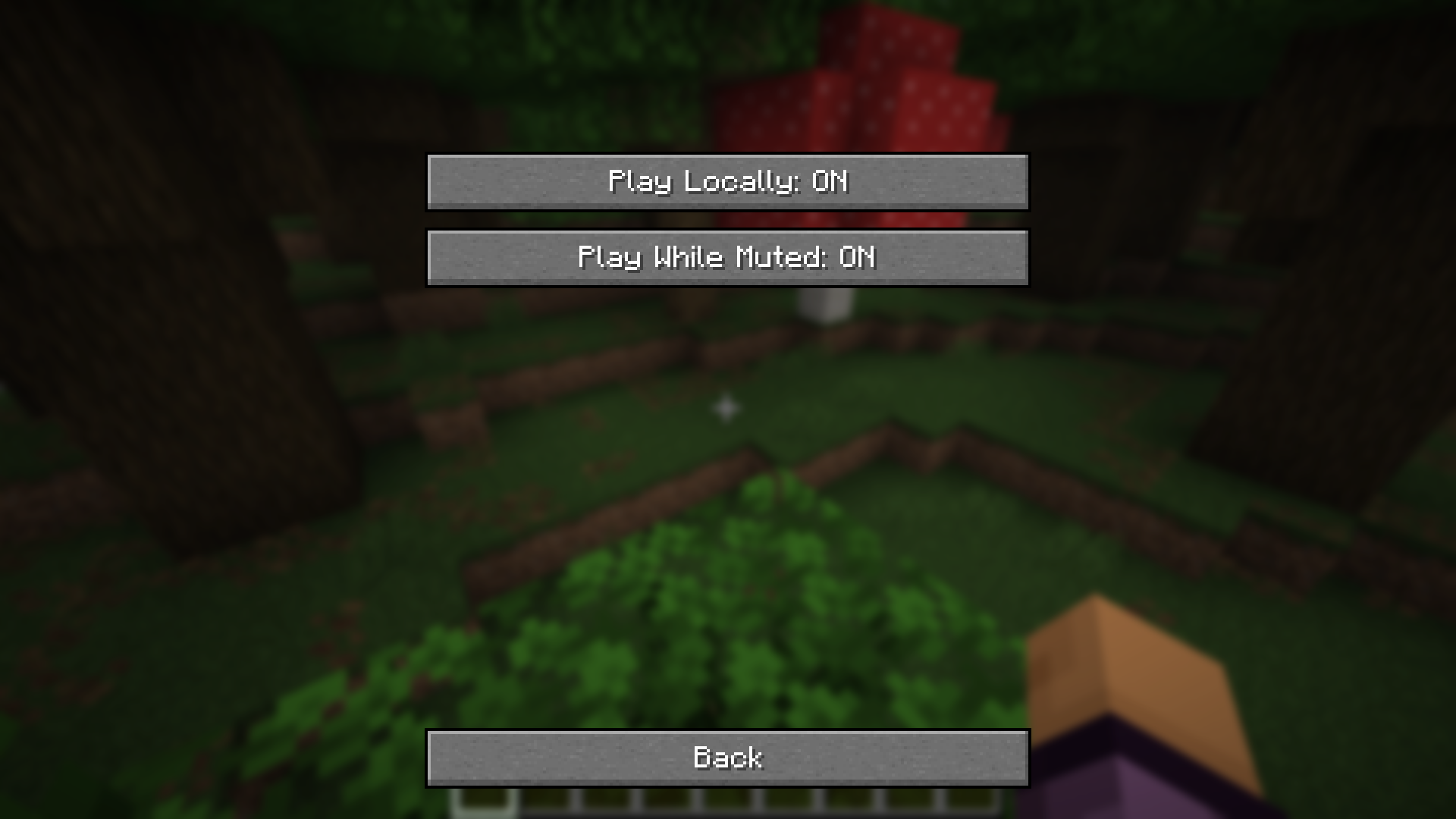
You can access the configuration via the Config button in the soundboard GUI.
- Play Locally: Toggle this ON to hear the sounds yourself, or OFF to play them only for other players.
- Volume Memory: The mod remembers the specific volume settings (Local vs Player) for every individual sound file.
常见问题
Simple Soundboard 支持哪些 Minecraft 版本?
Simple Soundboard 支持 Minecraft Java 版 1.21.10–26.3,共 5 个版本,可用的加载器:Fabric。下载时注意选择和你游戏版本一致的文件。
Simple Soundboard 怎么安装?
先用 PCL2 或 HMCL 启动器安装对应版本的 Fabric,再把下载的 .jar 文件放进游戏目录的 mods 文件夹,重新启动游戏即可。开启了版本隔离的,mods 文件夹在 versions/版本名 下面。运行环境:仅客户端。
kvxd 的其他作品
查看全部 → Simple Soundboard
A simple soundboard mod for Simple Voice Chat

Carbonfast
Client-side mod that makes startup feel faster by deferring expensive resource loading until after the main menu is available.

Client Build Tools
Client-side building assistance tools

Faster Block Entities
Renders some block entities as ordinary block models instead of per-frame block entity renderers. Port for 26.x!
评论
登录后评论和评分