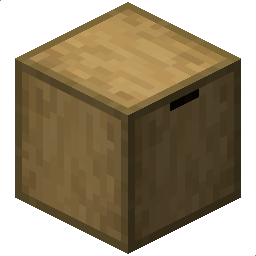
截图
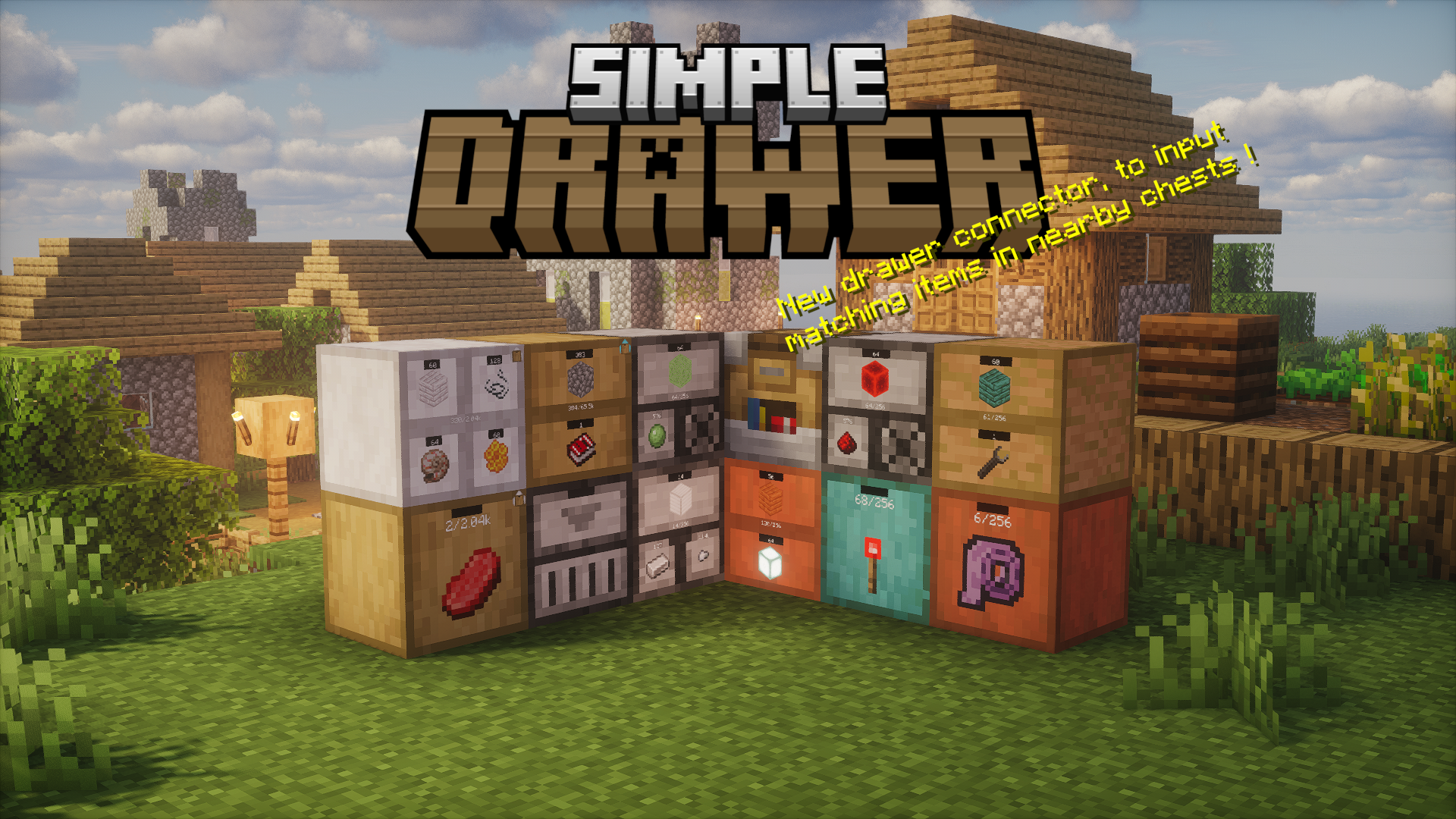


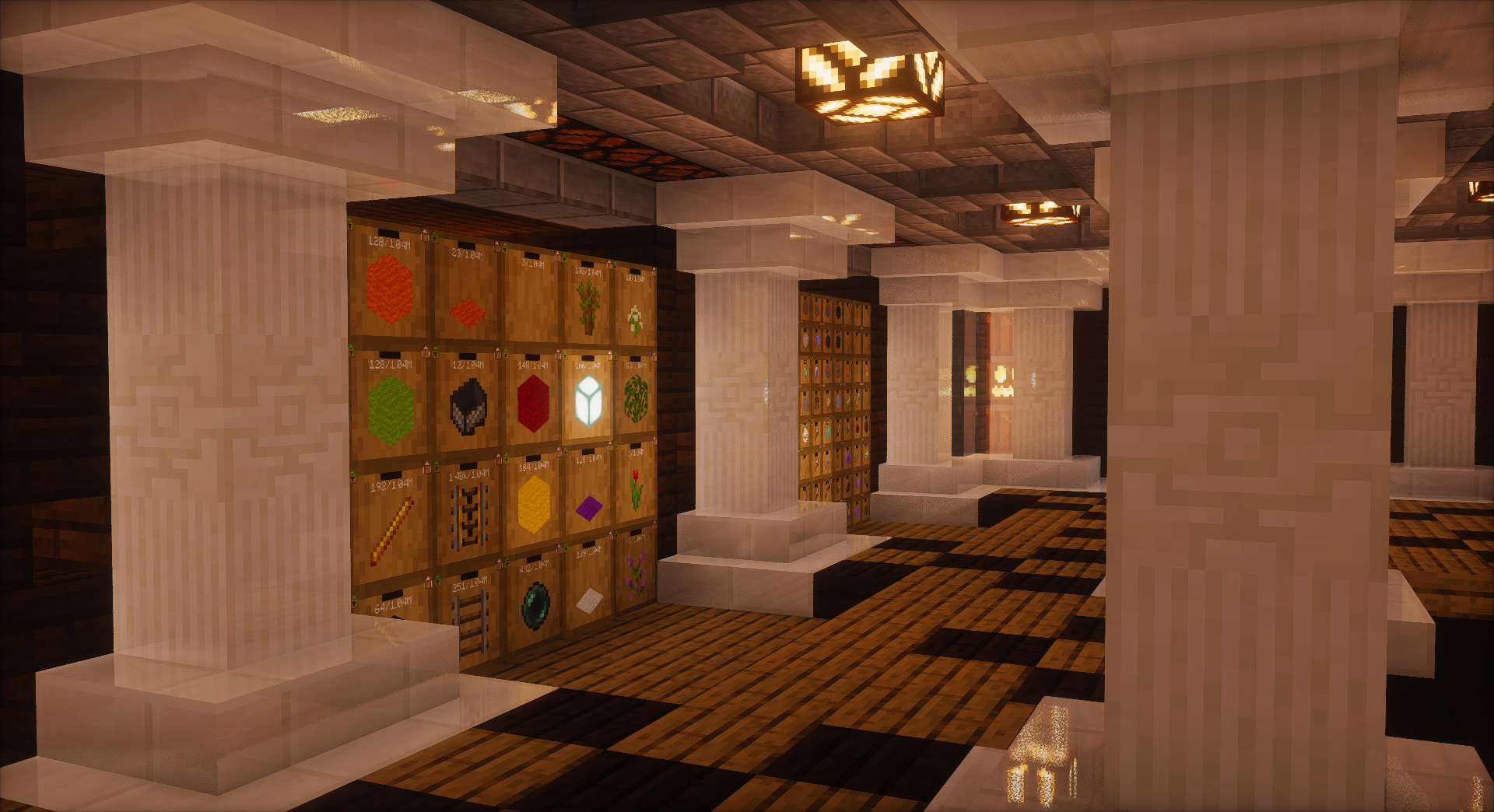
介绍





A simple datapack that add drawer to minecraft !
The most important item of the datapack is the guide, every player will receive it when joining the world for the first time.
There is also a crafting recipe for the guide :

[!Warning]
Only for versions before 2.2.0
The datapack has to be loaded at the world start (or server start)! (If not, you will have unmatching textures)
Exploring the datapack :
This command will give you all items available in the datapack : /function simpledrawer:give
Configure the datapack :
You can configure the datapack in-game using the configuration menu : /function simpledrawer:config
It’s a clickable chat menu, you can change LOD, enable/disable alternative compacting recipes, configure capacity upgrades.
Developers :
See the documentation for adding your own material or disabling items.
Some credits :
- StorageDrawer mod (idea and textures) : https://github.com/jaquadro/StorageDrawers
- Isometric rendering mod : https://github.com/glisco03/isometric-renders
- Smithed Crafting, Custom Block, ActionBar : https://github.com/Smithed-MC/Libraries
- LanternLoad : https://github.com/LanternMC/load
- ItemIO : https://github.com/edayot/ItemIO
- Minecraft Title Generator (blockbench plugin) : https://ewanhowell.com/plugins/minecraft-title-generator/
- Minecraft base64 decoder : https://github.com/DorkOrc/Minecraft-Base64-Tool (used for versions prior to 2.0.0)
常见问题
SimpleDrawer 支持哪些 Minecraft 版本?
SimpleDrawer 支持 Minecraft Java 版 1.19–26.3,共 24 个版本,可用的加载器:Fabric / Forge / NeoForge / Quilt。下载时注意选择和你游戏版本一致的文件。
SimpleDrawer 怎么安装?
先用 PCL2 或 HMCL 启动器安装对应版本的 Fabric / Forge / NeoForge / Quilt,再把下载的 .jar 文件放进游戏目录的 mods 文件夹,重新启动游戏即可。开启了版本隔离的,mods 文件夹在 versions/版本名 下面。运行环境:客户端 / 服务端。


评论
登录后评论和评分