SimpleClockHUD
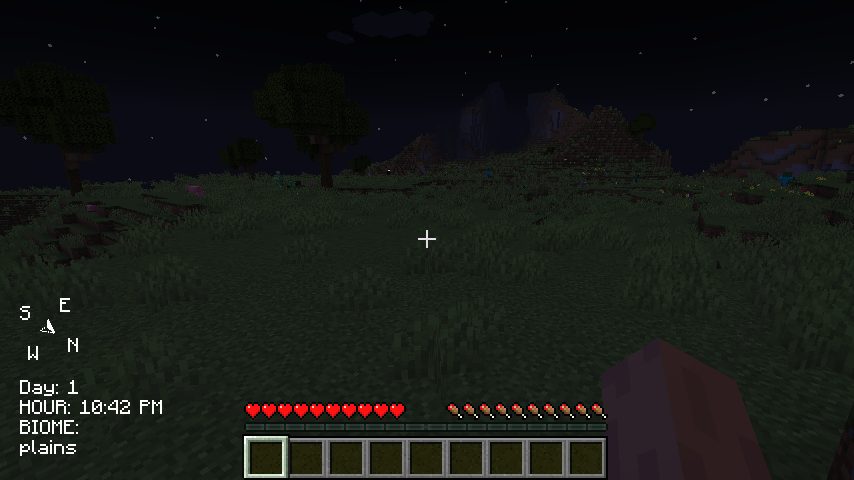
This is a simple mod, it shows you the in-game time, what biome you are in, and a compass that shows north, south, east, and west.
截图
介绍
https://www.youtube.com/watch?v=Gaeio3xq7HM
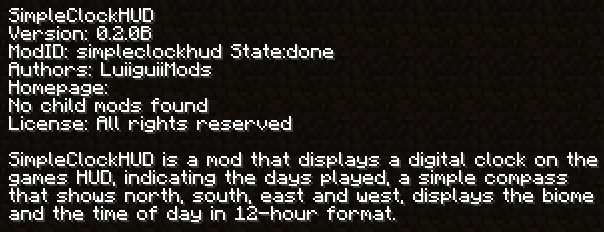
SimpleClockHUD is a mod that displays a digital clock on the in-game HUD, indicating the days played, a simple compass showing north, south, east and west, displays the biome and the time of day in 12 hour format.
Installation
-Download the Mod:
-Get the mod’s .jar file from the official repository or from the downloads page.
Install the Mod:
-Place the .jar file in the mods folder of your Minecraft installation.
Run Minecraft:
-Start Minecraft with the Forge profile that corresponds to the mod’s version.
常见问题
SimpleClockHUD 支持哪些 Minecraft 版本?
SimpleClockHUD 支持 Minecraft Java 版 1.19.2,可用的加载器:Forge。下载时注意选择和你游戏版本一致的文件。
SimpleClockHUD 怎么安装?
先用 PCL2 或 HMCL 启动器安装对应版本的 Forge,再把下载的 .jar 文件放进游戏目录的 mods 文件夹,重新启动游戏即可。开启了版本隔离的,mods 文件夹在 versions/版本名 下面。
评论
登录后评论和评分