
Simple Server Backups
作者:pal1
Complete and secure backups for your server, using in-game commands, with permissions and automatic backups.
截图
介绍
中文介绍正在准备中,下面暂时显示原文。
Simple Server Backups

Simple Server Backups is a lightweight and easy-to-use Minecraft server backup mod designed for Fabric. It allows server administrators to create, manage, and restore world backups directly from in-game commands, making it easy to protect your server data.
Features
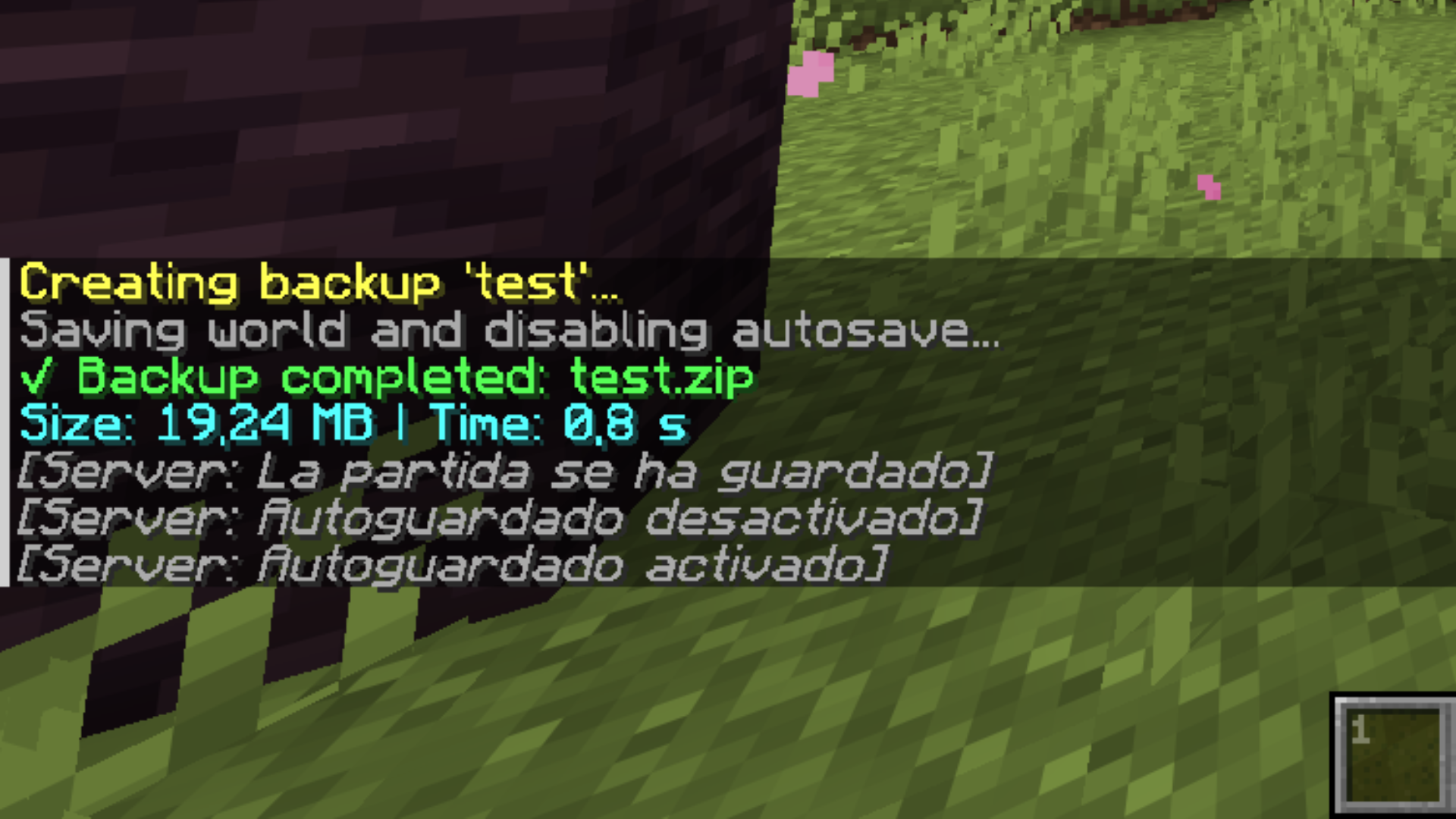
- Create backups instantly or with a custom name.
- View a list of all available backups.
- Check detailed information about any backup.
- Delete old backups.
- Schedule a backup restore (the server will stop and restore the selected backup on the next startup).
- Reload the mod configuration without restarting the server.
- Automatic daily backups at a fixed time you choose, plus a command to check how long is left until the next one.
- Status messages (backup progress, completion, deletion, scheduled restores) are broadcast to every connected player, no matter who ran the command — even from the server console.
- Available in English and Spanish, with more languages easy to add.
- Fully configurable through a configuration file:
- Enable and configure the daily automatic backup time.
- Set the maximum number of backups to keep.
- Change the mod language.
- Customize the backups folder and compression level.
- Grant specific players access to backup commands without making them full server operators, by player name or UUID.
Commands
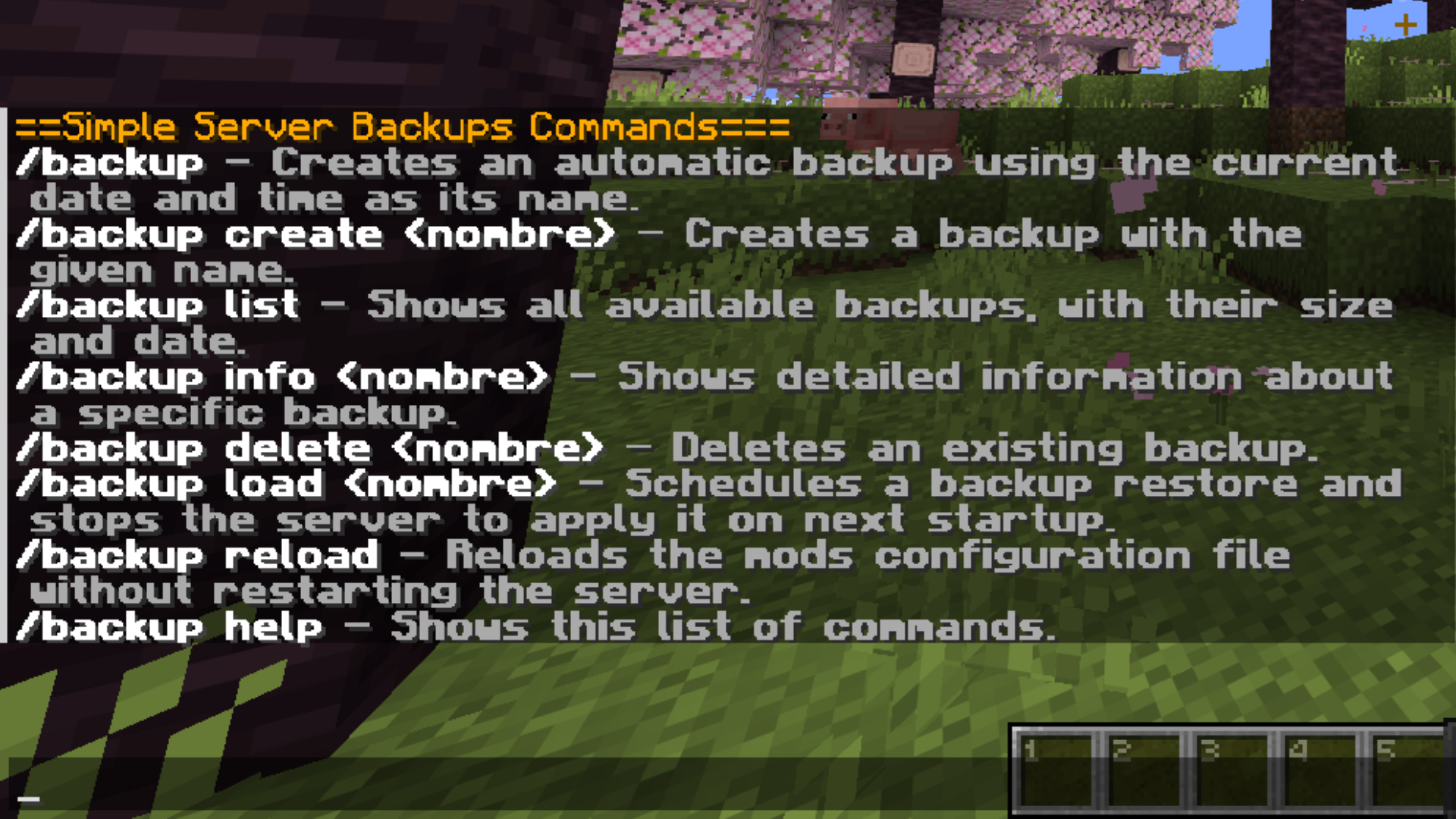
/backup– Creates an automatic backup using the current date and time as its name./backup create <name>– Creates a backup with a custom name./backup list– Lists all available backups with their size and creation date./backup info <name>– Displays detailed information about a backup./backup delete <name>– Deletes an existing backup./backup load <name>– Schedules a backup restoration and shuts down the server to apply it on the next startup./backup reload– Reloads the mod configuration./backup next– Shows how much time is left until the next automatic backup./backup help– Displays the list of available commands.
Requirements
- Fabric Loader
- Fabric API
Perfect for small and large servers that need a simple, reliable, and configurable backup solution.
常见问题
Simple Server Backups 支持哪些 Minecraft 版本?
Simple Server Backups 支持 Minecraft Java 版 26.1.2–26.3,共 3 个版本,可用的加载器:Fabric。下载时注意选择和你游戏版本一致的文件。
Simple Server Backups 怎么安装?
先用 PCL2 或 HMCL 启动器安装对应版本的 Fabric,再把下载的 .jar 文件放进游戏目录的 mods 文件夹,重新启动游戏即可。开启了版本隔离的,mods 文件夹在 versions/版本名 下面。运行环境:仅服务端。
评论
登录后评论和评分