截图
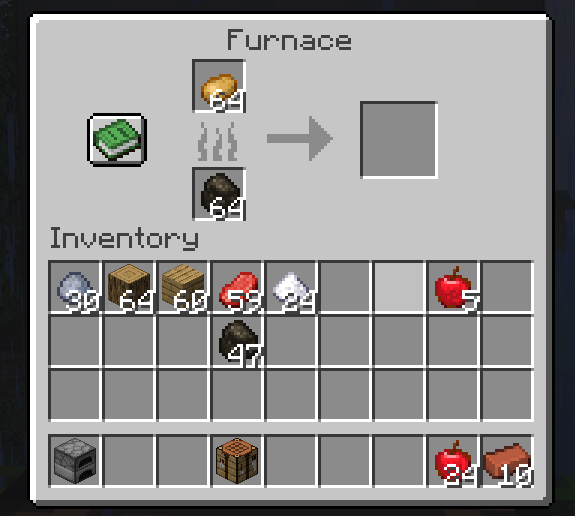
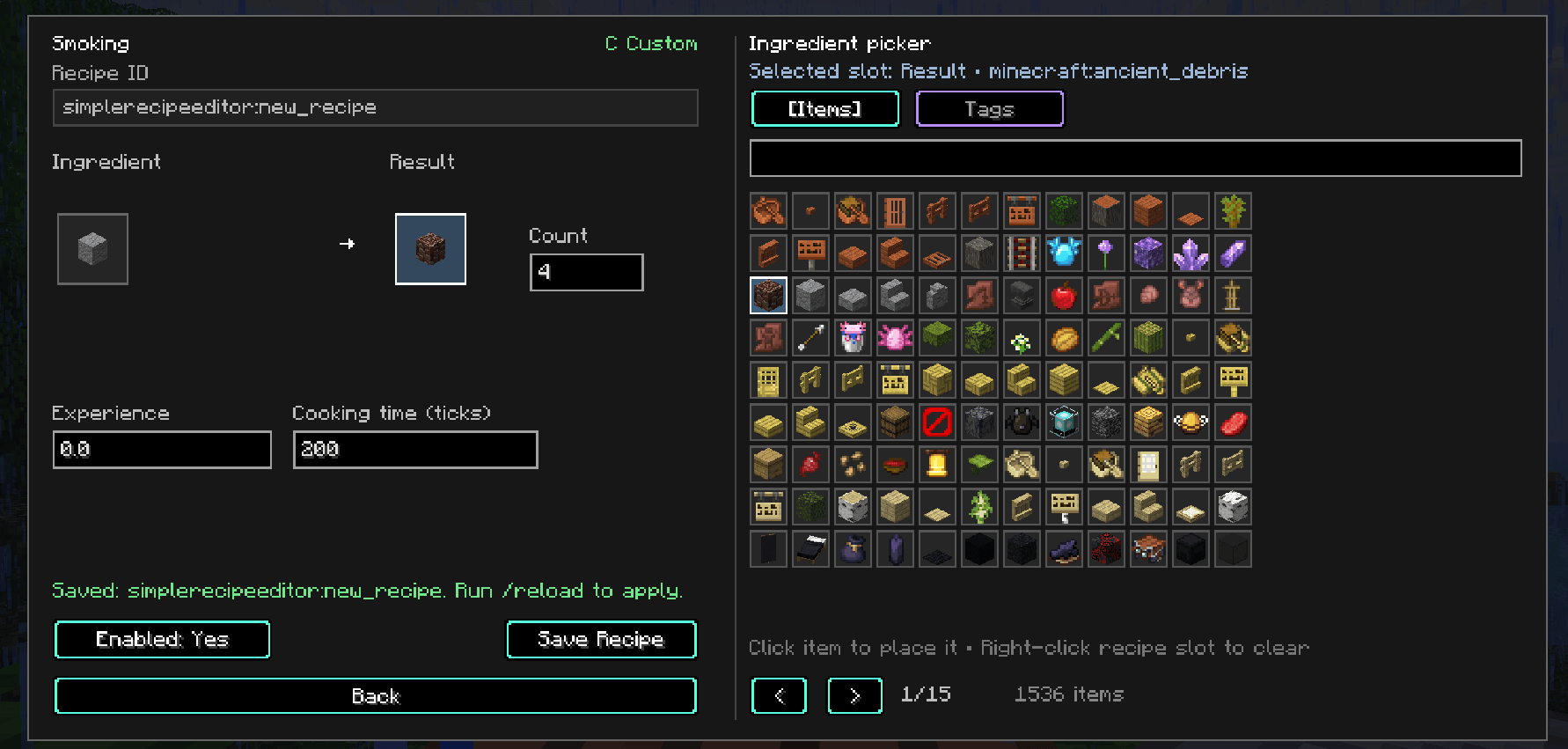
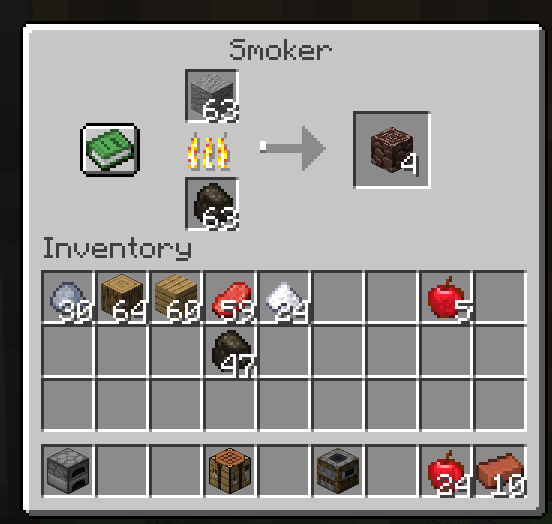
介绍
Simple Recipe Editor
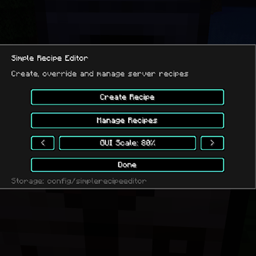
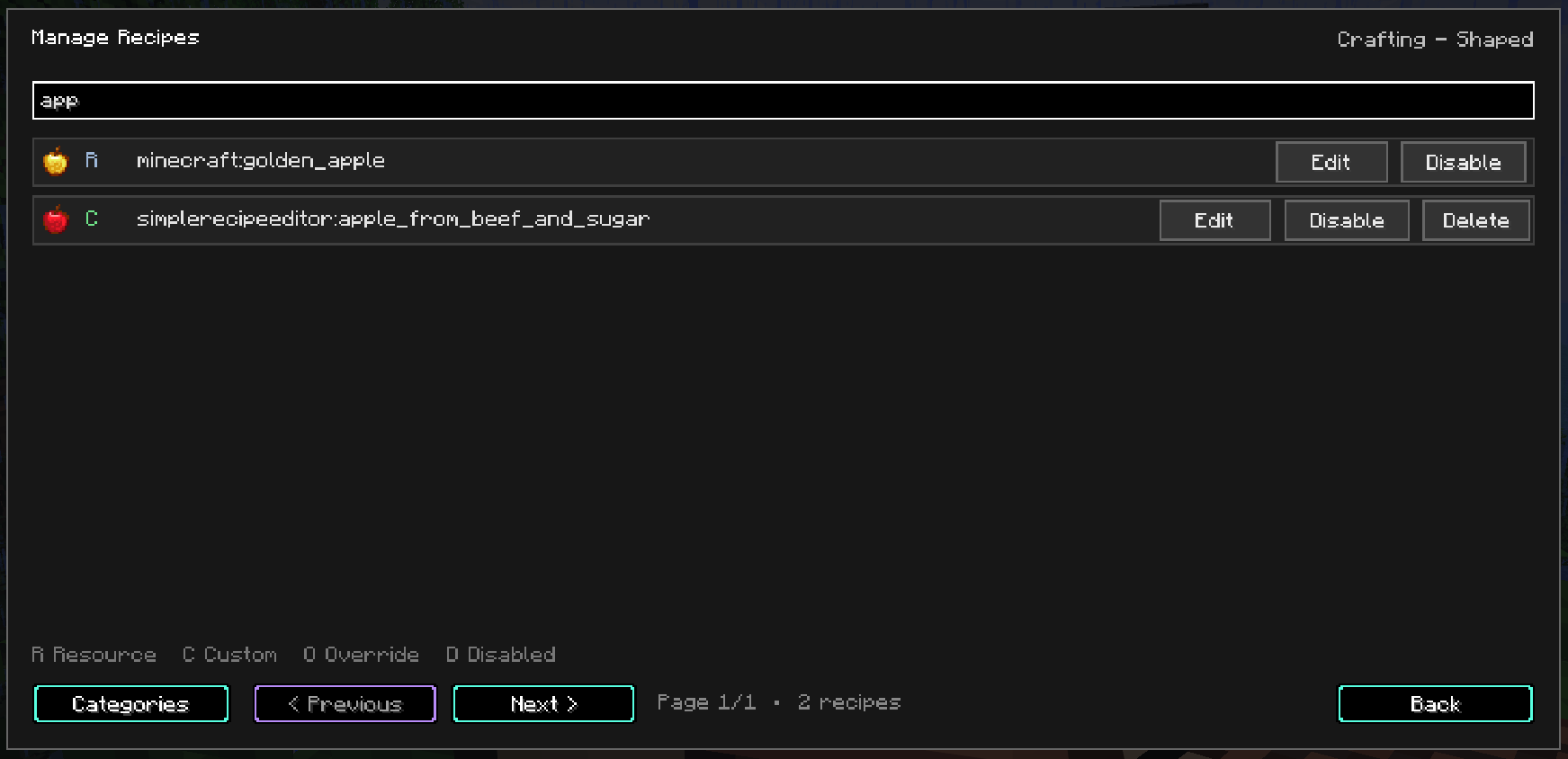
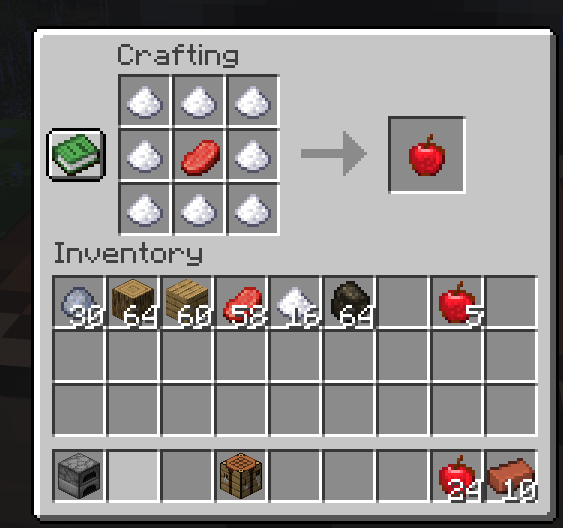
Create, edit, override and disable Minecraft recipes directly in-game — no datapacks or manual JSON editing required.
Simple Recipe Editor provides an easy-to-use GUI for managing recipes on your Minecraft server.
Features
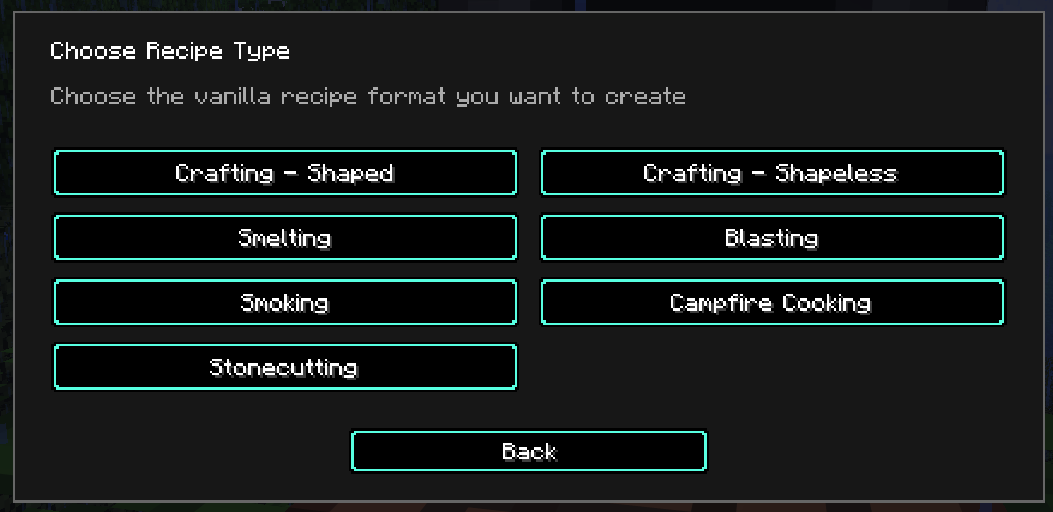
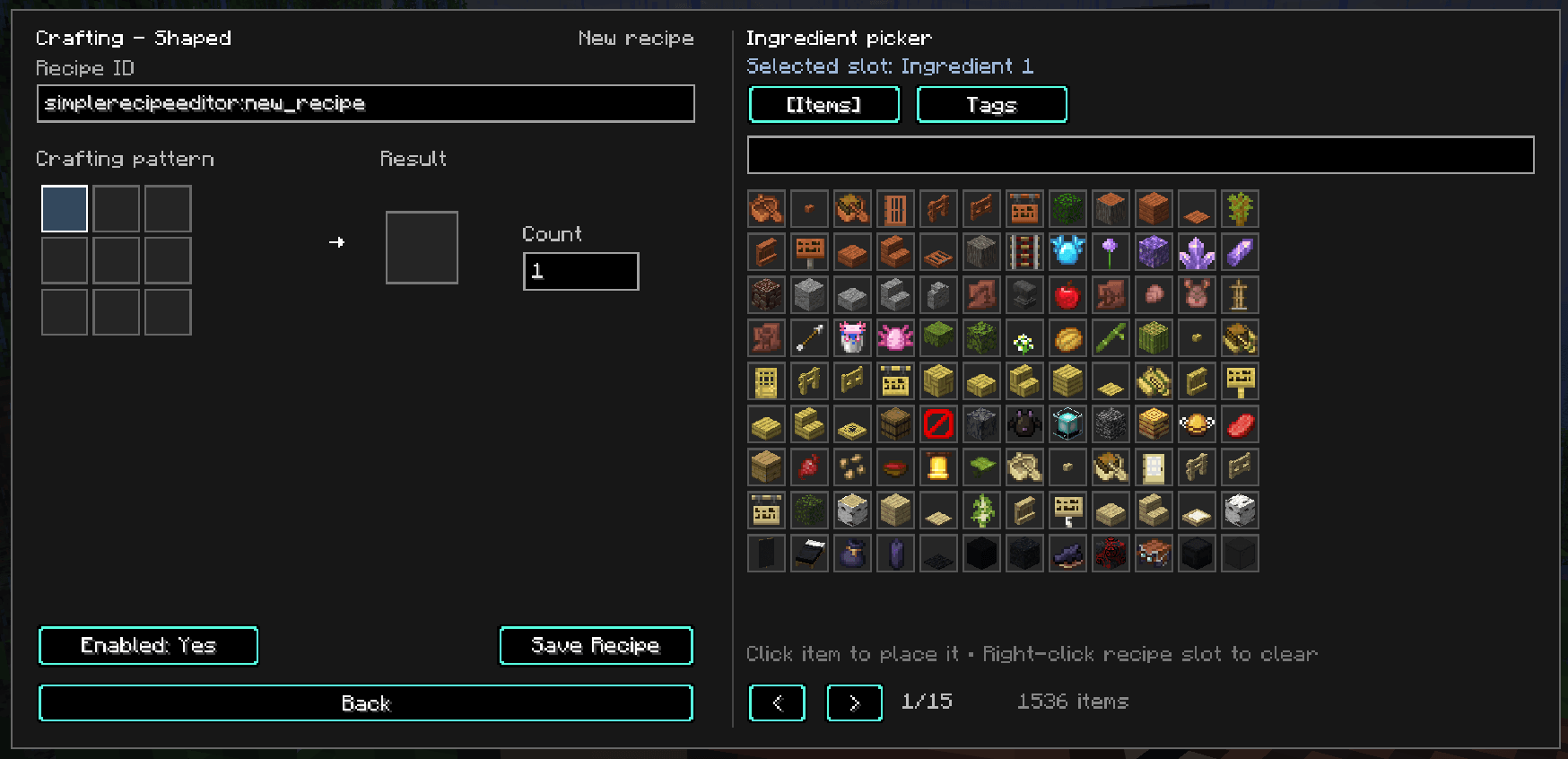
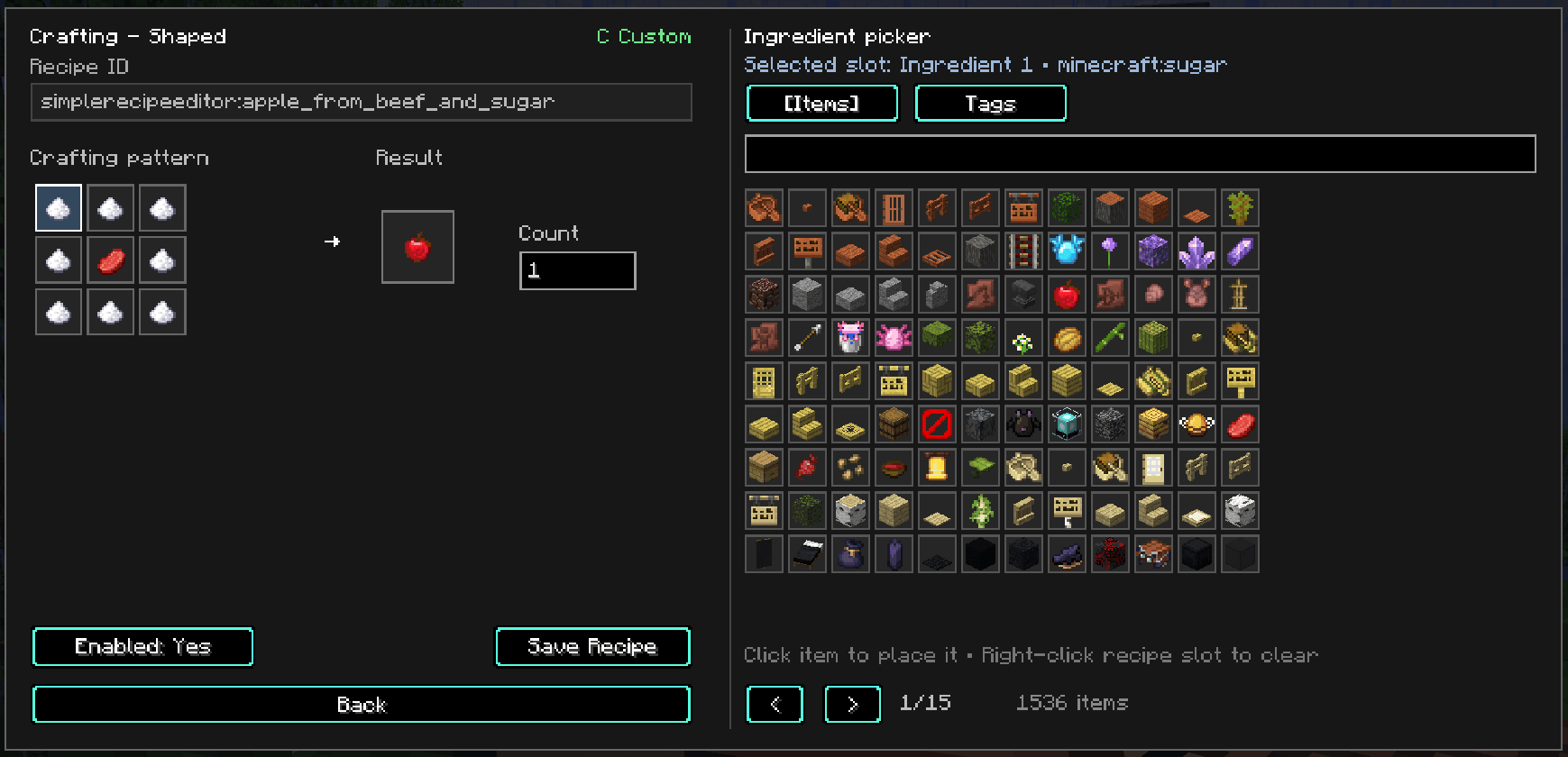
- Create Shaped and Shapeless Crafting recipes
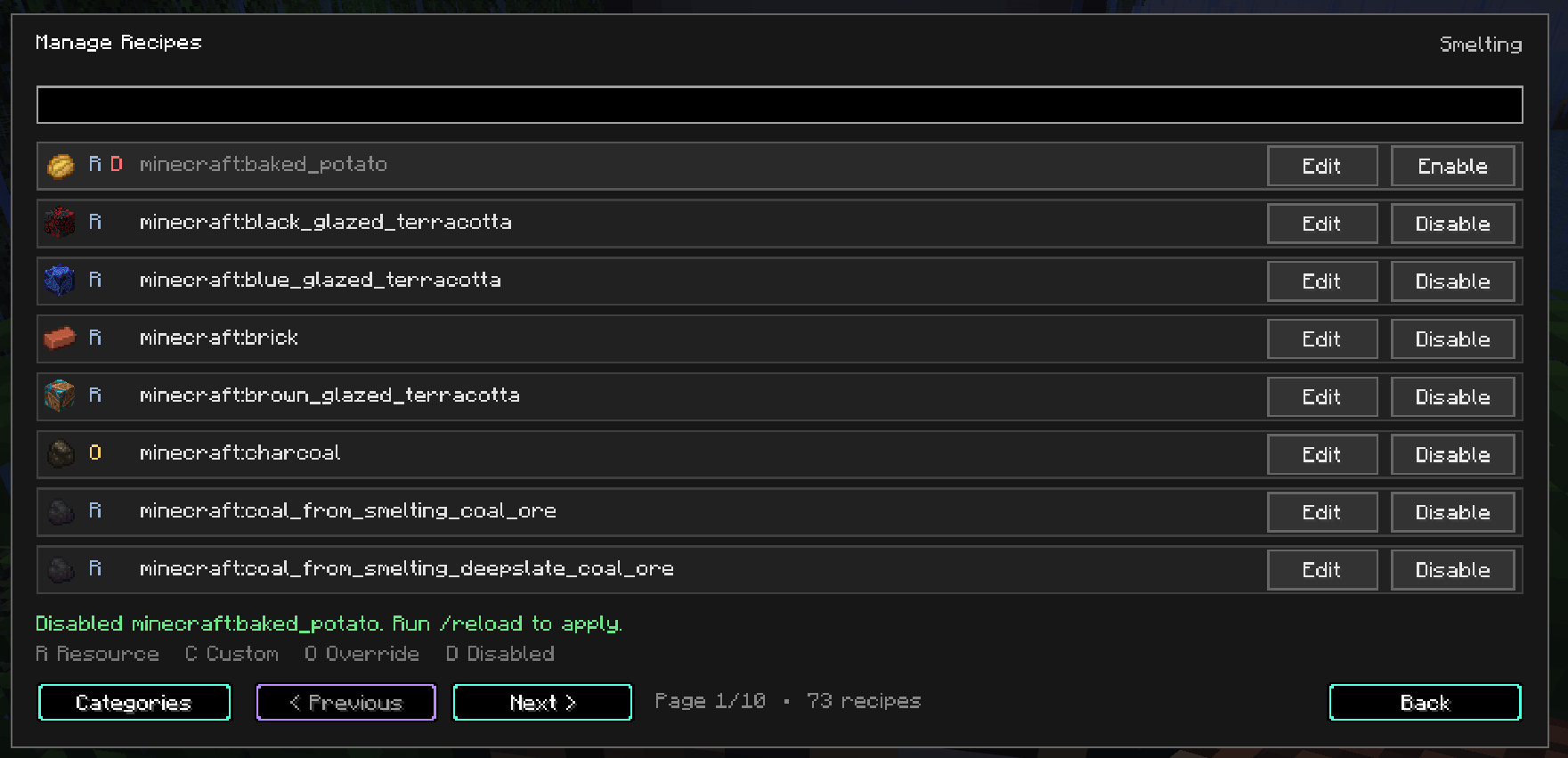
- Create Smelting, Blasting, Smoking, Campfire and Stonecutting recipes
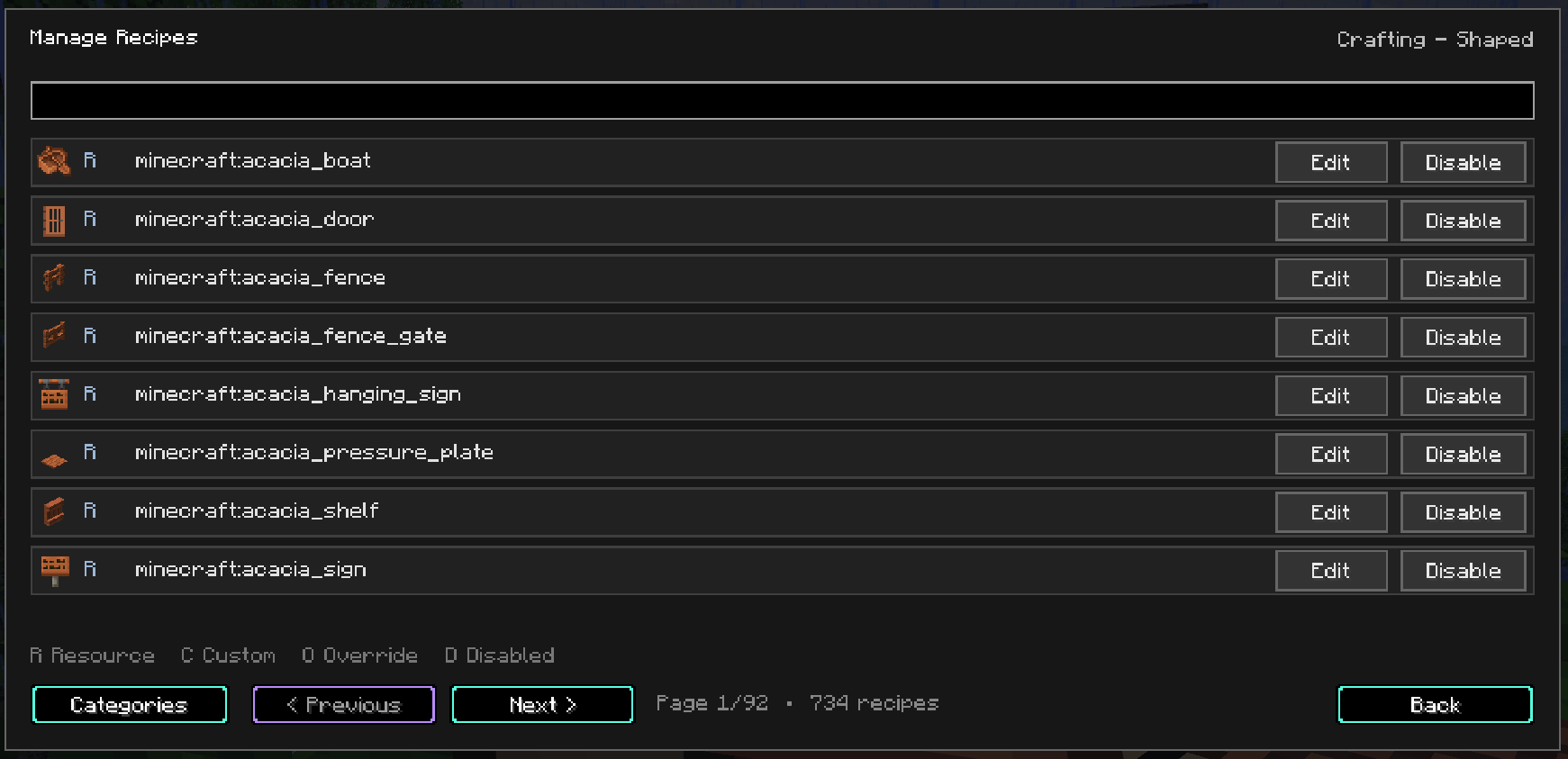
- Edit and override existing vanilla recipes
- Disable recipes without deleting the original
- Creative-style item picker with search
- Support for item tags such as
#minecraft:planks - Supports vanilla and modded items
- GUI scaling from 50% to 100%
- Server-side recipe storage, ideal for modpacks
Server Friendly
Simple Recipe Editor is designed to be server-side for normal players.
Regular players do not need the mod installed. Only administrators who want to use the in-game recipe editor need the client mod.
Open the editor with:
/sre
Current limitation: after creating, editing, overriding, enabling or disabling recipes,
/reloadis currently required before the changes become active.
Currently developed for Minecraft 26.2 / NeoForge.
常见问题
Simple Recipe Editor 支持哪些 Minecraft 版本?
Simple Recipe Editor 支持 Minecraft Java 版 26.2,可用的加载器:NeoForge。下载时注意选择和你游戏版本一致的文件。
Simple Recipe Editor 怎么安装?
先用 PCL2 或 HMCL 启动器安装对应版本的 NeoForge,再把下载的 .jar 文件放进游戏目录的 mods 文件夹,重新启动游戏即可。开启了版本隔离的,mods 文件夹在 versions/版本名 下面。
Winnetrie 的其他作品
查看全部 →
Winnetrie’s Expansion Mod
为陶瓦和混凝土方块添加了新物品、方块、楼梯、墙和台阶。

Winnetrie’s Azeroth Pack (WAP)
一个轻量又有趣的整合包

Bear Hands
一个轻量且具有挑战性的整合包,包含逼真的科技
The Cheese Mod
一个添加奶酪相关物品的奶酪模组!
评论
登录后评论和评分