
截图
介绍
Simple Item Blacklist
Simple Item Blacklist lets you globally remove unwanted items and related features, vanilla or modded, from survival gameplay. It’s designed for modpack creators and server owners who want to disable items, potions, or enchantments without manually overriding every recipe, loot table, or trade that uses them.
What can be blacklisted?
- Items by ID or tag
- Potions by ID
- Enchantments by ID or tag
What does the blacklist do?
Item Blacklist automatically filters blacklisted content throughout the game:
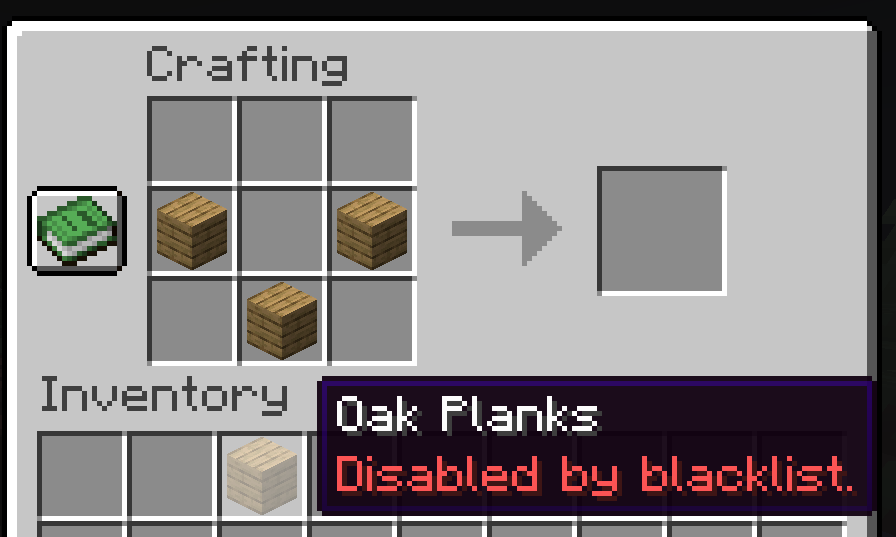
- Recipes — Recipes that produce a blacklisted item are removed. Blacklisted ingredients are also prevented from being used. If an ingredient accepts multiple items, such as
#minecraft:planks, only the blacklisted alternatives are removed and the recipe remains usable with the others. If no valid alternatives remain, the recipe is removed entirely. - Loot tables — Blacklisted items are removed from chests, blocks, entities, fishing, and other loot tables. Blacklisted potions and enchantments are also filtered from applicable loot.
- Villager & Wandering Trader trades — Trades involving blacklisted items are removed. Trades that generate enchanted items or potion-tipped arrows are also filtered to prevent blacklisted enchantments and potions from being selected.
- Brewing — Brewing recipes that produce blacklisted potions are removed, preventing those potions from being brewed normally.
- Enchanting — Blacklisted enchantments are removed from the enchantment system and cannot be selected when enchanting items. Items that contain a blacklisted enchantment are also marked as blacklisted.
- Anvils — Blacklisted enchantments cannot be applied through an anvil.
- Item & block tags — Blacklisted items are removed from tags they belong to. This prevents other game systems from continuing to treat the item as a valid member.
- Blocks — Blacklisted blocks can still exist in the world and can be destroyed, but players cannot interact with or use them.
- Player inventories — If a blacklisted item somehow reaches a non-Creative player’s inventory, it is automatically removed.
- Tooltips — Blacklisted items display a red tooltip identifying them as disabled.
- Creative — Creative mode and commands can still be used to obtain blacklisted items.
Configuration
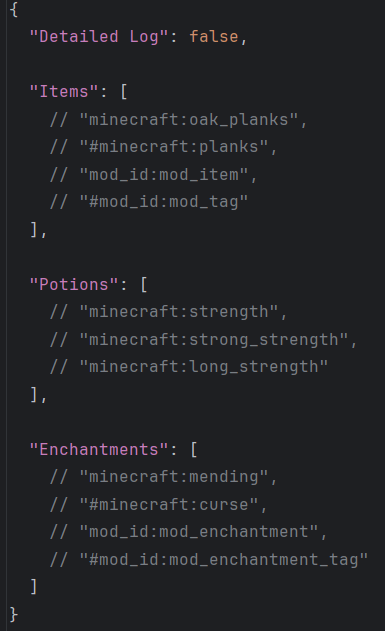
Configuration is handled through a simple JSON file generated in the config folder on first launch. The default config contains commented example entries.
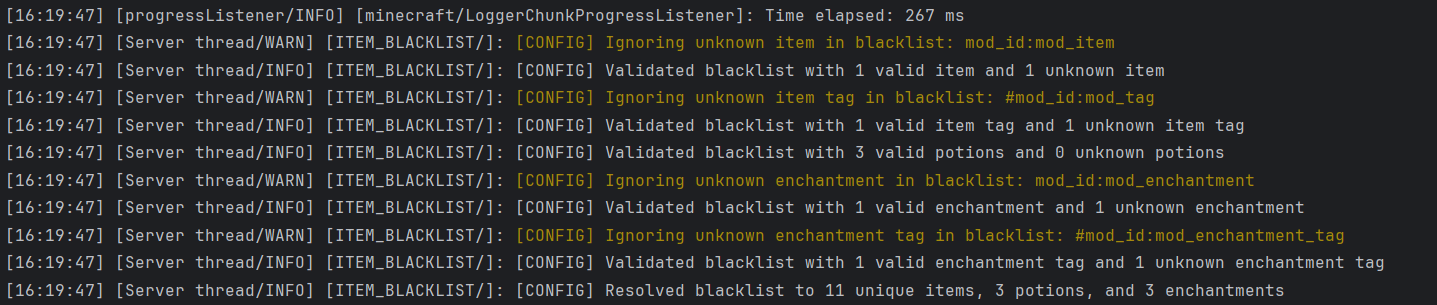
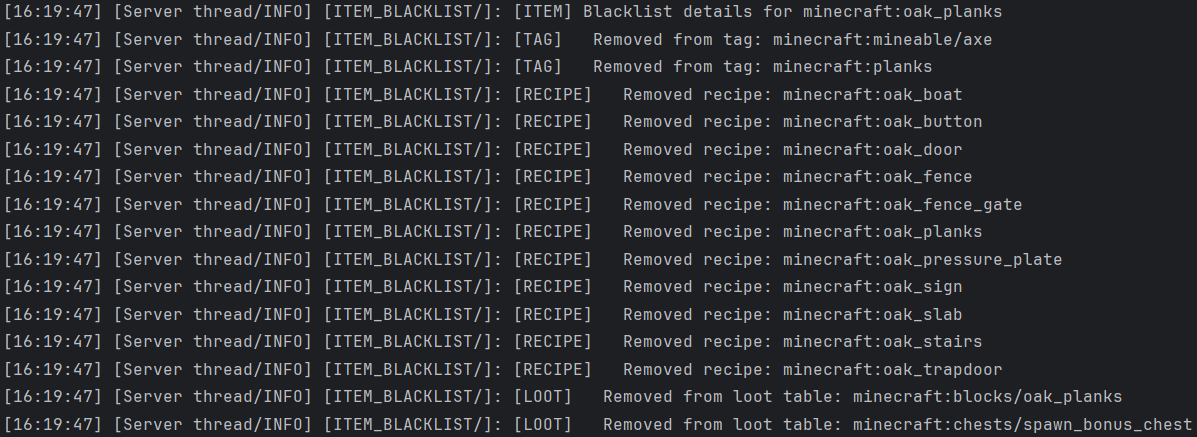
Detailed logging can be enabled to show exactly what the blacklist modifies, including removed recipes, loot entries, trades, tag entries, brewing recipes, and enchantments.
Compatibility
Item Blacklist is intended to be installed on both the client and server. It can also run exclusively on the server, but client-side features such as blacklist tooltips will not be fully available.
Integration is also provided for:
- JEI (Just Enough Items)
- JER (Just Enough Resources)
When installed, supported JEI and JER displays are filtered so blacklisted content is not presented as normally obtainable. JEI and JER are optional and are not required to use Item Blacklist.
常见问题
Simple Item Blacklist 支持哪些 Minecraft 版本?
Simple Item Blacklist 支持 Minecraft Java 版 1.21.1,可用的加载器:Fabric / NeoForge。下载时注意选择和你游戏版本一致的文件。
Simple Item Blacklist 怎么安装?
先用 PCL2 或 HMCL 启动器安装对应版本的 Fabric / NeoForge,再把下载的 .jar 文件放进游戏目录的 mods 文件夹,重新启动游戏即可。开启了版本隔离的,mods 文件夹在 versions/版本名 下面。
评论
登录后评论和评分