
Simple HUD Enhanced
作者:SoRadGaming
A Fabric Minecraft mod that enhances the game's HUD by introducing customizable elements and features to display information.
截图


介绍
中文介绍正在准备中,下面暂时显示原文。
Supports Versions 26.3 to 1.17
Make Any HUD You Want
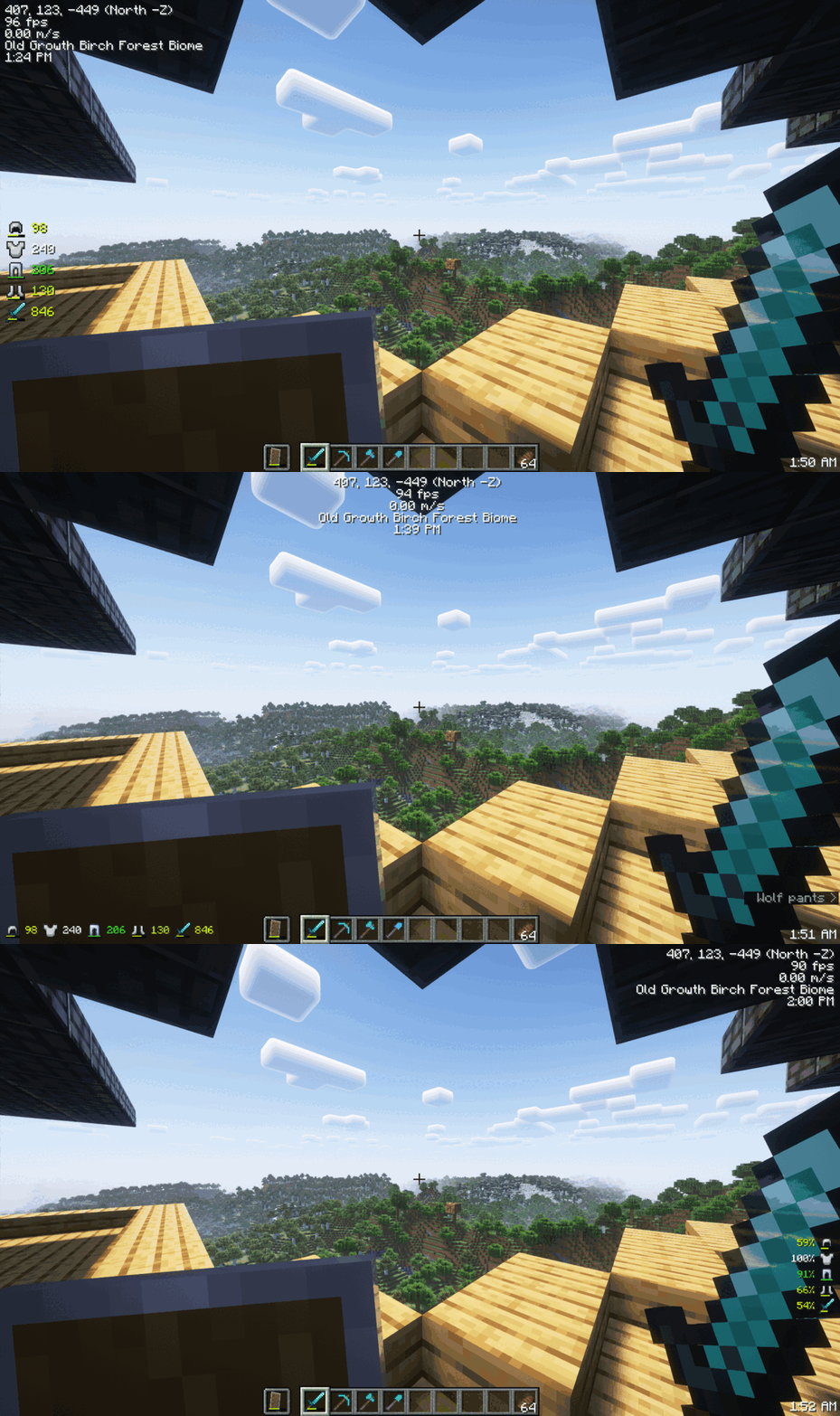
Monitor Effects Duration a Glance

Mod Menu
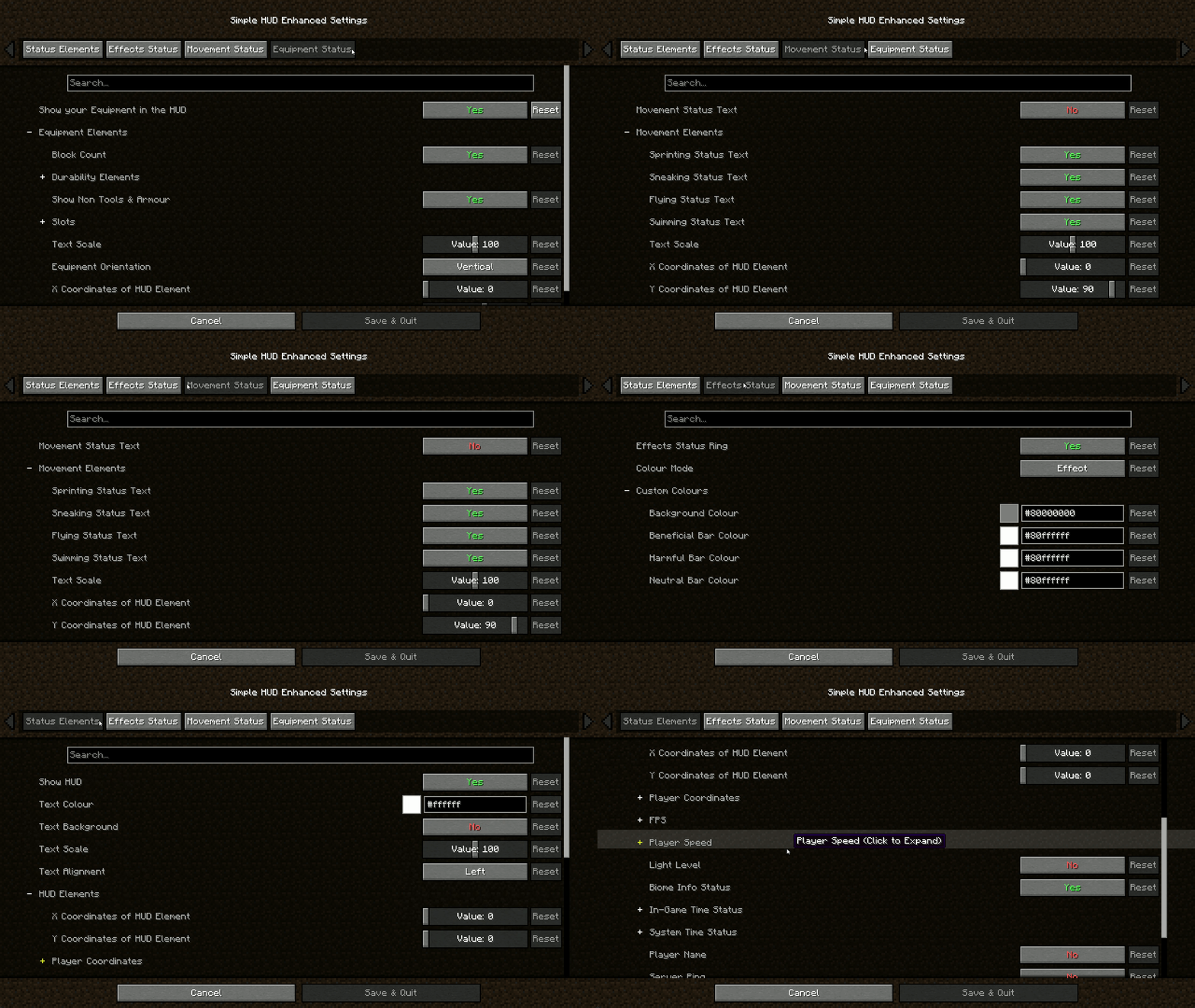
Features:
- Coordinates (With Directions): Always know where you are heading.
- Customizable Elements: Modify the presentation of various in-game information.
- Customizable Position: Move the HUD anywhere on your screen.
- Customizable HUD Size: Adjust the size to suit your visual preferences.
- FPS: Keep an eye on your game’s performance.
- TPS Client-Side Compatibility: Experience smooth performance with TPS tracking.
- Velocity (Vertical & Horizontal): Track your movement speed.
- Light Level: Stay aware of your surroundings.
- Server Ping: Monitor your connection to the server.
- Current Biome: Know the biome you’re exploring.
- In-Game Time (12 & 24 Hour Format): Never lose track of time.
- In-Game Day Counter: Keep track of the number of days passed in the game.
- System Time (12 & 24 Hour Format): Real-world time at a glance.
- Nether Conversation: Seamless transition monitoring.
- Chunk Coordinates: Track your position in the world with chunk-level precision.
- Sub-Chunk Coordinates: Dive deeper with detailed sub-chunk positioning.
- Player Status Effects Ring Timer: Time your buffs and debuffs.
- Player Movement Status: Sprinting, swimming, flying, sneaking – keep track of it all.
- Player Armour and Items Durabilities & Count on the HUD: Manage your equipment efficiently.
- Trinkets API Support: Integrate seamlessly with Trinkets to enhance your gameplay.
- Paper Doll: Your dynamic avatar, showcasing in-game moves, gear, and status at a glance.
Download the mod now and take control of your HUD like never before!
Join The Discord!

常见问题
Simple HUD Enhanced 支持哪些 Minecraft 版本?
Simple HUD Enhanced 支持 Minecraft Java 版 1.17–26.3,共 34 个版本,可用的加载器:Fabric。下载时注意选择和你游戏版本一致的文件。
Simple HUD Enhanced 怎么安装?
先用 PCL2 或 HMCL 启动器安装对应版本的 Fabric,再把下载的 .jar 文件放进游戏目录的 mods 文件夹,重新启动游戏即可。开启了版本隔离的,mods 文件夹在 versions/版本名 下面。运行环境:仅客户端。
评论
登录后评论和评分