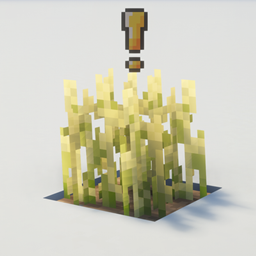
Simple Grow Progress
作者:MilkVoice
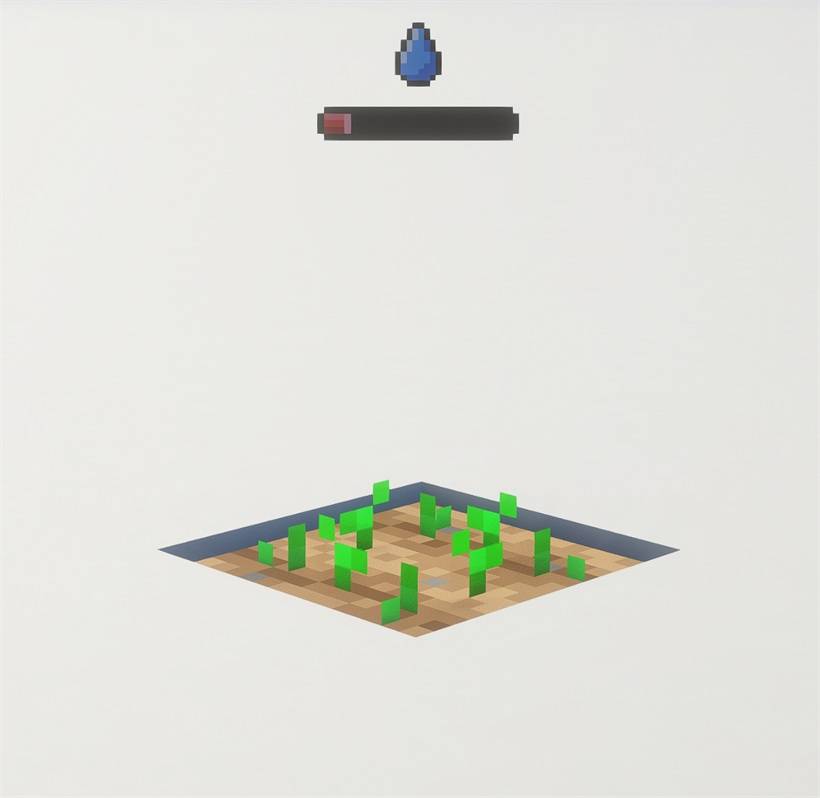
Simple contextual icons displaying the status of your crops and a few simple icons to indicate why they are not growing !
截图
介绍
中文介绍正在准备中,下面暂时显示原文。
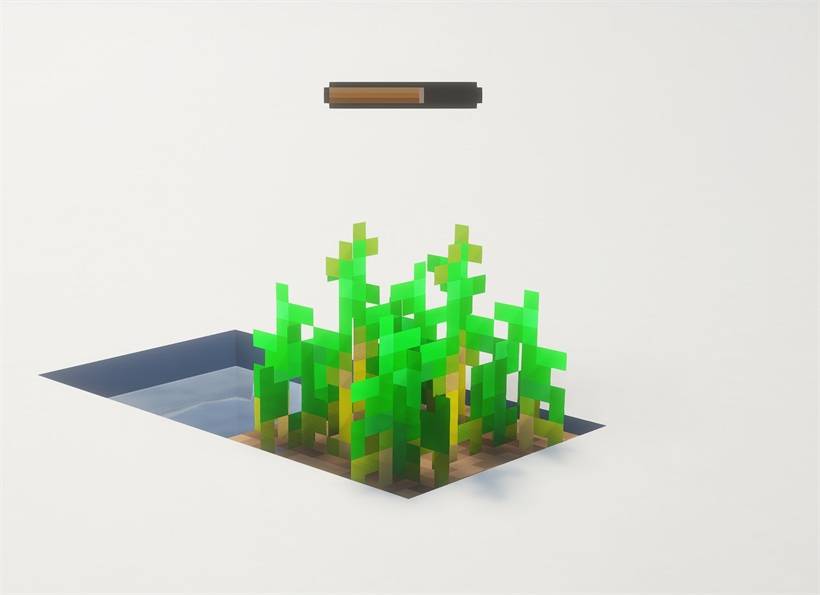
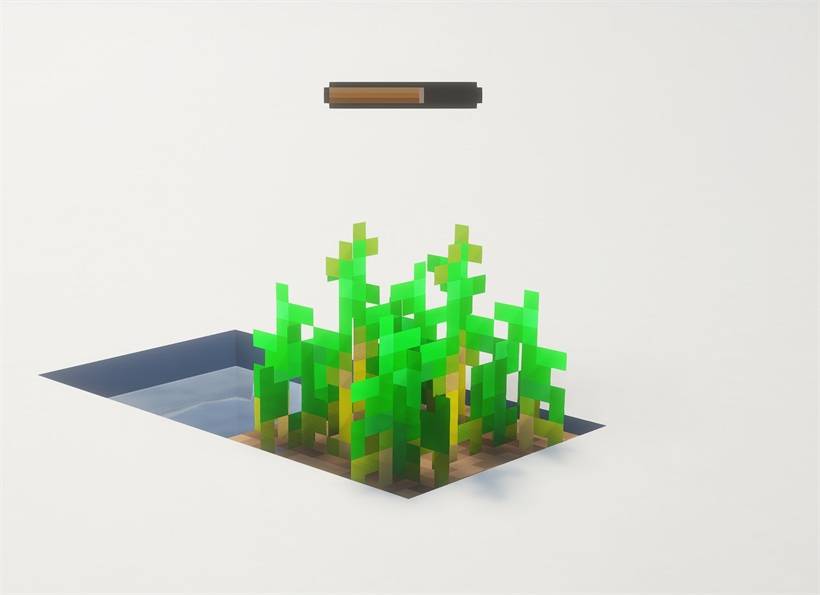
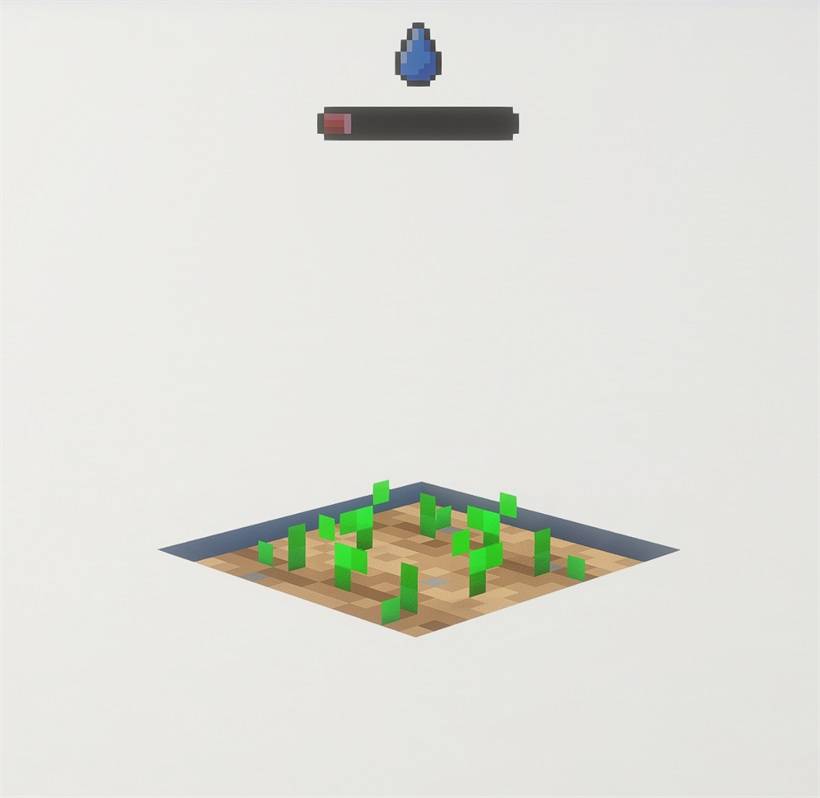
- Growth bars: A small bar over each growing crop goes from red to amber as it grows. It shows when you look at the crop.
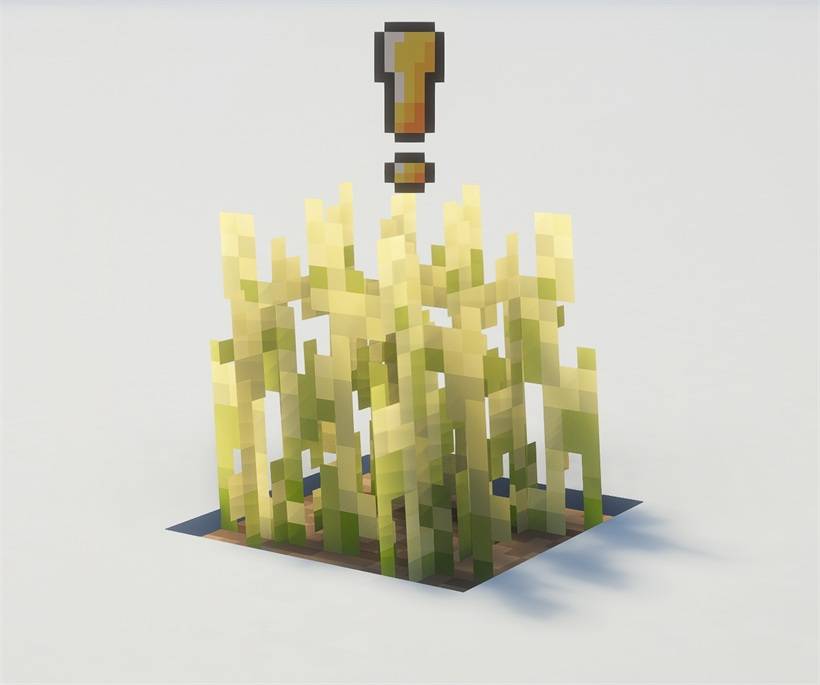
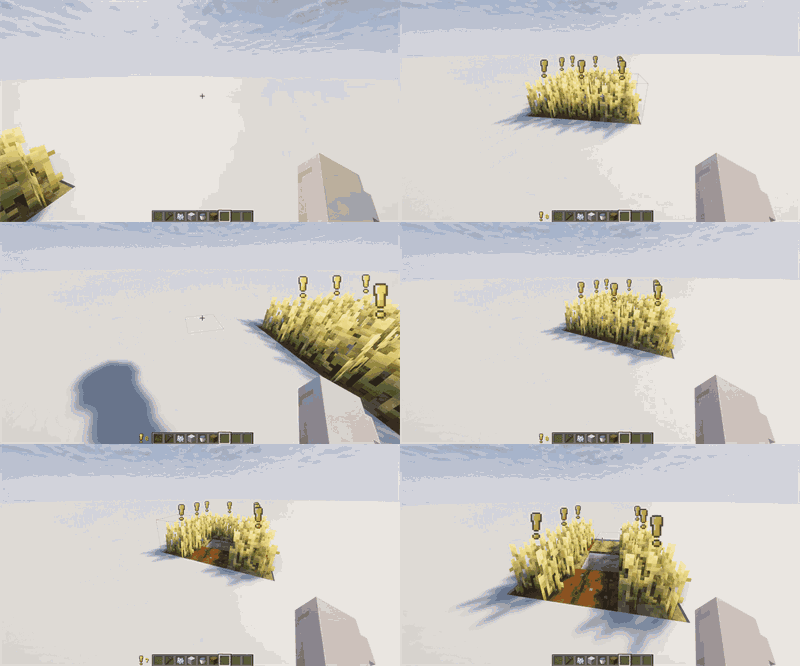
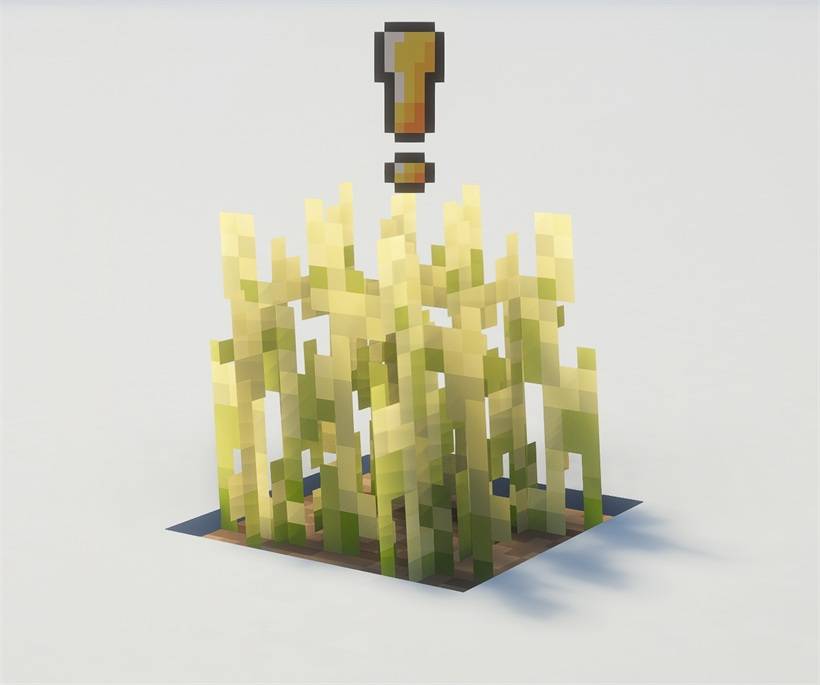
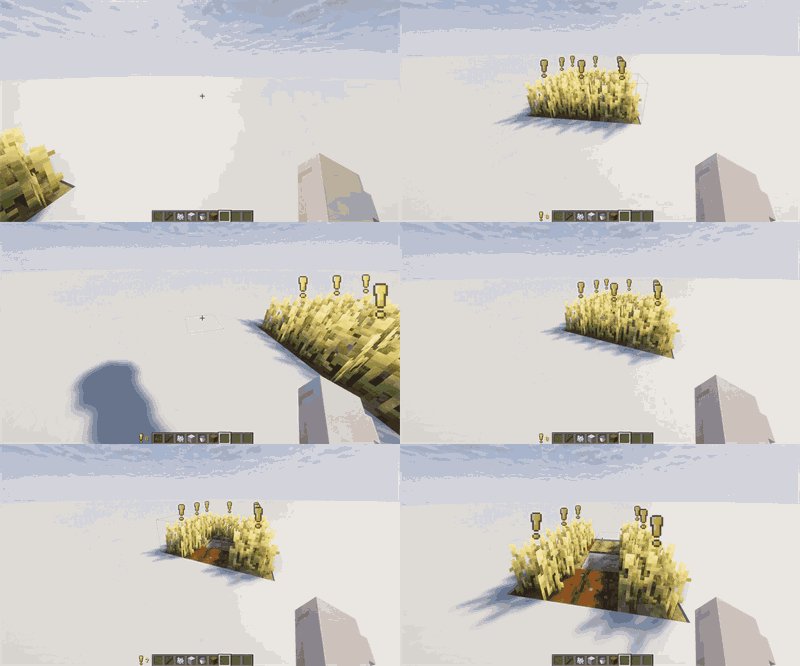
- Ready to harvest: When a crop is fully grown, the bar is replaced by a bobbing “!” mark.
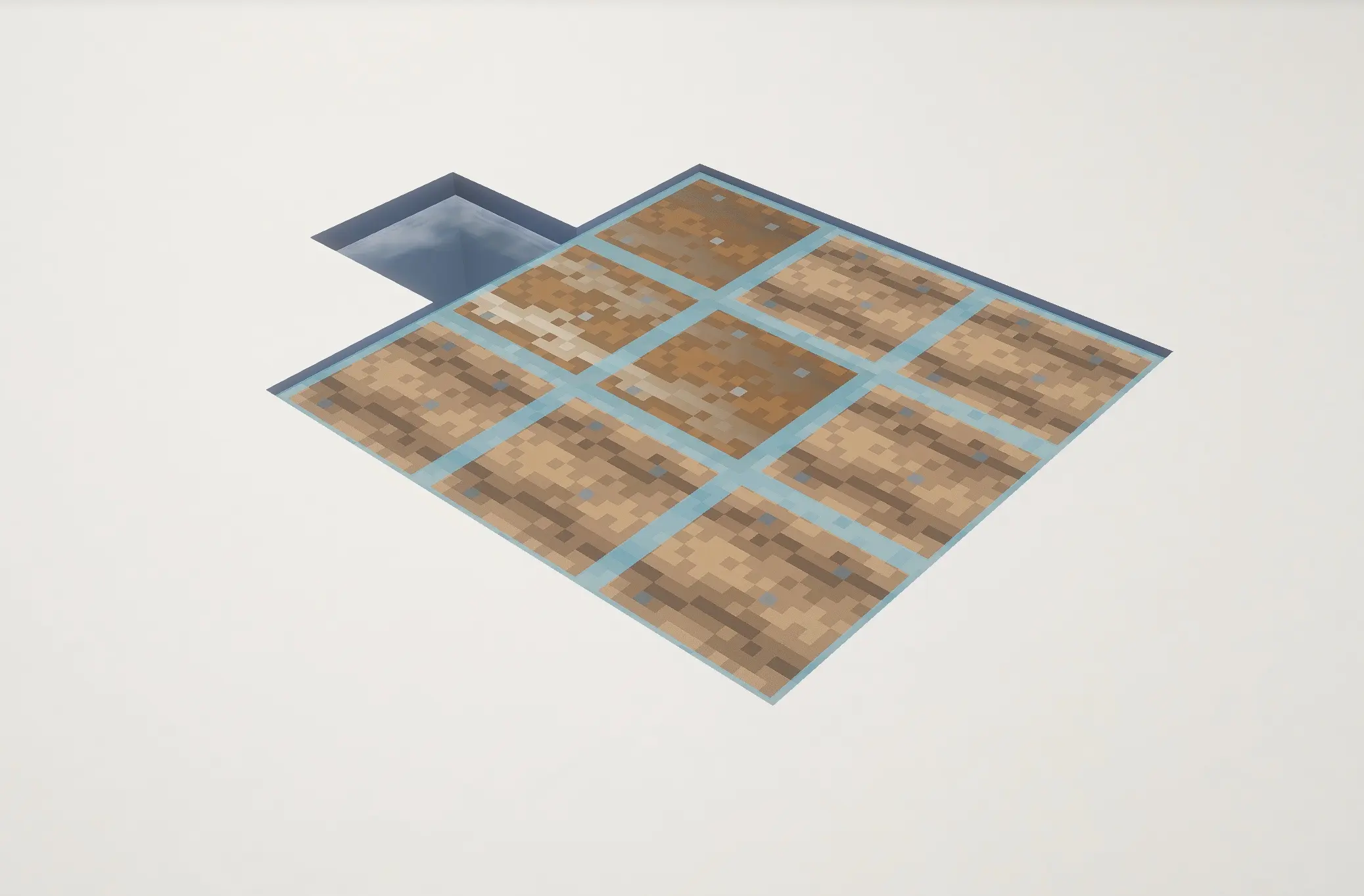
- Water map: Farmland that is fed by water, and will never dry out, gets a blue tile on top. Press H to turn it on or off.
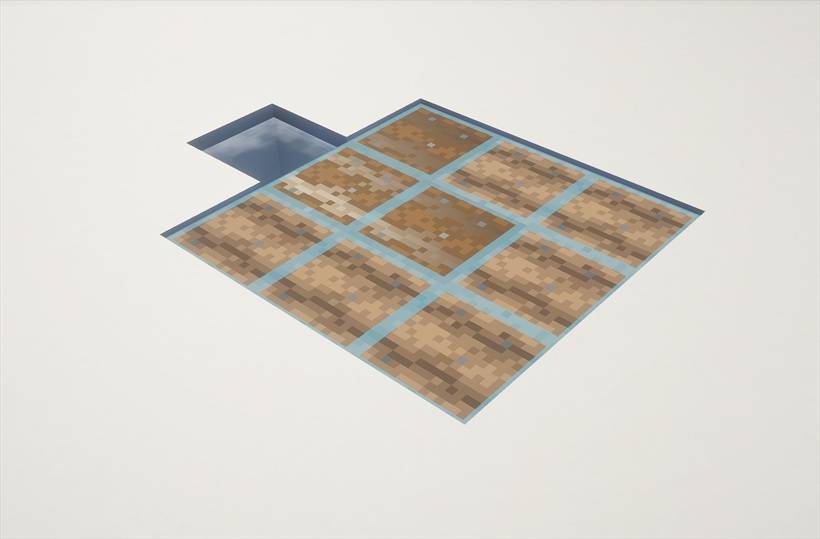
- Problem warnings: A moon icon means a crop is too dark to grow. A water drop means its farmland will dry out.
- Harvest counter: Aim at a field and a number by your hotbar shows how many crops on it are ready.
- Settings: Turn any feature on or off, choose what stays visible with F1, and change the distances in Mod Menu.
Works with shader packs. Client-side only, so it works on any server and nobody else needs it installed.
常见问题
Simple Grow Progress 支持哪些 Minecraft 版本?
Simple Grow Progress 支持 Minecraft Java 版 26.3,可用的加载器:Fabric。下载时注意选择和你游戏版本一致的文件。
Simple Grow Progress 怎么安装?
先用 PCL2 或 HMCL 启动器安装对应版本的 Fabric,再把下载的 .jar 文件放进游戏目录的 mods 文件夹,重新启动游戏即可。开启了版本隔离的,mods 文件夹在 versions/版本名 下面。

评论
登录后评论和评分