
Simple Fullbright
Simple Fullbright is a lightweight client-side mod that enhances visibility by extending Minecraft's gamma limits.
截图
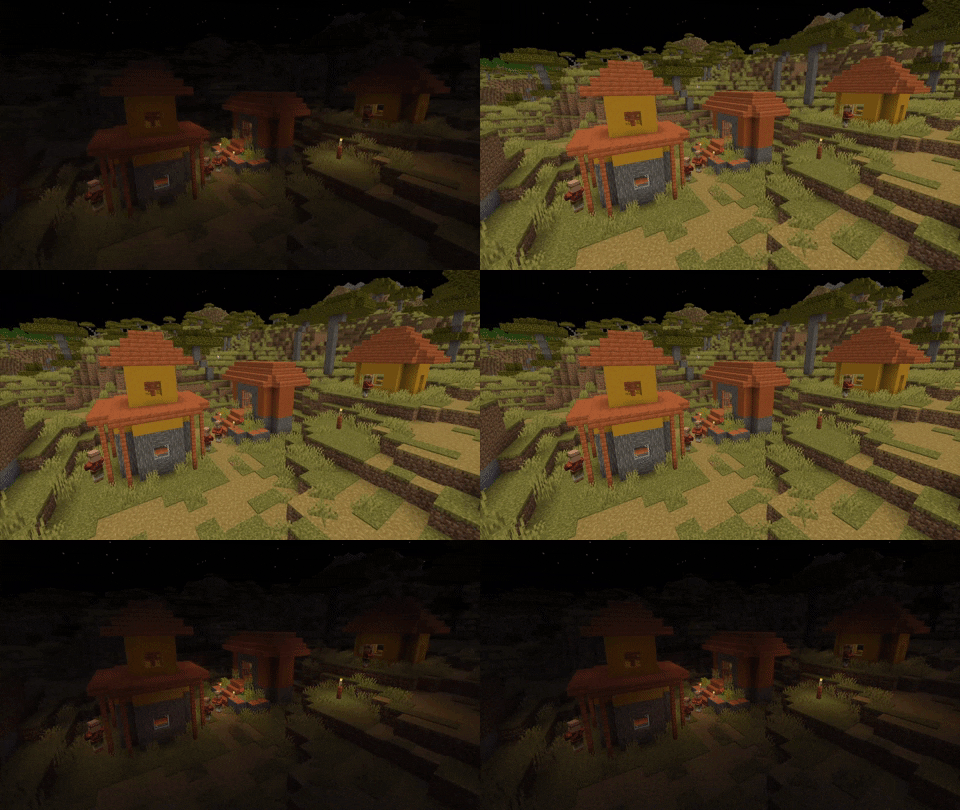
介绍
Simple Fullbright

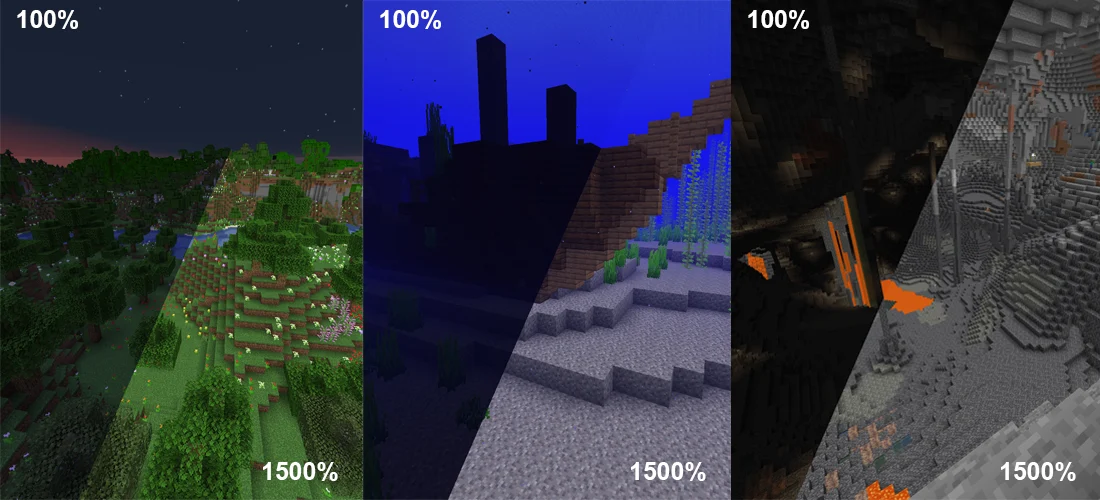
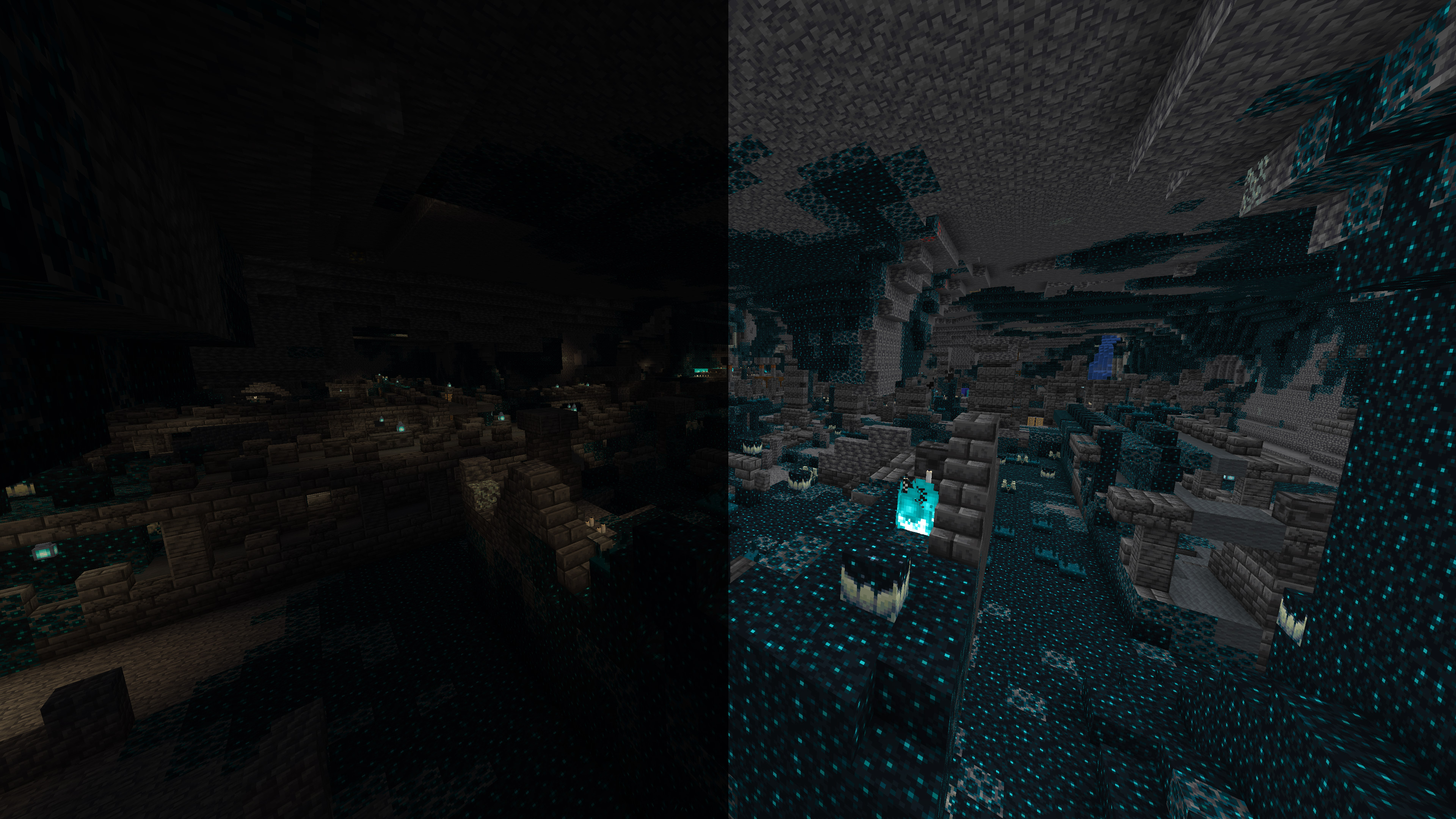
Simple Fullbright is a lightweight, client-side Minecraft mod that enhances visibility in dark environments by extending the in-game gamma limits.
It allows you to experience full brightness in caves, nighttime, and other low-light areas without requiring shaders or external tools.
Requirements


Features
- Full brightness in caves and nighttime
- Adjustable gamma controls
- Optional night vision toggle
- Smooth transition support
- Lightweight and performance-friendly
Toggle Night Vision
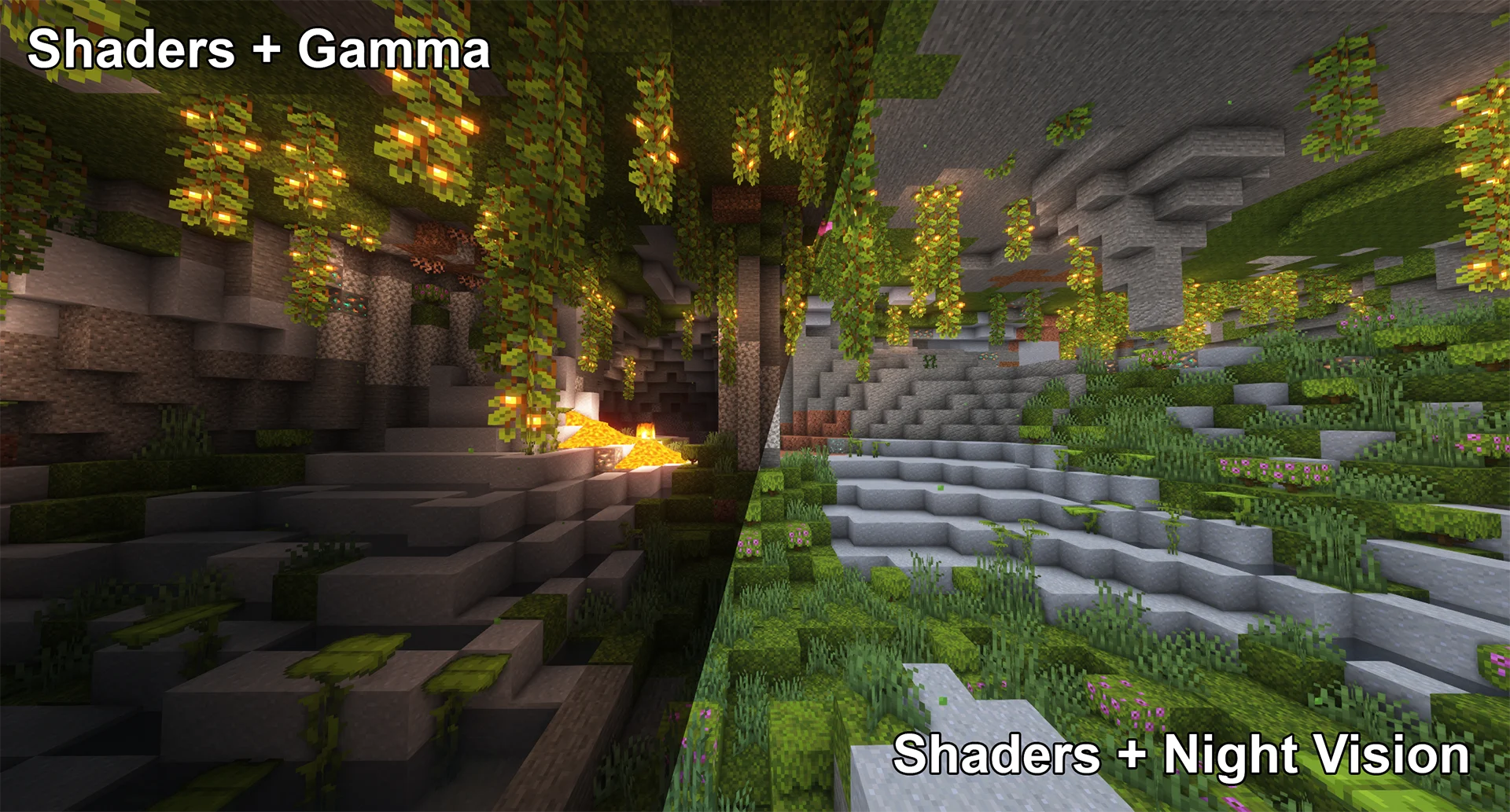
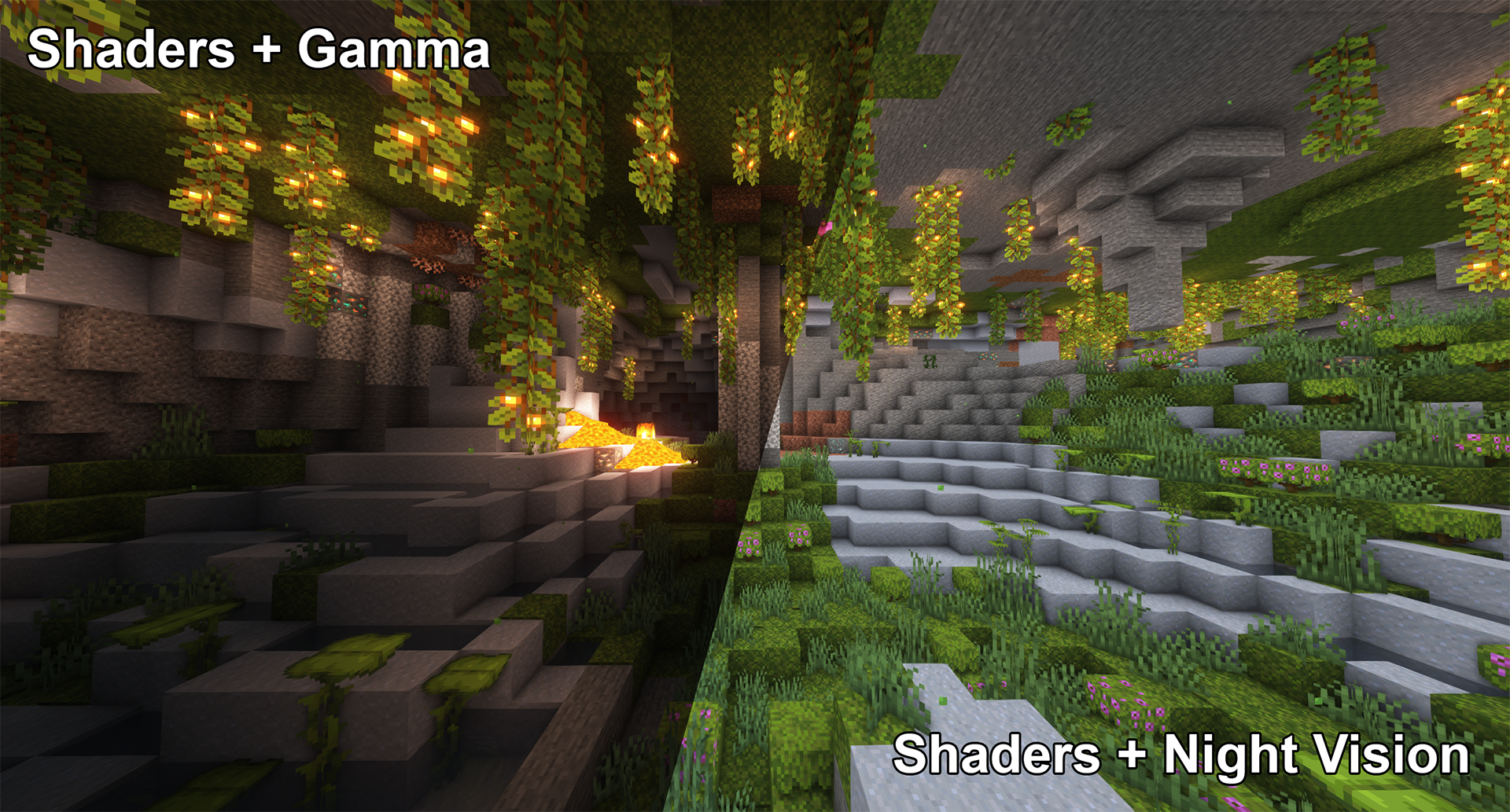
High gamma won’t work in combination with shaders,
however, night vision will work with at least some shaders:
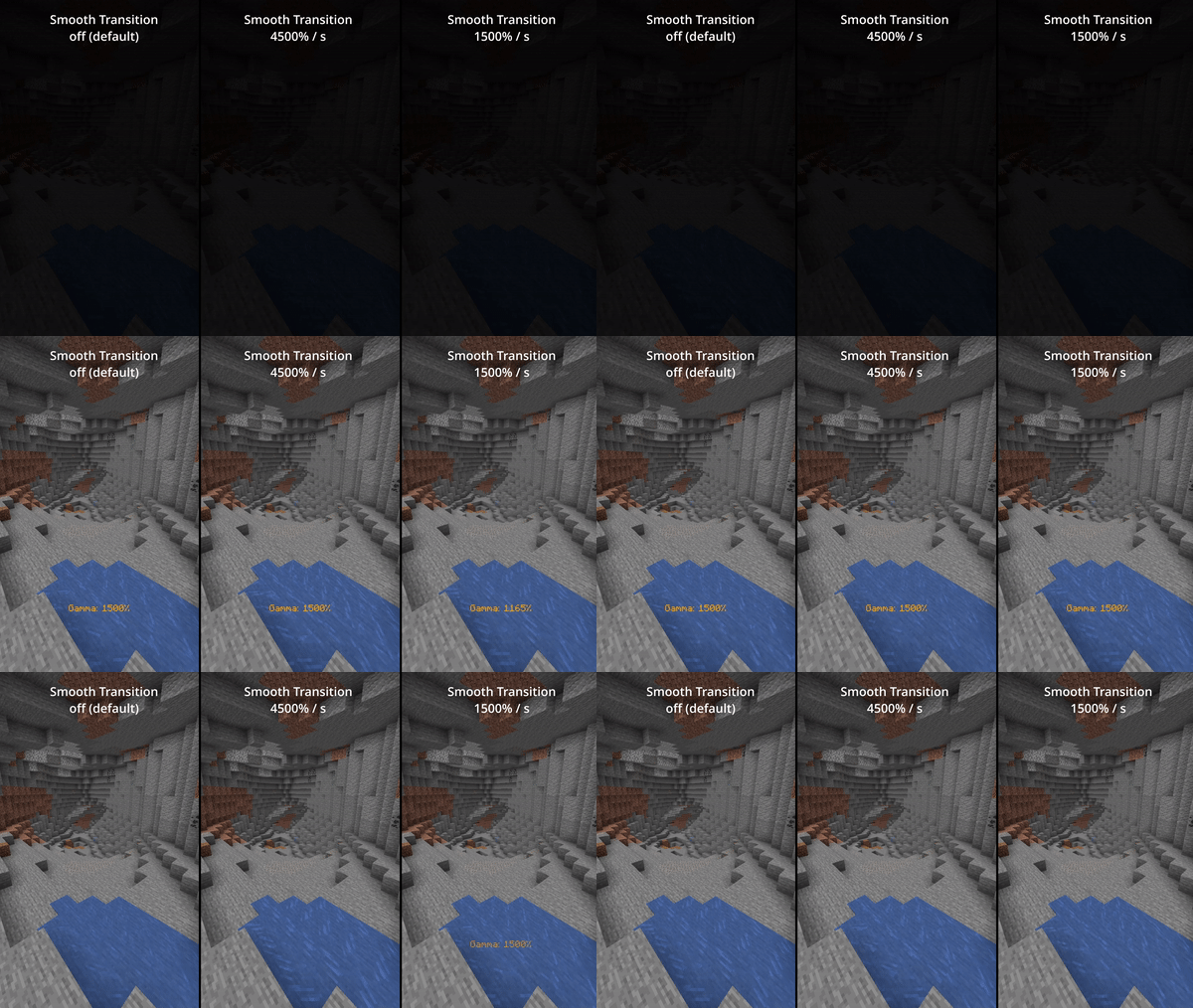
Smooth Transition
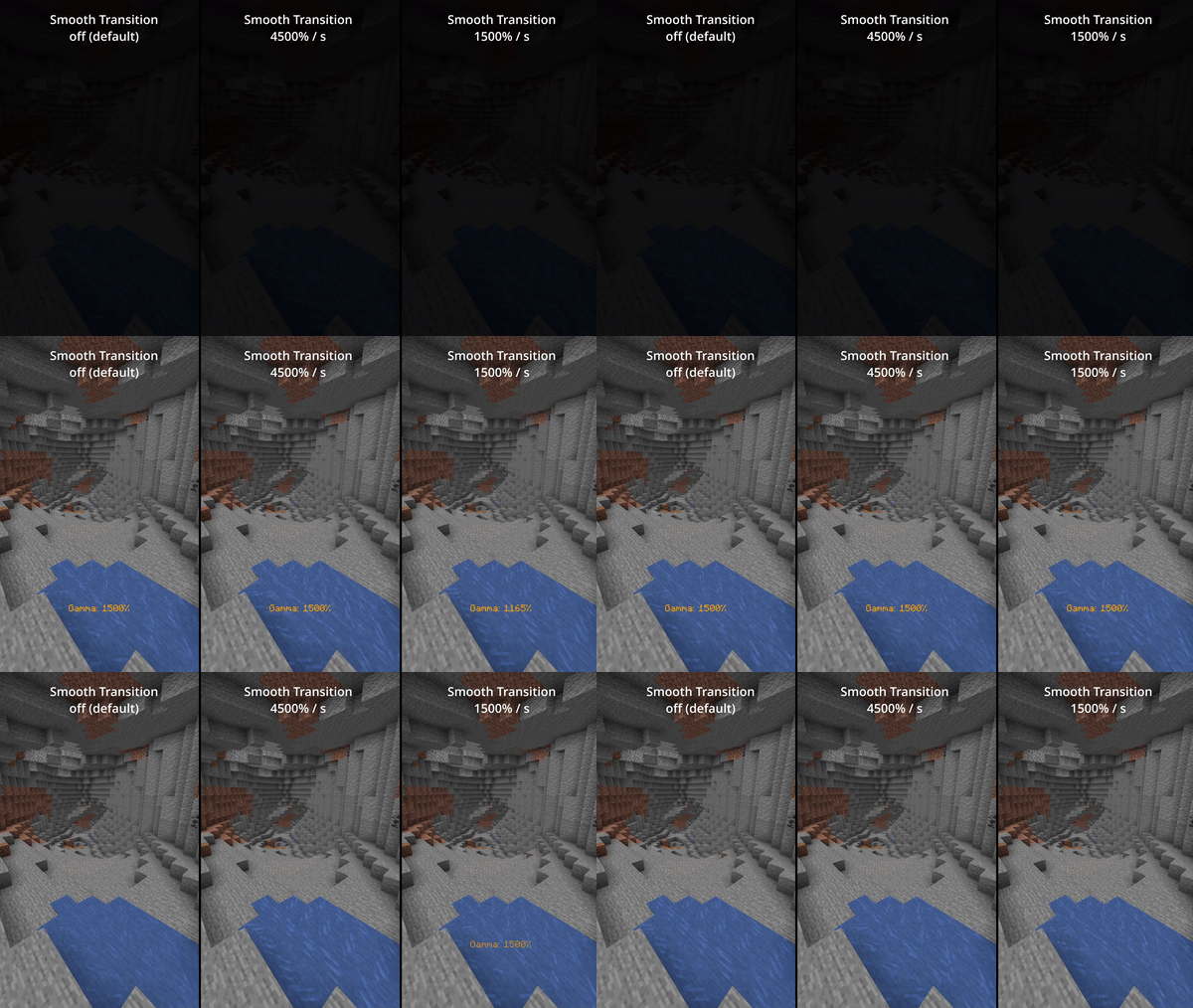
Enable smooth transition (off by default) for a less intense transition when toggling gamma:
Status Effects
Enable fully client side status effects (off by default)
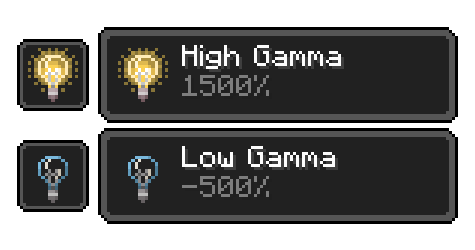
To keep you reminded that you’ve enabled gamma outside normal values:
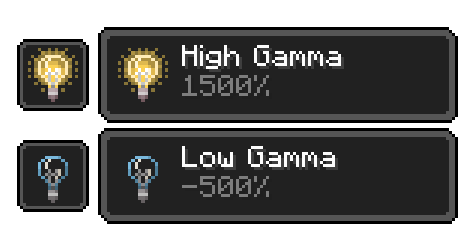
All Functions
All functions and commands
Toggle Gamma
Usage: Keybind (default: G) or /gamma toggle
Toggle between the default gamma percentage and the configured toggled percentage.
Increase Gamma
Usage: Keybind (default: Arrow Up) or /gamma increase <value>
Increase the gamma percentage by the configured step percentage or the given value.
Decrease Gamma
Usage: Keybind (default: Arrow Down) or /gamma decrease <value>
Decrease the gamma percentage by the configured step percentage or the given value.
Set Gamma
Usage: /gamma set <value>
Set the gamma to a specific percentage.
Min Gamma
Usage: Keybind or /gamma min
Sets the gamma to the configured minimum limit.
Max Gamma
Usage: Keybind or /gamma max
Sets the gamma to the configured maximum limit.
Toggle Night Vision
Usage: Keybind (default: H) or /gamma nightvision
Toggle night vision on or off.
Configuration (File / Mod Menu)
All configuration options
Default Gamma Percentage
Default: 100%
Gamma percentage for when the mod is toggled off.
Toggled Gamma Percentage
Default: 1500%
Gamma percentage for when the mod is toggled on.
Update Toggle Value
Default: false
Remembers the last non-default gamma value used.
Smooth Transition
Default: false
Makes the transition when toggling gamma smoother.
Transition Speed
Default: 4500
Speed in gamma percentage per second.
Show Status Effect
Default: false
Displays a status effect when gamma is outside normal range.
Limit Check
Default: true
Enforces minimum and maximum gamma limits.
Minimum Gamma Limit
Default: -750%
Minimum allowed gamma value.
Maximum Gamma Limit
Default: 1500%
Maximum allowed gamma value.
Gamma Percentage Step
Default: 10%
Change amount per increase/decrease.
Show Gamma Message
Default: true
Displays a message when gamma changes.
Reset on Close
Default: false
Resets gamma when Minecraft closes.
Notes
- Client-side only
- Requires Fabric Loader
- Cloth Config API required for configuration
- Mod Menu recommended for in-game settings
常见问题
Simple Fullbright 支持哪些 Minecraft 版本?
Simple Fullbright 支持 Minecraft Java 版 26.1,可用的加载器:Fabric。下载时注意选择和你游戏版本一致的文件。
Simple Fullbright 怎么安装?
先用 PCL2 或 HMCL 启动器安装对应版本的 Fabric,再把下载的 .jar 文件放进游戏目录的 mods 文件夹,重新启动游戏即可。开启了版本隔离的,mods 文件夹在 versions/版本名 下面。运行环境:仅客户端。
评论
登录后评论和评分