
截图
介绍
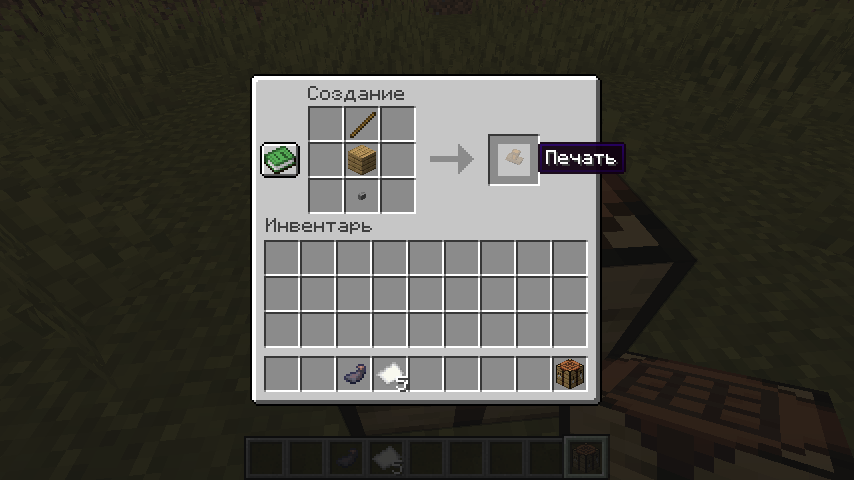
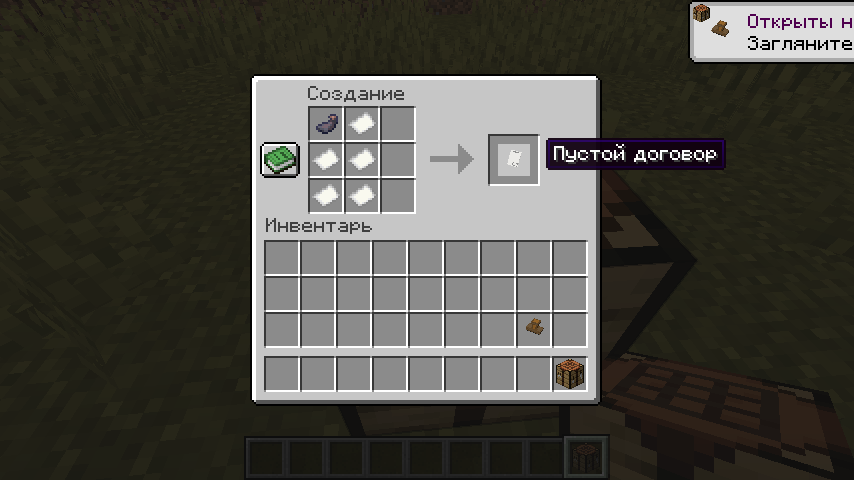
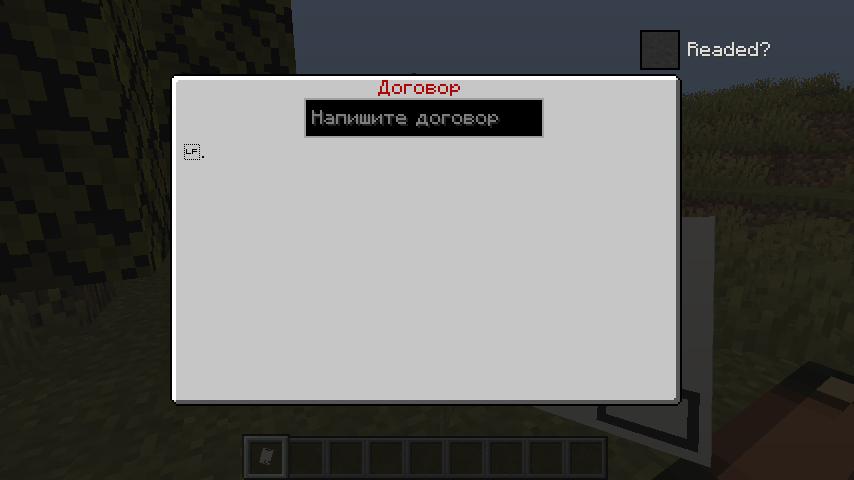
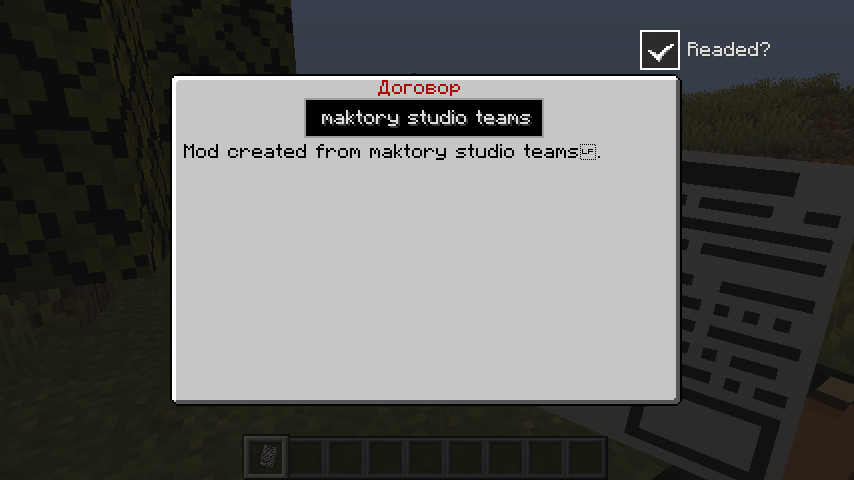
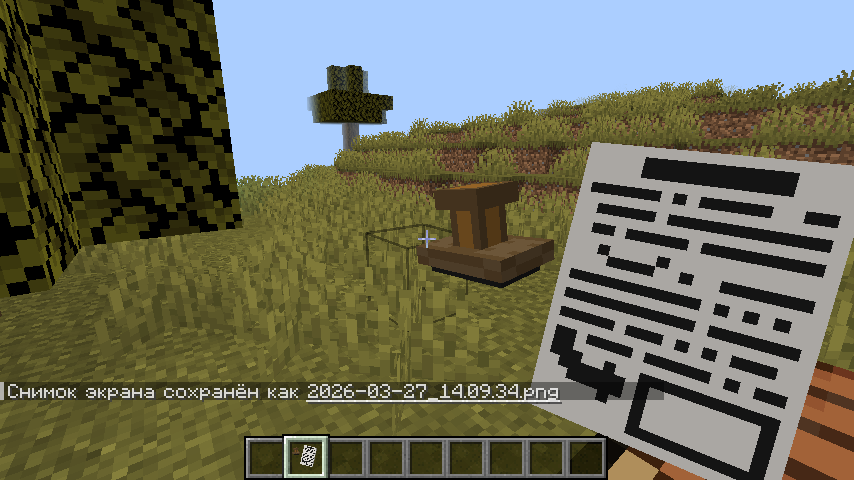
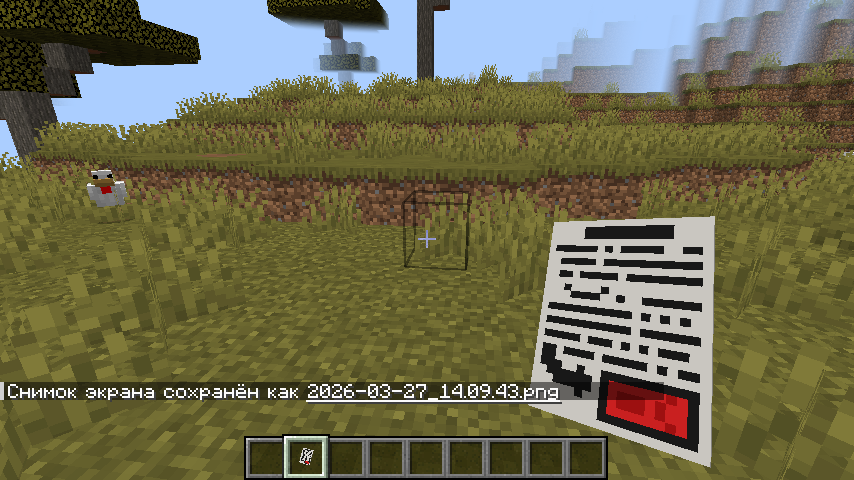
This mod adds simple contracts. Specifically, a Blank Contract, a Written Contract, a Signed Contract, and a Seal. How to use the mod: 1. First, craft a Blank Contract (its crafting is shown in the image in the gallery), then craft a Seal (its crafting is shown in the image in the gallery) and place it IN YOUR INVENTORY, NOT IN THE QUICK ACCESS SLOTS. 2. After that, take the Blank Contract in your main hand and right-click. 3. To write a contract, type the text in the text field when opening the Blank Contract interface. Once you’ve written the contract, check the box next to “Read.” After that, the contract will be written and all that’s left to do is place the seal. 4. To place the seal, take the written contract in your main hand and right-click after the contract signing animation plays. 5. If the contract has been completed, it can be completed. Take the active contract in your main hand, right-click, and check the “Completed?” box. Currently, only one contract can be signed per player.
常见问题
Simple Contracts 支持哪些 Minecraft 版本?
Simple Contracts 支持 Minecraft Java 版 1.20.1,可用的加载器:Forge。下载时注意选择和你游戏版本一致的文件。
Simple Contracts 怎么安装?
先用 PCL2 或 HMCL 启动器安装对应版本的 Forge,再把下载的 .jar 文件放进游戏目录的 mods 文件夹,重新启动游戏即可。开启了版本隔离的,mods 文件夹在 versions/版本名 下面。运行环境:客户端和服务端都要装。


评论
登录后评论和评分