
Simple Camera
Third-person camera control: distance, height, offset, a free camera to place it by eye, plus an optional rotation lock.
截图
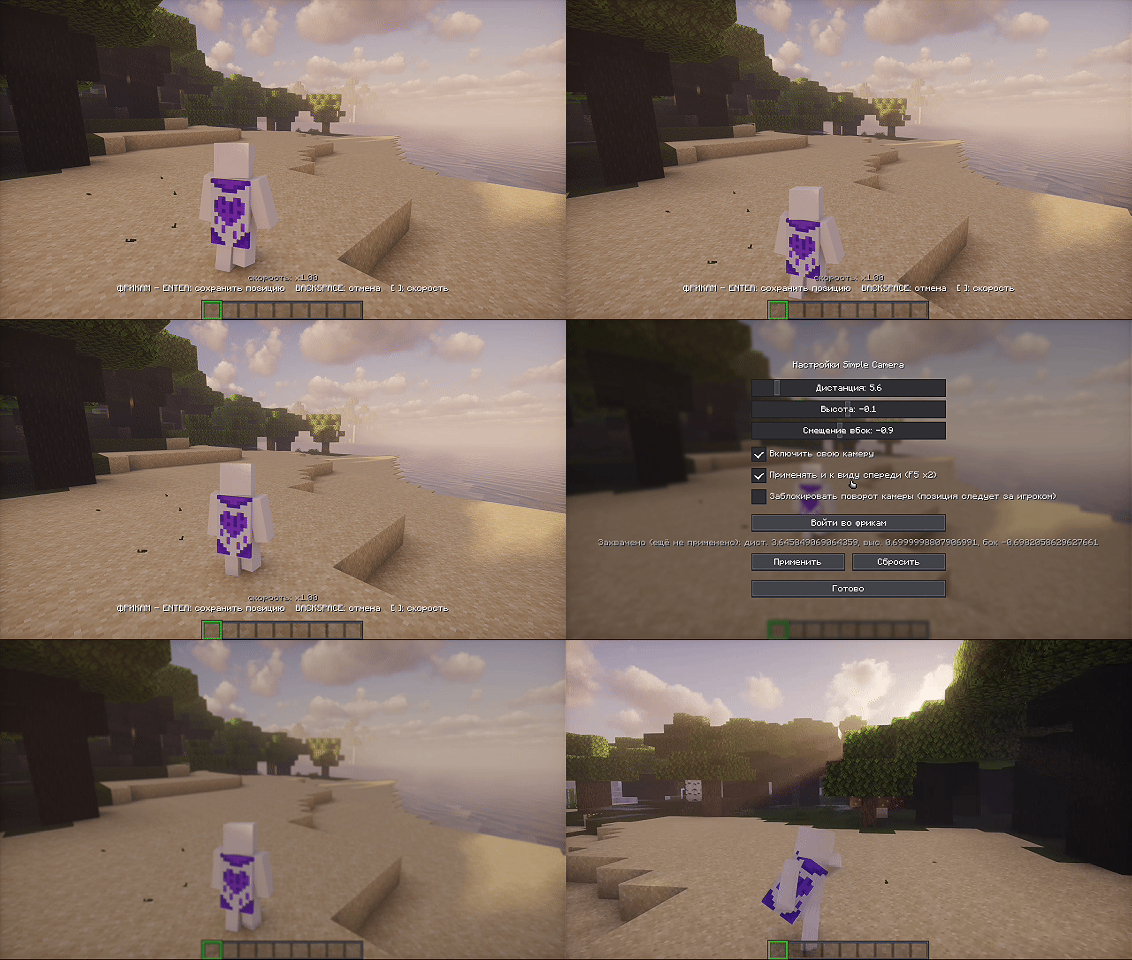
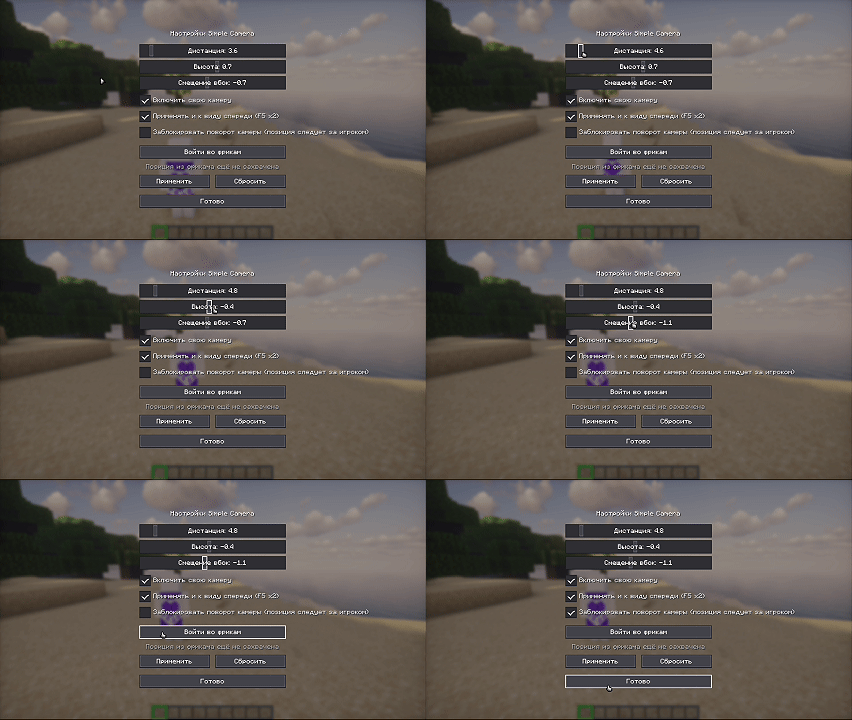
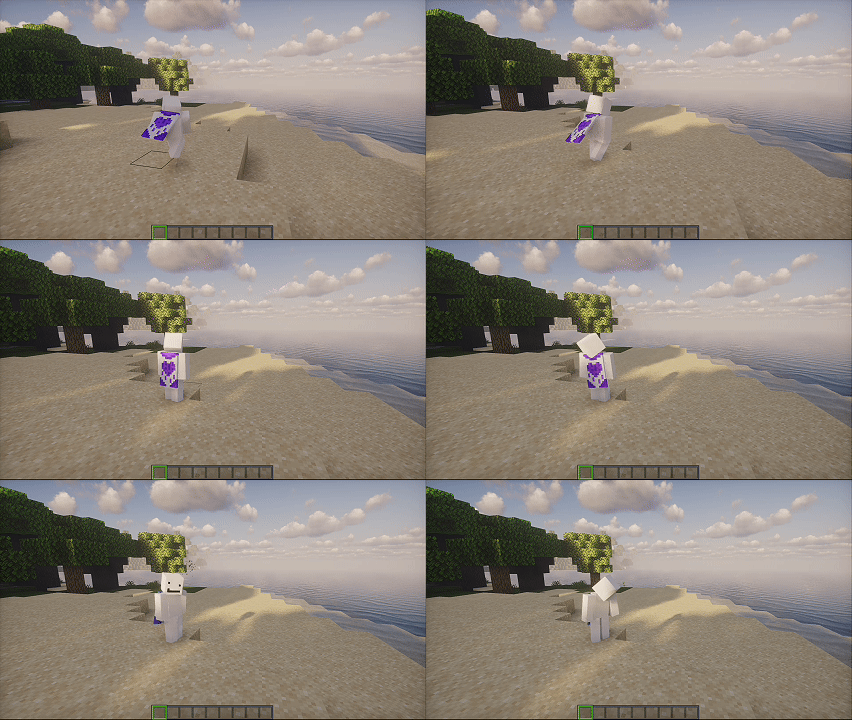
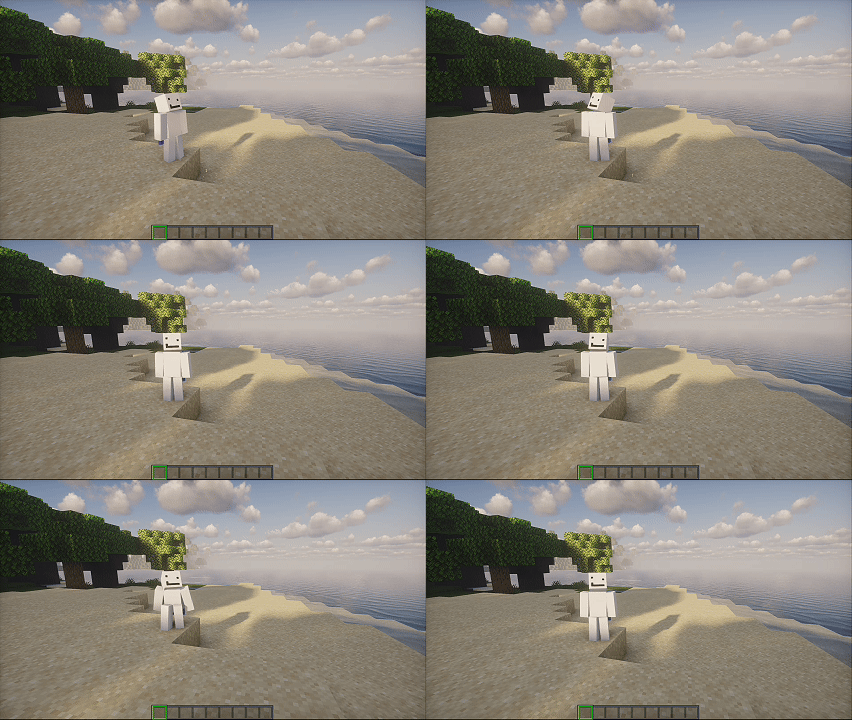
介绍
A camera that listens to you, not the other way around.
Adds proper third-person camera control to Minecraft.
You can adjust distance, height, and side offset — the camera follows the slider live, while you’re still dragging it, not just after you let go.
If it’s hard to dial in the numbers by eye, there’s a free camera: turn it on, fly around, park wherever looks right, then hit Enter — that spot becomes your camera.
And if the camera keeps whipping around with every twitch of your mouse, you can lock its rotation. It stops turning, but keeps following you wherever you go.
Distance can stretch out to 40 blocks — the camera won’t clip through walls.
⌨️ Controls
Key Action
K toggle freecam
Enter save position
Backspace exit without saving
[ ] flight speed
常见问题
Simple Camera 支持哪些 Minecraft 版本?
Simple Camera 支持 Minecraft Java 版 1.21.1,可用的加载器:Fabric。下载时注意选择和你游戏版本一致的文件。
Simple Camera 怎么安装?
先用 PCL2 或 HMCL 启动器安装对应版本的 Fabric,再把下载的 .jar 文件放进游戏目录的 mods 文件夹,重新启动游戏即可。开启了版本隔离的,mods 文件夹在 versions/版本名 下面。运行环境:仅客户端。
评论
登录后评论和评分