
Simple Block Randomizer
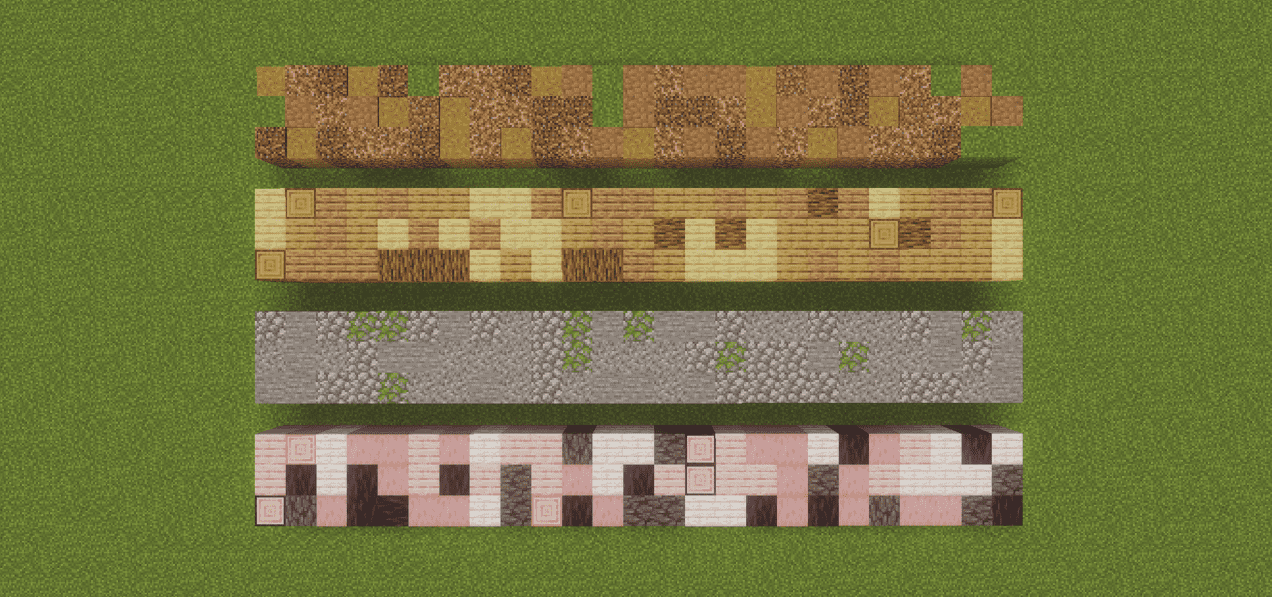
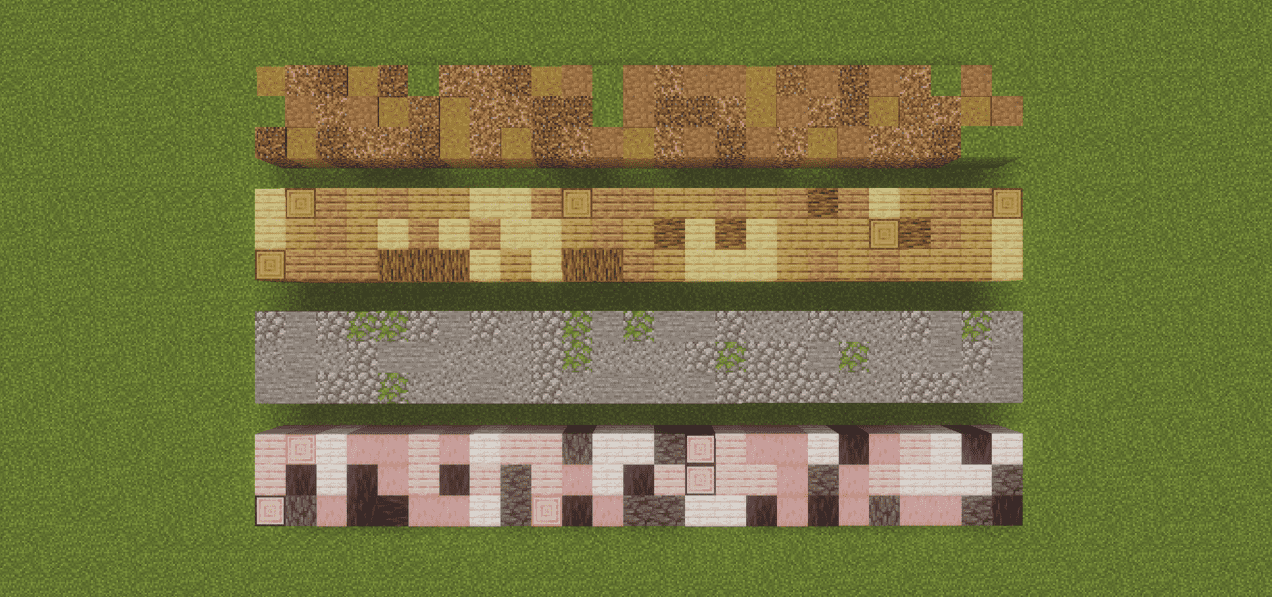
Randomizes which enabled hotbar slot is used on every block placement. Pick your slots once, then just click - no more scrolling between block variants mid-build.
截图
介绍
Block Randomizer
Building a stone wall out of four different variants usually means scrolling your
hotbar between every single click. Block Randomizer does the scrolling for you:
enable the slots you want to build with, and every placement picks one of them at
random.
Client-side only. Works on any server, no server install needed.
Features
- Random block placement – every placement uses a uniformly random enabled hotbar slot. Truly random, so the same block can come up twice in a row.
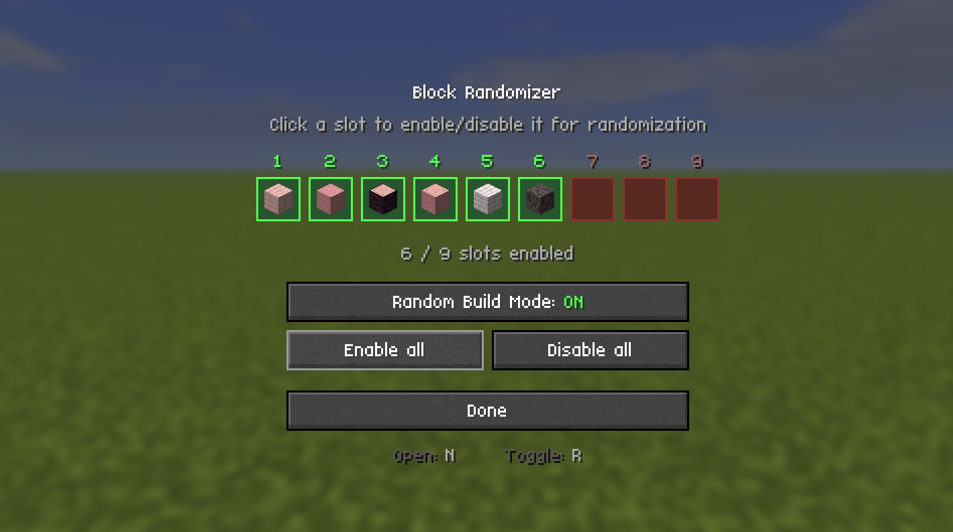
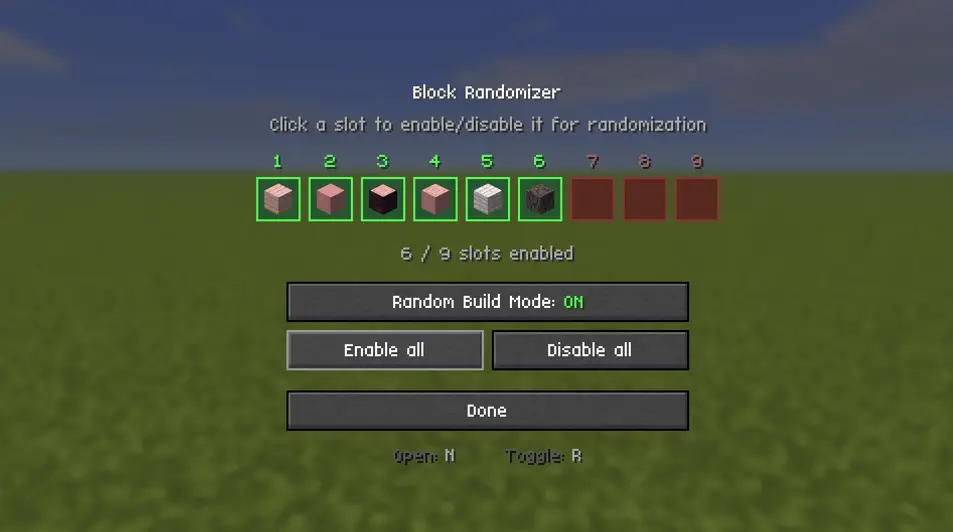
- Pick your slots visually – a settings screen shows your live hotbar as nine cells. Click a cell to enable or disable that slot
- Enable all / Disable all buttons for quick setup.
- Toggle on the fly with a single key, without opening any menu.
- Mod Menu support – open the settings straight from the mod list. The screen also shows your current keybinds, so there is no need to hunt through Controls.
- HUD indicator – a small marker in the top-left shows the mode is on and how many slots are in the pool.
- Settings persist across restarts.
- No server install. It only changes which slot you have selected before a completely normal vanilla placement.
How to use
- Put the blocks you want to mix into your hotbar.
- Press N to open the settings screen.
- Click the slots that should take part. Green = enabled, red = disabled.
- Press R (or the button on the screen) to turn Random Build Mode on.
- Build. Every click places a random one of your enabled slots.
Default keybinds
| Key | Action |
| — | — |
| N | Open the randomizer settings screen |
| R | Toggle Random Build Mode on / off |
Both are rebindable under Options → Controls → Block Randomizer.
Requirements
- Fabric Loader 0.19.3 or newer
Multiplayer
Safe on servers. The mod only swaps your own selected hotbar slot right before a
normal vanilla placement – it never places blocks you do not have, and it does not
bypass any placement rules. No server-side installation.
Made by Sebi. Licensed under MIT.
常见问题
Simple Block Randomizer 支持哪些 Minecraft 版本?
Simple Block Randomizer 支持 Minecraft Java 版 26.2–26.3,共 2 个版本,可用的加载器:Fabric。下载时注意选择和你游戏版本一致的文件。
Simple Block Randomizer 怎么安装?
先用 PCL2 或 HMCL 启动器安装对应版本的 Fabric,再把下载的 .jar 文件放进游戏目录的 mods 文件夹,重新启动游戏即可。开启了版本隔离的,mods 文件夹在 versions/版本名 下面。运行环境:仅客户端。
Dev-Sebi 的其他作品
查看全部 →
Decorative Player Heads (Datapack)
Minecraft Decorative Heads is a datapack that enables players to craft decorative player heads using leather and carved pumpkins. Players can rename the crafted heads to any username, and the datapack automatically transforms them to display that player's

Pickup Filter
Blacklist items you never want to pick up. Blocked items are left on the ground in singleplayer and LAN; on servers they are picked up and instantly thrown back out.

Item Searchbar
A persistent search bar on every container screen. Matching items get a yellow highlight, everything else dims, and the query survives closing one chest and opening the next.
评论
登录后评论和评分