
simple and lightweight hud
作者:tixyq
adds simple and lightweight hud with highly customizable settings
截图
介绍
中文介绍正在准备中,下面暂时显示原文。
Update 2.x is here!
This mod adds a highly customizable and very lightweight HUD to your game.
Features
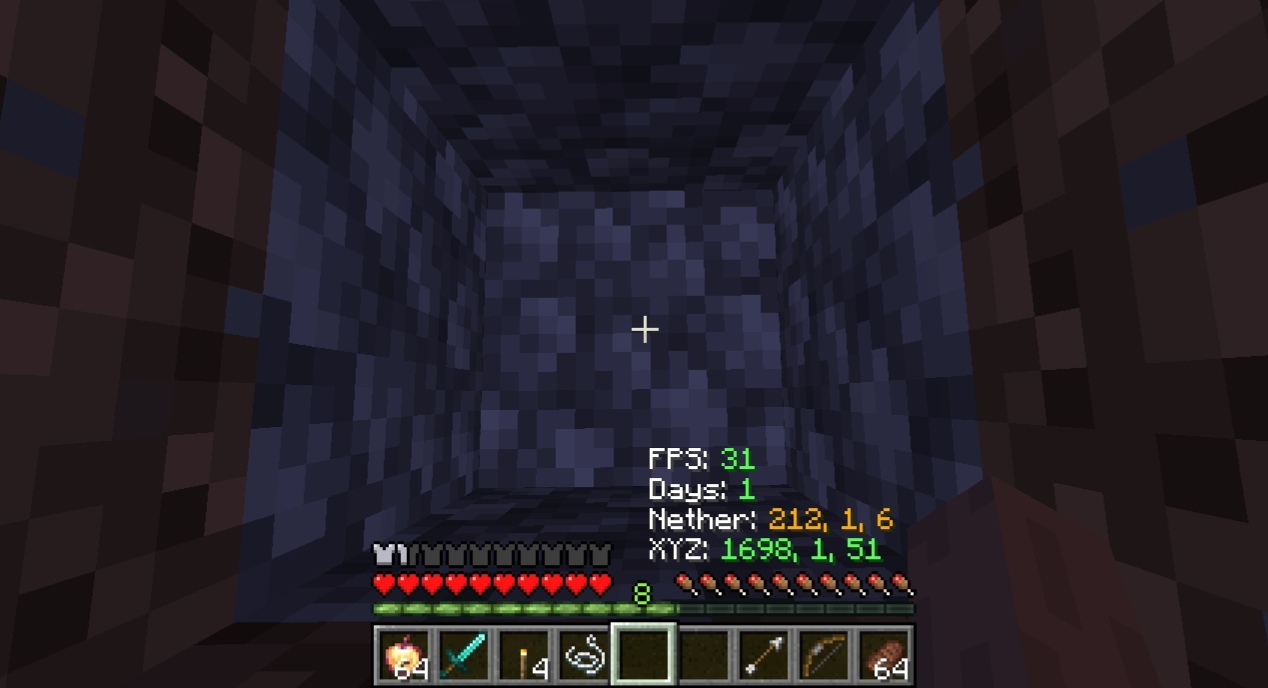
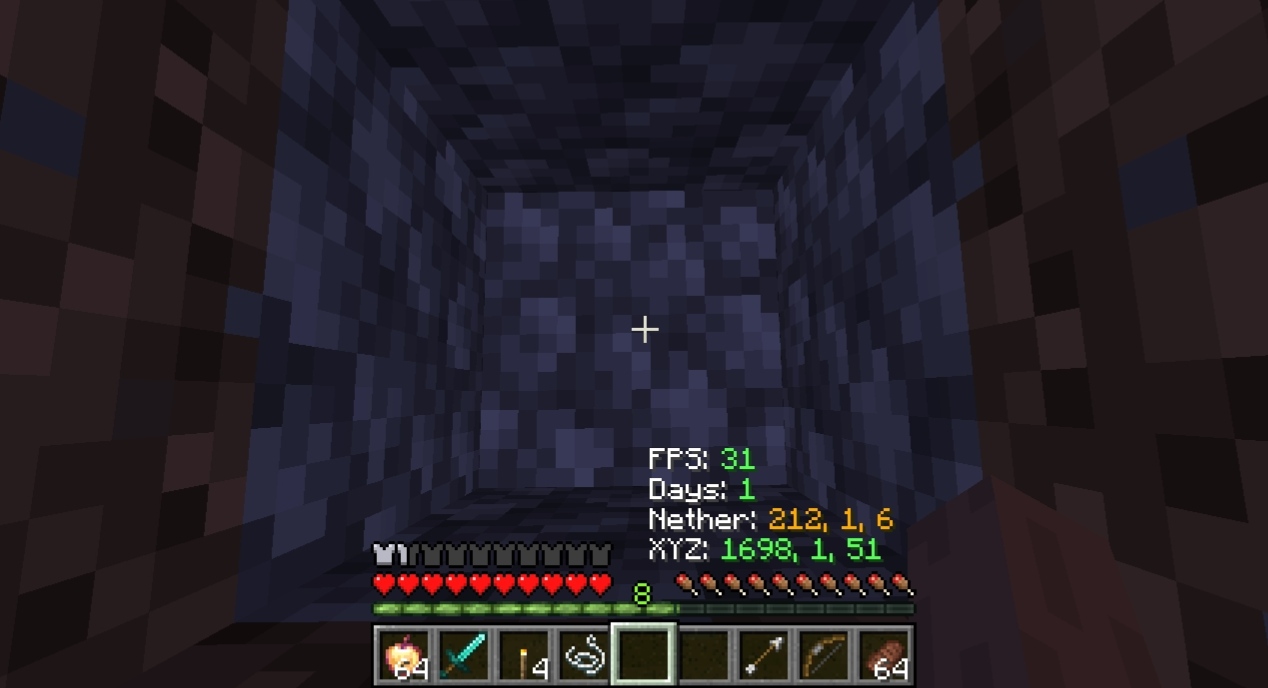
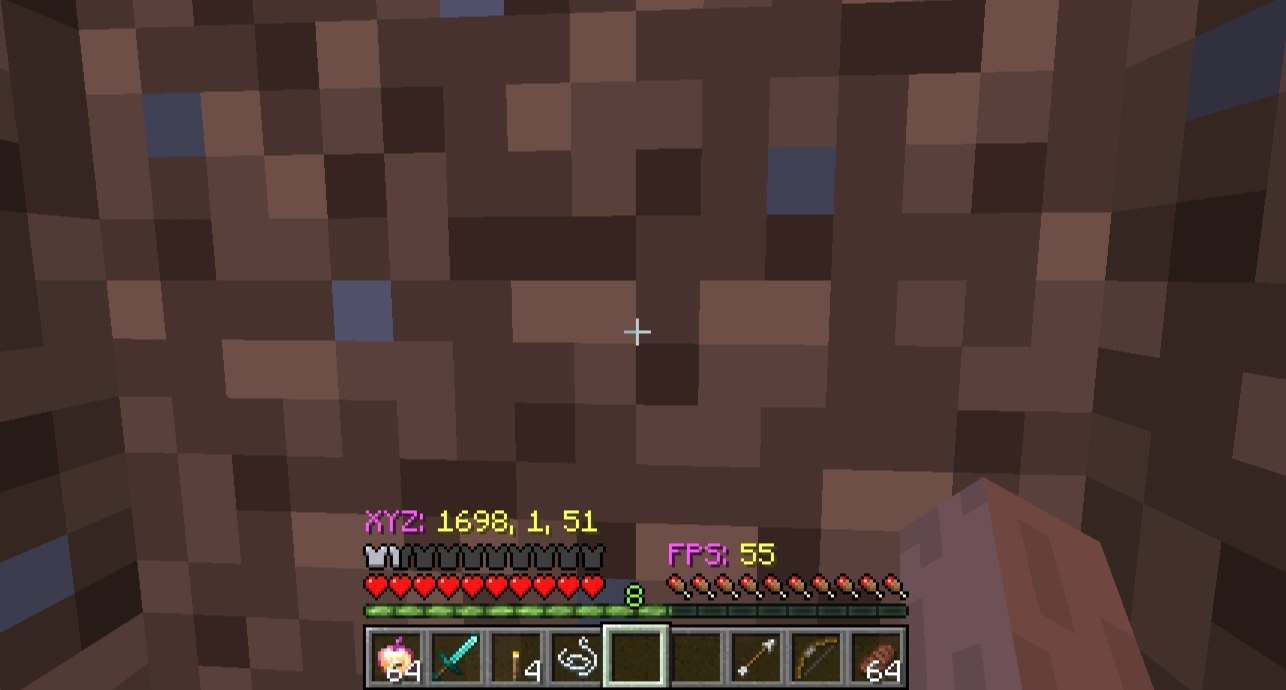
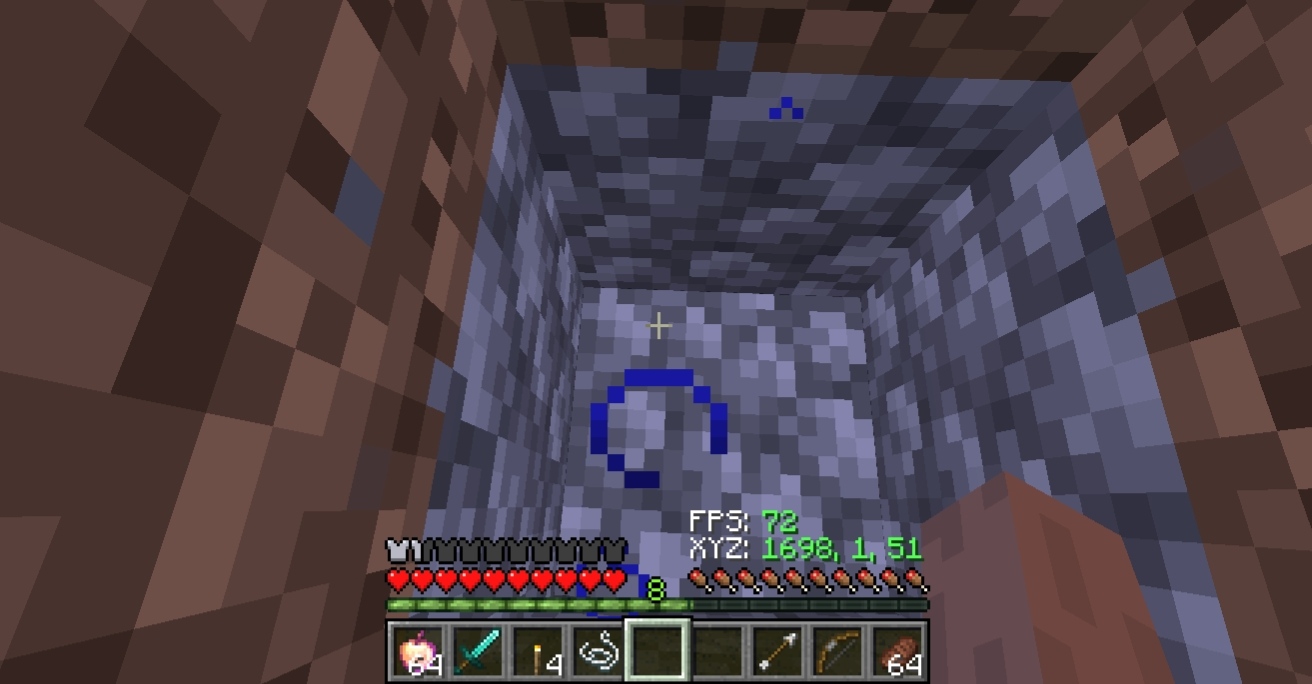
- Minimalistic Info: Displays XYZ coordinates, FPS, and World Days.
- Optimization: Minimal impact on performance, perfect for low-end devices or large modpacks.
- Easy Access: Open the settings menu using the ‘X’ key (default) or via the ‘M’ button in the Escape menu.
Screenshots
Customization
You can fully customize the HUD to fit your needs:
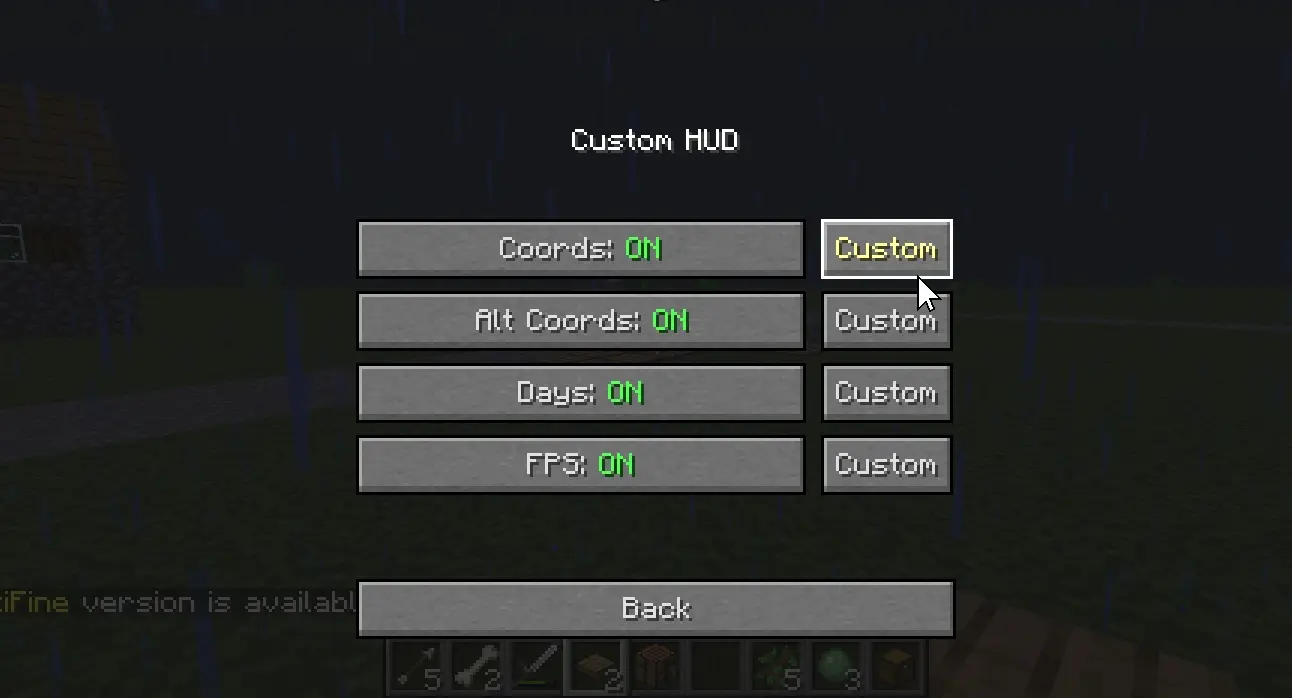
- Toggle Elements: Disable any HUD element you don’t need.
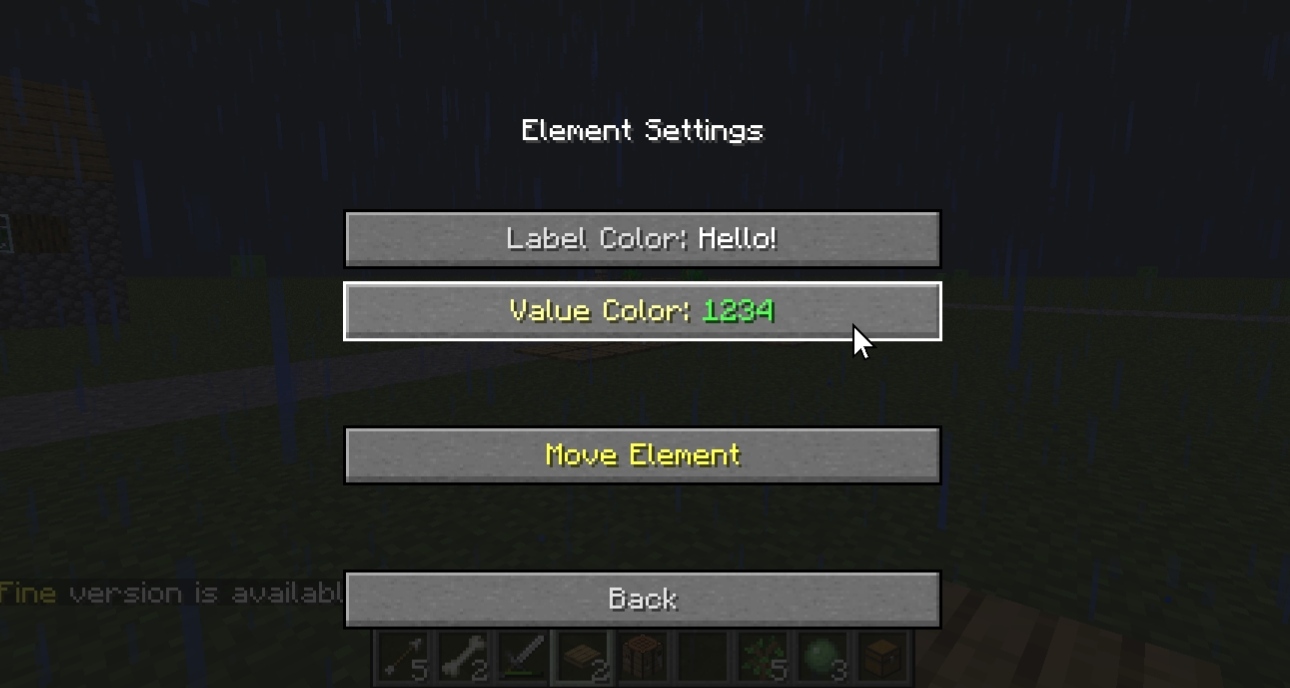
- Color Selection: Change labels and values colors separately.
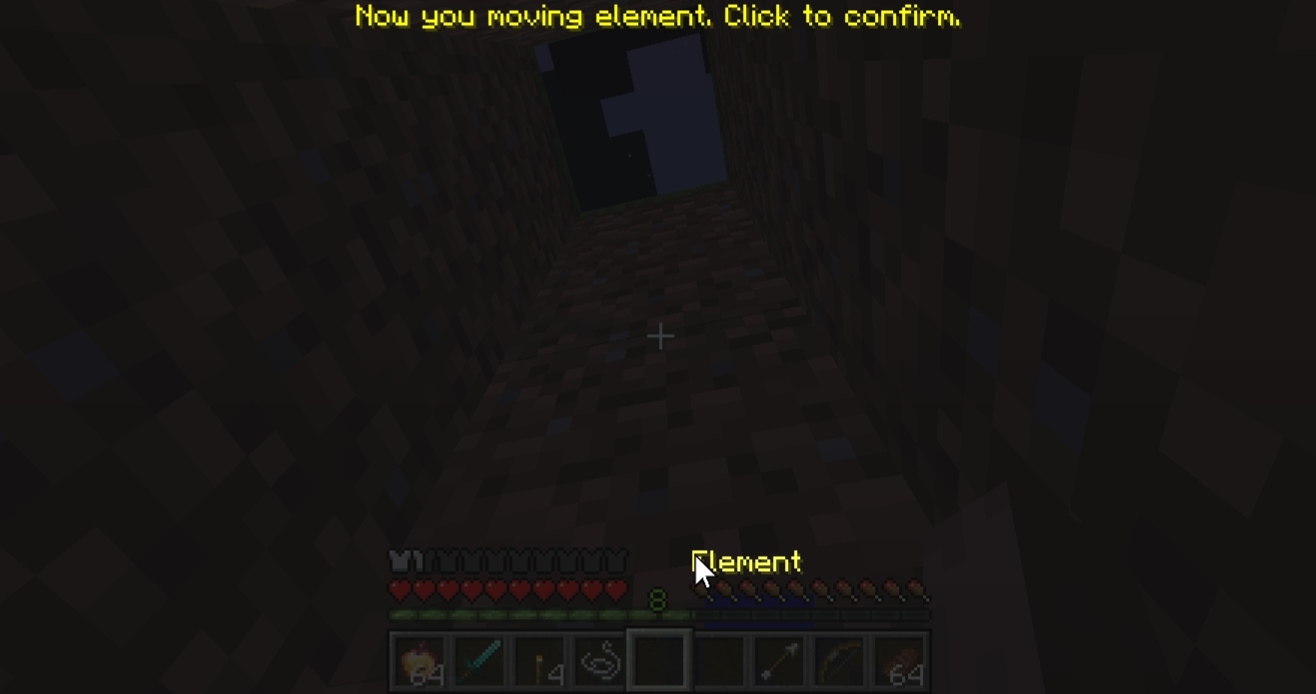
- Positioning: Drag elements to any position on your screen.
Move Preview
It’s very easy to drag elements!
Examples of Customized HUDs
Technical Details
- Supports keybinding for the settings menu.
- Configuration is saved automatically in .json format.
常见问题
simple and lightweight hud 支持哪些 Minecraft 版本?
simple and lightweight hud 支持 Minecraft Java 版 1.8.9–1.16.5,共 2 个版本,可用的加载器:Forge。下载时注意选择和你游戏版本一致的文件。
simple and lightweight hud 怎么安装?
先用 PCL2 或 HMCL 启动器安装对应版本的 Forge,再把下载的 .jar 文件放进游戏目录的 mods 文件夹,重新启动游戏即可。开启了版本隔离的,mods 文件夹在 versions/版本名 下面。运行环境:仅客户端。
评论
登录后评论和评分