
截图
介绍
中文介绍正在准备中,下面暂时显示原文。
<img src="https://i.postimg.cc/Jh3kCJ8y/Logo.png" alt="logo" width="320" height="320" /><br /><br /><iframe allowfullscreen="allowfullscreen" src="https://www.youtube.com/embed/zFV0oPClodI?wmode=transparent" height="358" width="638"></iframe><br /><br />I’ve built a server-authoritative currency system for multiplayer Minecraft servers.<br /><br /><br />Coins are numeric, stored per player server-side (can’t be spoofed client-side).<br /><br />Admins define exchange rates<br /><br /><br />
- It works with weird denomination sets where greedy would fail
- It uses what the player actually has
- Players can exchange items into coins using a smart bounded knapsack solver
- It gets as close as possible to the requested value without going over
- Players can pay each other, and admins can mint coins.
- Rates are world-persistent, viewable by players, removable by admins, and now hardened to avoid legacy ID issues.
<br /><br /><br />Commands<br /><br />
Admin / OP Commands (Requires Permission Level 2)
| Command | Syntax | Expected Result |
| Quick Set (Hand) | /coinhand [value] |
If value is empty: identifying the item ID in your hand.
If value is set: Sets the exchange rate for the item currently in your main hand. Useful for mod items with complex IDs. |
| Set Rate | /coinrate <id> <val> |
Sets the value of a specific item ID manually.
Fix Applied: Case-insensitive. |
| Unset Rate | /coinrateunset <id> |
Removes the exchange rate for a specific item.
Example: |
| Mint Coins | /mintcoins <player> <val> |
Creates new coins out of thin air and adds them to the target player’s balance. |
| Command | Syntax | Expected Result |
| Check Balance | /coins |
Displays your current coin balance (e.g.,Coins: 150 |
| View Rates | /coinrates |
Lists all active exchange rates configured on the server. Sorted by value (highest first). |
| Search Items | /coinsearch <text> |
Searches the internal item registry for matches.
Cross-Mod Example: |
| Pay Player | /pay <player> <amount> |
Transfers coins from your balance to theirs.
Fails if you don’t have enough coins. |
| Exchange | /exchange <amount> |
Calculates the best combination of items in your inventory to equal<amount>coins, removes them, and credits you.
Returns change if exact change isn’t possible. |
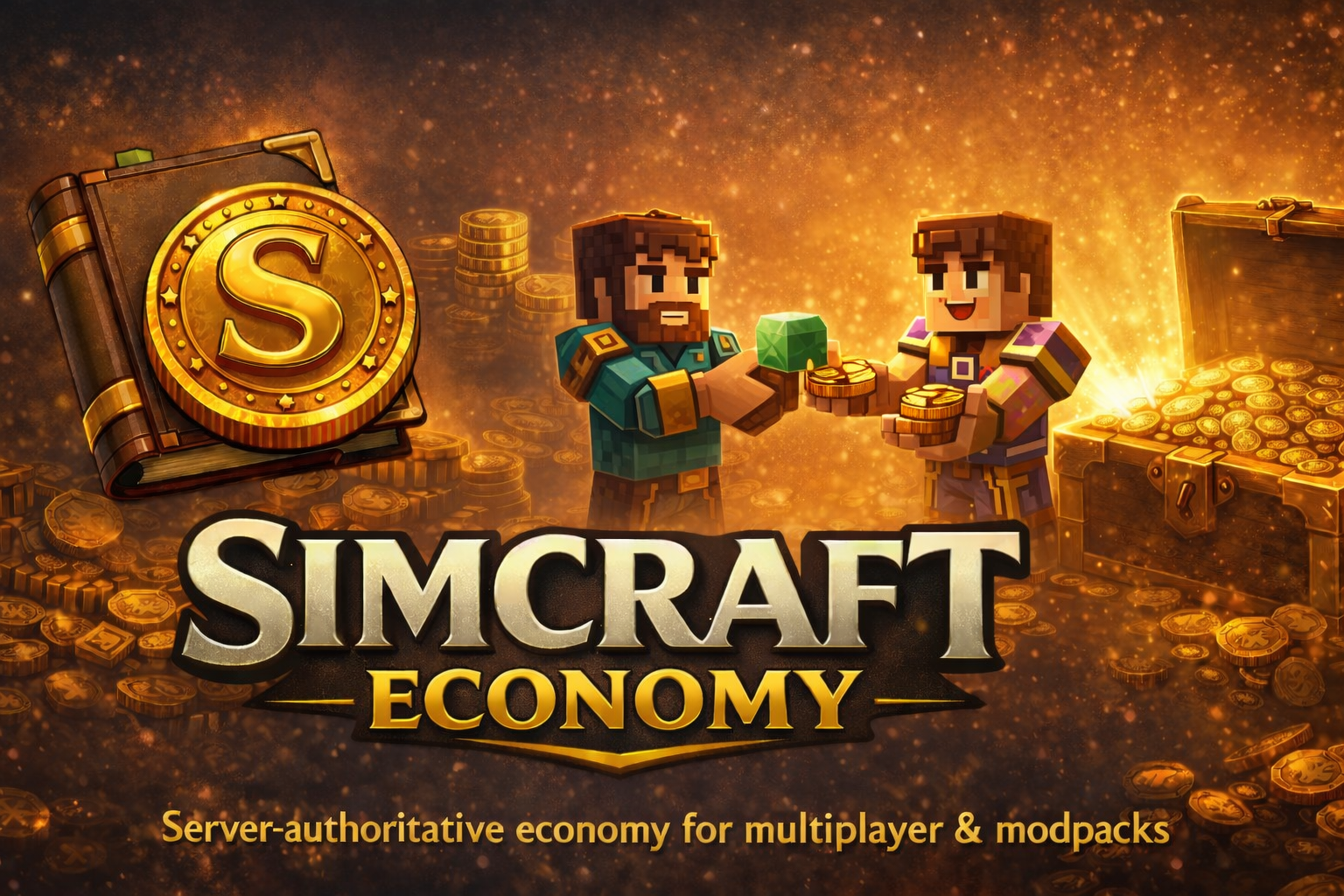
<br /><br /><br /><br /><br />Simcraft Economy is a flexible, server-authoritative economy mod built for real multiplayer servers — not singleplayer toys.<br /><br /><br />Define any item (vanilla or modded) as a denomination, set its value, and let players exchange inventory items into coins using an optimal “closest-without-overpaying” exchange algorithm. No fixed “one item = one trade” nonsense. No client spoofing. Just clean, configurable money for modpacks and survival servers.<br /><br /><br />Perfect for:
- SMP economies
- modpacks with custom materials
- trading hubs and towns
- quest / shop / salary systems
- automation + economy servers
<br />Highlights<br /><br /><br /><br />✅ Cross-mod support<br /><br /><br />✅ Server-authoritative balances<br /><br /><br />✅ Smart exchange picks the best combo from your inventory<br /><br /><br />✅ Player payments + admin minting<br /><br /><br />✅ Rates are persistent + viewable in-game
常见问题
Simcraft – Economy 支持哪些 Minecraft 版本?
Simcraft – Economy 支持 Minecraft Java 版 1.21.8,可用的加载器:NeoForge。下载时注意选择和你游戏版本一致的文件。
Simcraft – Economy 怎么安装?
先用 PCL2 或 HMCL 启动器安装对应版本的 NeoForge,再把下载的 .jar 文件放进游戏目录的 mods 文件夹,重新启动游戏即可。开启了版本隔离的,mods 文件夹在 versions/版本名 下面。

评论
登录后评论和评分