Signed & Sealed
In-game documents, stamps, hand-drawn signatures and passports with visas, border stamps, security marks and authenticity checks for roleplay servers.
截图
介绍
We just hit 300 downloads! Thank you all for the support. If you have any ideas for future updates let me know!
2.2.0 — Newspapers, Letters & Mail
Added
Newspaper Sheet (2 paper + ink sac) — full layout editor with up to 8 pages and free block placement.
Blocks — multi-column articles with automatic text flow, headlines, pictures, lines, frames and colour bands.
Pictures — unlimited: link, file path or drag-and-drop into the game window. Print styles: colour, B/W, halftone, sepia, engraving.
Article formatting — **bold**, __italic__, # subheading, drop caps, paragraph indents, column rules, justified text.
Placeholders — {name} {issue} {date} {price} {editor} {page} {pages}, paper tones, undo/redo (Ctrl+Z / Ctrl+Y), zoom and pan.
3 starting templates — newspaper front page, leaflet and “WANTED” poster.
Issue publishing — automatic numbering; the publication name is locked to its owner. Staff: /seal paper staff add|remove.
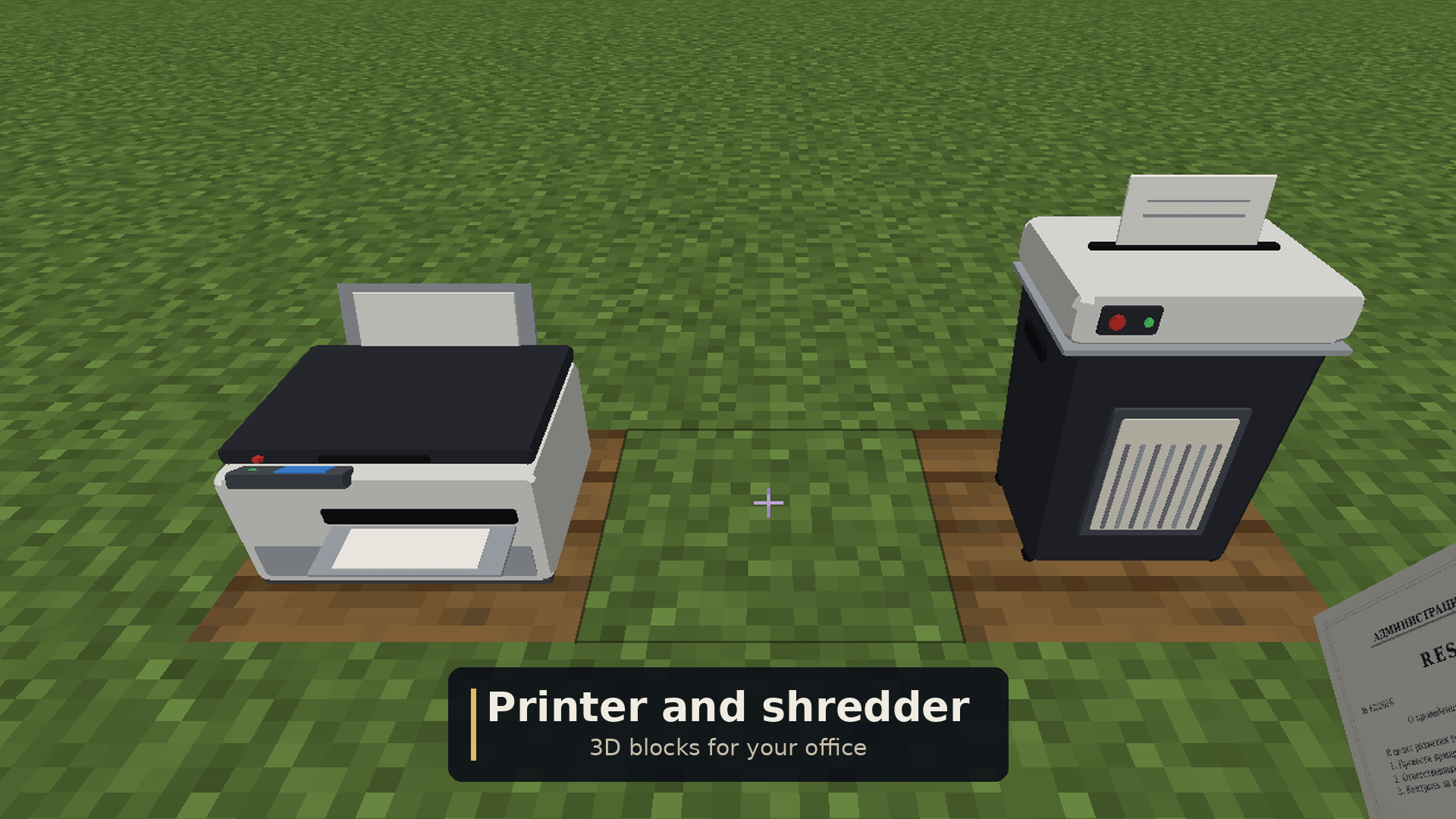
Printer — up to 64 copies, paper per copy; copies stack.
Reader — page turning, loupe, authenticity check, PDF/PNG export. “Layout for the next issue” reuses the masthead.
11 bundled fonts — Classic, Grotesque, Old Newspaper, Didone, Poster, Typewriter, Handwriting, Calligraphy, Art Deco, Pixel, Fraktur. English, German (ä ö ü ß) and Russian supported; identical on every system, no extra fonts needed on Linux.
Letters with wax seals — envelope (recipient, sender, handwritten letter in the chosen font, up to 3 enclosures — documents, passports, newspapers).
Sealing Wax (honeycomb + red dye) in 6 colours. With an organisation stamp in your inventory, its impression is pressed into the wax.
Opening breaks the wax for good. A check reveals whether a letter was opened, resealed, had an enclosure swapped, or carries a forged impression.
Mailbox (iron + chest) — send the letter in your hand to any player who has joined the server, even offline. Collect mail at any mailbox. Letters get a postmark; players are notified on delivery and on login.
Document Folder — holds up to 16 documents, passports, newspapers and letters, with a label and cover colour. View without taking items out; insert everything from your inventory at once.
Changed
Shredder now accepts newspapers and letters.
Inspect (V) works for all new items.
New permissions — signedsealed.newspaper.publish, signedsealed.mail.send — both allowed by default.
Admin commands — /seal paper titles, /seal paper revoke|restore (issue in hand).
⚠️ Important
Update both client and server — the network protocol has changed.
Back up data/signedsealed.dat: it now also stores publications and undelivered mail.
Signed & Sealed
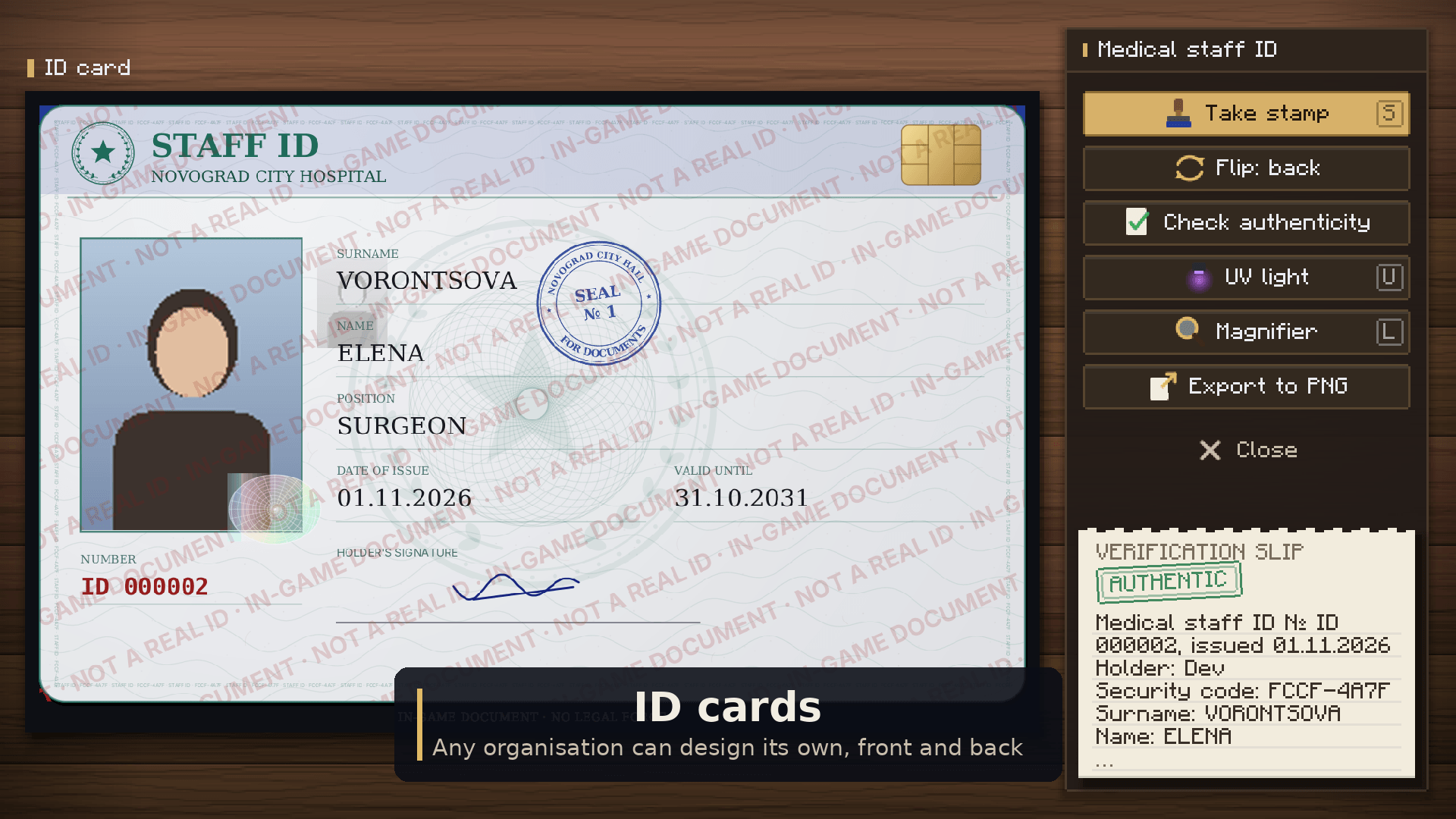
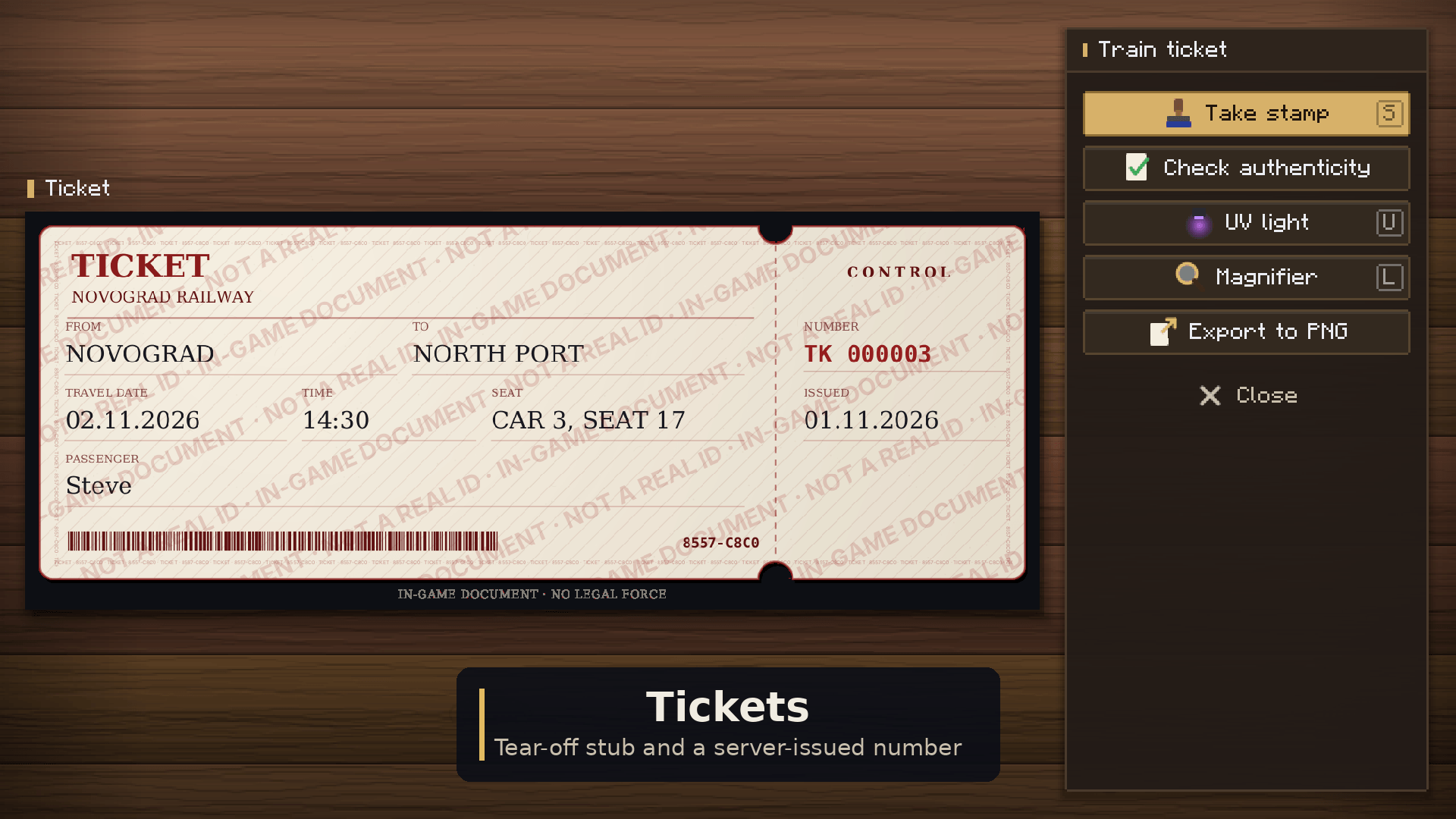
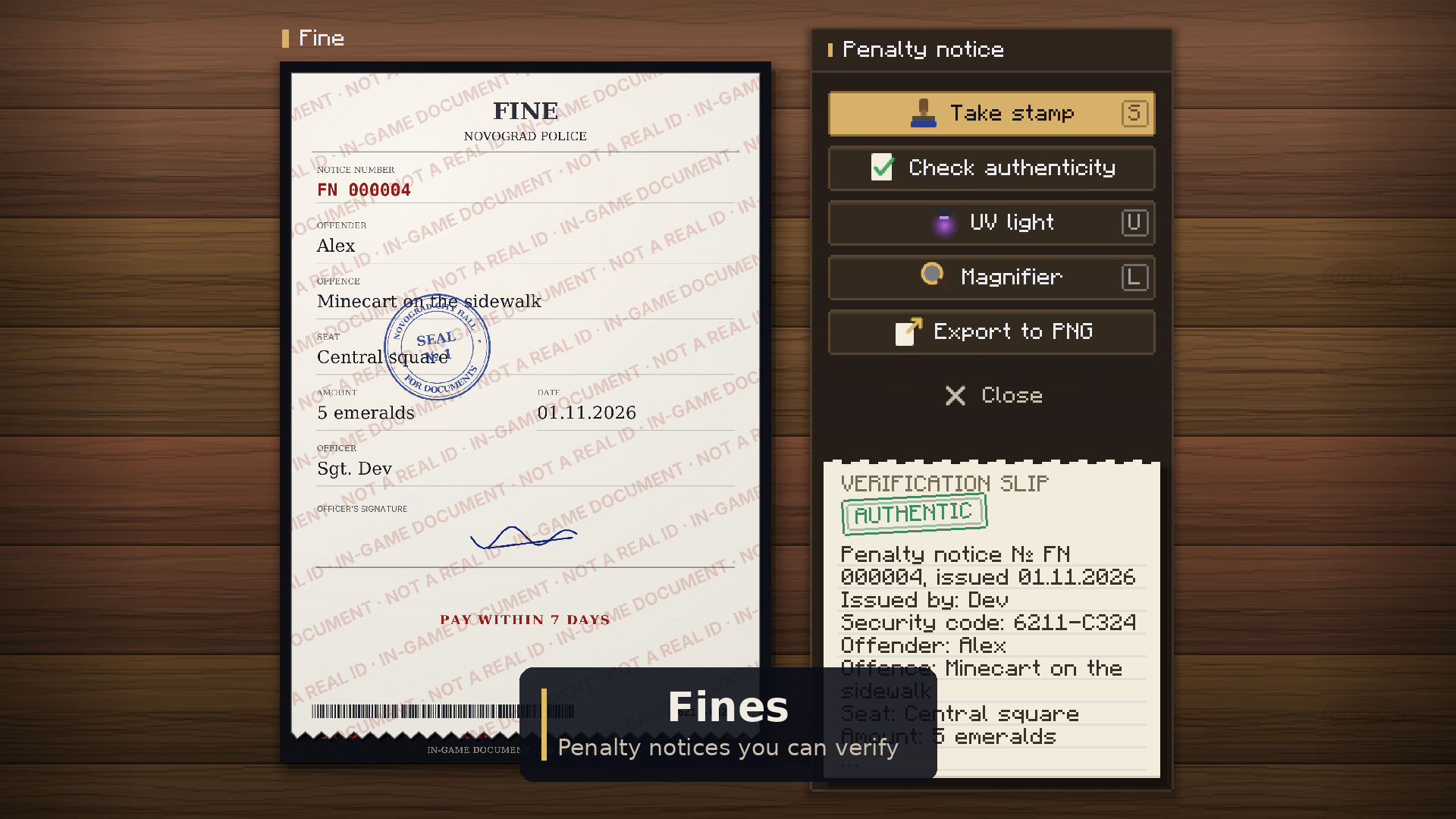
Paperwork for roleplay servers: city hall orders, stamped certificates, ID cards, passports that get checked at the border. Books and signs can’t really do that, so this mod does.
You write a document, sign it with the mouse, stamp it, and the server remembers it. If someone edits the NBT or copies it from another world, the check will catch it.
Everything here is in-game only. Every page has an “IN-GAME DOCUMENT” mark on it that you can’t remove, and the country passport templates are just stylised versions, not copies of real ones.
Runs on Forge 1.20.1 and NeoForge 1.21.1. You need it on both the server and the client.
What’s in it
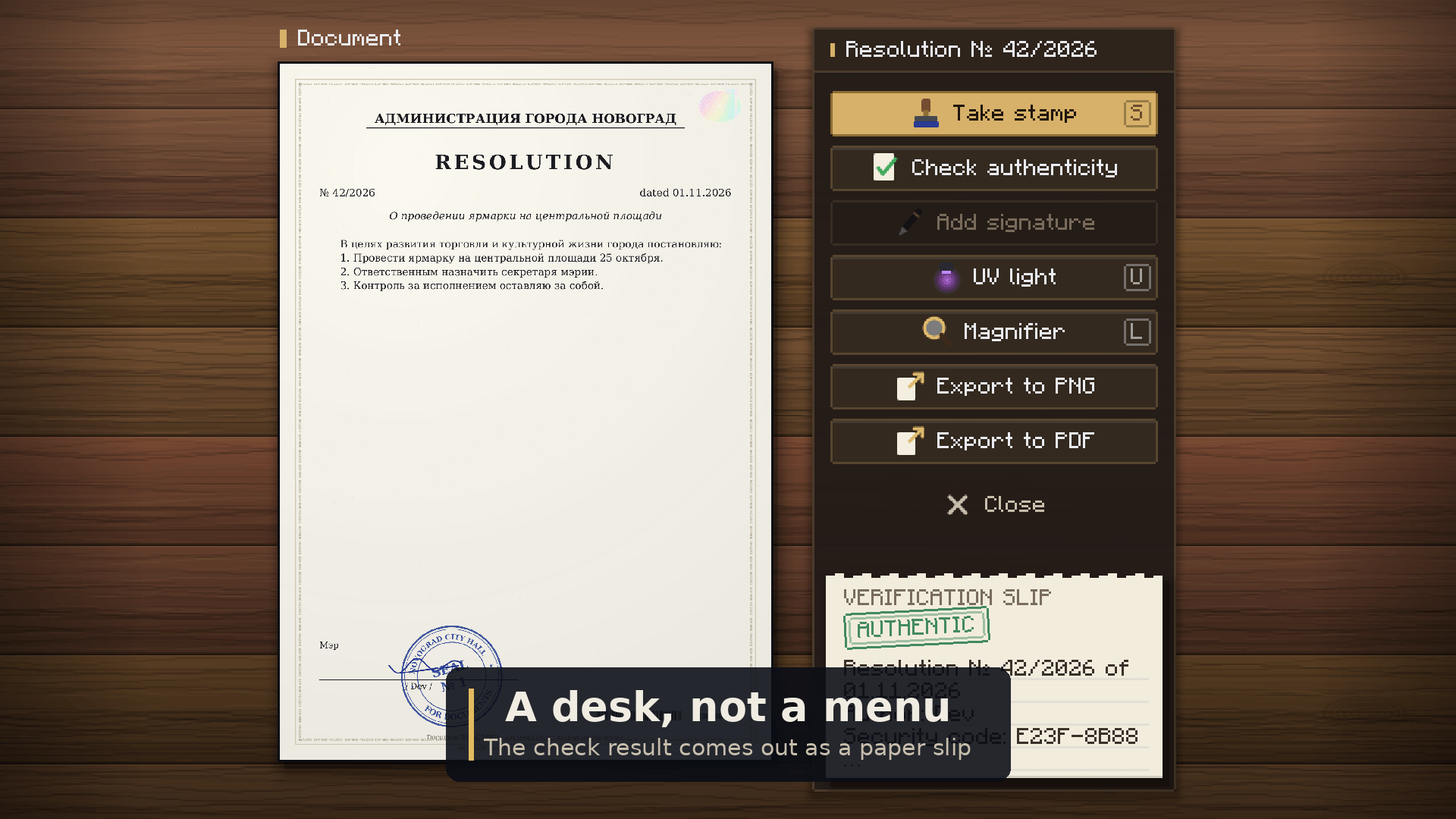
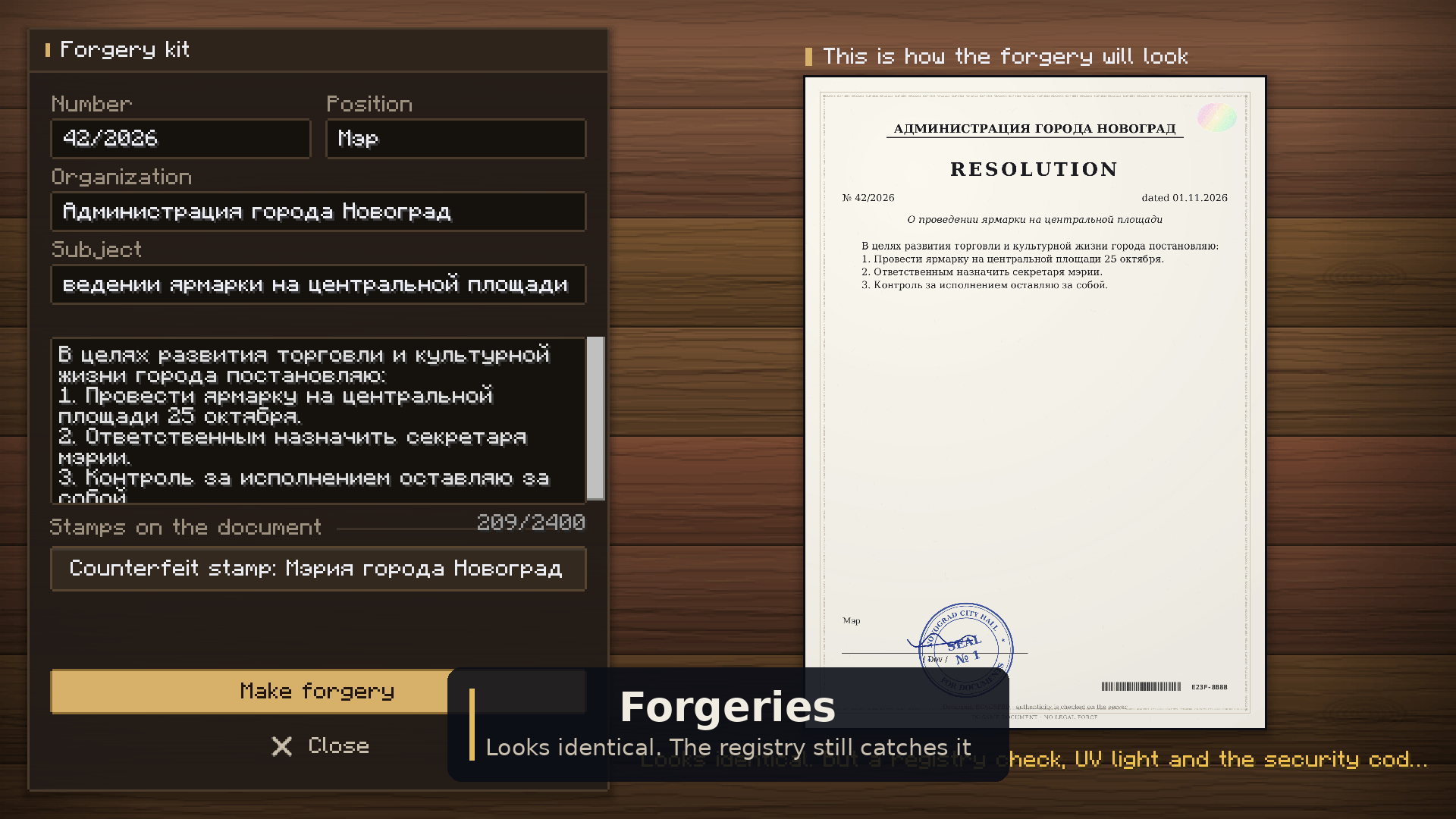
- Documents. Orders, certificates, contracts, decrees. You get a live preview while you write. Once issued, a document is locked and recorded in the server’s registry with an HMAC signature, so edited NBT, copies from other worlds and forgeries all fail the check.
- Hand-drawn signatures. Choose a pen, a quill, a marker or a pencil, pick the ink colour and set the width.
- Stamps. Design a seal, a border stamp or a visa. Use your own image from a file, drag it in, or paste a link. The admins approve each design. Then you pick the stamp up with the mouse and press it anywhere on the page.
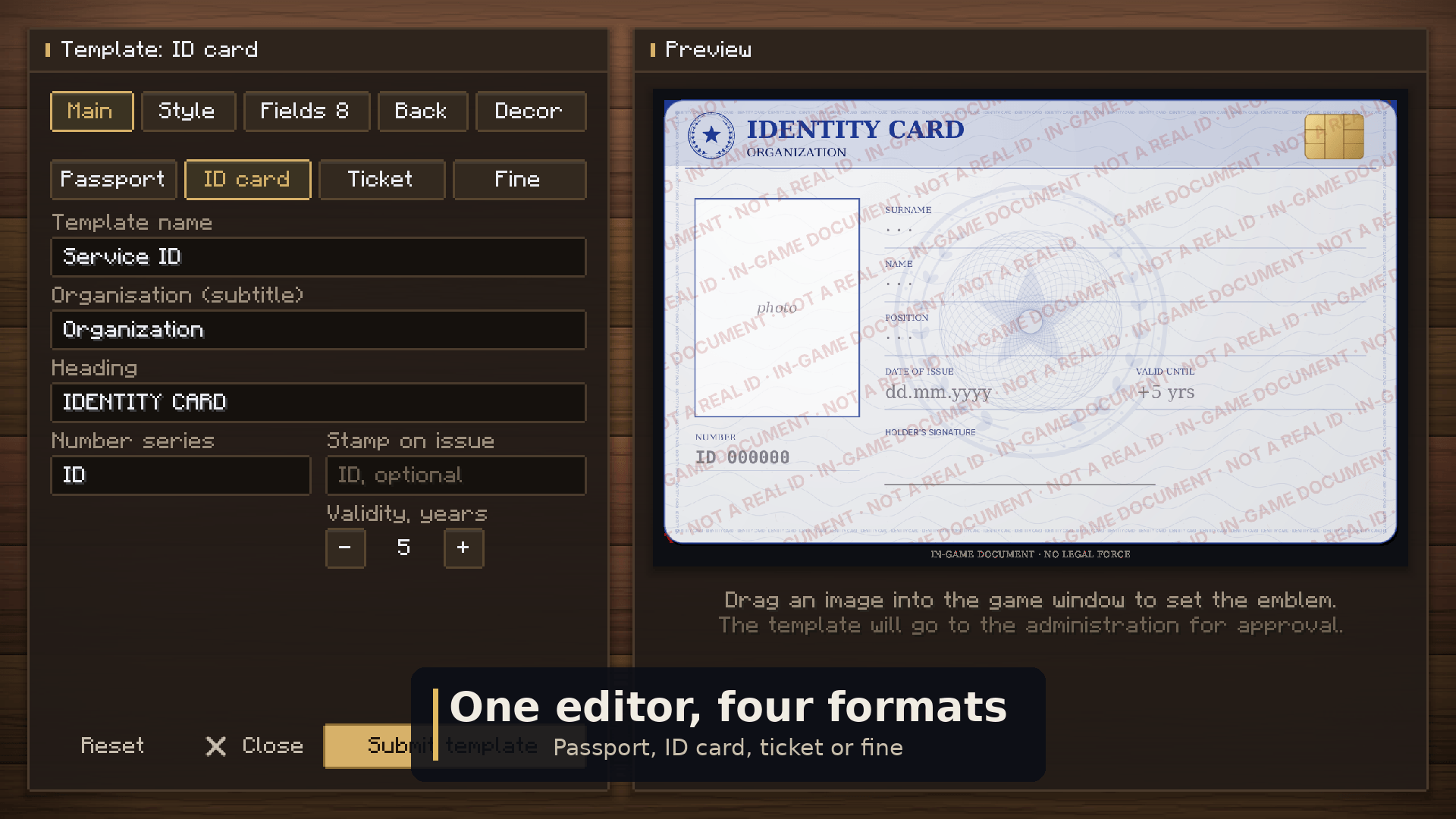
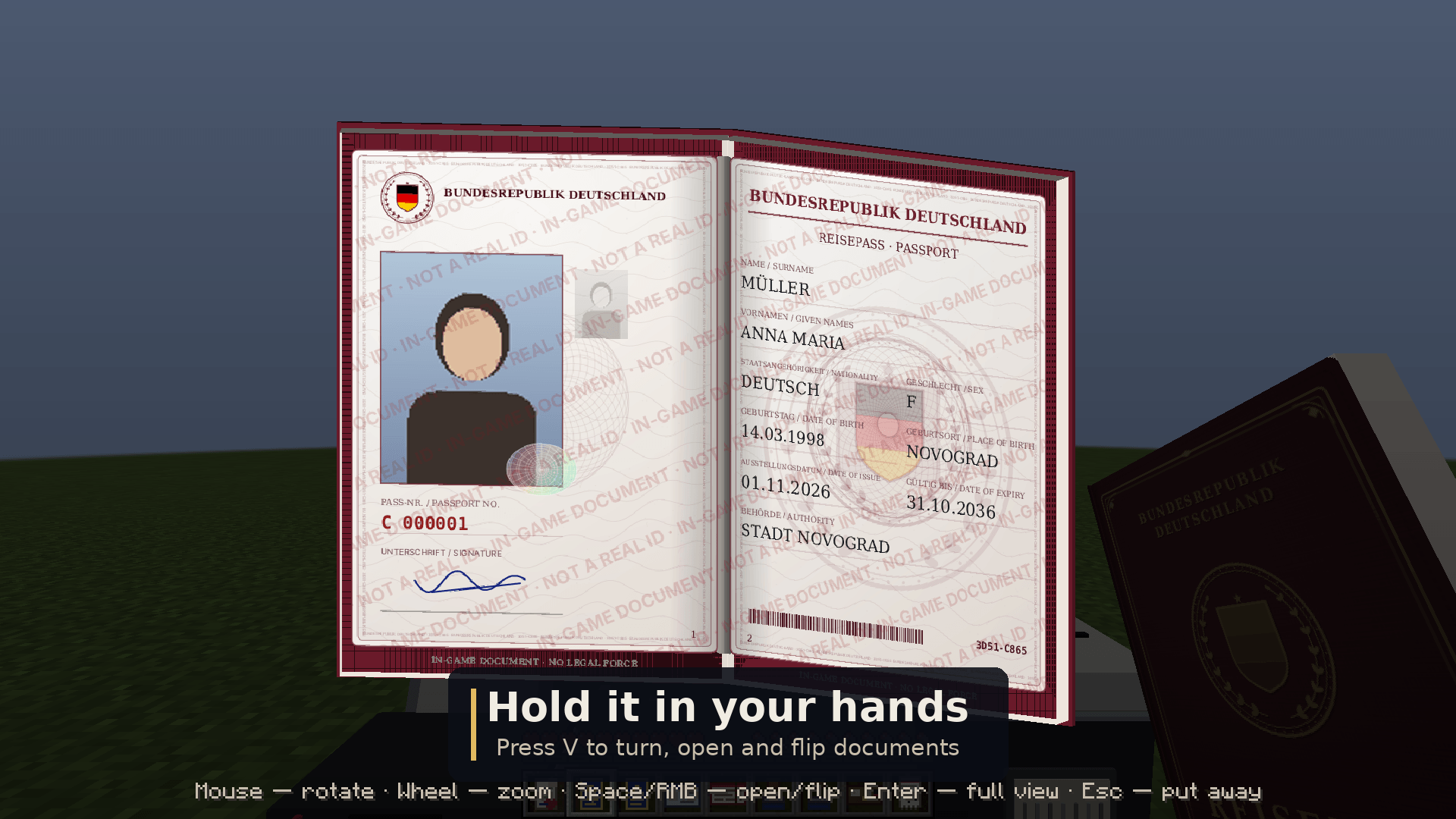
- Passports. Design the template yourself: the cover, the spread, the fields, the photo and the visa pages. 17 country-style presets are included. They are stylised, with no real coats of arms.
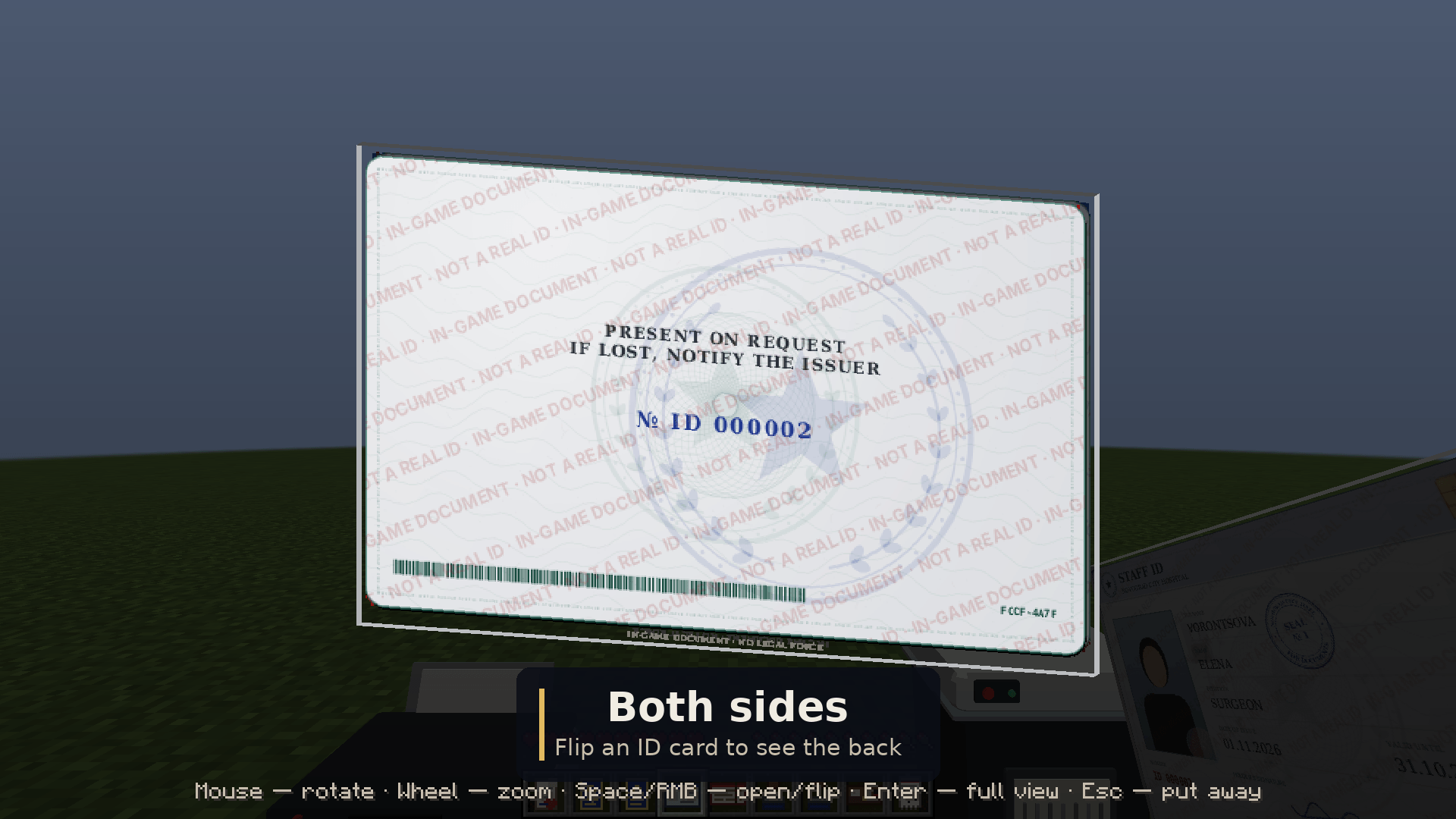
- Security features. Every page has a security code, microtext you can read with the magnifier, a hologram that shimmers when you move the mouse, and UV marks that appear only on genuine documents.
- Show and export.
/seal show <player>lets another player see your document. You can also export to PNG or PDF. - Admin panel. Press K to approve stamps and templates, hand out blank forms and manage the registry. No commands needed.
- Permissions. Everything goes through Forge permissions, so it works with LuckPerms.
- Languages. English, German and Russian.
Recipes
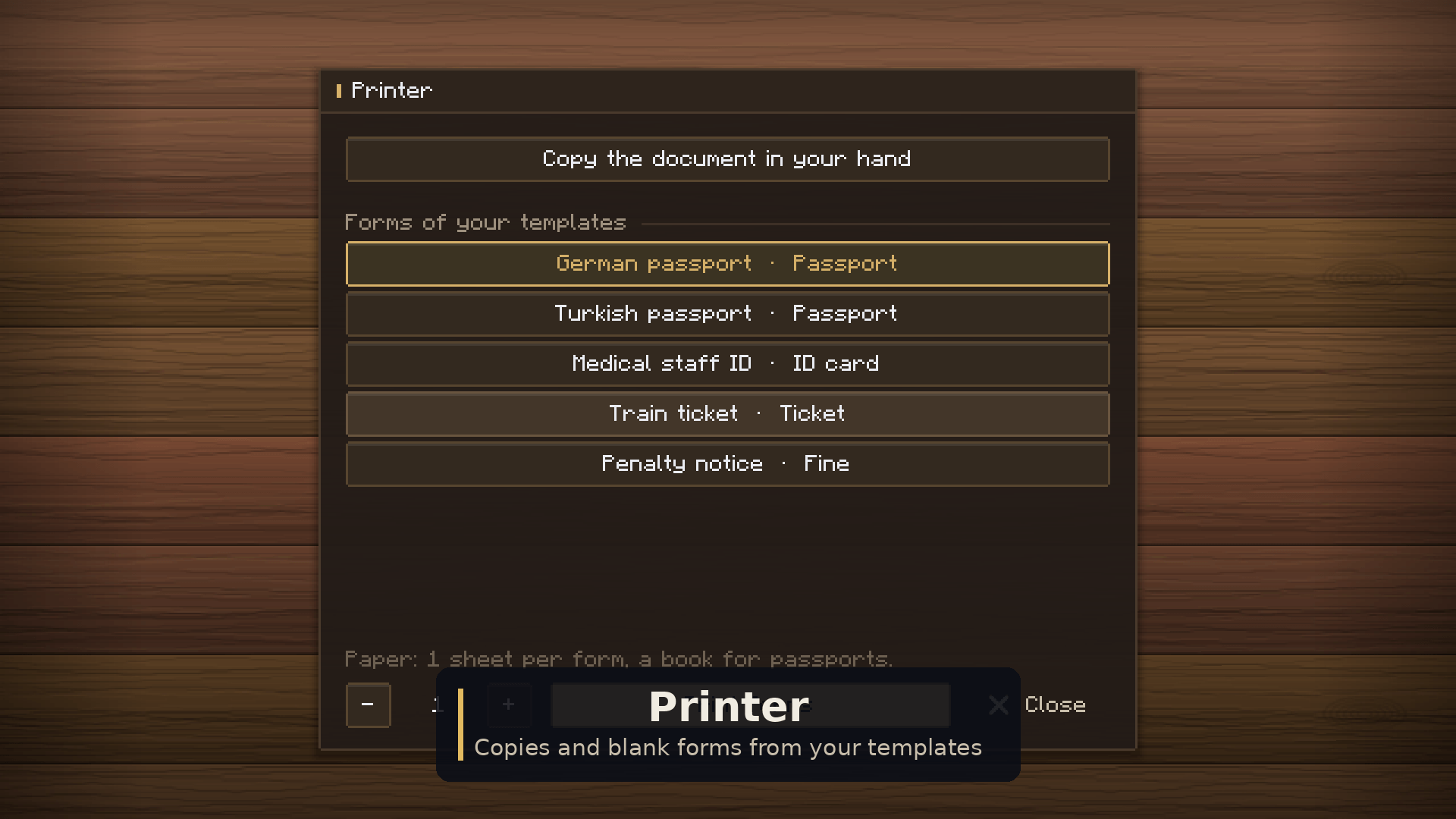
| Printer | 3 iron / paper, redstone, paper / iron, black dye, iron |
| Shredder | iron, redstone, iron / 3 shears / iron, empty, iron |
| Forgery kit | feather, ink sac, paper / 3 leather |
Notes
- Back up
data/signedsealed.dat. Without it, nothing issued earlier can be verified. - The client needs a font with Cyrillic. Windows and macOS have one; on Linux, install DejaVu or Liberation.
- Documents from 1.x keep working after the update.
Found a bug or have an idea? Leave a comment. I read all of them.
常见问题
Signed & Sealed 支持哪些 Minecraft 版本?
Signed & Sealed 支持 Minecraft Java 版 1.20.1–1.21.1,共 2 个版本,可用的加载器:Forge / NeoForge。下载时注意选择和你游戏版本一致的文件。
Signed & Sealed 怎么安装?
先用 PCL2 或 HMCL 启动器安装对应版本的 Forge / NeoForge,再把下载的 .jar 文件放进游戏目录的 mods 文件夹,重新启动游戏即可。开启了版本隔离的,mods 文件夹在 versions/版本名 下面。
评论
登录后评论和评分