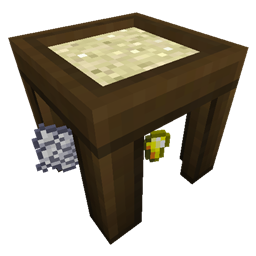
截图
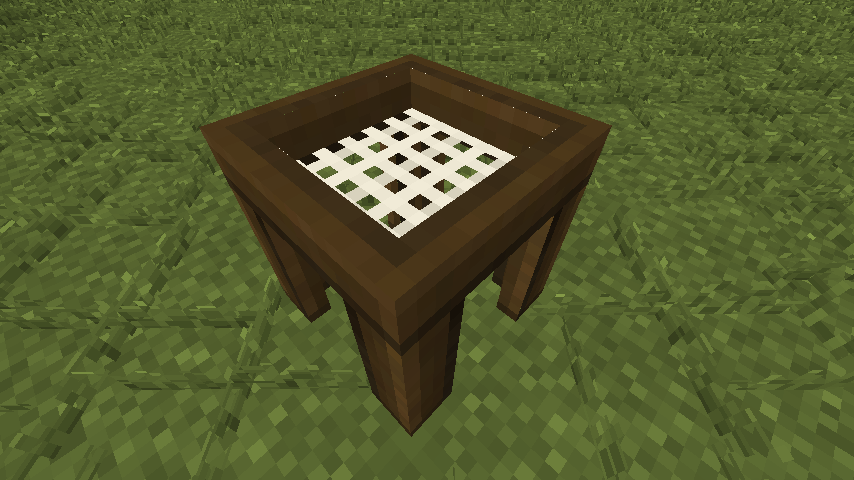
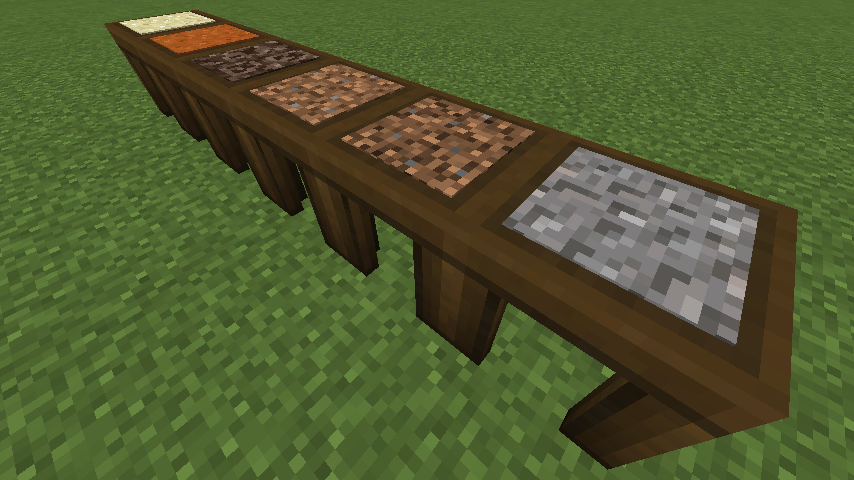
介绍
I really wanted Ex Nihilo for my 1.11.2 modpack because I like the Sieve. But I couldn’t find any releases for 1.11.2 so I made this mod. I took it a step further and made the inputs and outputs configurable. It generates a config file with some defaults but they are examples and you’ll want to change them. If you want a more realistic config use this one:
# Configuration file
general {
# These are the items/blocks that can be placed in the sift.
S:inputs <
minecraft:sand:0
minecraft:sand:1
minecraft:soul_sand:0
minecraft:dirt:0
minecraft:dirt:1
minecraft:gravel:0
>
}
outputs {
S:0 <
minecraft:gold_nugget:0
minecraft:clay_ball:0
minecraft:dye:15
minecraft:dye:7
>
S:1 <
minecraft:clay_ball:0
minecraft:iron_nugget:0
minecraft:gunpowder:0
minecraft:sand:0
>
S:2 <
minecraft:glowstone_dust:0
minecraft:blaze_powder:0
minecraft:nether_wart:0
minecraft:quartz:0
>
S:3 <
minecraft:stick:0
minecraft:string:0
minecraft:wheat_seeds:0
minecraft:beetroot_seeds:0
minecraft:clay_ball:0
minecraft:dye:8
>
S:4 <
minecraft:dirt:0
minecraft:stick:0
minecraft:string:0
minecraft:gunpowder:0
minecraft:coal:0
minecraft:flint:0
minecraft:iron_nugget:0
>
S:5 <
minecraft:flint:0
minecraft:iron_nugget:0
minecraft:gunpowder:0
minecraft:coal:0
minecraft:sand:0
>
}
Items are added like this: modid:itemname:damage
So a working example for red sand would be: minecraft:sand:1
The inputs list under “general” is a list of items/blocks that can be placed in the sieve.
The numbers in the outputs refer to the inputs. So 0 would be the outputs of the first item in the inputs list. And 1 would be the outputs of the second item.
If you forget to add an output for an item then the mod will automatically generate one. If you accidentally add too many they will be ignored.
An incorrect name will cause that item to be null (air).
Using the wrong syntax might crash the game.
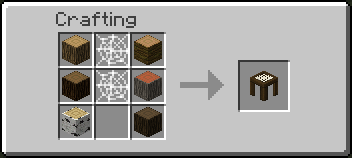
If you want to change the recipe you can currently do that with CraftTweaker or use the new 1.12 json recipes.
Also try Melt! A configurable Crucible.
Modpacks:
You are free to use this mod in any public or personal modpack.
Future plans:
Some way to fully automate the sifting process
Future ideas:
Sounds
Syntax checking
Changeable mesh/screen
JEI Support
Add option for multiple drops in the config
常见问题
Sift 支持哪些 Minecraft 版本?
Sift 支持 Minecraft Java 版 1.11.2–1.12.2,共 2 个版本,可用的加载器:Forge。下载时注意选择和你游戏版本一致的文件。
Sift 怎么安装?
先用 PCL2 或 HMCL 启动器安装对应版本的 Forge,再把下载的 .jar 文件放进游戏目录的 mods 文件夹,重新启动游戏即可。开启了版本隔离的,mods 文件夹在 versions/版本名 下面。
ZephaniahNoah 的其他作品
查看全部 →
Max Enchant X
将大多数附魔的默认最高等级设为 10。

Shulker Tooltip
将鼠标光标移到潜影盒上即可查看其中的物品。

Discerning Furnace [Forge]
Only smeltable items are allowed in furnaces.

Pure Flesh
Cook rotten flesh in a furnace to remove the hunger debuff.
评论
登录后评论和评分