
Shulker Layouts
作者:s_a_d
Client-side shulker box layouts with item previews, placement safeguards, and smart shift-click routing.
截图

介绍
中文介绍正在准备中,下面暂时显示原文。
Shulker Layouts
Client-side shulker box layouts with item previews, placement safeguards, and smart shift-click routing to keep your shulker boxes organised.
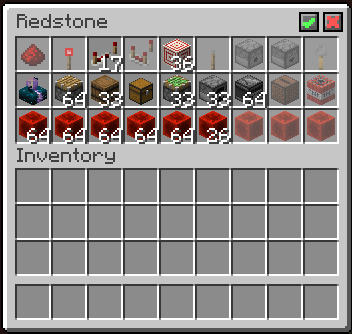
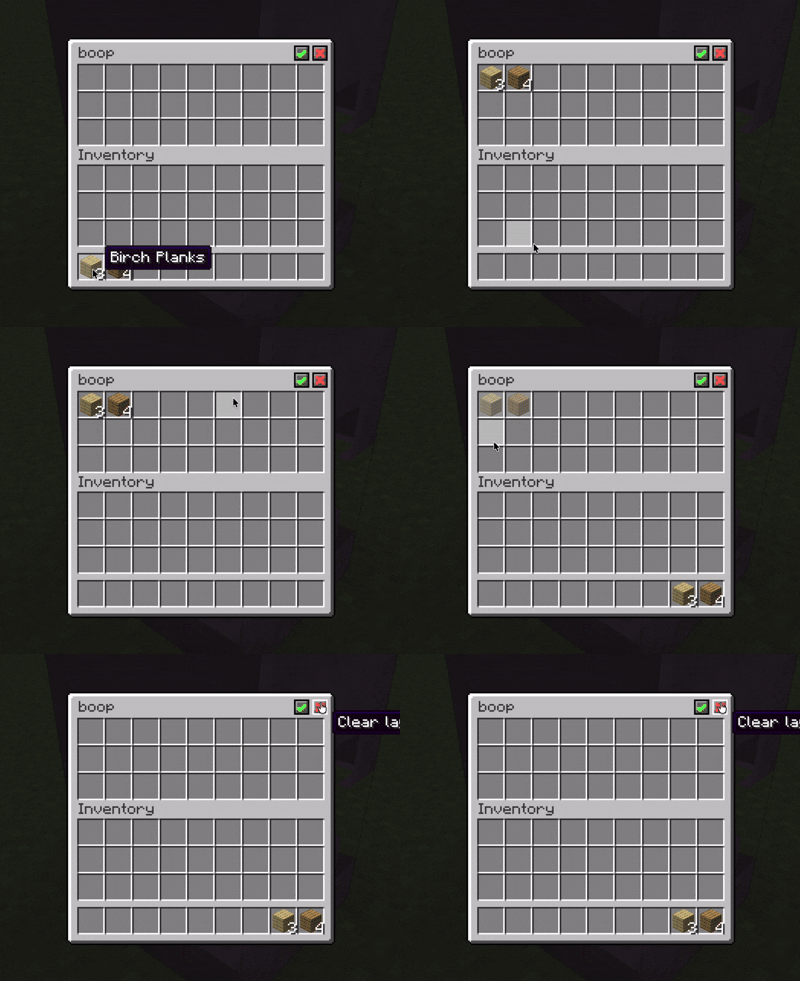
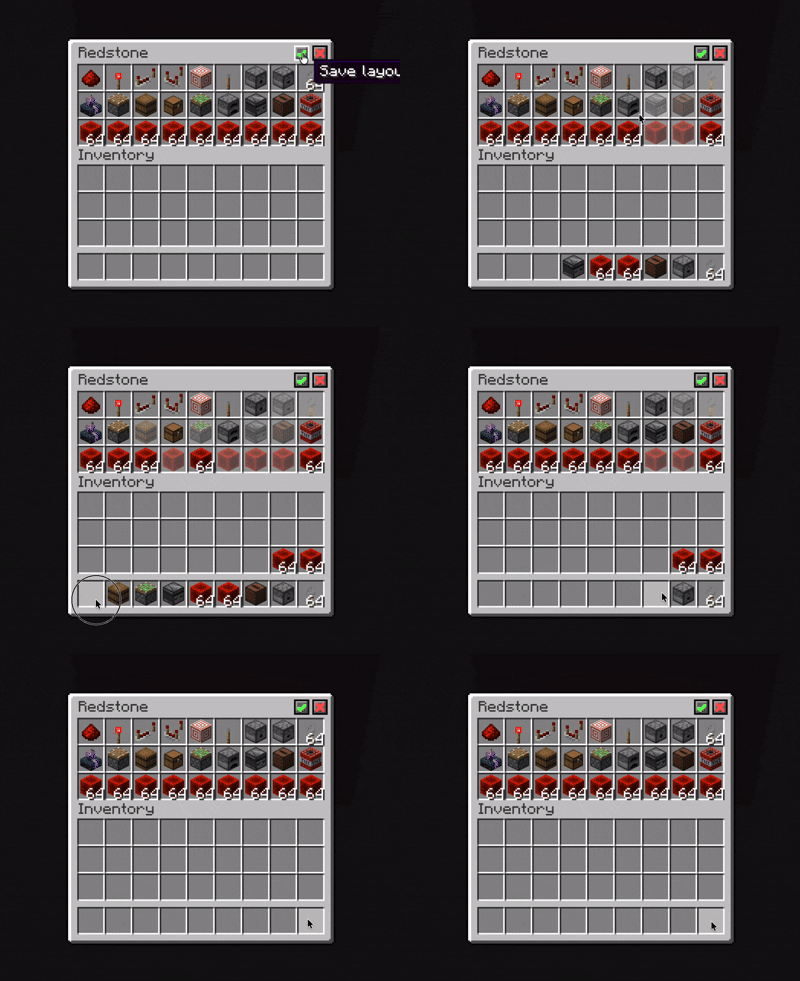
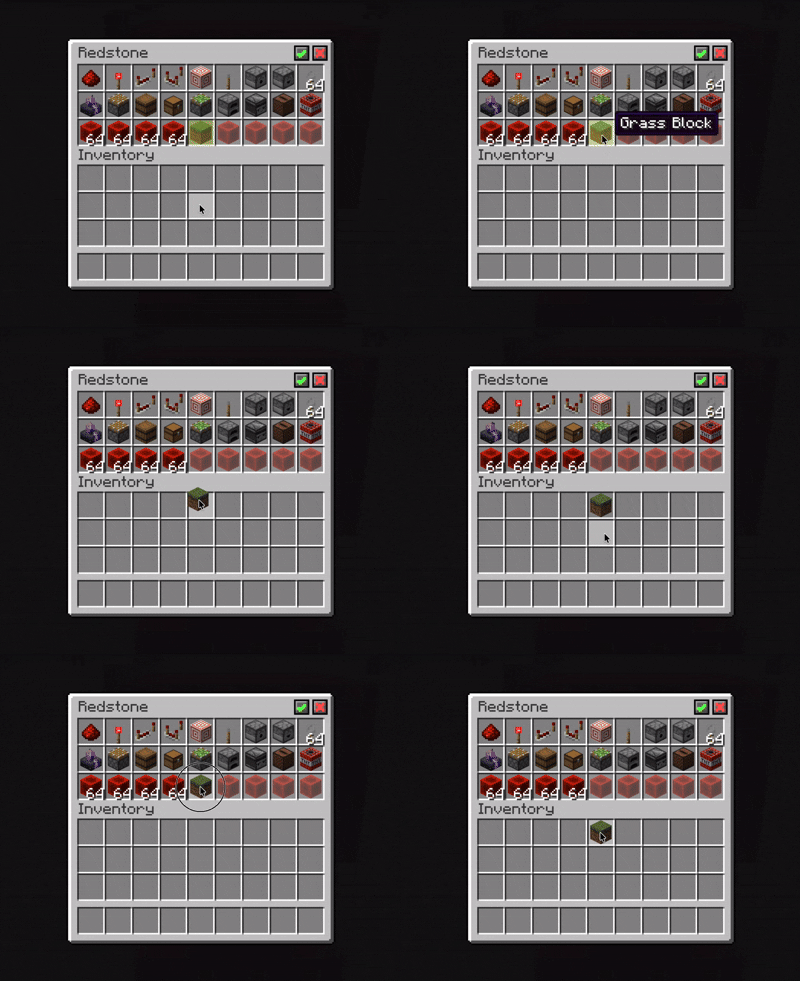
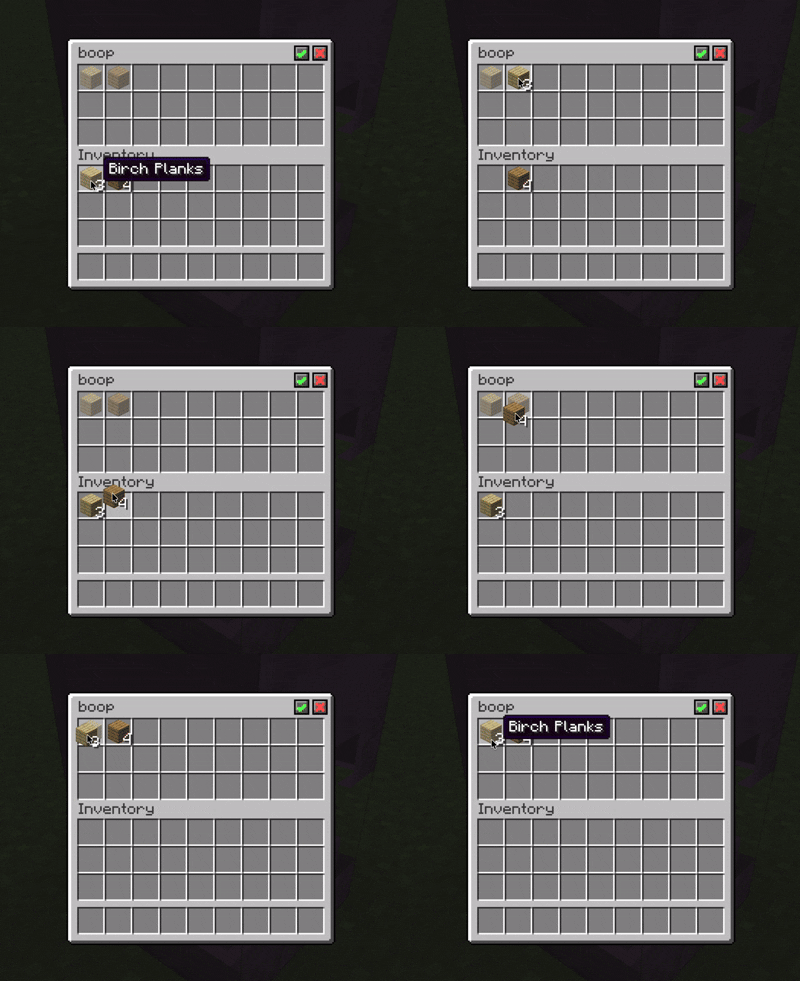
Check out the gallery to see the mod in use!
Features
- Save individual layouts per shulker box by their name
- Display preview items in empty layout slots
- Highlight misplaced items in layouts
- Prevent items from being placed in the wrong assigned slots
- Route shift-clicked items into their assigned or available slots
How to use
- Rename a shulker box to your desired name
- Place some items inside, in the order you want
- Click
✓in the top right corner of the inventory to save your layout - Profit?
You should now be able to take items from the shulker box which will leave behind a preview of the layout.
Alternatively, click ⨯ in the top right corner to clear the layout.
常见问题
Shulker Layouts 支持哪些 Minecraft 版本?
Shulker Layouts 支持 Minecraft Java 版 26.2,可用的加载器:Fabric。下载时注意选择和你游戏版本一致的文件。
Shulker Layouts 怎么安装?
先用 PCL2 或 HMCL 启动器安装对应版本的 Fabric,再把下载的 .jar 文件放进游戏目录的 mods 文件夹,重新启动游戏即可。开启了版本隔离的,mods 文件夹在 versions/版本名 下面。运行环境:仅客户端。
评论
登录后评论和评分