
截图
介绍



Description
This mod allows you to add item labels to your shulker boxes, making your storage more organized and inventory management much easier.
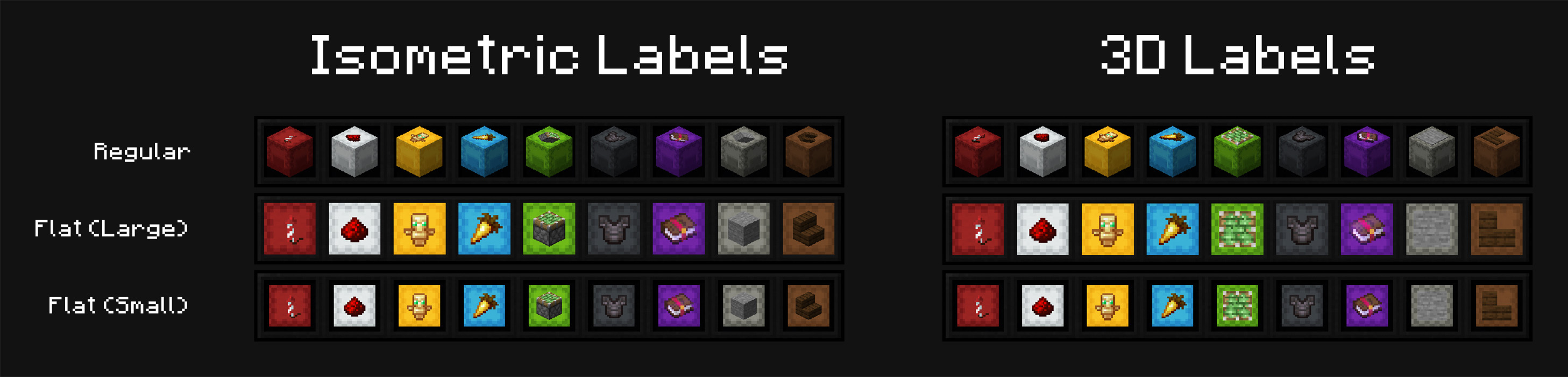
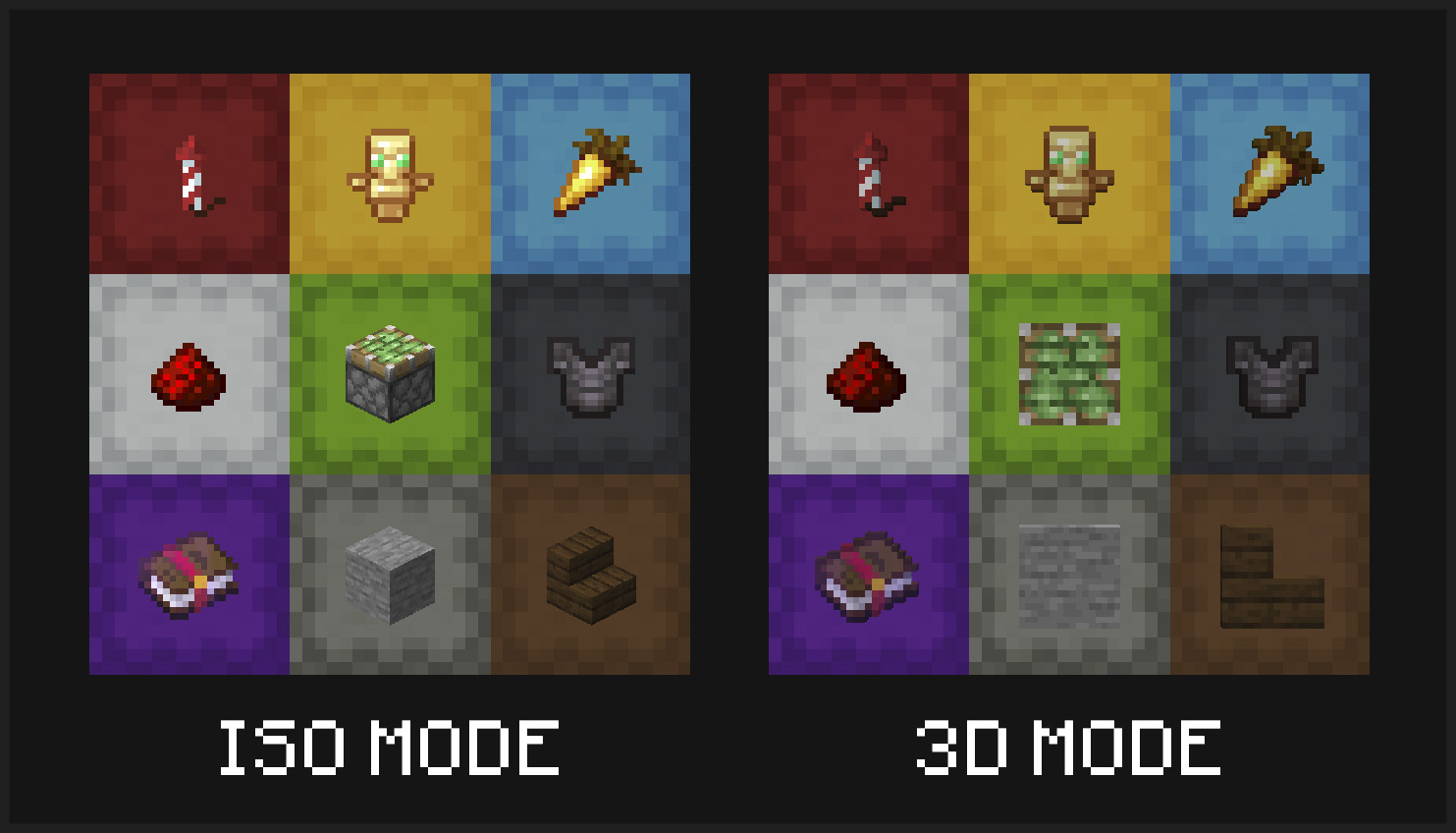
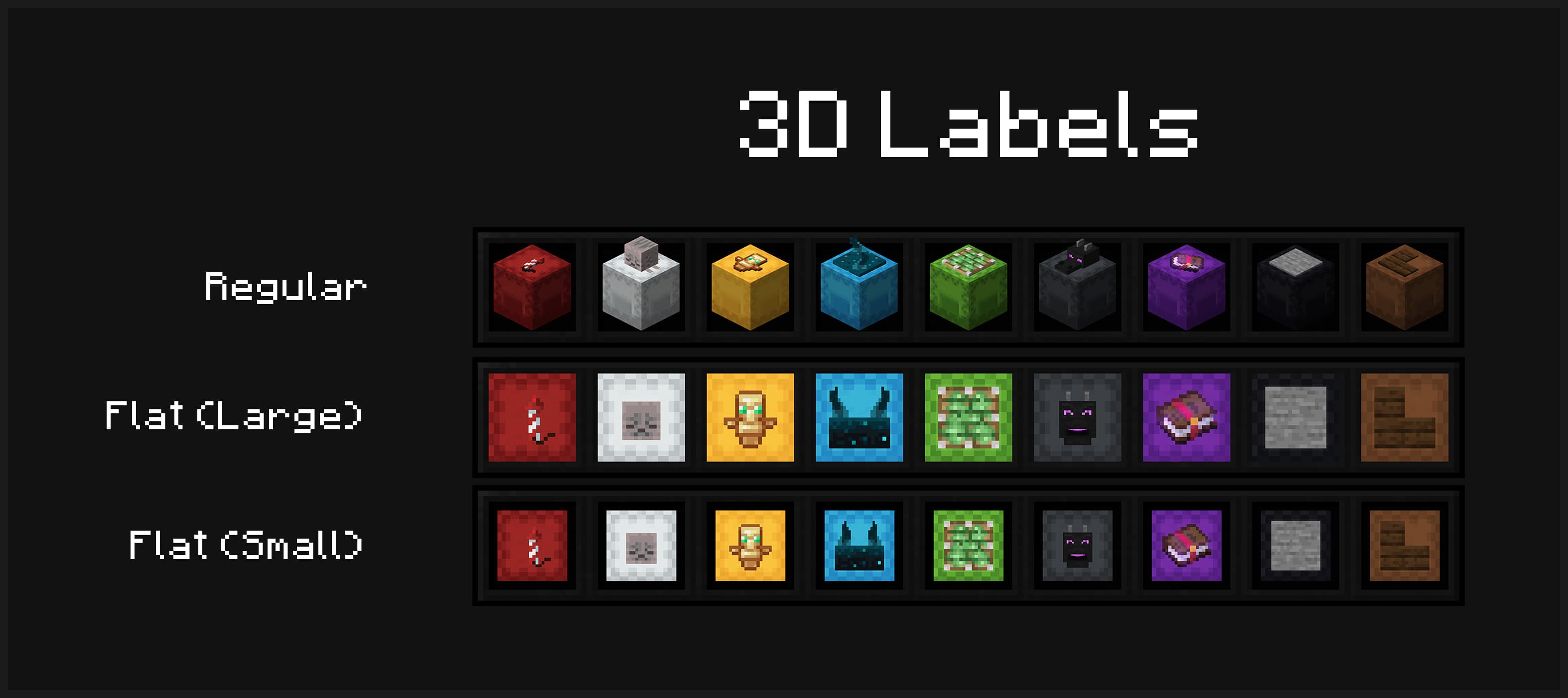
Multiple display modes are supported – you can have your shulker boxes displayed in flat mode, and choose to display labels in either 3D or isometric mode.
Display your labeled shulker boxes in the GUI in any mode. Labels can be shown in 3D or isometric mode, and shulker boxes can appear in regular or flat (large/small) mode
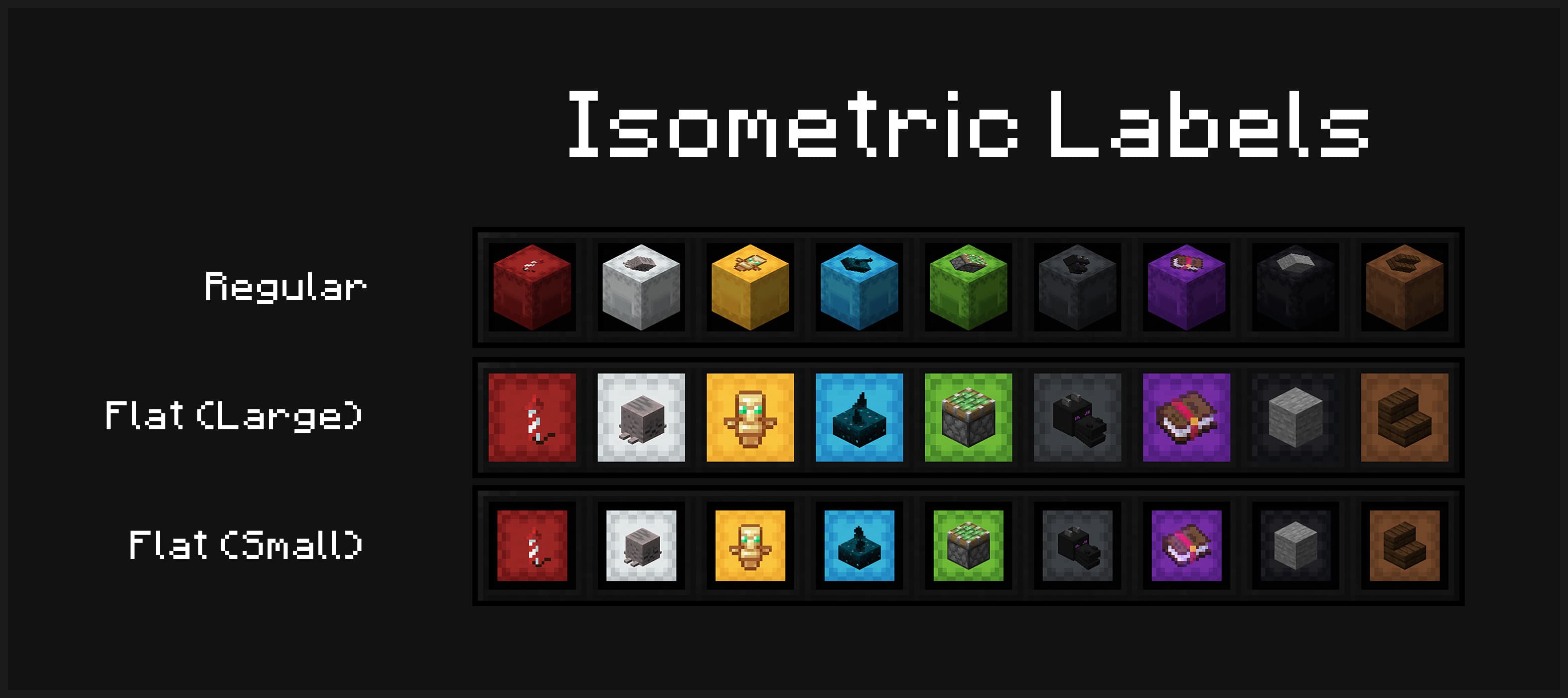
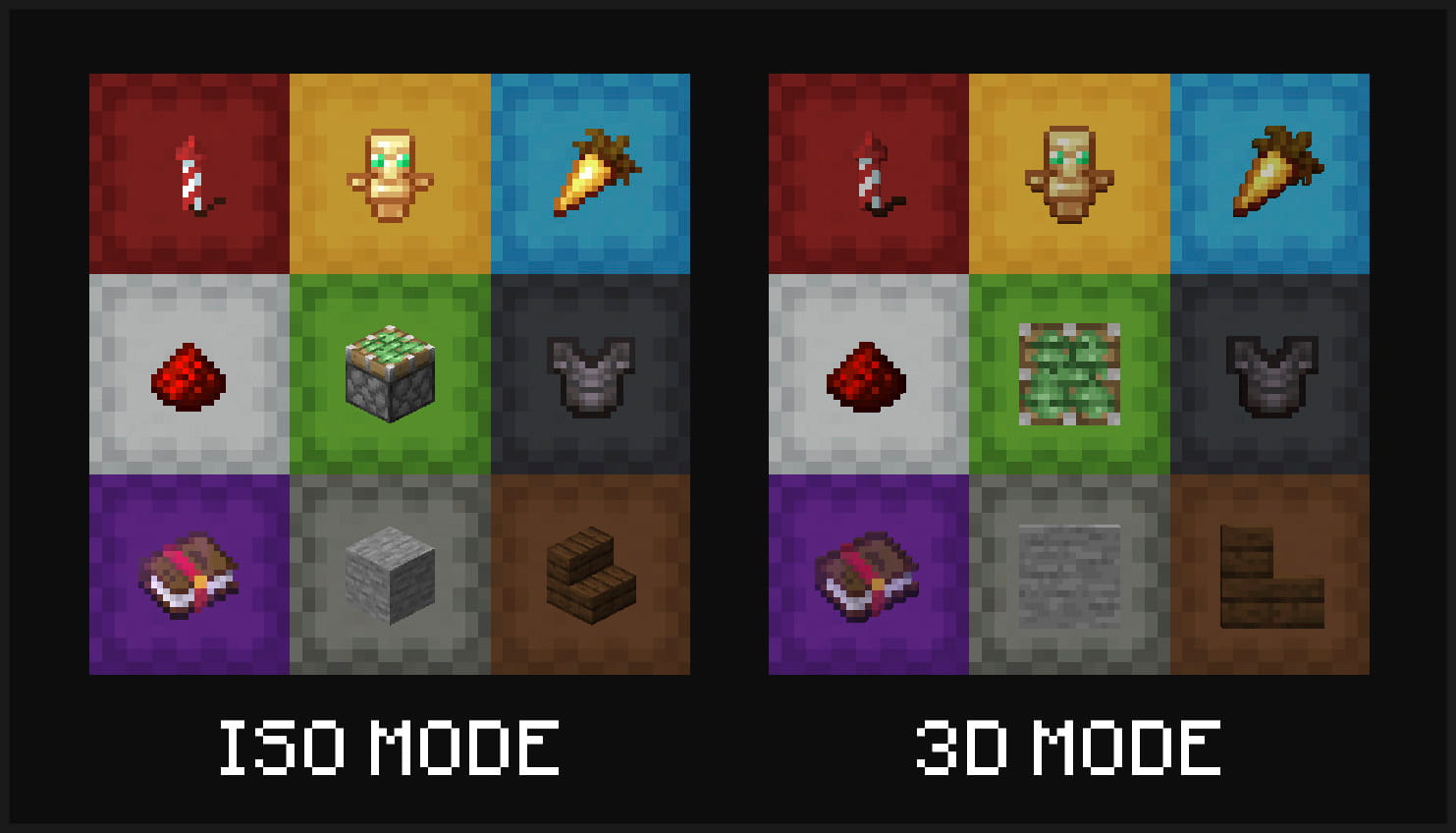
Item labels on placed shulker boxes can also either display in isometric or 3D mode
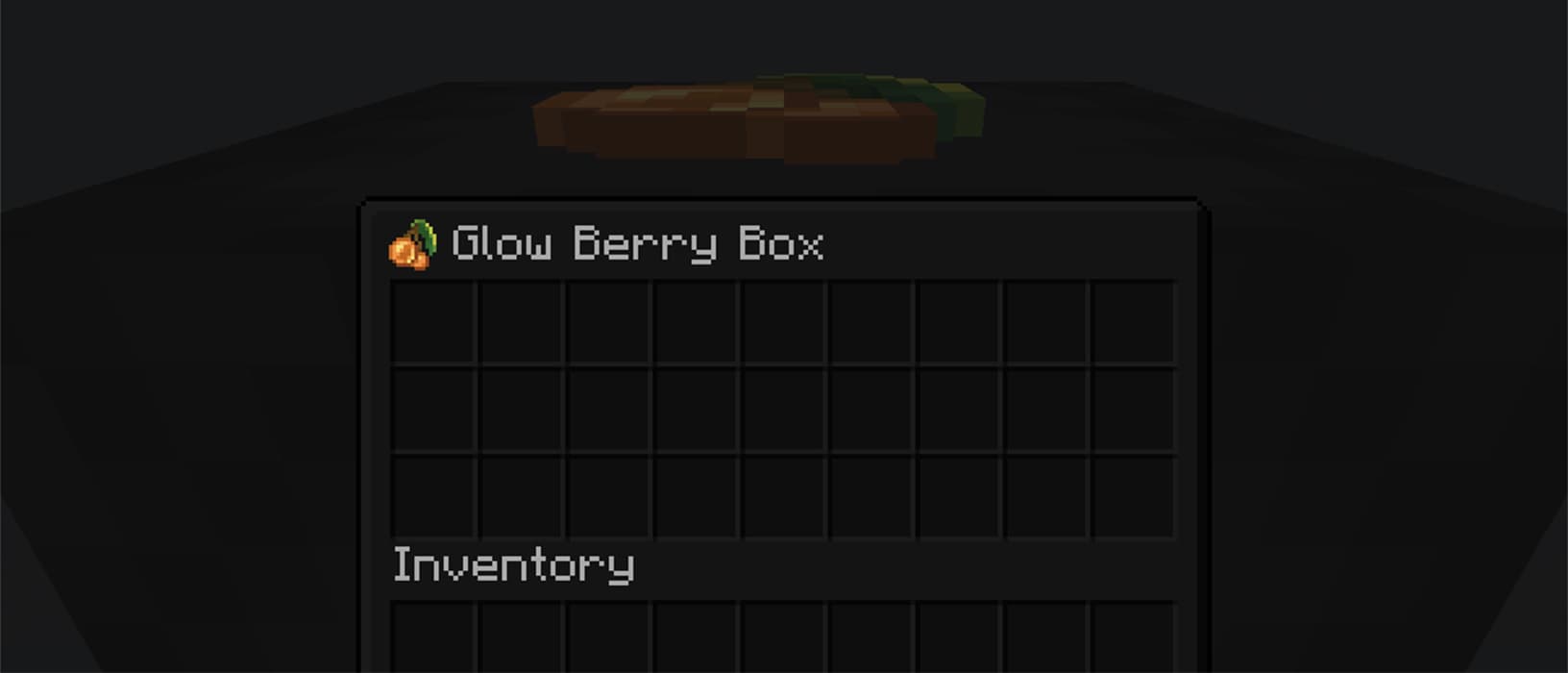
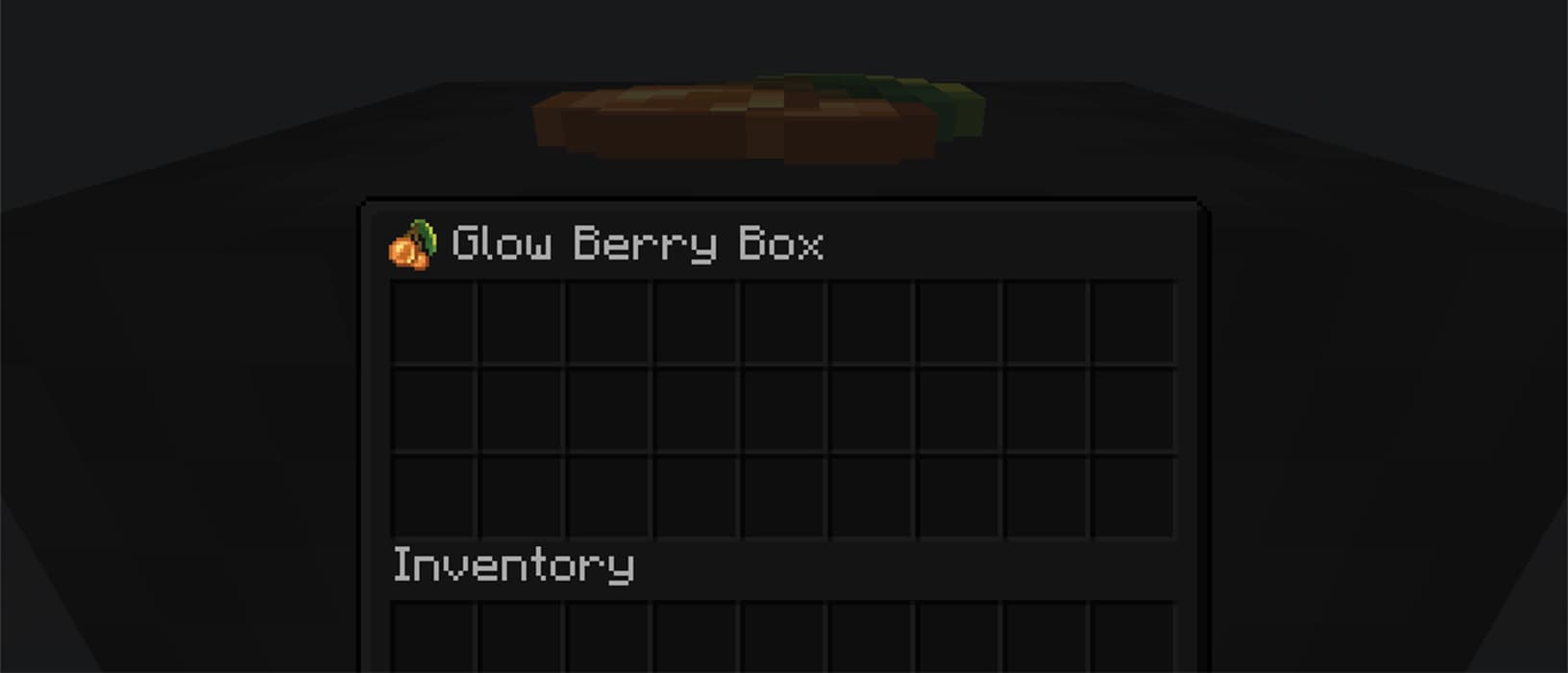
Optionally view your label from inside your shulker box
Installation & Configuration
- Download the mod for your Minecraft version and place it into your .minecraft’s
modsfolder - In order to use this mod in multiplayer, it must also be installed server-side
- To configure the mod to your liking, you can use the command
/shulker-box-labels configto open the config screen in-game - If you are playing on Fabric, you can alternatively install Mod Menu and open it from there
- NeoForge users can also open it from the integrated mod menu
Usage
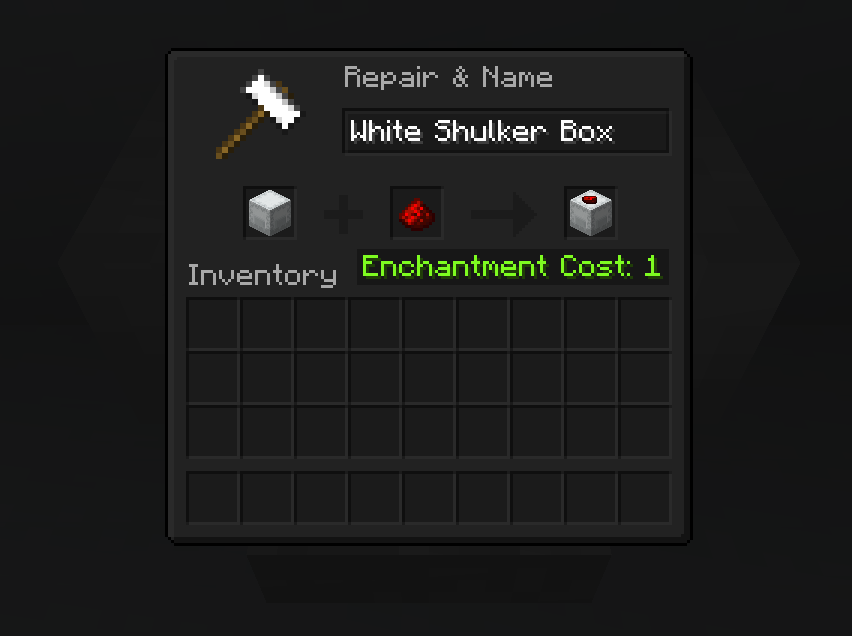
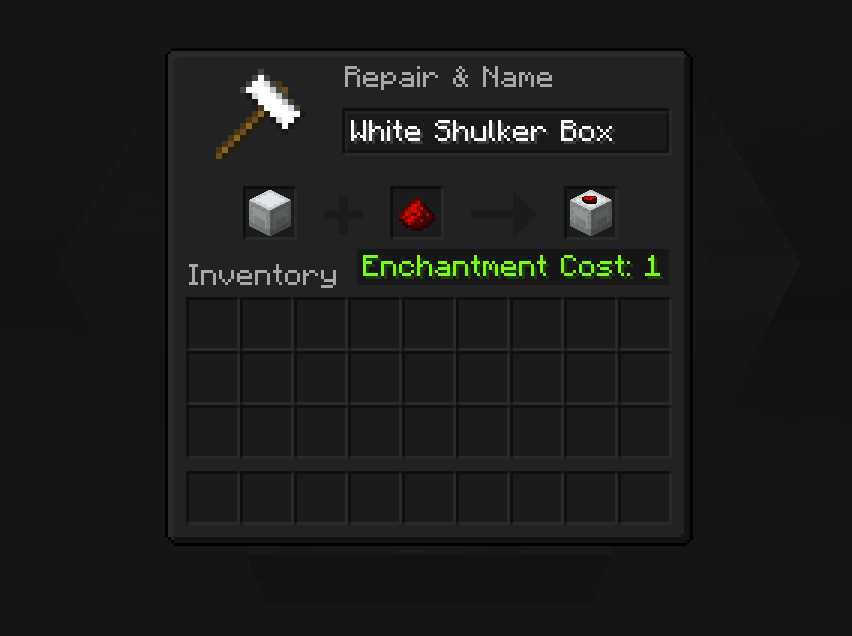
To apply a label, simply place your shulker box in the first anvil slot and the label item in the second slot. This costs one experience level. You can also modify the name of your shulker box at the same time.
Anvil Preview
Incompatible Mods
-
Better Block Entities
-
You need to disable the optimization of shulker boxes in your config
-
-
Peek
-
This mods add similar label functionality, so it is recommended to fully remove this mod
-
常见问题
Shulker Box Labels 支持哪些 Minecraft 版本?
Shulker Box Labels 支持 Minecraft Java 版 1.21.5–26.3,共 12 个版本,可用的加载器:Fabric / NeoForge。下载时注意选择和你游戏版本一致的文件。
Shulker Box Labels 怎么安装?
先用 PCL2 或 HMCL 启动器安装对应版本的 Fabric / NeoForge,再把下载的 .jar 文件放进游戏目录的 mods 文件夹,重新启动游戏即可。开启了版本隔离的,mods 文件夹在 versions/版本名 下面。运行环境:客户端和服务端都要装。
评论
登录后评论和评分