
Show My FPS
Lightweight, customizable HUD mod to keep track of the most precious number: your FPS.
截图

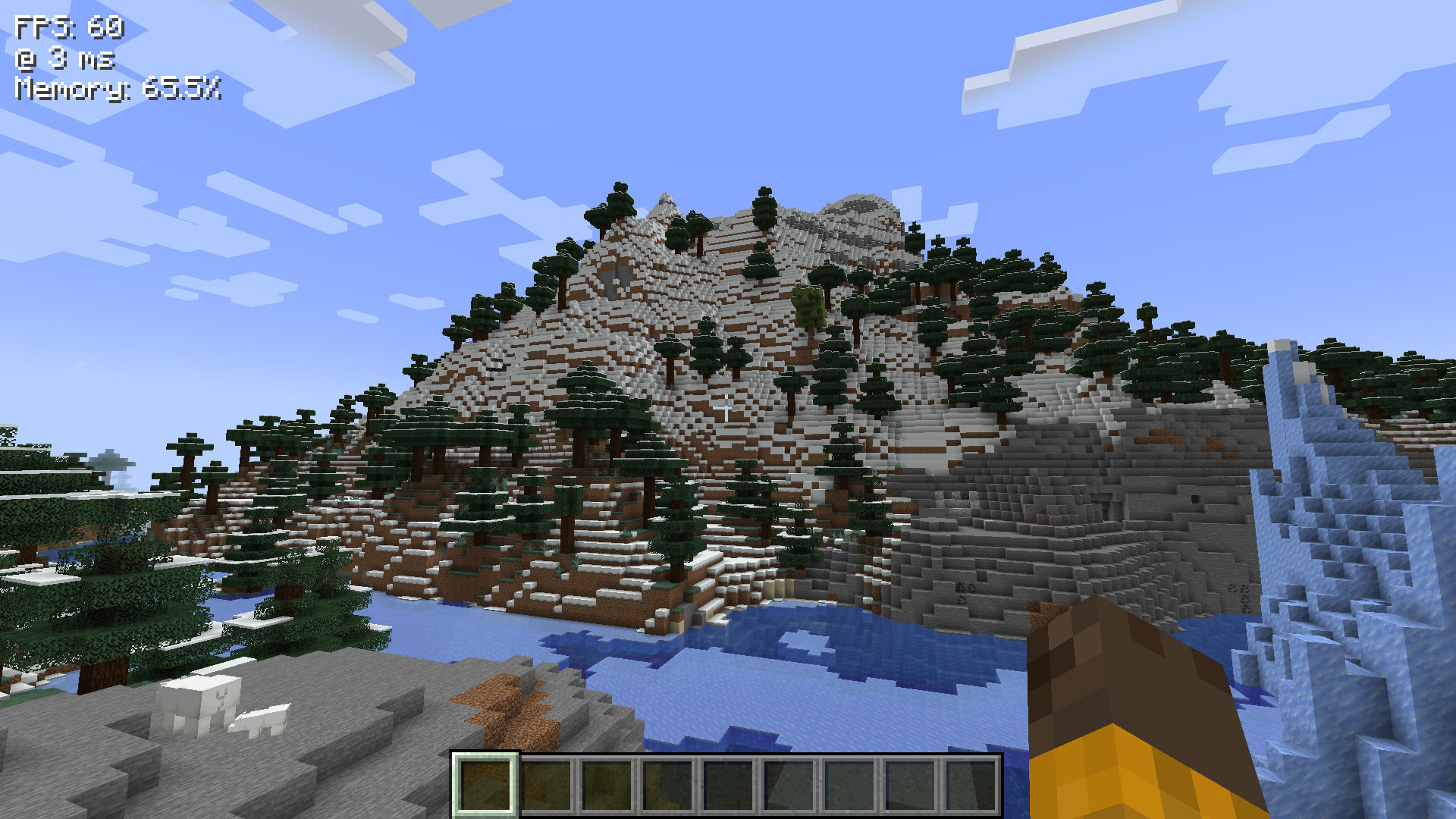
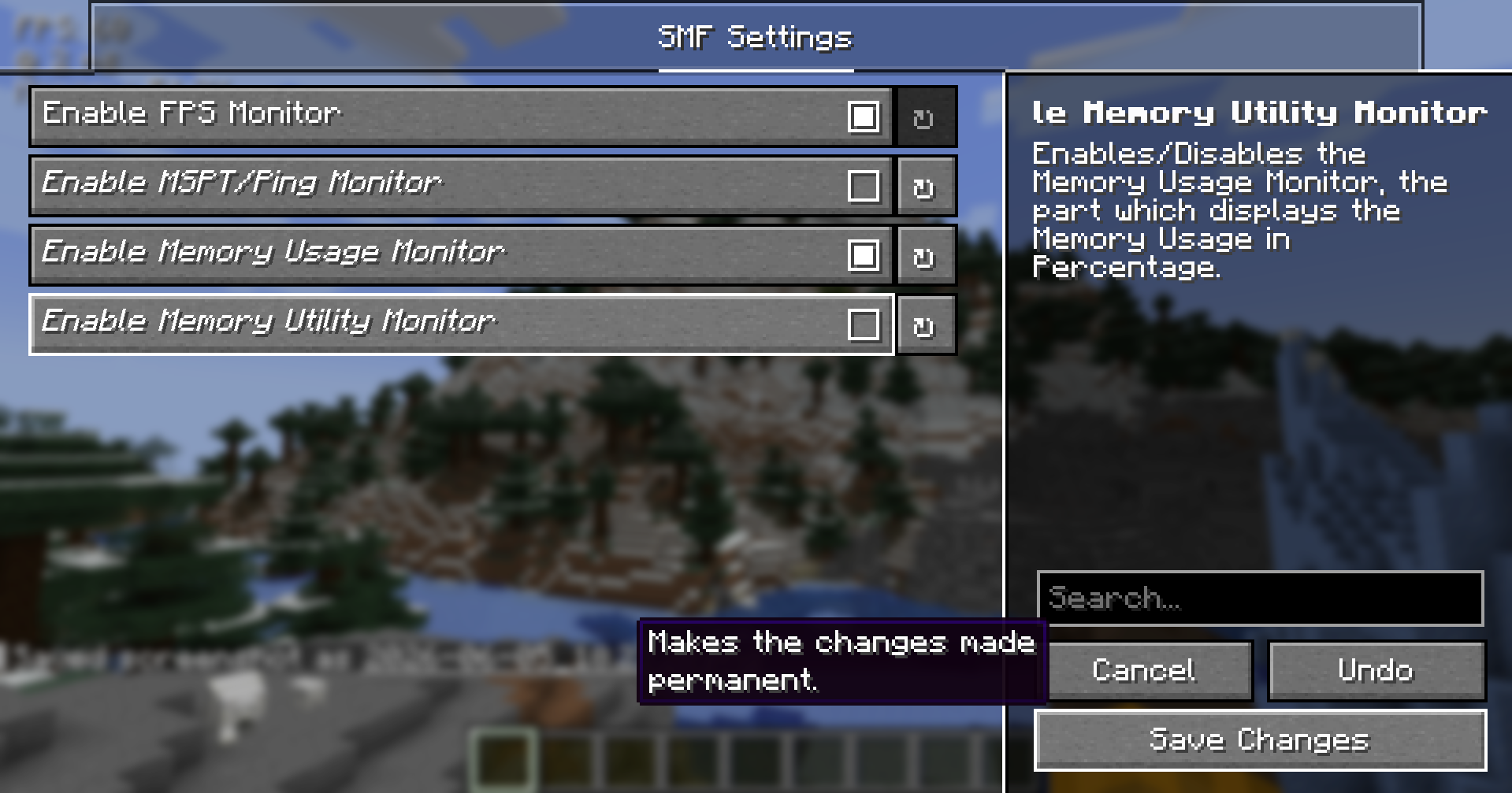
介绍
Show My FPS
<img src="https://img.shields.io/badge/requires-yacl-yellow?style=for-the-badge"
alt = “REQUIRES YetAnotherConfigLib”>
<img src="https://img.shields.io/badge/optional-mod_menu-blue?style=for-the-badge"
alt = “OPTIONAL Mod Menu”>
<img src="https://img.shields.io/badge/requires-fabric_api-DBD0B4?style=for-the-badge"
alt = “REQUIRES Fabric API”>
<img src="https://img.shields.io/github/issues/indru-dev/show-my-fps?style=for-the-badge"
alt = “Issue Counter: 0”>
Show My FPS
Lightweight, customizable HUD mod to keep track of the most necessary necessities, that can all be configured, positioned, colored, edited and tweaked to your liking. Yes, your liking. 🫵
See the ⚙️ Config Tutorial Dropdown ⚙️ below to configure the mod, and have a good day, _folks!_
| _”How shouldst thou behold thy frames per second, wer’t not for this enchanted craft?”_ |
|–|
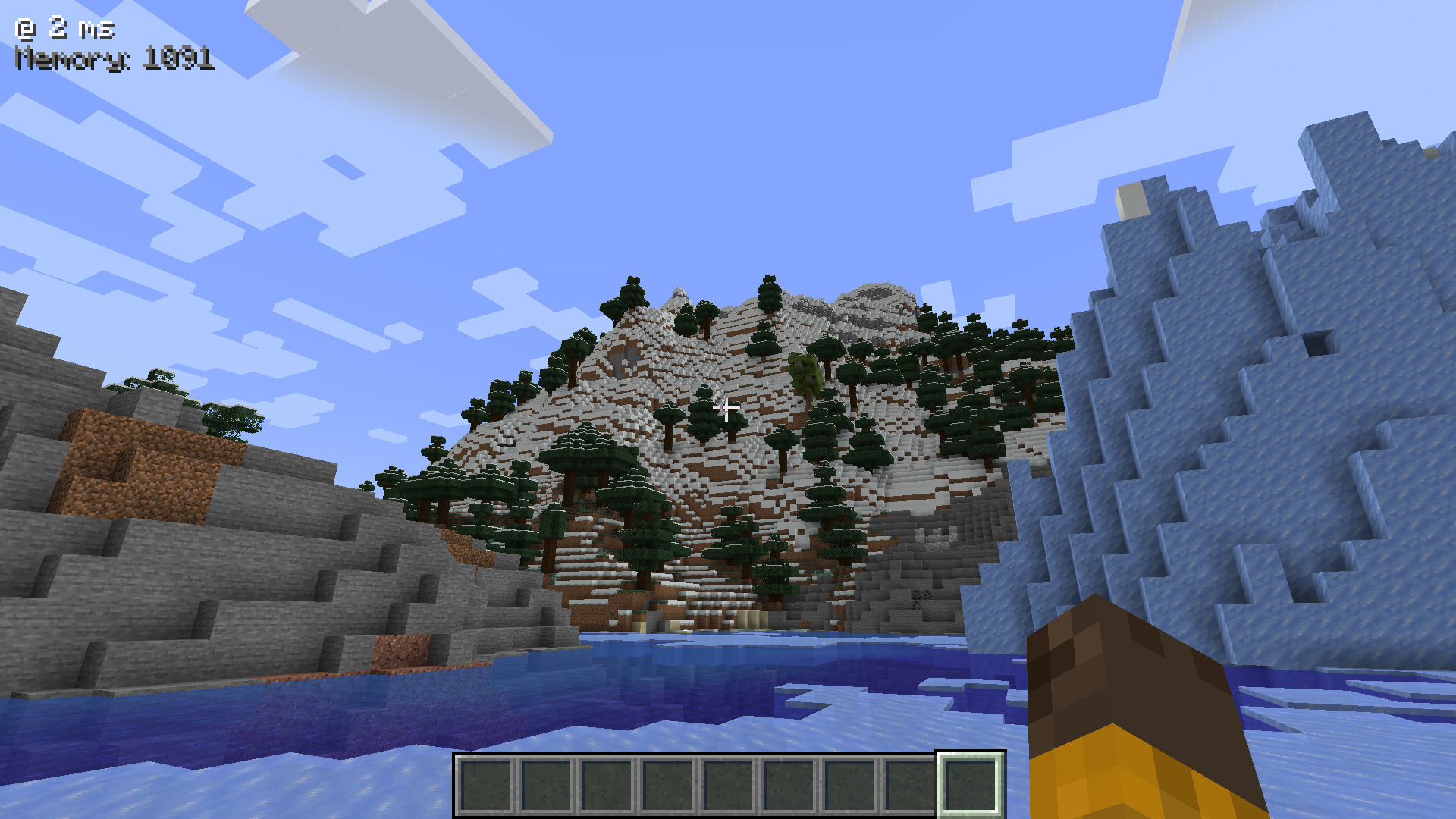
Demo 📷
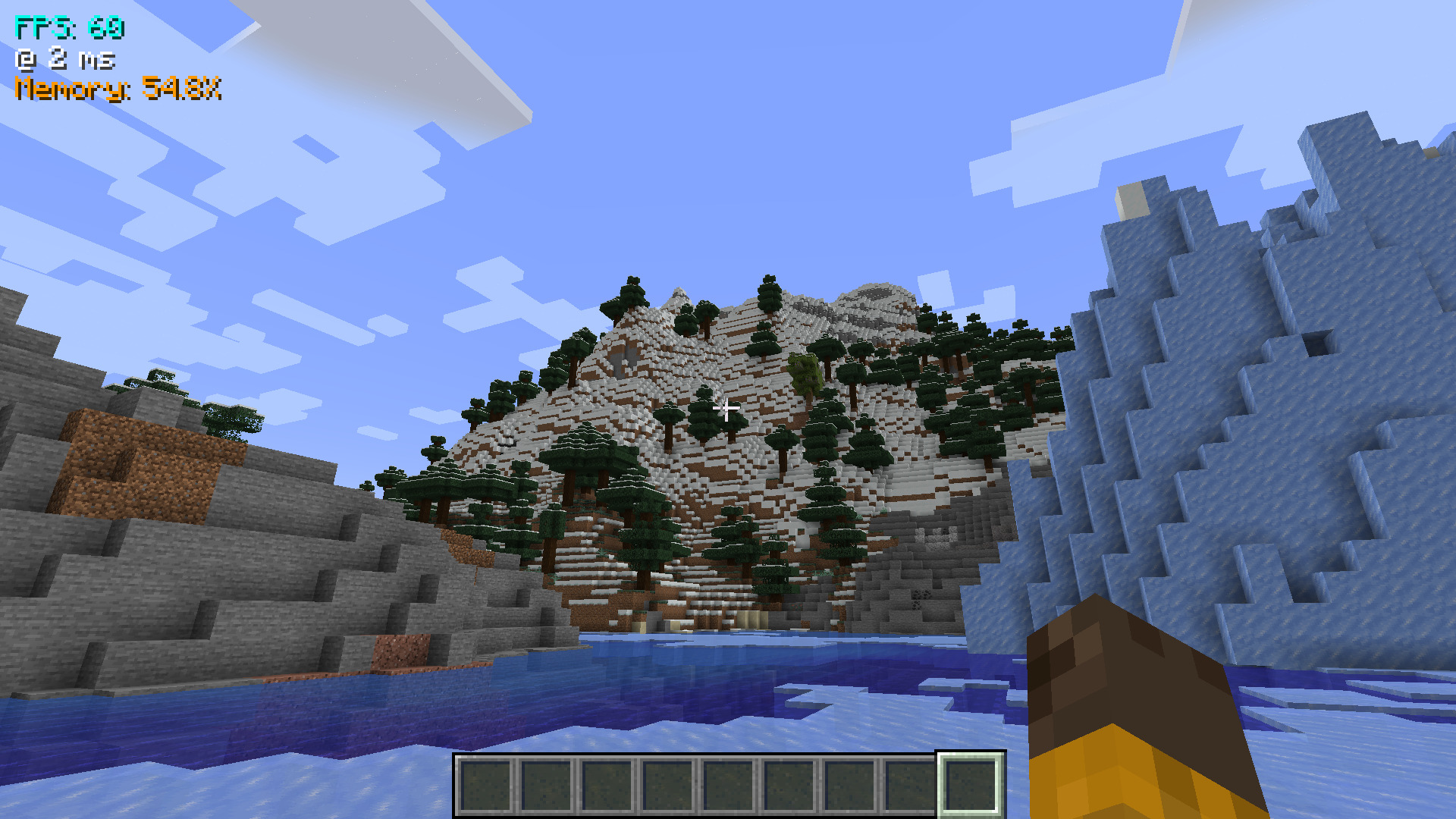
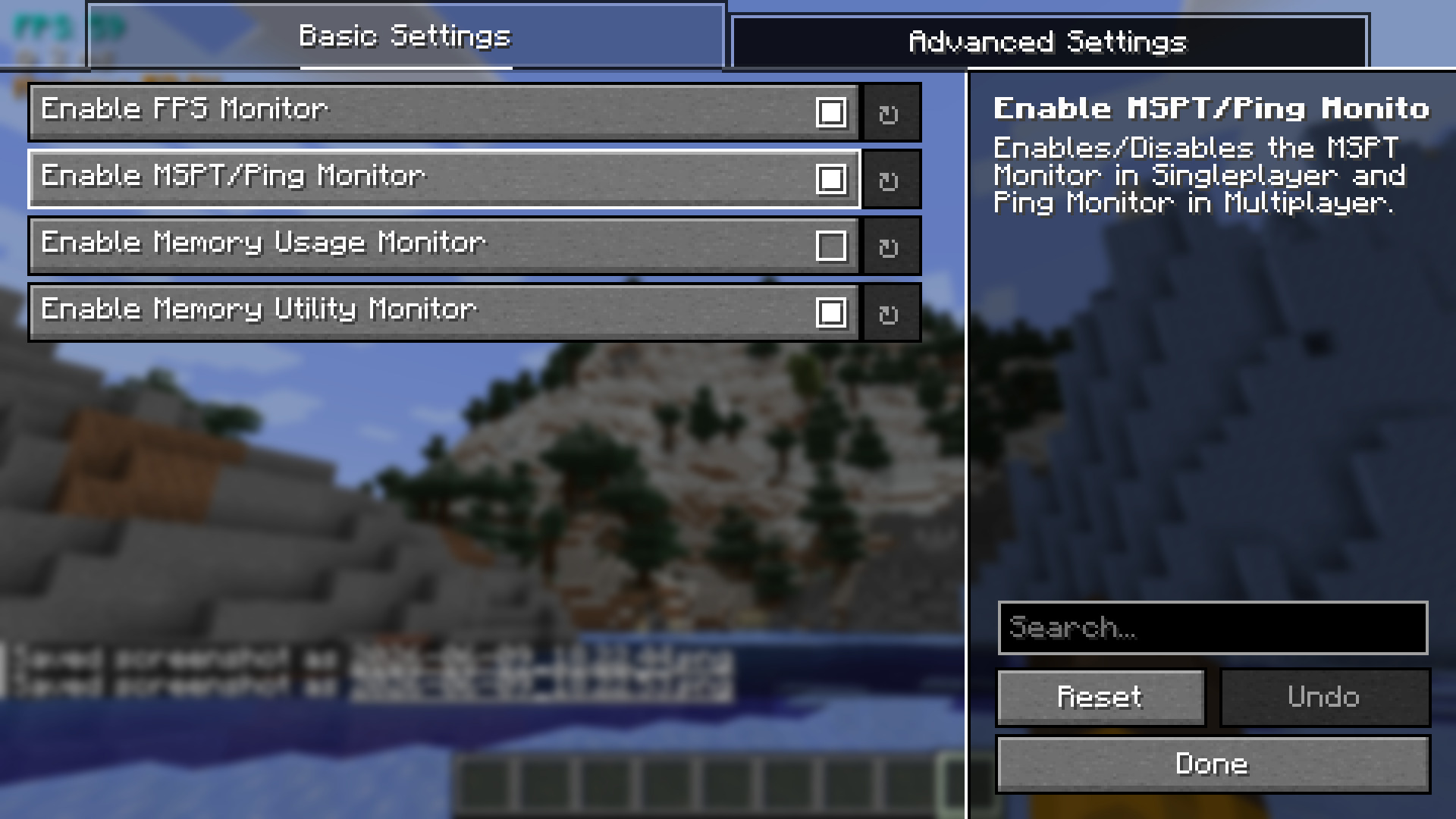
The above config screen can be opened through Mod Menu.
⚙️ Config Tutorial
- Firstly, open your Mod Menu. The mod is made to integrate into the Mod Menu API.
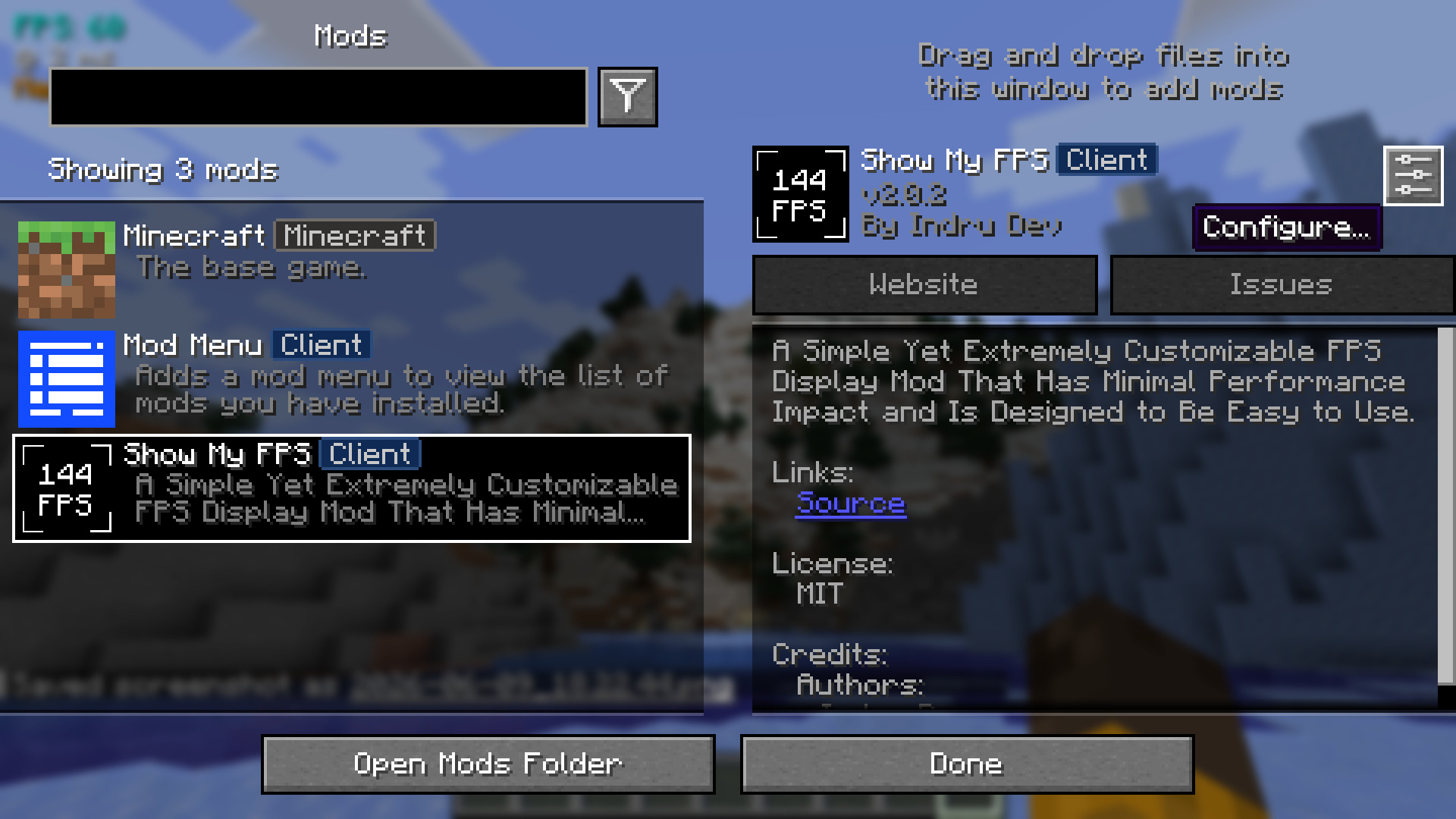
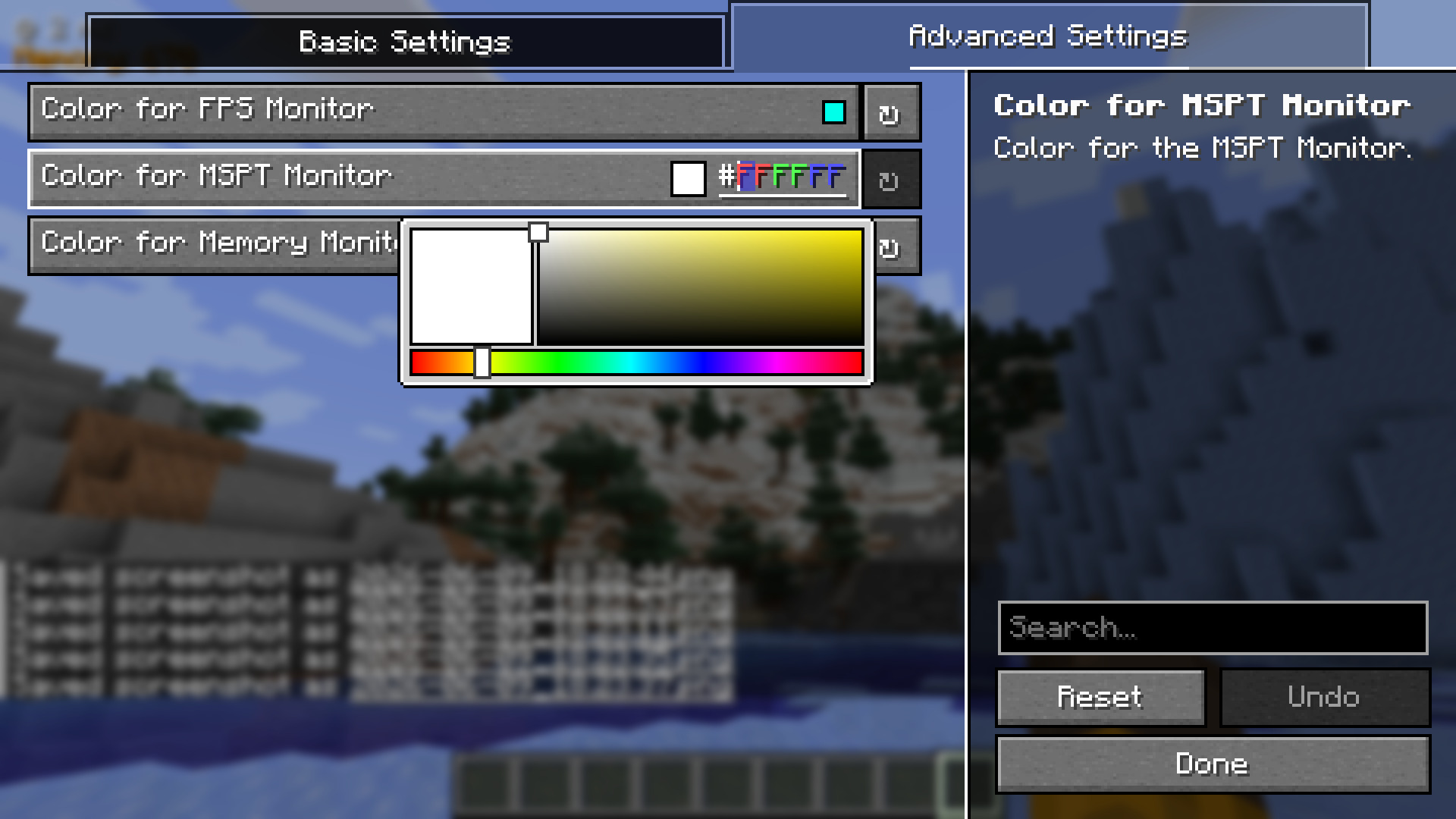
- Now you should see a screen like below. From here, you can enable and disable all the features you need, from colors to positions and components (planned).
🐛 Nasty bugs
If any bugs are found, or if the mod is found to conflict with other mods, you can report at the GitHub Issue Tracker.
Also, pull requests are always accepted! Just `fork` the repo, add some changes, and create a Pull Request! I aim to respond to pull requests under 12 – 24 hours.
📃 Modpack Support? (Basically Licensing)
The mod is licensed under MIT. You may use it in your Modrinth and CurseForge modpacks for free (with or without credit)!
常见问题
Show My FPS 支持哪些 Minecraft 版本?
Show My FPS 支持 Minecraft Java 版 1.21–1.21.5,共 6 个版本,可用的加载器:Fabric。下载时注意选择和你游戏版本一致的文件。
Show My FPS 怎么安装?
先用 PCL2 或 HMCL 启动器安装对应版本的 Fabric,再把下载的 .jar 文件放进游戏目录的 mods 文件夹,重新启动游戏即可。开启了版本隔离的,mods 文件夹在 versions/版本名 下面。运行环境:仅客户端。
评论
登录后评论和评分