Shob Economy
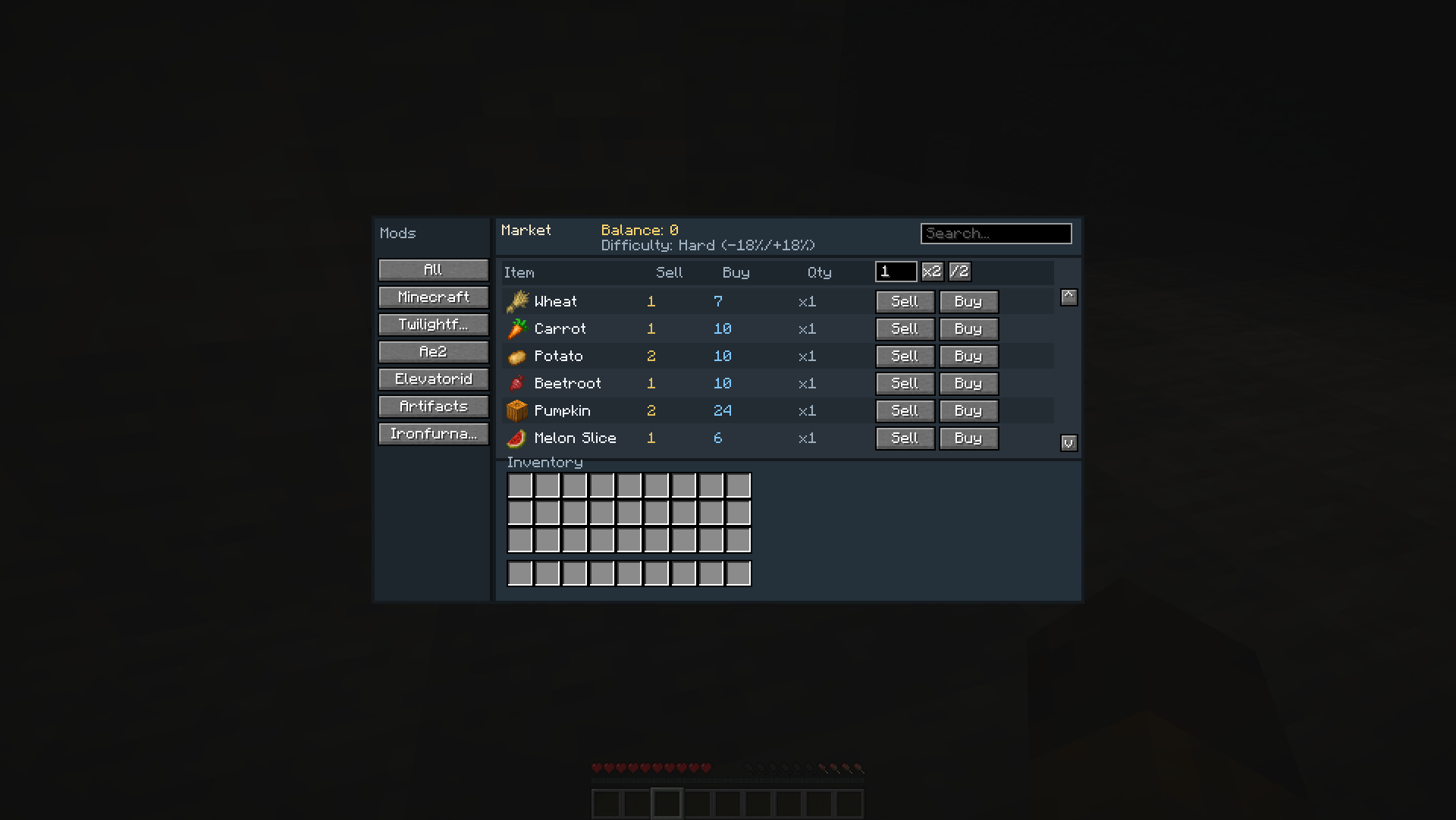
Virtual per-player marketplace for Minecraft. It adds a shop you can open from your inventory — no shop block, no physical coins to place in the world. Buy and sell curated items with dynamic prices that react to how much the server has been trading.
截图
介绍
Features
- Inventory shop button — open the market anytime from your inventory UI
- Per-player wallet — money is stored on the player (virtual balance)
- Curated catalog — only items present in the embedded knowledge base (and installed mods) appear for trade
- Search — filter listings by item name
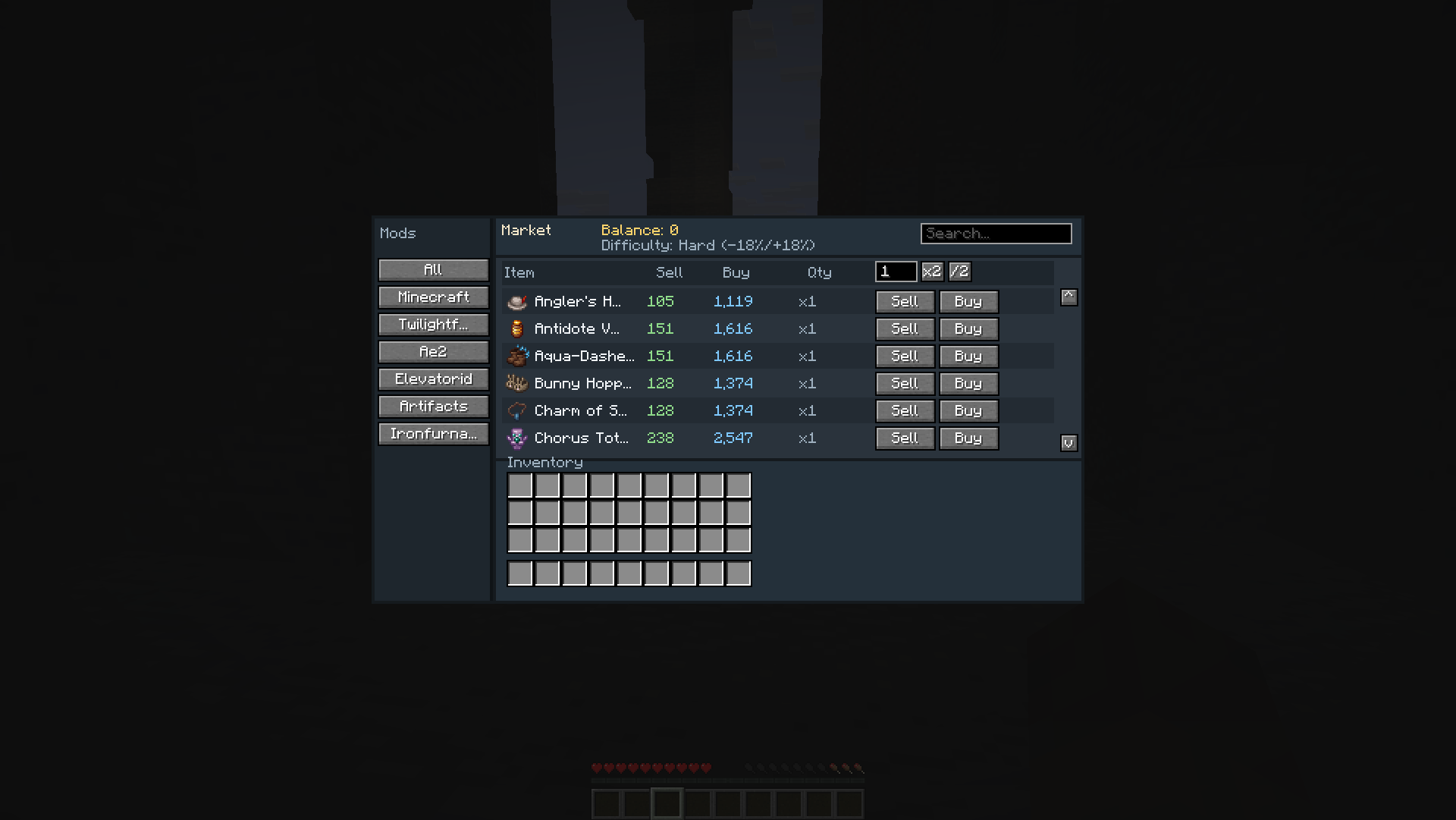
- Amount controls — set how many items to buy/sell (default 1), with small x2 / /2 buttons; totals update with quantity
- Live market pricing — sell prices fall when an item is dumped into the market; related category activity can recover prices
- Difficulty scaling — world difficulty gently shifts buy/sell rates
- Recipe-aware pricing — on server start, the mod walks the live recipe graph (including mod processing times when available) to refine costs from craft trees and obtain time
- Decorative bulk protection — stairs, slabs, wood, leaves, and other easy building blocks sell for 1–2 coins so players cannot farm money from bulk decoration; valuable materials or long obtain times still raise those prices fairly
How it works
- Install the mod on a NeoForge world/server.
- Open your inventory and use the Shop button.
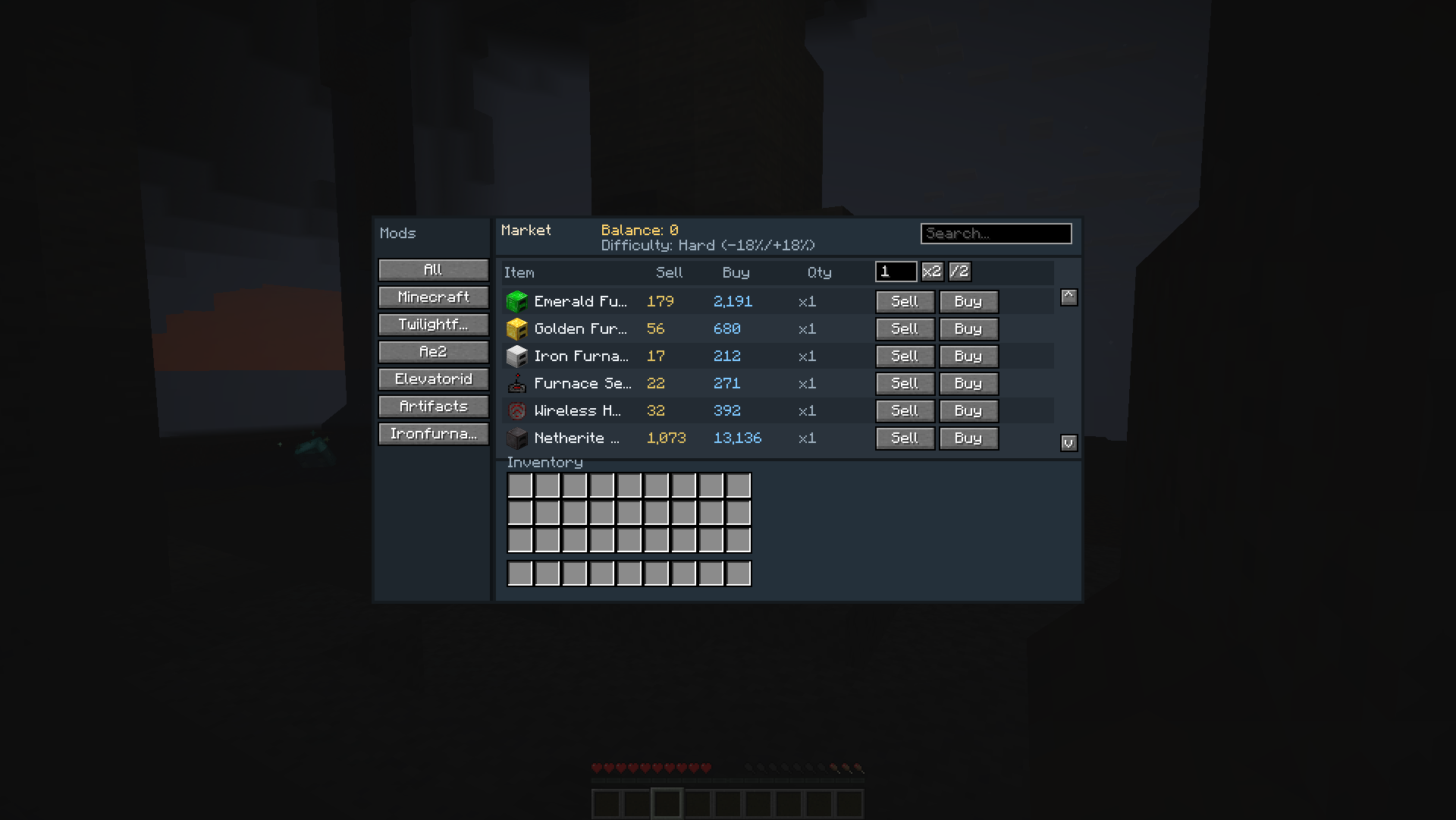
- Browse by mod category, search by name, set quantity, then Sell or Buy.
- Prices shown are for your selected amount (
unit price × quantity). - Selling pushes that item’s market saturation down; buying/selling elsewhere and time help the market recover.
Only items that exist in the installed game and in Shob’s catalog database are listed. Vanilla essentials are always included; mod items appear when that mod is loaded.
Supported content
Always available
- Minecraft (vanilla) — crops, foods, ores, ingots, gems, and rare/boss drops (netherite, nether star, elytra, etc.)
Full embedded catalogs (JSON knowledge bases)
These mods have dedicated item databases shipped inside the mod JAR. Listings appear when the mod is installed:
- The Twilight Forest
- Waystones
- Applied Energistics 2
- Applied Energistics 2 Wireless Terminals (AE2WTLib)
- Iron Chests
- OpenBlocks Elevator (Elevator Mod)
- Aquaculture 2
- Building Gadgets 2
- Refined Storage
- Extra Storage
- Artifacts
- Dark Utilities
- Apotheosis
- Apothic Attributes
- Mystical Agriculture
- Mystical Agradditions
- XNet
- Integrated Dynamics
- Integrated Tunnels
- Explorer’s Compass
- Iron Furnaces
- Pipez
- RFTools Base
- RFTools Power
- Iron Jetpacks
- Modular Routers
- Simple Storage Network
- Easy Villagers
- Occultism
- Simple Magnets
- Oritech
- Just Dire Things
- Modular Force Field Systems (MFFS)
Additional curated entries (craft trees / key items)
Also included with hand-tuned obtain times and craft data:
- Create
- Mekanism
- Immersive Engineering
- Thermal Series
- Botania
- Ars Nouveau
- Iron’s Spells ’n Spellbooks
- Farmer’s Delight
- Allthemodium
Requirements
- Minecraft matching this release’s NeoForge build (see Files tab)
- NeoForge
No other mods are required. Supported mods are optional — install the ones you use; Shob only lists items that actually exist in your pack.
Notes
- This is an economy/QoL mod, not a tech progression overhaul.
- Catalog coverage prioritizes tradeable valuables; decorative bulk is intentionally cheap to sell.
- More mods and deeper craft coverage may be added in future updates.
Feedback
Bug reports, balance suggestions, and requests for additional mod catalogs are welcome on the issue tracker / comments.
常见问题
Shob Economy 支持哪些 Minecraft 版本?
Shob Economy 支持 Minecraft Java 版 26.1.2,可用的加载器:Fabric / Forge / NeoForge。下载时注意选择和你游戏版本一致的文件。
Shob Economy 怎么安装?
先用 PCL2 或 HMCL 启动器安装对应版本的 Fabric / Forge / NeoForge,再把下载的 .jar 文件放进游戏目录的 mods 文件夹,重新启动游戏即可。开启了版本隔离的,mods 文件夹在 versions/版本名 下面。
评论
登录后评论和评分