
截图
介绍

The name says it all.
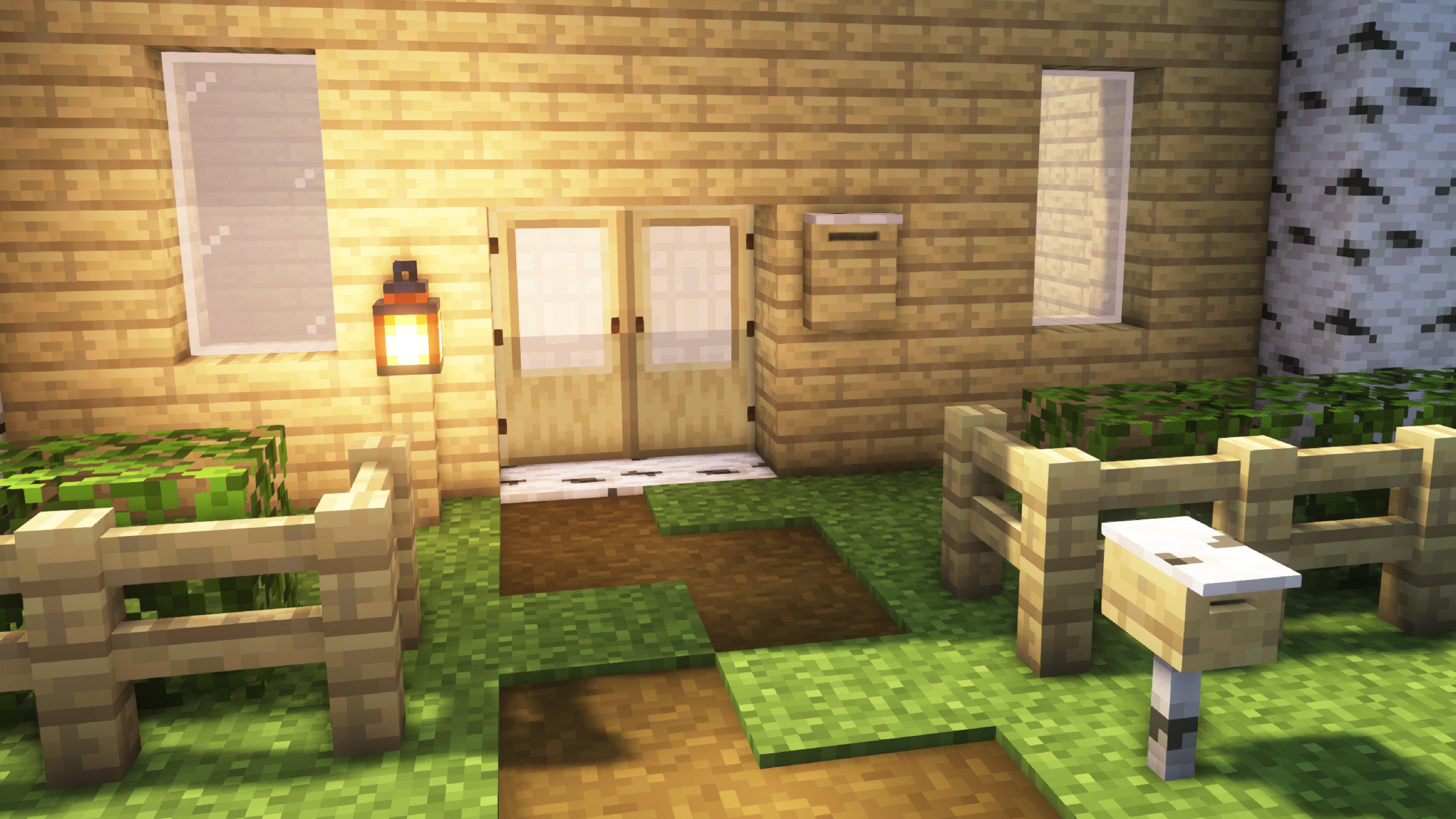
This mod adds new blocks and items around the theme of shipping and mail.
Mailboxes, letters and cardboard boxes.
This mod is perfect for multiplayer.
See the ingame screenshots in the screenshot tab 👆
To put items in a mailbox, you need to right-click on the mailbox.
Important information:
- Mailboxes can have a maximum of 16 items in one slot
- To register a mailbox to you, right-click in. So you are then the owner
- The insertion of items is related to the slot. If you throw in an item and the same again, the new item takes a new slot. But if you throw 2 or more of the same item into a mailbox, this insertion takes a slot
- Letters have 2 inventory slots, packages have 4
- There are 2 different types of mailboxes. One variant stands on the floor, the other can hang on the wall. Both work in the same way
– I recommend using JEI to get a better overview of the different recipes\
-> Find JEI here: https://modrinth.com/mod/jei
Recipes:


Works with any type of wood with the corresponding variant
常见问题
Shipping 支持哪些 Minecraft 版本?
Shipping 支持 Minecraft Java 版 1.16.5–1.20.1,共 5 个版本,可用的加载器:Forge。下载时注意选择和你游戏版本一致的文件。
Shipping 怎么安装?
先用 PCL2 或 HMCL 启动器安装对应版本的 Forge,再把下载的 .jar 文件放进游戏目录的 mods 文件夹,重新启动游戏即可。开启了版本隔离的,mods 文件夹在 versions/版本名 下面。运行环境:客户端和服务端都要装。
PlayTics 的其他作品
查看全部 →
Medieval Deco
Deco around the theme Medieval for 1.16 - 1.20 [Forge|Fabric]

Days In The Middle Ages
Middle Ages with a touch from the north
Gaming Deco
PCs, Keyboard, RGB, what need a real gamer more?!

Construction Deco
Construction Side Deco for 1.16 - 1.20 [Forge|Fabric]
评论
登录后评论和评分