
截图
介绍
中文介绍正在准备中,下面暂时显示原文。







What is Shine?
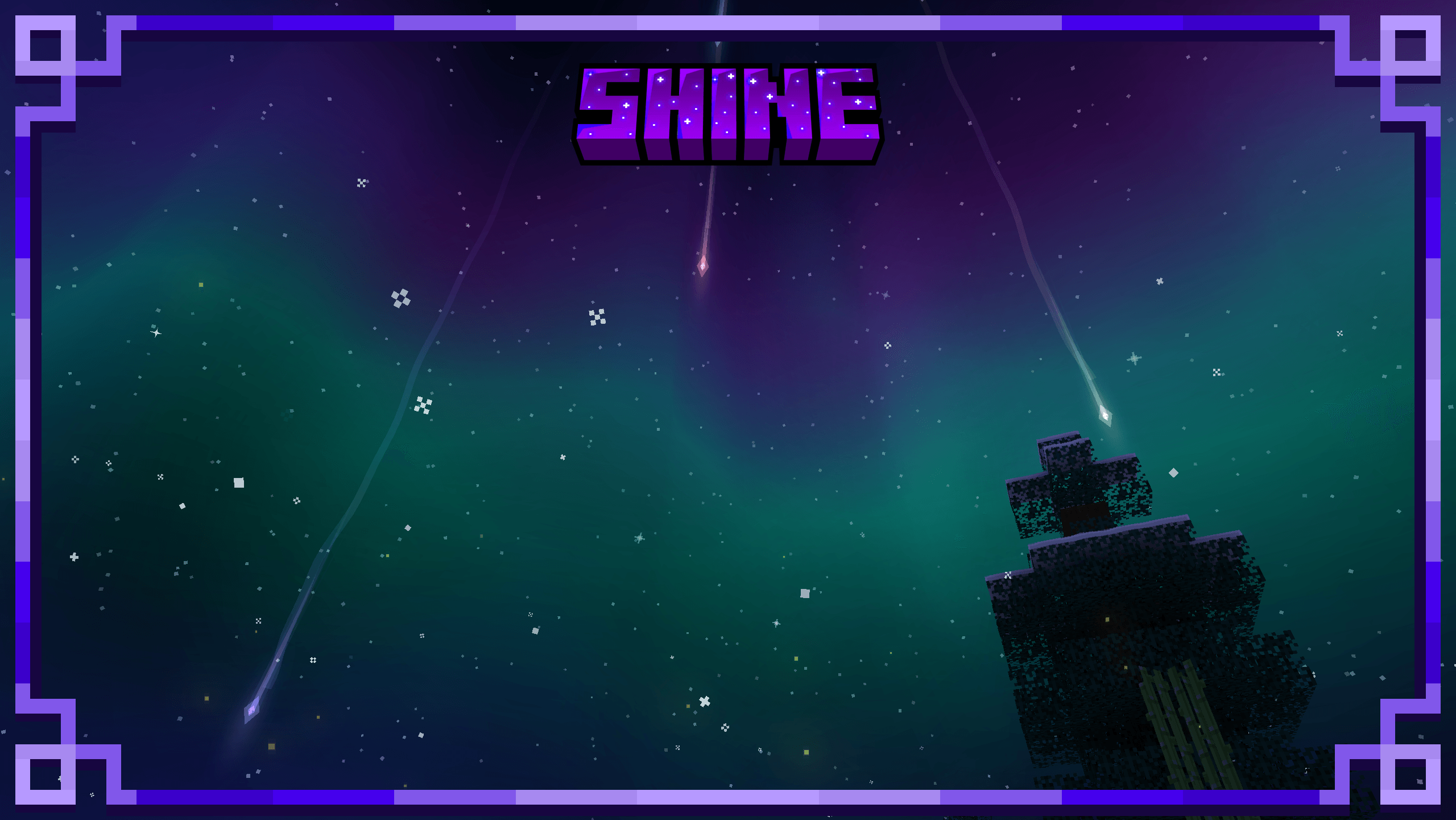
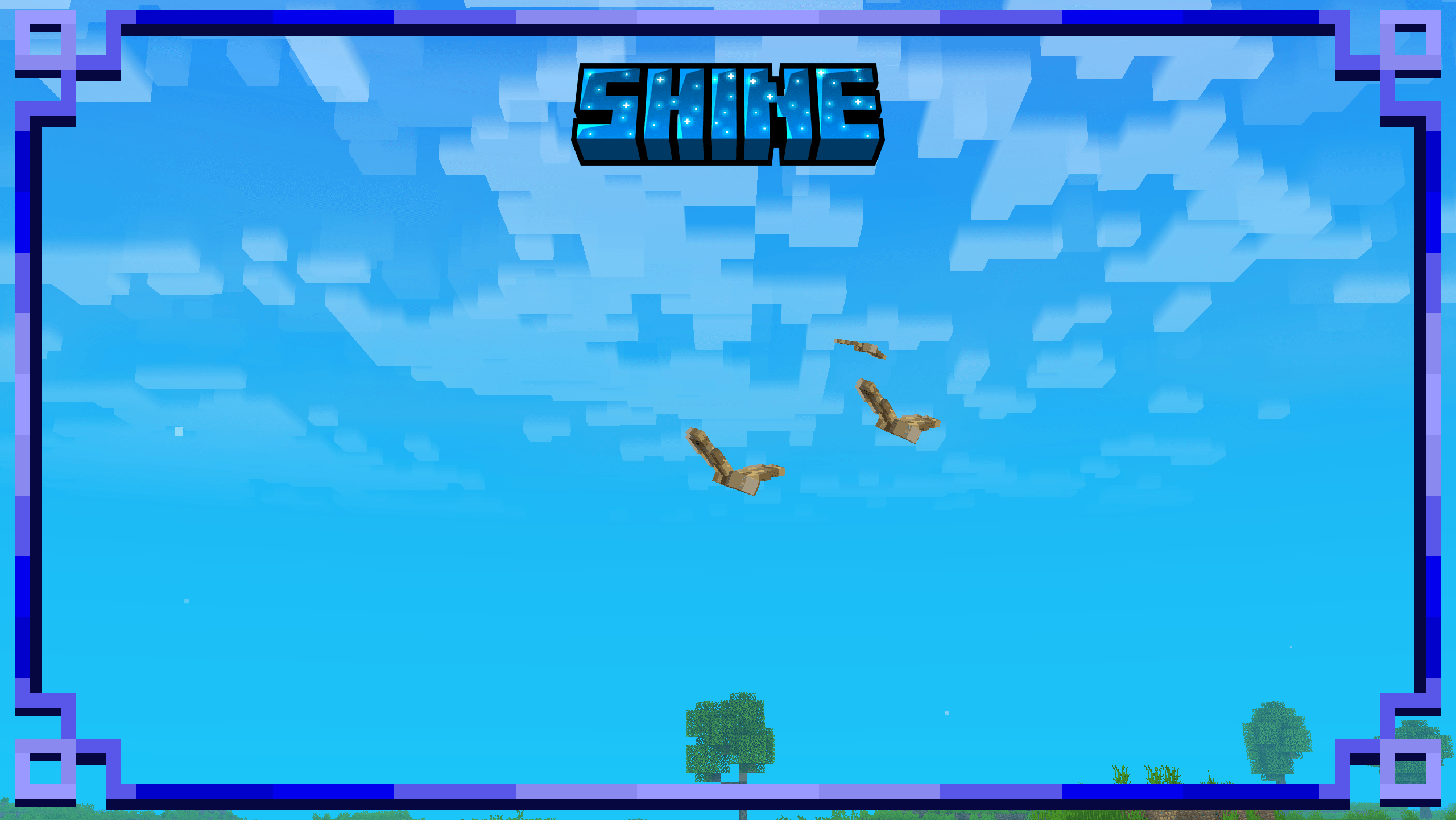
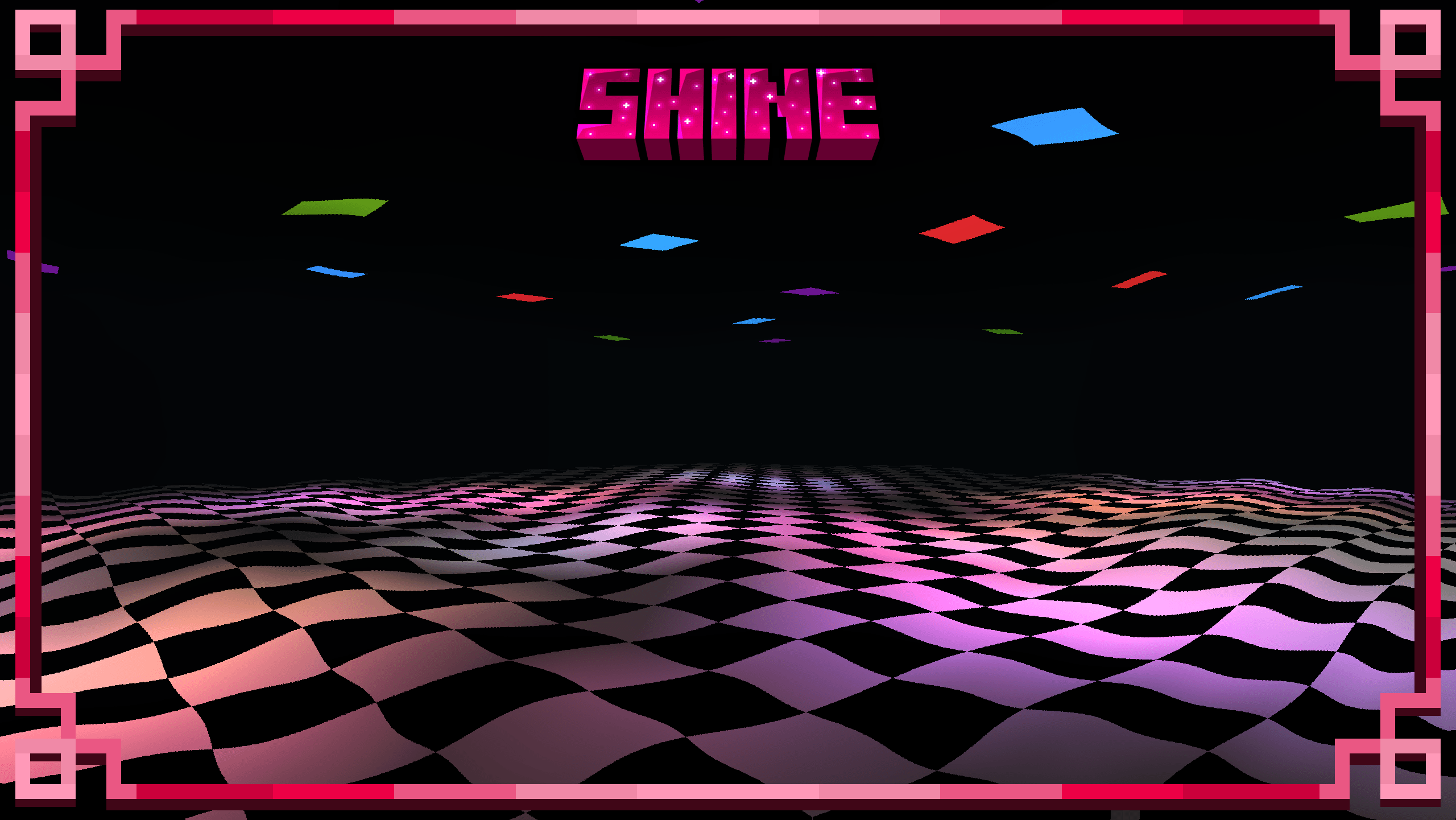
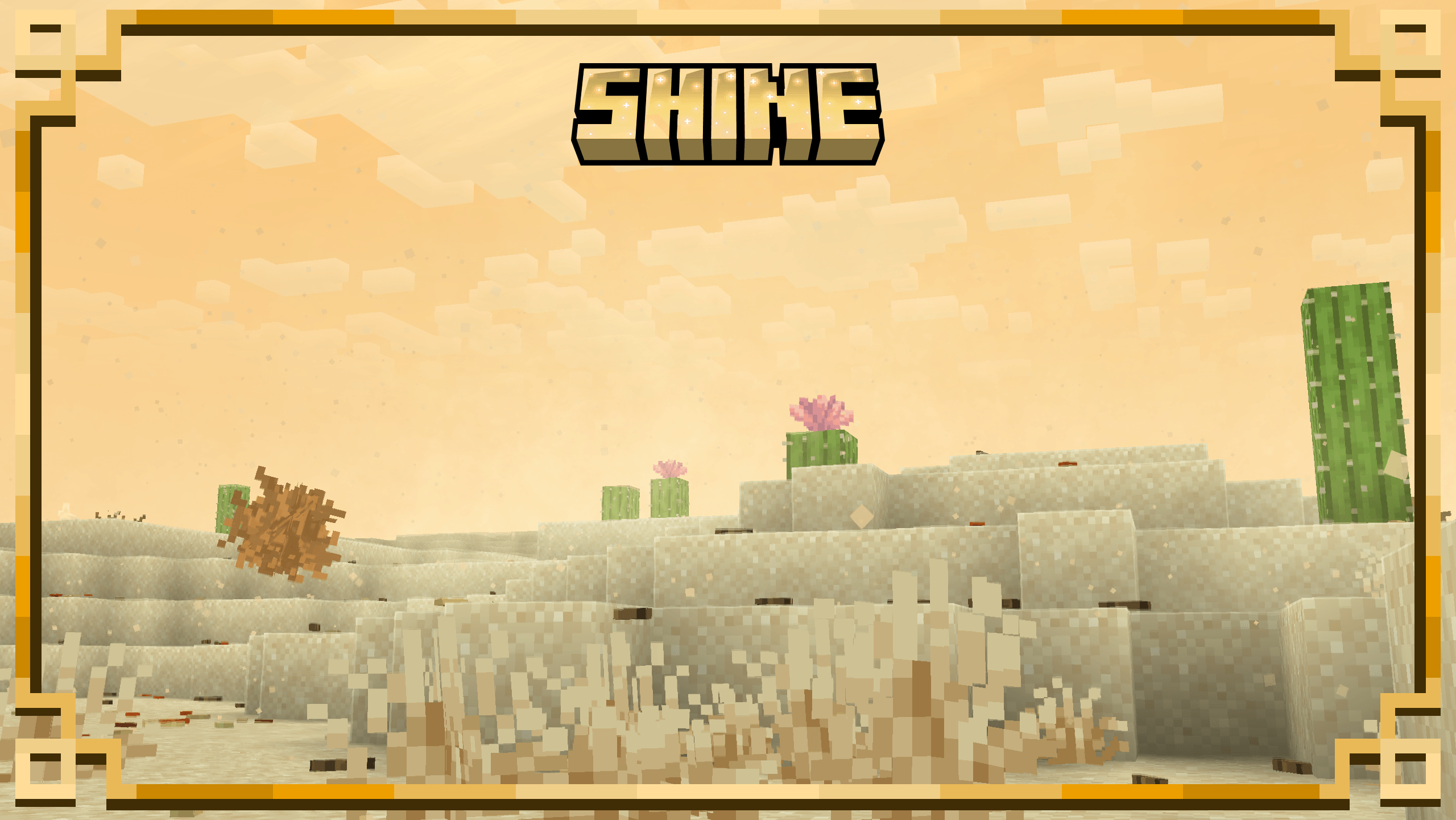
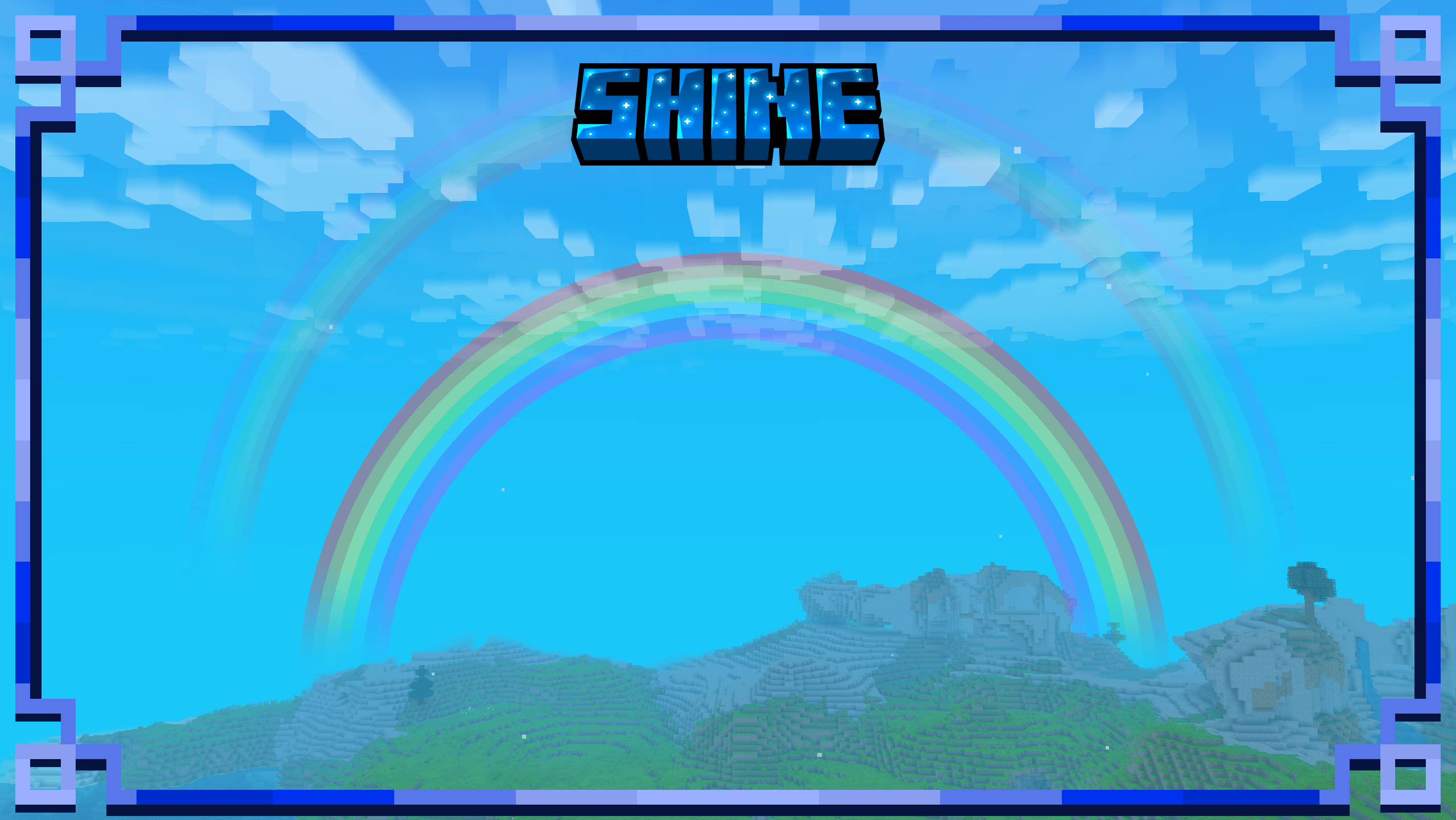
Shine makes Minecraft come alive with tons of visual effects:
- Lighting
- Atmosphere
- Weather
- Particles
- Interactive details
- And more
→ See everything Shine adds on the Wiki
Check the Gallery above for screenshots.
Highly customizable from the in-game config screen.
No dependencies

_ Copyright © 2026 tapeQ
- You can include this mod in a modpack, as long as it provides credit and links to the Modrinth or CurseForge page.
- Special thanks to Tim for helping playtest Shine and moderate the Shine Discord server.
- Credits: Two bird sprites used by Shine were adapted from Cosy Critters & Creepy Crawlies by Pigcart: https://www.curseforge.com/minecraft/mc-mods/cosy-critters. These sprites are used for Shine’s ambient bird effect. Shine is otherwise a separate visual-effects mod and does not redistribute Cosy Critters & Creepy Crawlies.
_ 

常见问题
Shine: VFX 支持哪些 Minecraft 版本?
Shine: VFX 支持 Minecraft Java 版 1.21.1–26.2,共 6 个版本,可用的加载器:Fabric / NeoForge。下载时注意选择和你游戏版本一致的文件。
Shine: VFX 怎么安装?
先用 PCL2 或 HMCL 启动器安装对应版本的 Fabric / NeoForge,再把下载的 .jar 文件放进游戏目录的 mods 文件夹,重新启动游戏即可。开启了版本隔离的,mods 文件夹在 versions/版本名 下面。

评论
登录后评论和评分