
ShadowGuard
ShadowGuard is an advanced region protection and management system for Fabric Servers — built for creating, protecting, and fully customizing server regions (WorldGuard Style)
截图
介绍
🛡️ ShadowGuard
ShadowGuard is an advanced region protection and management system for designed as a powerful alternative for creating, protecting, and customizing regions.
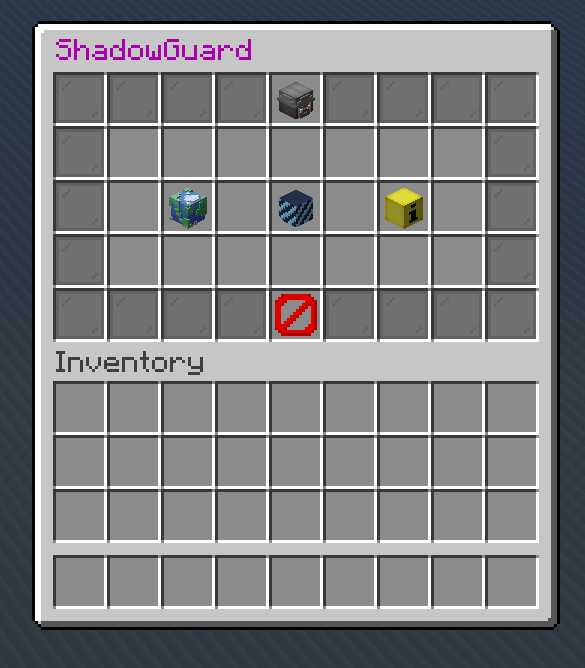
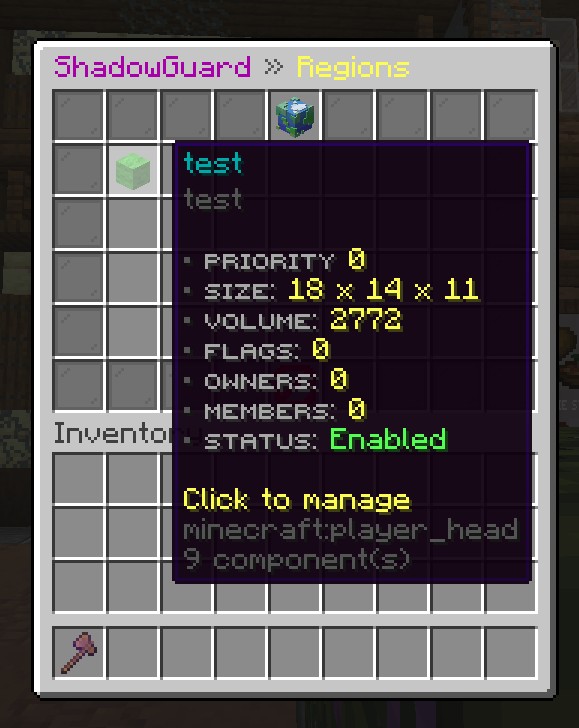
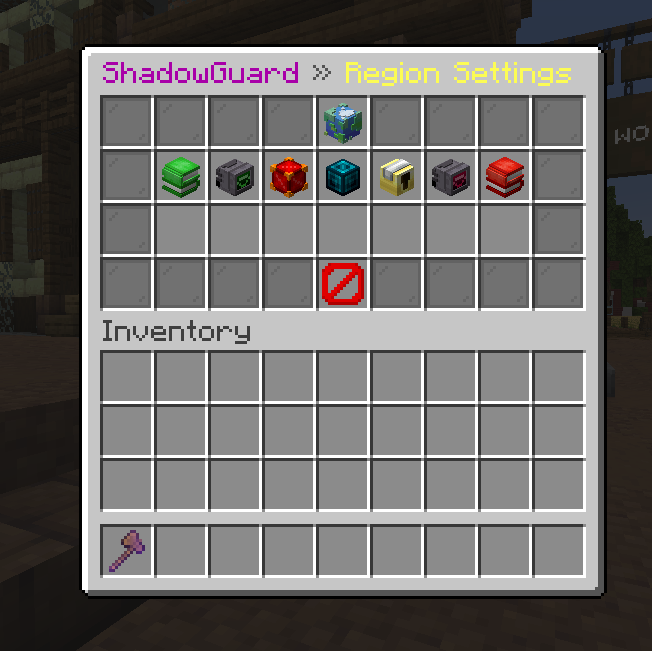
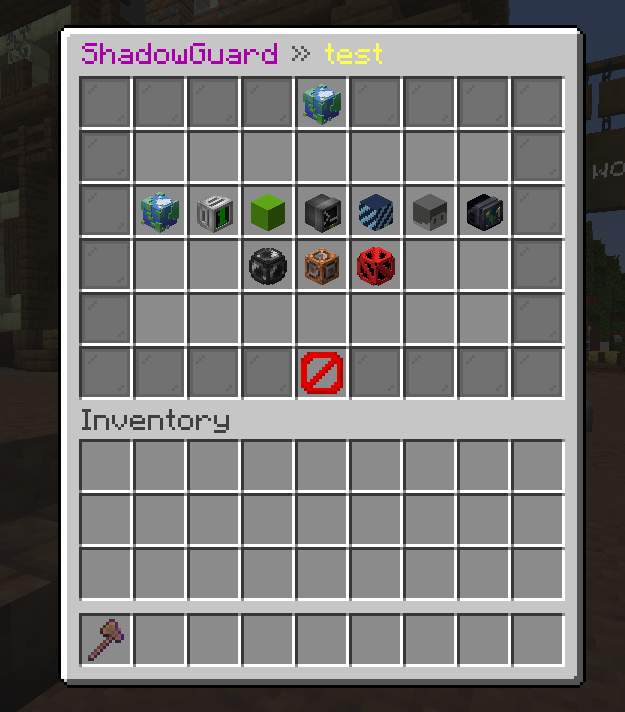
Create regions using a simple wand selection system, configure protections through an easy-to-use GUI, manage access, priorities, effects, attributes, commands, and much more.
✅ Features
- Region System — create regions using Pos1 and Pos2 selections.
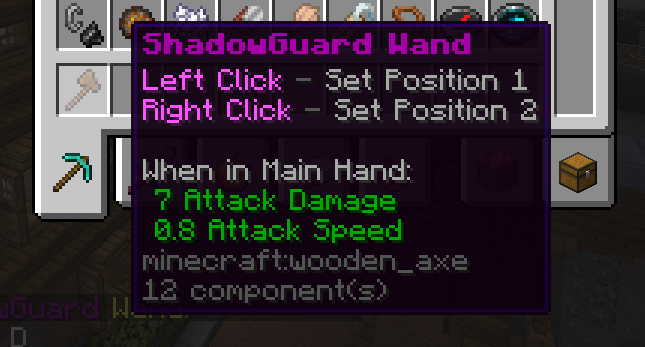
- Region Wand — simple WorldGuard-style region selection.
- 150+ Protection Flags — control interactions, blocks, entities, damage, redstone, fluids, explosions, mobs, items, and much more.
- Protection Exceptions — allow or deny specific blocks, items, and entities per flag.
- Region Priorities — control which region takes priority when multiple regions overlap.
- Advanced Overlap Handling — higher-priority explicit rules automatically override lower-priority regions.
- Owners & Members — assign players to regions for access control.
- Region Bypass System — bypass protections for specific players or administrators.
- Enable / Disable Regions — temporarily disable a region without deleting it.
- Clone Regions — create complete copies of existing regions.
- Redefine Bounds — change a region’s size using a new selection without losing its configuration.
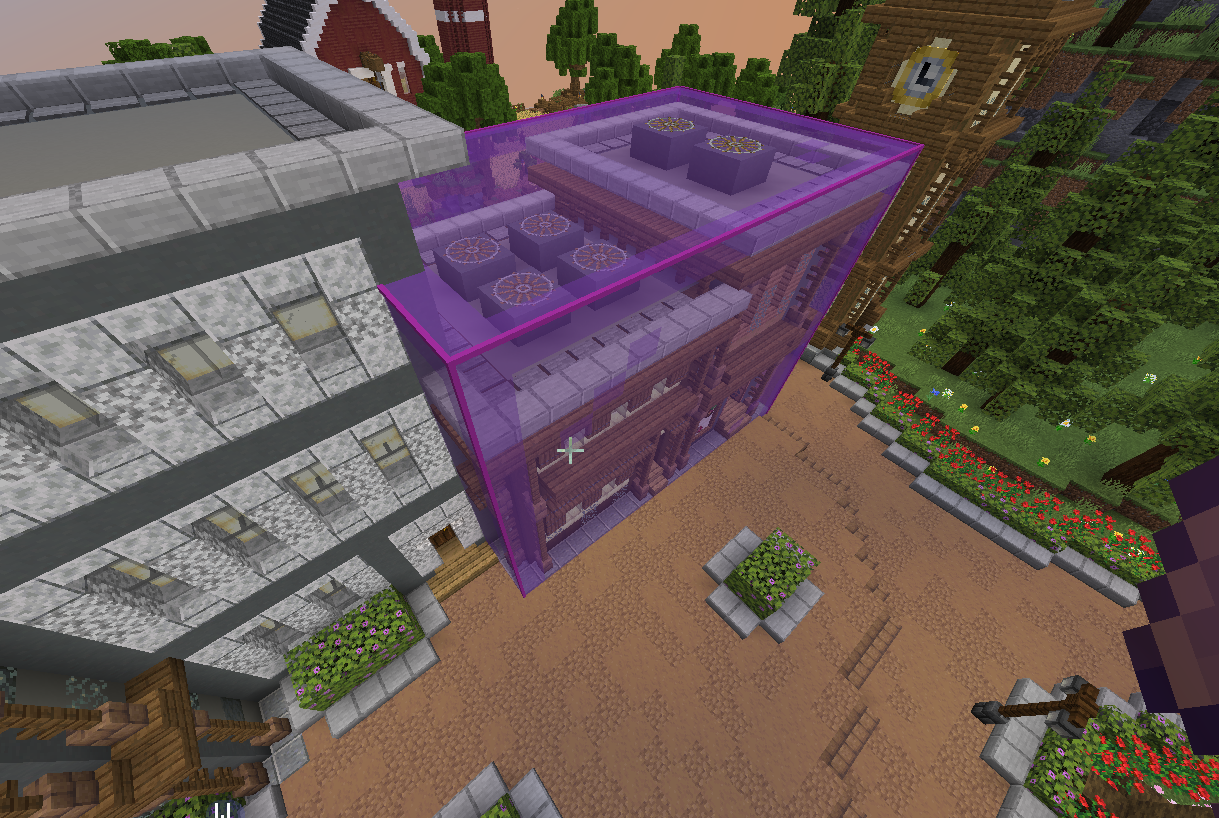
- Region Visualization — display region borders using Display Entities.
- Enter / Leave Messages — send customizable messages when players enter or leave regions.
- Enter / Leave Commands — execute commands automatically when players enter or leave.
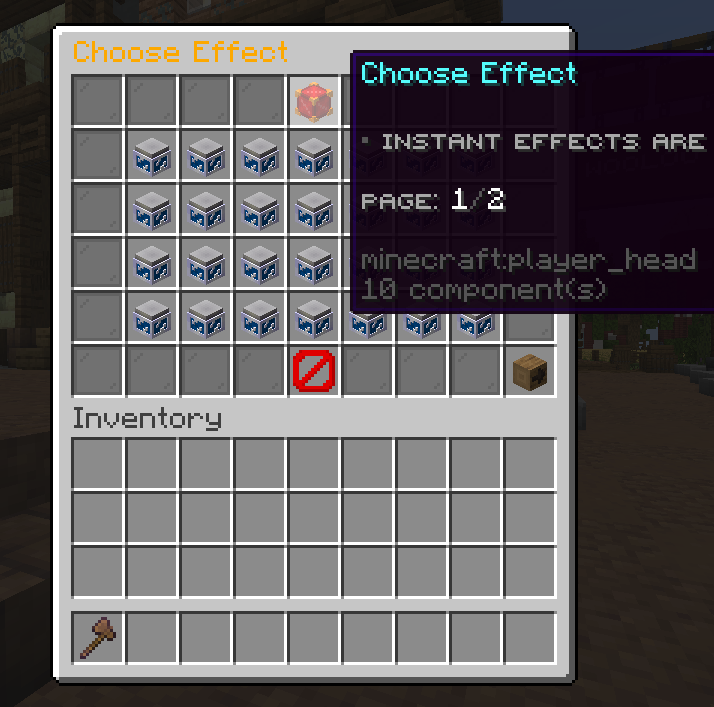
- Region Effects — automatically apply status effects inside regions.
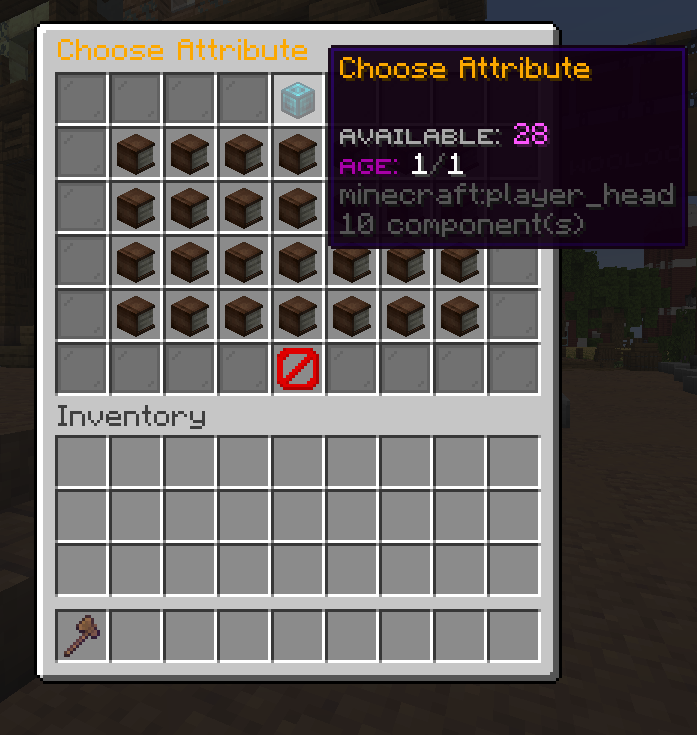
- Region Attributes — modify player attributes while they are inside a region.
- Entry / Exit Control — prevent players from entering or leaving selected regions.
- Custom Access Messages — configure messages shown when entry or exit.
⚙️ Commands
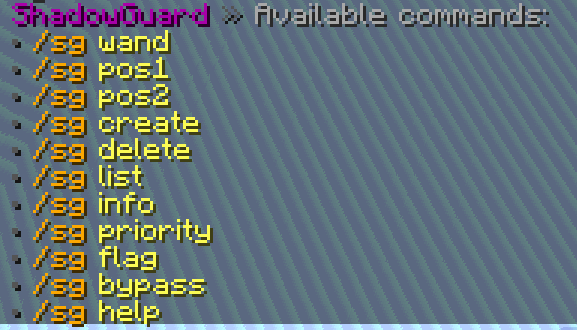
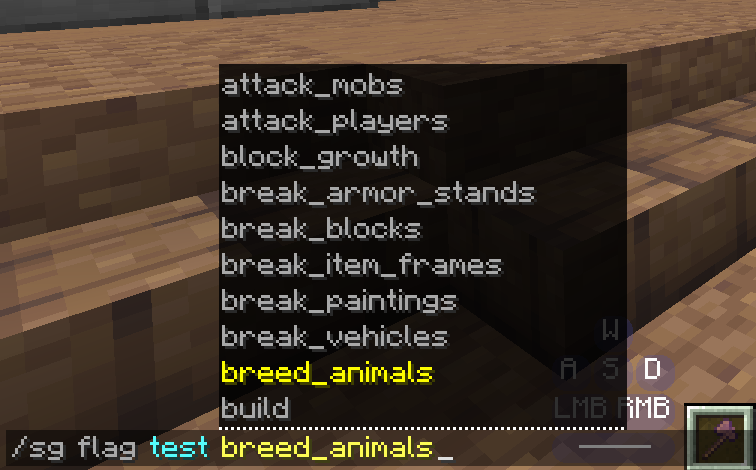
/sg— opens the main GUI./sg wand— gives the region selection wand./sg pos1— sets Position 1 to your current block position./sg pos2— sets Position 2 to your current block position./sg create <region>— creates a region from your current selection./sg delete <region>— deletes a region./sg list— lists available regions./sg info <region>— displays information about a region./sg priority <region> <priority>— changes a region’s priority./sg flag <region> <flag> <allow|deny|unset>— changes a protection flag./sg bypass <player> <region>— manages region bypass access./sg help— displays ShadowGuard commands.
🔐 Permissions
shadowguard.gui— access the main ShadowGuard GUI.shadowguard.wand— obtain the region wand.shadowguard.selection— use region selections.shadowguard.region.create— create regions.shadowguard.region.delete— delete regions.shadowguard.region.list— view the region list.shadowguard.region.info— view region information.shadowguard.region.priority— change region priorities.shadowguard.region.flag— manage region protection flags and exceptions.shadowguard.region.edit— edit region settings through the GUI.shadowguard.bypass.protection— bypass region protections.
常见问题
ShadowGuard 支持哪些 Minecraft 版本?
ShadowGuard 支持 Minecraft Java 版 1.21.1,可用的加载器:Fabric。下载时注意选择和你游戏版本一致的文件。
ShadowGuard 怎么安装?
先用 PCL2 或 HMCL 启动器安装对应版本的 Fabric,再把下载的 .jar 文件放进游戏目录的 mods 文件夹,重新启动游戏即可。开启了版本隔离的,mods 文件夹在 versions/版本名 下面。运行环境:仅服务端。
KrripeYT 的其他作品
查看全部 →
Cobblemon Shiny Boost Mod
Boost shiny rates for a limited time globally

ShadowCrates
It is a mod that implements the ability to add Crates System on fabric servers. And it has special support for cobblemon items display.

BEconomy
• BEconomy is a mod that adds virtual economy as well as item type economy, which makes it very customizable and easy to use. • Cobblemon Support

ShadowKits
A simple Kits system designed for Minecraft Fabric servers Compatible whit any mod! EX: Cobblemon etc...
评论
登录后评论和评分