
截图
介绍
About
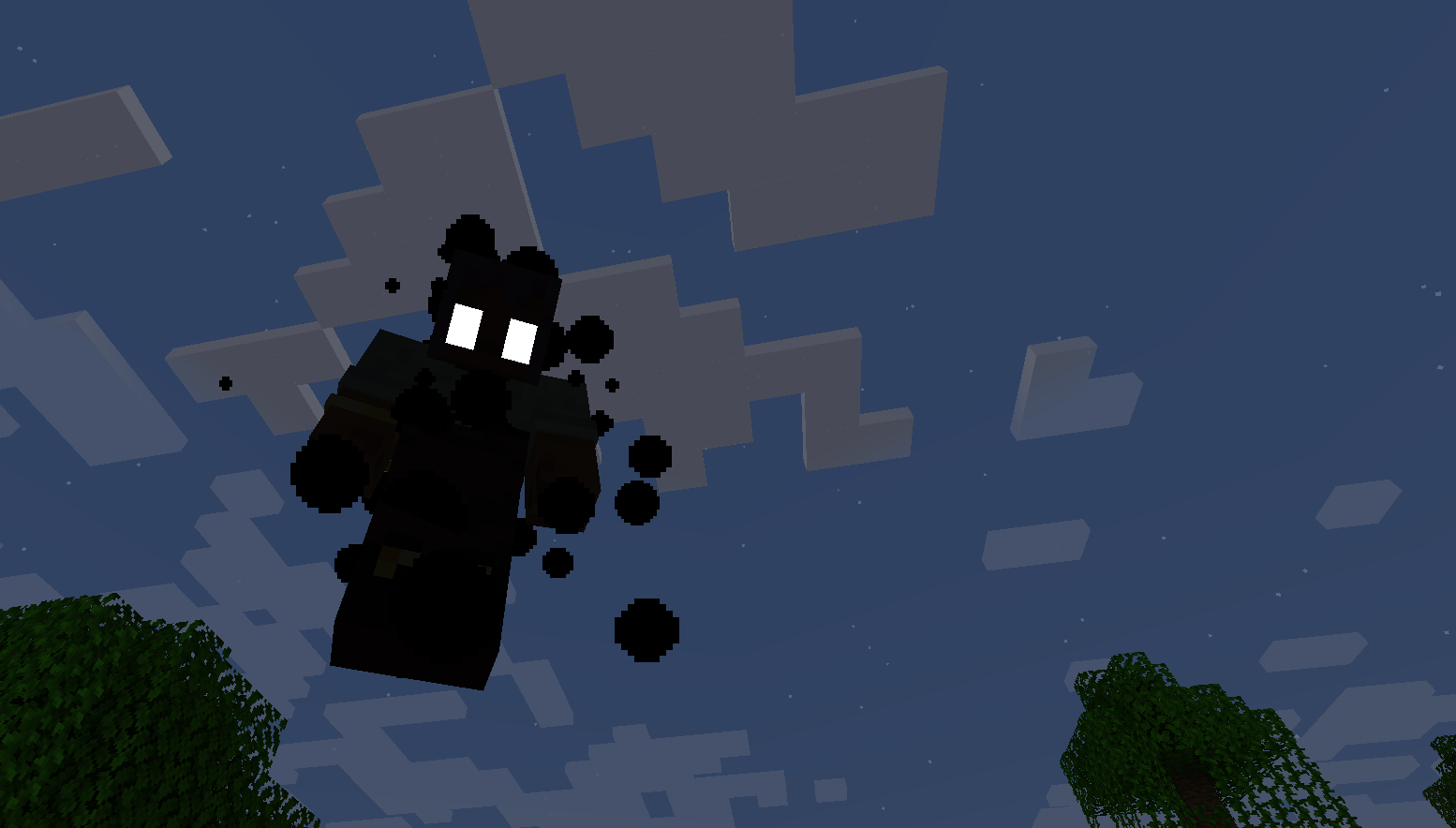
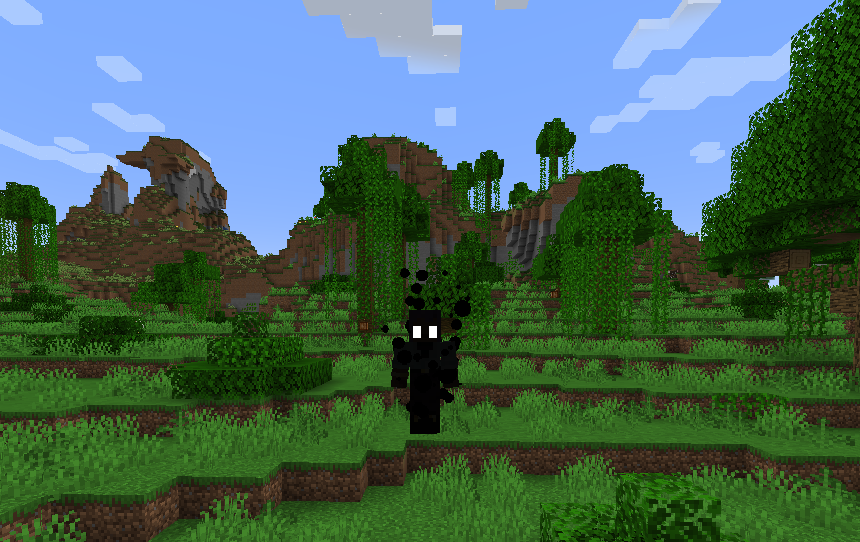
A mod for Minecraft that adds the ‘shade’ mechanic from Hollow Knight.
Instead of dropping all of your items when you die, a ‘Shade’ spawns at your death location, holding all of your items & experience levels. However, it won’t just hand your loot over, you have to successfully kill it without dying.
A Shades’ health matches the value of your max health when you died, and will attack you with the same item/weapon as the one you are currently holding. If you die before killing your Shade, a new Shade appears at the new death location and the old one disappears, along with your old Shade dropping its loot at your old death location (configurable to be more similar to Hollow Knight, where you lose your old loot forever).
Credits
Developer
quackandcheese
“Idea Man”
El_Firefox
Concept & Sound Effects
Hollow Knight – Team Cherry
Config Options
Server
Allow Multiple Shades _(default false)_
If enabled, instead of a new shade replacing the old, Shades will not disappear until slain.
Drop Items from Replaced Shade _(default true)_
If enabled, when a shade is replaced with a new shade (the player dies before killing their shade), the items are dropped at the location of the old shade instead of getting permanently destroyed.
Only Owner Can Damage Shade _(default true)_
If enabled, the ‘owner’, a.k.a. whoever died, are the only thing that can damage their shade. If disabled, anything and anyone can damage a shade.
Spawn Shades in Peaceful Difficulty _(default false)_
If enabled, shades will be enabled in peaceful mode.
Show Shade Owner Names _(default false)_
If enabled, Shades will display who it belongs to above its head.
Client
Play Shade Music _(default true)_
If enabled, Shades will ambiently play an off-key music box melody.
End Notes
Feel free to leave any suggestions or report any bugs on the GitHub page!
常见问题
Shades 支持哪些 Minecraft 版本?
Shades 支持 Minecraft Java 版 1.21.1,可用的加载器:NeoForge。下载时注意选择和你游戏版本一致的文件。
Shades 怎么安装?
先用 PCL2 或 HMCL 启动器安装对应版本的 NeoForge,再把下载的 .jar 文件放进游戏目录的 mods 文件夹,重新启动游戏即可。开启了版本隔离的,mods 文件夹在 versions/版本名 下面。运行环境:客户端和服务端都要装。


评论
登录后评论和评分