
截图

介绍
ShadertoyMC
CURRENTLY THIS IS A SINGLEPLAYER ONLY MOD
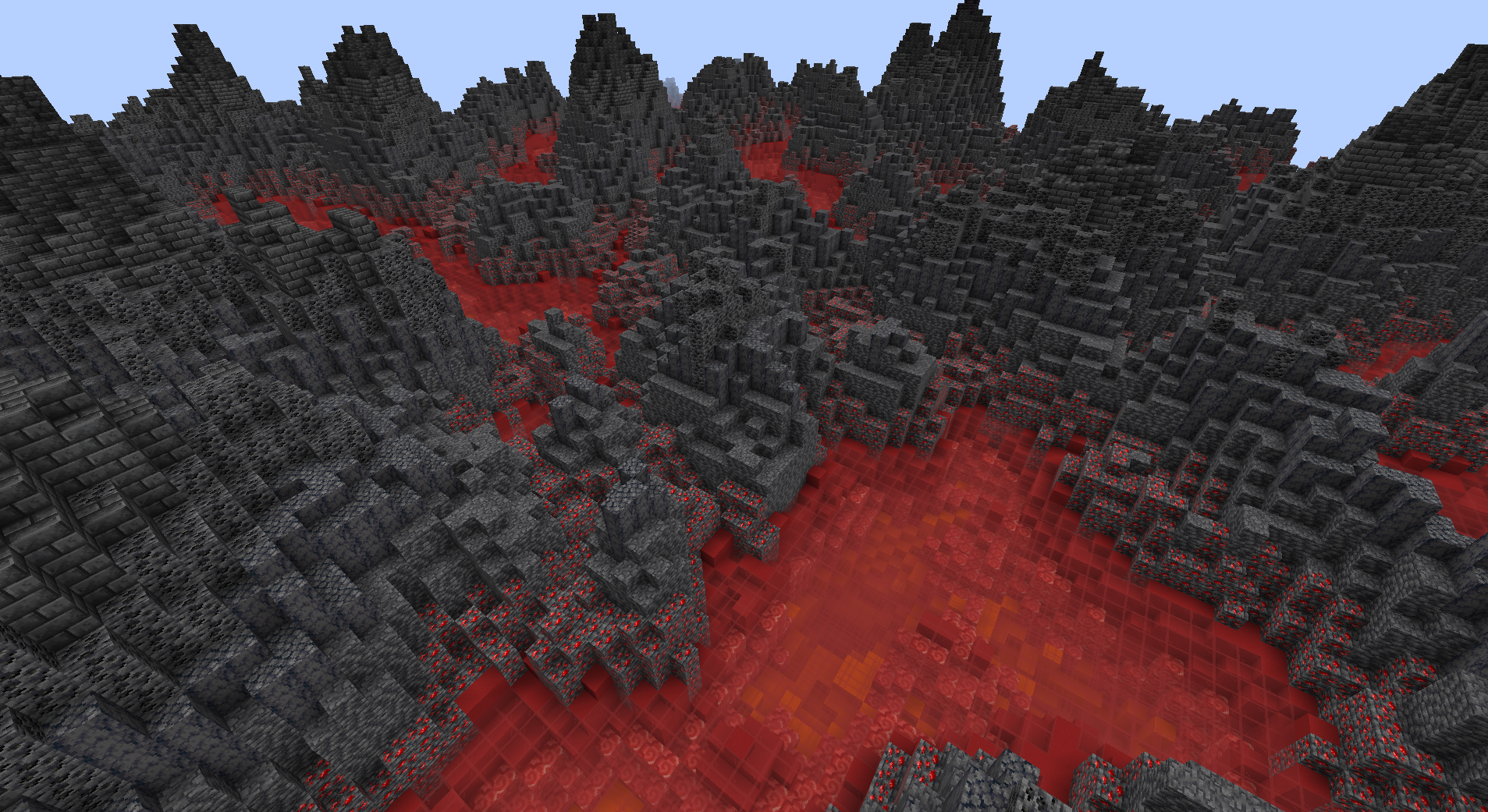
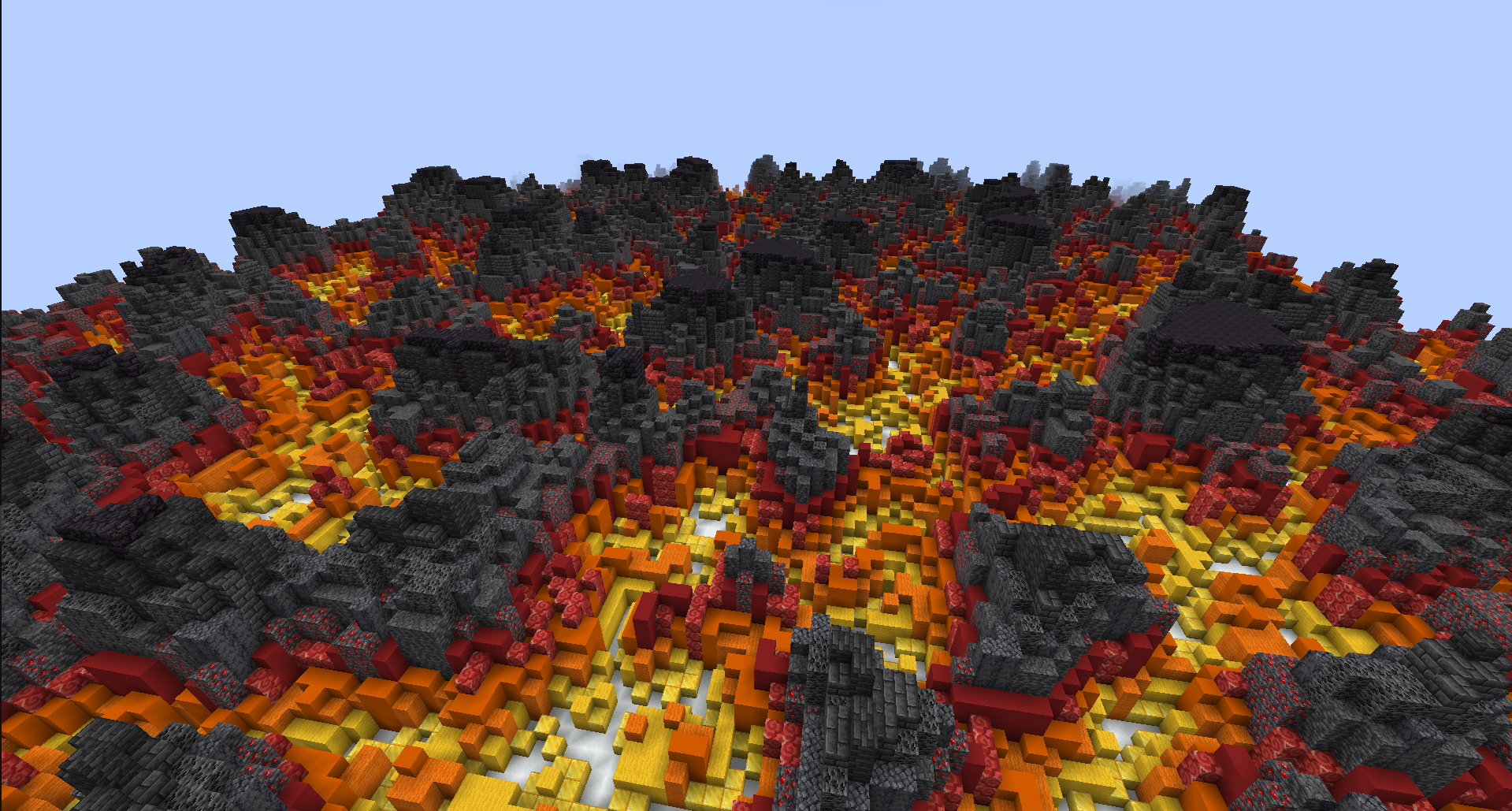
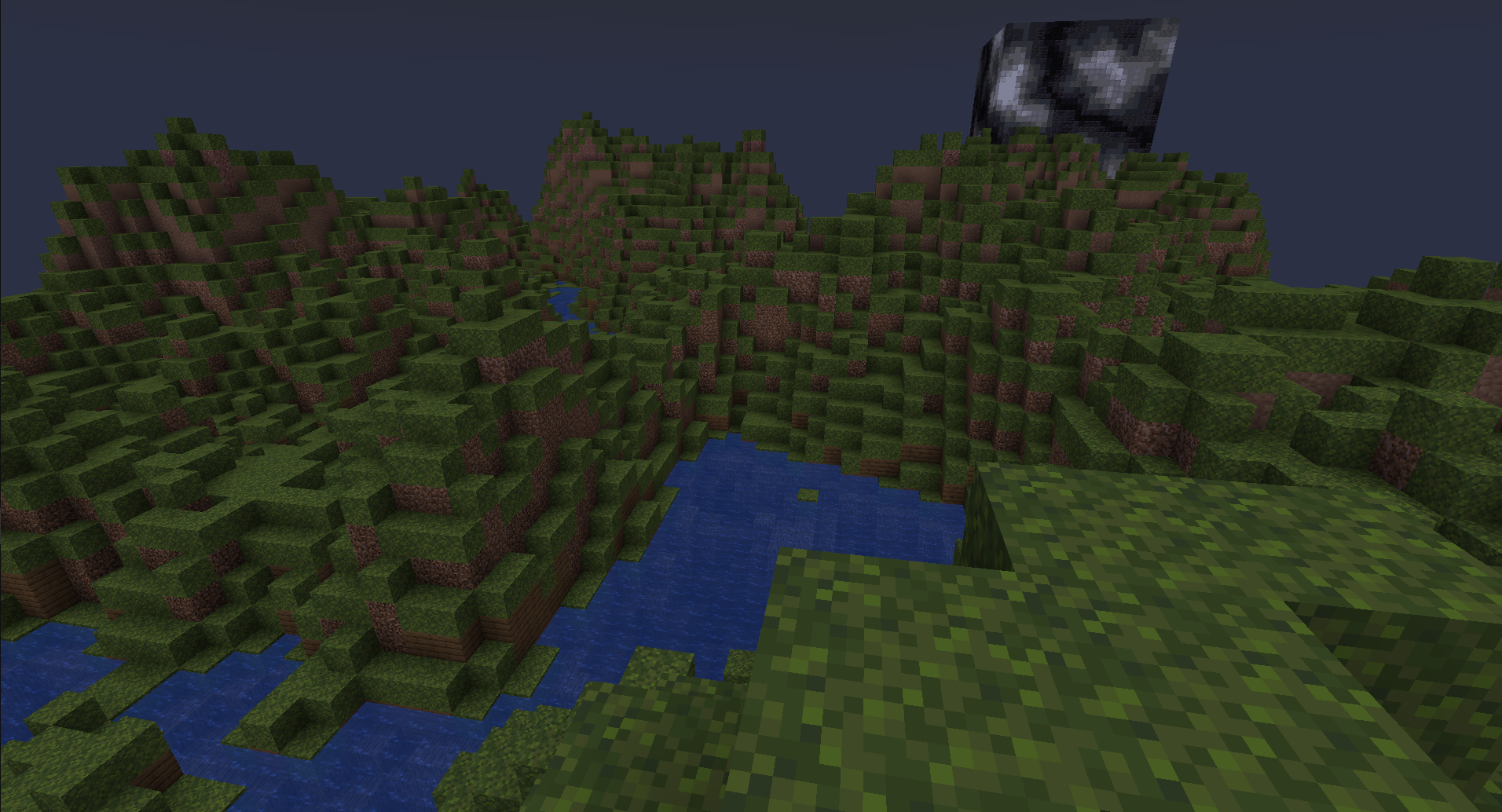
This minecraft mod allows writing scripts in Arucas with the goal of placing
blocks based on math.
The working logic is similar to how shadertoy works: an expression is calculated for each
block with
block coordinates as inputs and as a result of this expression a block is placed at the coordinates.
FabricAPI required
Easy start
Step 1
Create a new script with /shadertoy new <name>
This file will contain a working script and can be run immediately, but the area on operation is defined within the file
and might not match your desired are.
Step 2
Set the area with one of the
following: /area pos1 <pos> + /area pos2 <pos>, /area origin <origin> size <sizeX> <sizeY> <sizeZ>, /area <pos1> <pos2>.
Step 3
The file can be located in .minecraft/config/shadertoy. Recommended text editor: VSCode with Arucas extension
recommended.
Files can also be opened with /shadertoy open <name>.
Step 4
Run the script with /shadertoy run <name>.
常见问题
ShadertoyMC 支持哪些 Minecraft 版本?
ShadertoyMC 支持 Minecraft Java 版 1.19.3,可用的加载器:Fabric。下载时注意选择和你游戏版本一致的文件。
ShadertoyMC 怎么安装?
先用 PCL2 或 HMCL 启动器安装对应版本的 Fabric,再把下载的 .jar 文件放进游戏目录的 mods 文件夹,重新启动游戏即可。开启了版本隔离的,mods 文件夹在 versions/版本名 下面。运行环境:仅服务端。
评论
登录后评论和评分