
SFriends
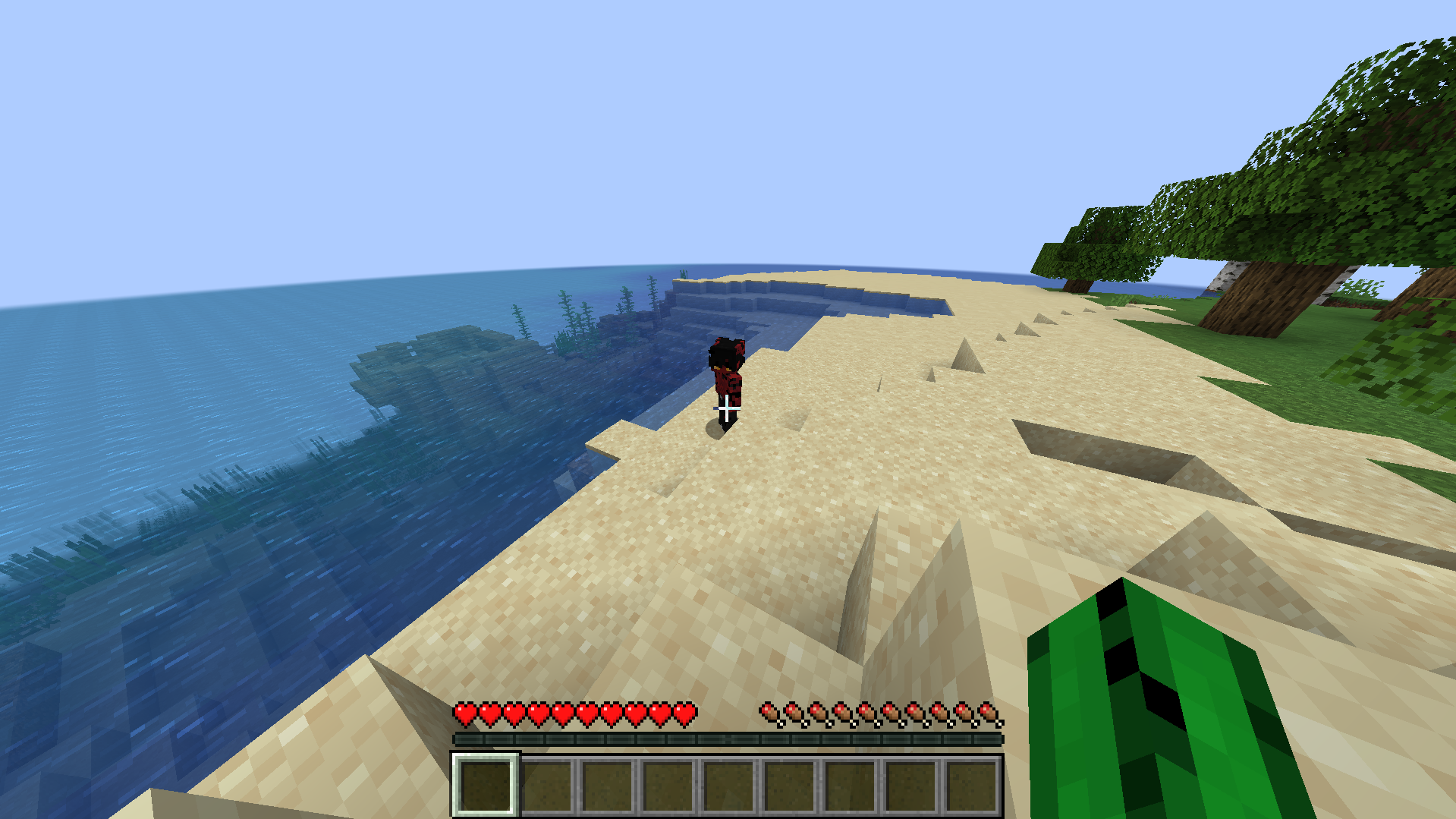
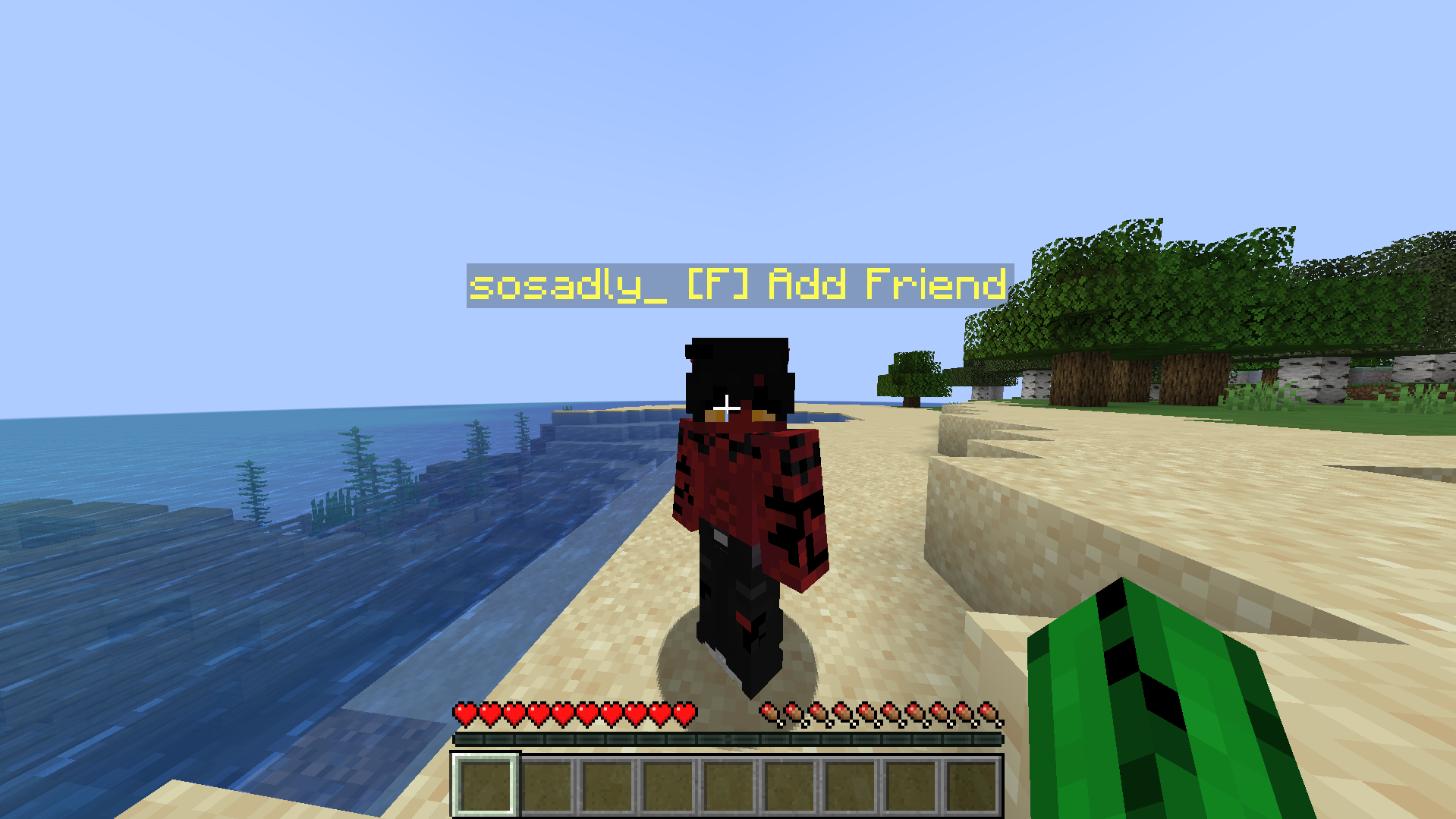
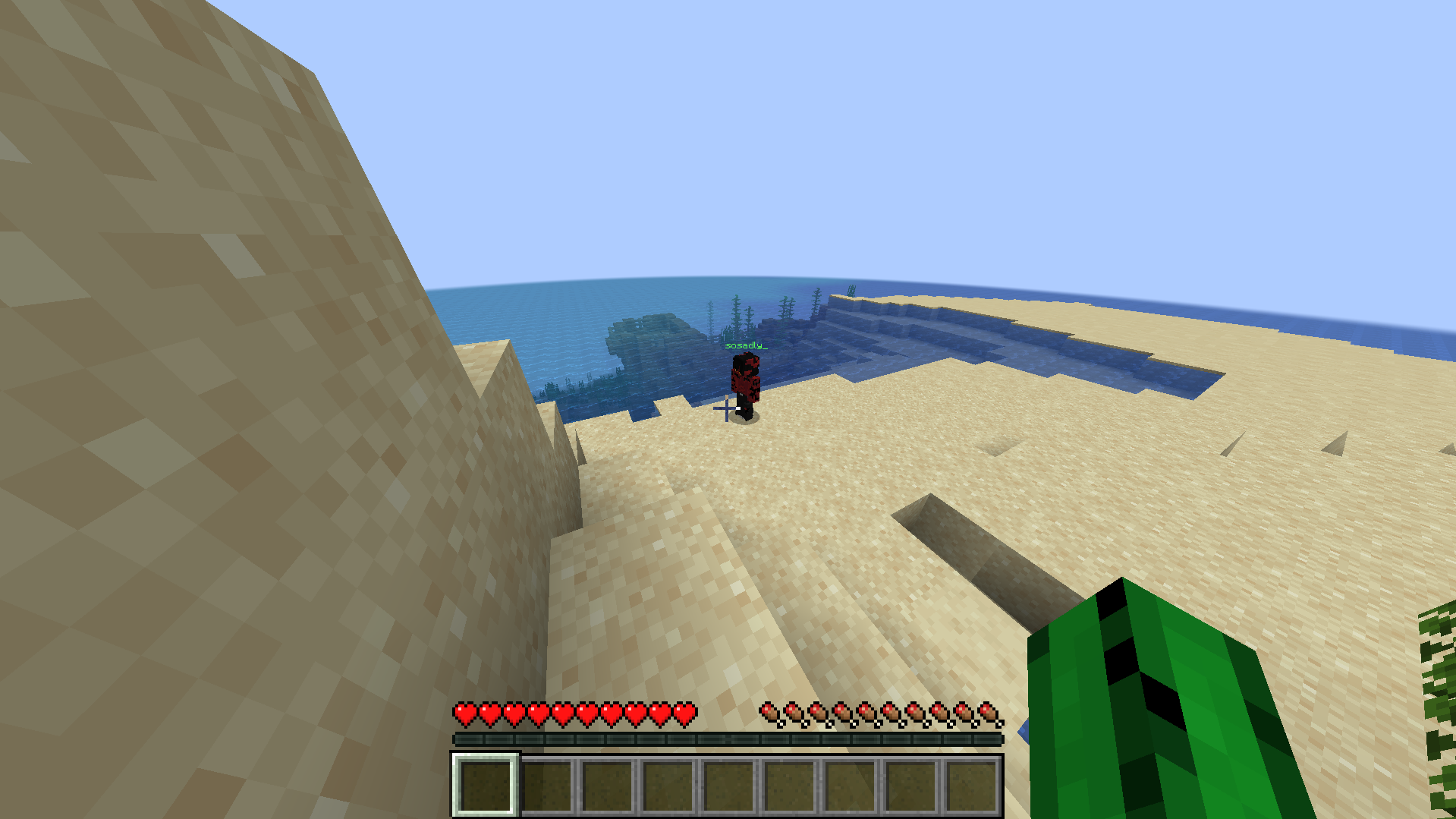
SFriends is a Forge Minecraft mod that hides all player nicknames upon spawning. Nicknames of friends will appear in green when within a 75-block radius. To add a friend, players must meet and press a designated key binding.
截图
介绍
SFriends
SFriends is a Forge Minecraft mod that hides all player nicknames upon spawning. Nicknames of friends will appear in green when within a 75-block radius. To add a friend, players must meet and press a designated key binding.
Features:
– Hide All Player Nicknames: All player names are hidden by default.
– Friend System: Add players as friends by meeting them and pressing the bind key.
– Green Nicknames for Friends: Friends’ nicknames appear in green within a 75-block radius.
– Delete Friends: There is a command for deleting friends, just use – /delfriend NICKNAME
TODO
Configuration File: Add a setting to change the radius of friends display.
Disclaimer
This mod is provided as-is and may contain bugs. The mod was tested only on Forge version (47.3.0) 1.20.1. You can test it on different versions of 1.20.1+ and send your feedback in the comments if you want.
MY DISCORD: sosad2114
常见问题
SFriends 支持哪些 Minecraft 版本?
SFriends 支持 Minecraft Java 版 1.19.2–1.20.6,共 7 个版本,可用的加载器:Forge。下载时注意选择和你游戏版本一致的文件。
SFriends 怎么安装?
先用 PCL2 或 HMCL 启动器安装对应版本的 Forge,再把下载的 .jar 文件放进游戏目录的 mods 文件夹,重新启动游戏即可。开启了版本隔离的,mods 文件夹在 versions/版本名 下面。运行环境:客户端和服务端都要装。
评论
登录后评论和评分