
截图

介绍
What this mod does
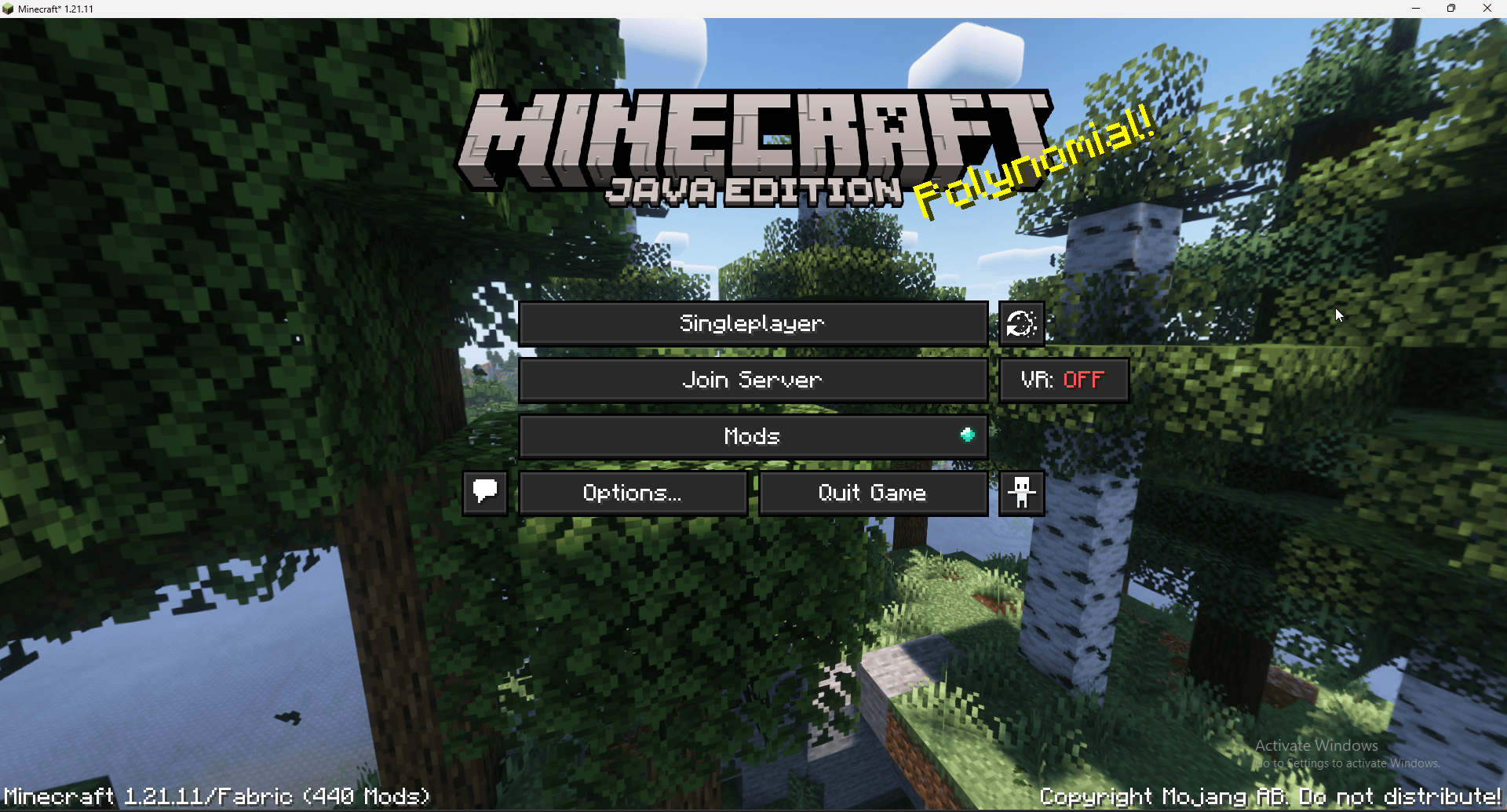
Replaces the Multiplayer button with a customizable Join Server button
Automatically connects players to the server you configure
Lets you hide or show title‑screen buttons (Singleplayer, Realms, Multiplayer)
Ensures your server settings are included when exporting the modpack
Requires no client setup — players just install the modpack and click Join Server
Configuration
When the game is launched for the first time, the mod creates a file:
Code
/mods/servermodpacklink.properties
This file contains all customizable settings.
Because it lives inside the mods folder, the configuration is always exported with the modpack.
Default configuration:
Code
button.label=Join Server
server.address=server.itzblaze2x.eu
server.name=Blaze Server
title.hide_multiplayer_button=true
title.hide_realms_button=true
title.hide_singleplayer_button=false
title.replace_multiplayer_button=true
You can freely change:
The button text
The server IP / hostname
The displayed server name
Which title‑screen buttons are visible
Whether the Multiplayer button is replaced or hidden
Example
A title screen with the Multiplayer button replaced by a Join Server button:
Ideal use cases
Public modpacks with an official server
Community servers that want frictionless onboarding
Modpacks for friends who don’t want to enter IPs manually
Launcher‑based modpacks that should always connect to the same server
常见问题
Serverbound 支持哪些 Minecraft 版本?
Serverbound 支持 Minecraft Java 版 1.21.1–1.21.11,共 2 个版本,可用的加载器:Fabric / NeoForge。下载时注意选择和你游戏版本一致的文件。
Serverbound 怎么安装?
先用 PCL2 或 HMCL 启动器安装对应版本的 Fabric / NeoForge,再把下载的 .jar 文件放进游戏目录的 mods 文件夹,重新启动游戏即可。开启了版本隔离的,mods 文件夹在 versions/版本名 下面。运行环境:仅客户端。

评论
登录后评论和评分