
截图
介绍
中文介绍正在准备中,下面暂时显示原文。
🌡️ Server Temperature
A temperature system for Minecraft
The mod calculates the temperature of every player and makes it affect survival:
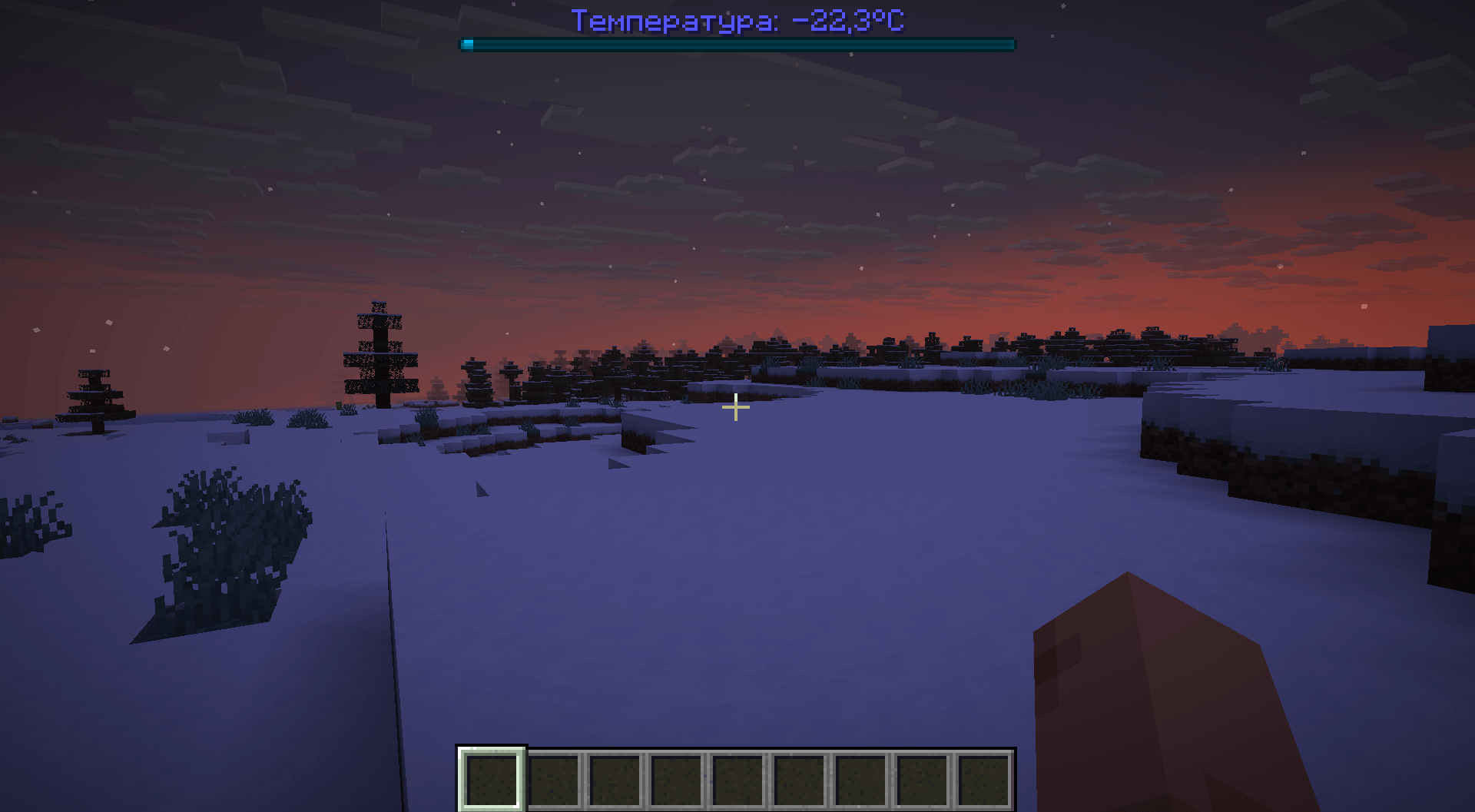
it’s hot in the desert, cold in the taiga, colder at night, and comfortable under a roof. 🌍
✨ Features
- 🌍 Climate — world temperature is calculated from noise and biome (taking altitude into account), smoothly transitioning between climates.
- 🌙 Time of day — warmer during the day, colder at night and at dawn.
- 🌧️ Weather — rain, snow, and thunderstorms lower the temperature.
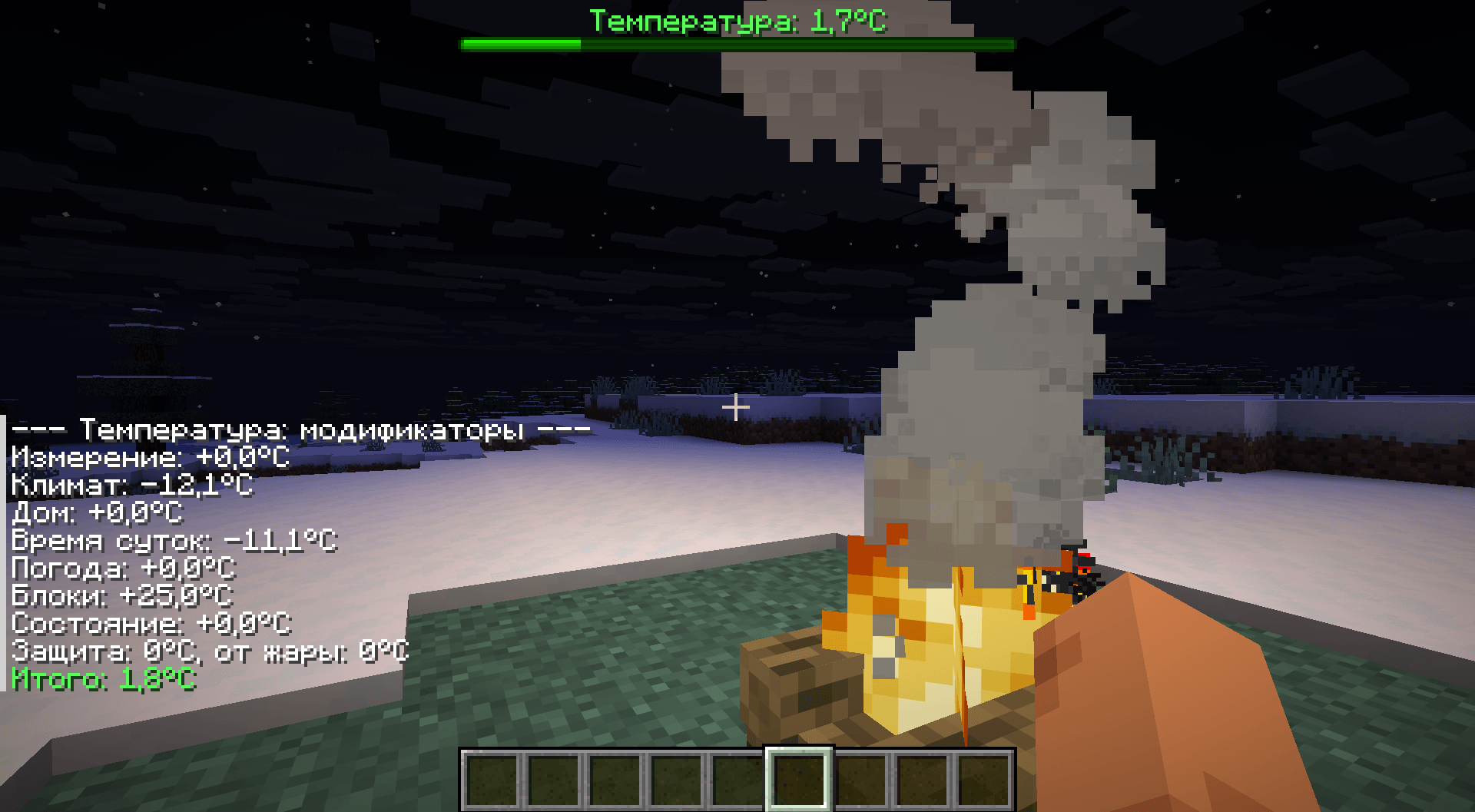
- 🔥 Blocks — campfires, lava, fire, and lanterns warm you; ice cools you.
- 🏠 Home — under a roof, temperature smoothly trends toward a comfortable 28°C. Heaters (furnace, campfire, lava) speed up the warming.
- 🛡️ Armor — protects against cold and heat, each piece configurable individually.
- 💧 State — water and powder snow cool you; magma and being inside lava heat you to the maximum.
- ❄️🔥 Effects and damage — at extreme temperatures: slowness, fatigue, fire, and damage.
- 🔧 Configuration — nearly everything is configurable via
config/servertemperature-common.toml
⚙️ Configuration
File: config/servertemperature-common.toml
| Section | What it configures |
|---|---|
| Main | Mod enablement, recalculation period, noise, and biome temperature |
modifiers |
Enable/disable each modifier (climate, time, weather, blocks, state, armor) |
staticTemperature |
Replace climate with a fixed temperature (e.g. 28°C) |
dimensions |
Base temperature in the Nether and the End |
climate |
Mixing noise with biome, smoothing, altitude |
armor |
Protection of each armor piece against cold/heat |
home |
Optimal temperature, heating rate, roof height, heaters |
timeOfDay / weather |
Effect of time of day and weather |
blocks |
Hot/cold blocks around the player |
damage |
Cold/heat damage and particles on damage |
🎮 Commands
| Command | Description |
|---|---|
/temperature debug |
Show each modifier’s contribution to temperature |
/temperature set <player> <degrees> |
Manually set a player’s temperature |
/temperature reset <player> |
Return to automatic calculation |
/temperature toggle <player> |
Enable/disable temperature for a player |
/temperature reload |
Reload the config |
常见问题
Server Temperature 支持哪些 Minecraft 版本?
Server Temperature 支持 Minecraft Java 版 1.21.1–26.2,共 15 个版本,可用的加载器:Fabric / NeoForge。下载时注意选择和你游戏版本一致的文件。
Server Temperature 怎么安装?
先用 PCL2 或 HMCL 启动器安装对应版本的 Fabric / NeoForge,再把下载的 .jar 文件放进游戏目录的 mods 文件夹,重新启动游戏即可。开启了版本隔离的,mods 文件夹在 versions/版本名 下面。


评论
登录后评论和评分